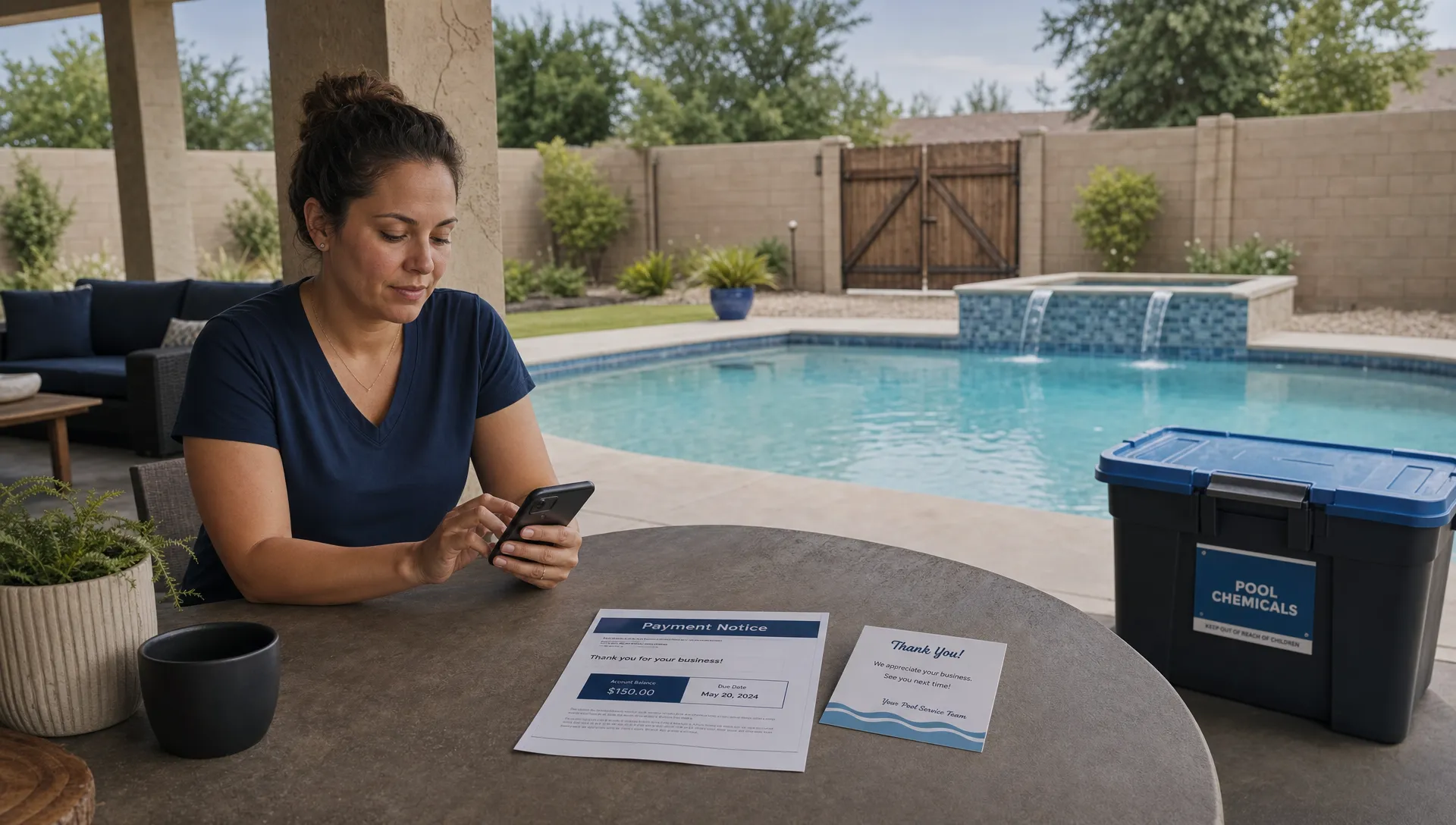
Choosing the best crm software for a contracting business is not about finding the flashiest sales database. It is about finding the system that can follow a real job from the first inquiry, through the estimate, schedule, field visit, photos, notes, invoice and repeat service without forcing your team back into spreadsheets.
Contractors have a different CRM problem than office-only companies. A roofing company, HVAC company, landscaping crew or pool service business does not just manage contacts. It manages properties, routes, technicians, recurring visits, equipment history, jobsite photos, warranties, service notes and billing details that must stay connected.
Start with the contractor workflow, not the software category
Most CRM buying mistakes start with a feature checklist that ignores the day-to-day workflow. A generic CRM may handle lead stages beautifully, yet fall apart when a dispatcher needs to move ten appointments after a storm or a technician needs to capture a chemical reading in the field.
That is why the best crm software should be evaluated against the work your team actually performs. Ask whether the platform reduces handoffs between sales, office staff, field teams and accounting. If it only gives the owner a cleaner pipeline but leaves technicians texting photos and office staff retyping invoices, it has not solved the core problem.
This is especially true for companies trying to scale beyond the owner and a small crew. As soon as a contractor adds more routes, more technicians or multiple service lines, informal communication stops working. The CRM has to become a shared operating system, not just a place to store names and phone numbers.
What the best crm software must do for contractors
For contractors, the most useful CRM comparison starts with five practical questions. These questions apply broadly across home service trades, but they matter even more for recurring service companies like pool businesses where the same customer and property may stay active for years.
Can it manage customers, properties and jobs separately?
A homeowner can have more than one property. A property can have several pieces of equipment, service histories and past quotes. A single customer record is not enough when your team needs to know which pump is installed, what was repaired last season or where the gate code is stored.
The best contractor CRM structure usually separates the customer, location and job or service visit. That gives the office a clean view of billing and communication, while giving technicians the jobsite context they need before they arrive.
For pool service companies, this is where property records become critical. Water-quality logs, equipment tracking and recurring maintenance notes should be connected to the actual pool, not buried in a general notes field.
Does scheduling match how field teams really work?
Scheduling is where many CRMs stop being useful for contractors. A sales CRM can remind someone to make a follow-up call, but it may not understand routes, drive time, recurring service days, technician capacity or last-minute job changes.
When comparing the best crm software, look for scheduling that reflects field constraints. Dispatchers should be able to assign work clearly, adjust routes quickly and give technicians enough context to complete the visit without calling the office every ten minutes.
For pool service companies, smart route scheduling is more than convenience. It protects labor margins, reduces windshield time and helps keep recurring service predictable for homeowners.
Will technicians actually use it in the field?
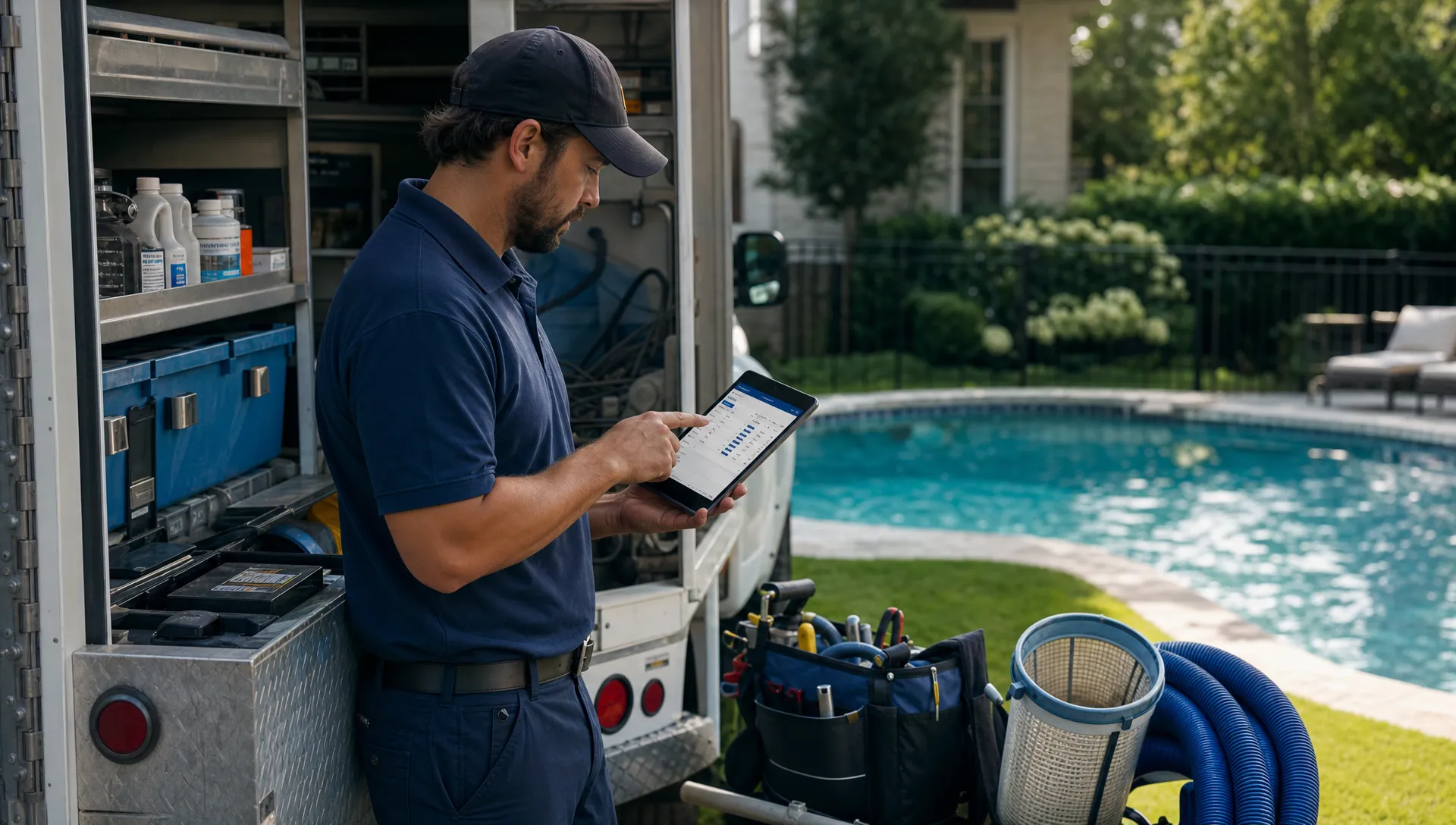
A CRM that technicians avoid will not scale your company. Field adoption depends on speed, clarity and mobile usability. If the app is hard to load, requires too many taps or fails when reception is poor, crews will revert to texts, paper checklists or memory.
Look for a field experience that supports notes, photos, completion status, customer history and offline work. The CRM should make it easier for technicians to finish documentation at the property, not create extra admin at the end of the day.
This is one reason trade-specific tools often outperform generic systems for contractors. The closer the software is to the actual field workflow, the less training and policing the owner has to do.
Can it document work clearly for the customer?
Customer communication is not just a marketing feature. For contractors, it is a trust feature. Homeowners want to know when someone is arriving, what was completed, what was found and what happens next.
Before and after photos, service summaries, arrival notifications and homeowner portals can reduce disputes and missed calls. For recurring service, they also create a visible record of value, which helps retention when customers are deciding whether to keep a monthly plan.
A strong CRM should make communication part of the workflow. If the office has to manually send every update, adoption drops and customers receive inconsistent information.
Compare CRM options by category
Contractors often compare platforms that were built for very different purposes. HubSpot, Zoho and Pipedrive are well-known sales CRMs. Jobber and Housecall Pro are built around home service operations. ServiceTitan often targets larger trade businesses. Buildertrend and Contractor Foreman lean toward construction project management. SplashIQ is built for pool service companies that need CRM, scheduling, field operations, homeowner communication and payments in one workflow.
The best crm software for your company depends on the type of work you sell, how often you visit the same property and how much field documentation matters.
| CRM category | Often fits | Strengths to compare | Watchouts |
|---|---|---|---|
| Generic sales CRM | Contractors with longer sales pipelines and light field operations | Lead tracking, email follow-up, pipeline reporting | May require add-ons for scheduling, dispatch and jobsite records |
| Home service platform | Residential service contractors with field crews | Scheduling, mobile work orders, customer communication | May not handle trade-specific records deeply enough |
| Construction project CRM | Remodelers, builders and renovation teams | Estimates, project milestones, documents and job costing | Can feel heavy for simple recurring service routes |
| Trade-specific operating system | Companies with specialized recurring workflows | Connected records, field documentation, service history and payments | Best fit depends on whether the platform was built for your trade |
Compare the handoffs, not just the dashboard
A clean dashboard is useful, but the real test is what happens when work moves from one person to another. Contractors lose money in handoffs: lead to estimate, estimate to schedule, schedule to technician, technician notes to invoice, invoice to payment and service history back to the next visit.
If each handoff requires copying information into another system, your CRM is only solving part of the problem. This is why many growing contractors eventually look for CRM and billing, or CRM and accounting, to operate in the same workflow. SplashIQ covers this issue in more depth in its article on why contractors need CRM and accounting in one workflow.
For a pool company, a connected handoff might look like this: a homeowner submits a request, the office schedules an inspection, the technician logs equipment details and water readings, the homeowner receives a service update, the office sends an invoice and the customer pays online. The value is not any single feature. The value is that the process stays connected.
What contractors on Reddit usually complain about
Reddit is useful because contractors tend to describe software problems in plain language. In communities such as r/smallbusiness and r/pools, CRM and field service threads often circle around the same themes: tools that are too complex, systems that field employees will not use, expensive platforms with features the company does not need and generic CRMs that do not match trade workflows.
Reddit threads rarely name the best crm software in a way every contractor should follow. They are better for spotting buying risks. If multiple business owners complain that a platform takes too much setup, hides key features behind higher plans or makes field documentation clumsy, treat those comments as questions to raise during your demo.
For a more focused summary, SplashIQ has an article on what contractors on Reddit say about CRM for service businesses. The useful lesson is not that Reddit should choose your software. It is that real operators care less about perfect feature lists and more about whether the team will use the system during a busy week.
How CRM software helps contractors scale
Articles about contractors using CRM software to scale usually point to the same shift. In the early stage, the owner can remember customers, text crews directly and fix mistakes personally. Growth changes that. More employees means more handoffs, more customer expectations and more opportunities for information to disappear.
The best crm software supports scale by making the right process repeatable. New office staff should know where a lead came from and what was promised. Technicians should see the correct job details without asking the owner. Customers should receive consistent communication even when the company is busy.
This is also where reporting matters. Contractor reporting should not only show sales pipeline. It should help answer operational questions such as which technicians complete routes on time, which customers have overdue balances, which jobs need follow-up and which service lines create repeat work.
If you are already comparing platforms with growth in mind, SplashIQ has a related CRM software comparison for contractors ready to scale. Use that type of scaling lens when a vendor talks about automation, reporting or team management.
A practical CRM scoring framework
A simple scoring framework can keep your decision grounded. Instead of giving equal weight to every feature, score each platform based on how much it improves your core workflow.
| Evaluation area | What to ask | Why it matters |
|---|---|---|
| Lead management | Can the team track inquiries, estimates and follow-ups clearly? | Prevents lost opportunities and messy sales handoffs |
| Customer and property records | Can records store jobsite details, equipment and service history? | Gives office and field teams the same context |
| Scheduling | Can dispatchers manage routes, recurring visits and changes quickly? | Protects labor efficiency and customer reliability |
| Field app | Can technicians use it fast, including when connectivity is poor? | Determines whether documentation actually happens |
| Communication | Can customers receive arrival notices, service updates and payment links? | Reduces calls, confusion and disputes |
| Billing and payments | Can invoices and payments connect to completed work? | Speeds cash flow and lowers office rework |
| Reporting | Can managers see performance by route, technician, customer or service type? | Helps the company scale with better decisions |
A practical test for the best crm software is to run one complete customer journey during the demo. Do not let the demo stay at the dashboard level. Ask the vendor to show a new lead becoming a scheduled job, a technician completing the visit, photos or notes reaching the homeowner and the invoice being paid.
That walk-through will expose whether the platform is truly connected or simply assembled from disconnected modules.
Common CRM buying mistakes contractors should avoid
One common mistake is choosing software only because another contractor uses it. Peer recommendations help, but a residential pool route business has different needs than a commercial remodeler or a roofing company focused on insurance claims.
Another mistake is overbuying. Enterprise platforms can be powerful, but they may slow down a smaller team if implementation requires months of configuration. The right CRM should match your current team and your next stage of growth, not an imaginary company five years away.
Contractors also underestimate data cleanup. If your customer list, route notes and invoices are scattered across spreadsheets, phones and paper forms, migration will take planning. Ask each vendor how imports work, what records can be created and how much help your team gets during setup.
Finally, do not ignore technician feedback. The office may love a CRM, but field users decide whether the data stays accurate. Include at least one technician or service manager in the demo process and ask them whether the app fits a real day in the field.
Where SplashIQ fits for pool service contractors
SplashIQ is designed for pool service businesses that want to replace spreadsheets and paper checklists with one app for the office, technicians and homeowners. Its workflow includes CRM, smart route scheduling, homeowner outreach, arrival and service notifications, water-quality logs, equipment tracking, an offline field app, before and after photos, a homeowner portal, online payments, homeowner financing and technician scorecards.
That does not mean every contractor needs a pool-specific operating system. A contractor with no recurring service routes or field documentation needs may be better served by another category. But if your company maintains pools, tracks water readings, manages equipment history and communicates with homeowners after every visit, comparing a general CRM against a pool service workflow will quickly show the gaps.
The best crm software decision should end with confidence that your team can run the business in the system every day. If the CRM only helps with sales but leaves scheduling, service notes and payments elsewhere, you may still be managing the company across too many tools.
Frequently Asked Questions
What is the best crm software for contractors? The right choice depends on the contractor’s workflow. A sales-heavy contractor may need a strong pipeline CRM, while a field service company often needs scheduling, mobile work orders, customer communication, documentation and payments connected in one system.
Should contractors choose a generic CRM or industry-specific software? Generic CRMs can work for lead tracking and follow-up, but industry-specific software is often better when the business depends on routes, jobsite history, field documentation and repeat service. Contractors should test both against their actual workflow.
What CRM features matter most for pool service companies? Pool service companies should compare customer and property records, route scheduling, water-quality logs, equipment tracking, offline mobile use, homeowner notifications, photos, portals and online payments.
How can Reddit help with CRM research? Reddit can reveal practical complaints from business owners, especially around adoption, pricing, mobile usability and support. Use Reddit as qualitative research, then verify each concern during vendor demos and references.
When should a small contractor move from spreadsheets to CRM software? A contractor should consider CRM software when leads are being missed, scheduling takes too much manual work, field notes are hard to find, invoices lag behind completed jobs or the owner has become the only person who knows what is happening.
Turn the comparison into a real workflow test
The strongest CRM choice is the one your team will actually use from first lead to final payment. For pool service companies, that means testing scheduling, field documentation, homeowner communication, water-quality logs, equipment records and billing as one connected process.
If you run a pool service business and want software built around that workflow, explore SplashIQ. Use your next CRM demo to walk through a real customer, a real route and a real invoice, then choose the platform that removes the most manual work without adding friction for your technicians.