
Scaling a contracting business changes what a CRM needs to do. At five employees, a shared inbox, a spreadsheet, and a few calendar reminders can feel manageable. At 15 technicians, multiple office staff, recurring service routes, estimates in progress, and homeowners asking for updates, that same setup starts leaking revenue.
That is why a useful CRM software comparison for contractors should not start with the longest feature list. It should start with the way work actually moves: lead, estimate, schedule, dispatch, field notes, photos, invoice, payment, repeat service, and referral.
For pool service companies, the gap is even more obvious. A standard sales CRM may store the homeowner's name, but it usually does not understand route density, water-quality logs, equipment history, arrival notifications, before and after photos, or the difference between a one-time repair and a weekly service account. If you are still deciding whether spreadsheets can keep up, this breakdown of how business CRM software replaces spreadsheets is a helpful companion read.
Below is a practical comparison framework for contractors who are ready to scale, with a special lens on field service teams and pool service operators.
What “ready to scale” really means for contractors
A contractor is not ready to scale just because leads are increasing. Scaling means the business can handle more work without relying on the owner's memory, heroic office staff, or technicians texting job updates at the end of the day.
You are likely ready for a stronger CRM if you recognize these symptoms:
- Leads come from multiple places, but follow-up depends on who saw the message first.
- Dispatchers use one system, technicians use another, and billing happens somewhere else.
- Customers call the office for updates that the field team already knows.
- Job photos, equipment notes, and service history are scattered across phones, texts, and paper forms.
- You cannot easily see which routes, technicians, neighborhoods, or service types are profitable.
Reddit discussions in communities like r/smallbusiness, r/Entrepreneur, and trade-specific forums often show the same pattern. Contractors rarely complain that a CRM cannot store contacts. They complain that the team does not use it, that it creates double entry, or that it was designed for office sales teams rather than crews in trucks.
Contractor growth articles from field service software companies such as Jobber, Housecall Pro, and ServiceTitan tend to echo a similar message: businesses scale more reliably when lead capture, customer history, scheduling, estimates, job documentation, payments, and reporting live in a connected workflow. The lesson is not that every contractor needs the same software. The lesson is that disconnected tools eventually cap growth.
CRM software comparison criteria that actually matter
Most CRM comparisons focus on dashboards, email templates, integrations, and pipeline views. Those matter, but contractors need to compare CRMs through an operational lens.
| Comparison area | Why it matters when scaling | Red flag to watch for |
|---|---|---|
| Lead and estimate workflow | Faster follow-up protects revenue and helps turn inquiries into scheduled work | Leads sit in email, voicemail, or sticky notes before anyone logs them |
| Field usability | Technicians are more likely to document work when the mobile app fits the jobsite | The app works well at a desk but slows down crews in the field |
| Scheduling and routing | Better routes reduce windshield time and improve daily capacity | Dispatchers still plan routes manually outside the CRM |
| Customer communication | Automated updates reduce inbound calls and improve trust | Homeowners call because they do not know if anyone is coming |
| Job documentation | Photos, notes, water readings, and equipment details protect the business | Service proof is buried in texts or personal phone galleries |
| Billing and payments | Faster invoicing improves cash flow and reduces admin work | Invoices are created days later from incomplete field notes |
| Reporting and accountability | Owners need visibility by route, technician, customer, and service type | Reports only show sales activity, not operational performance |
For contractors with field teams, the key question is simple: does the CRM stop at the sale, or does it help the business run the job?
If your team spends most of its day away from a desk, you may want to use a field-first checklist like the one in this guide to CRM software for small businesses with field teams. It goes deeper on the difference between a contact database and an operating system for mobile crews.
The main CRM categories for contractors
There are four broad types of CRM setups contractors usually compare. The right choice depends on your trade, team size, sales cycle, recurring work, and how much field coordination you need.
1. Generic sales CRMs
Examples in this category include tools like HubSpot, Salesforce, Zoho CRM, and Pipedrive. These platforms can be strong for lead tracking, sales pipelines, email sequences, marketing automation, and account management.
They can work well for contractors with longer sales cycles, larger commercial accounts, or dedicated sales teams. For example, a remodeling company selling high-ticket design-build projects may value pipeline stages, sales activity tracking, and proposal follow-up more than route optimization.
The limitation is that generic CRMs often need add-ons for dispatching, recurring service schedules, technician notes, photos, payments, and job history. That can create a patchwork system where sales lives in one place and operations live somewhere else.
Best fit: contractors with sales-heavy workflows and limited daily dispatch complexity.
2. Field service management platforms with CRM features
This category includes platforms built around scheduling, dispatching, estimates, invoices, and technician workflows. Many contractors compare these when they outgrow a basic CRM because field service management tools understand job execution better than generic sales systems.
They can be a strong fit for HVAC, plumbing, electrical, cleaning, pest control, landscaping, and other service businesses. The best versions connect customer records to jobs, technician assignments, payments, and service history.
The tradeoff is that CRM depth can vary. Some tools are excellent for dispatch but lighter on marketing, lead nurturing, customer segmentation, or specialized industry documentation. Contractors should look carefully at whether the platform supports the full customer lifecycle or mainly the work order.
Best fit: service contractors that need dispatch, mobile field workflows, invoicing, and job tracking in one place.
3. Industry-specific operating systems
Industry-specific platforms go one step further by shaping the CRM around the realities of a particular trade. For pool service businesses, SplashIQ falls into this category because it is designed around pool company workflows such as CRM, scheduling, water-quality logging, equipment tracking, homeowner notifications, before and after photos, online payments, and field operations.
That industry focus matters. A pool company does not just need a “customer.” It needs property details, gate codes, service history, chemical readings, equipment records, route context, photos, invoices, and homeowner communication tied together. When those details are disconnected, growth becomes harder to manage.
For contractors outside the pool industry, the same principle applies. If your trade has specialized compliance, recurring service, inspection records, measurements, or equipment history, compare vertical systems before committing to a generic CRM.
Best fit: contractors whose field work has trade-specific data that generic CRMs do not handle naturally.
4. DIY systems and spreadsheet hybrids
Some growing contractors use Airtable, Notion, Google Sheets, shared calendars, form builders, and accounting software to create a low-cost operating system. This can be flexible in the early stage, especially when the owner is still defining processes.
The problem is that DIY systems depend heavily on discipline. They rarely provide a clean technician experience, automated homeowner communication, reliable audit trails, or integrated payments without extra configuration. As the team grows, the business often becomes dependent on the one person who understands how the spreadsheet works.
Best fit: very small teams testing processes before they standardize.
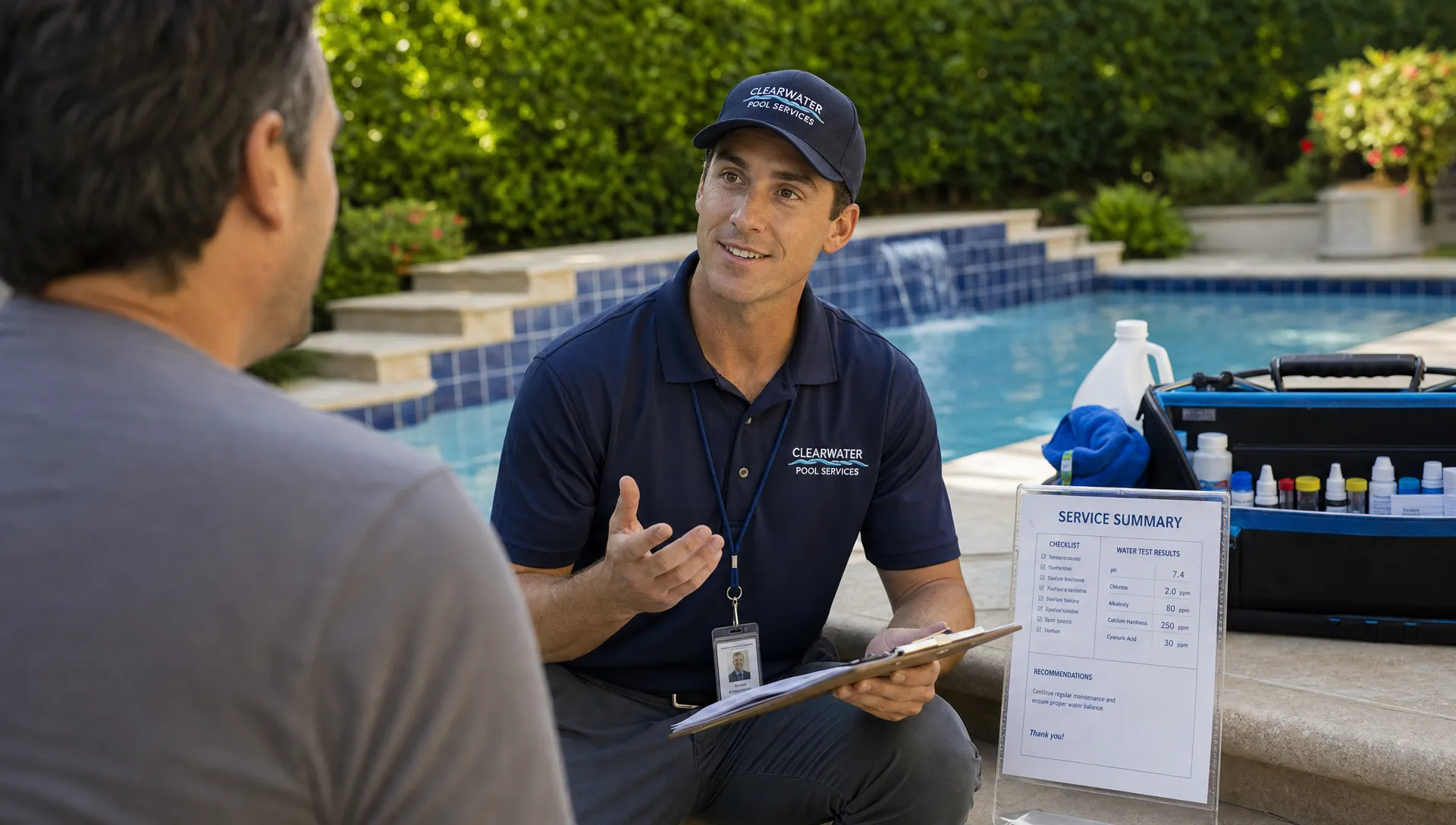
Best CRM fit by contractor type
The most common CRM mistake is comparing software as if all contractors operate the same way. A pool service route business, a remodeler, and a commercial HVAC contractor may all be “contractors,” but their CRM needs are very different.
| Contractor profile | Best-fit CRM category | What to prioritize |
|---|---|---|
| Pool service company with recurring routes | Industry-specific operating system | Route scheduling, homeowner notifications, water logs, equipment tracking, photos, billing |
| HVAC, plumbing, or electrical service company | Field service management platform | Dispatch, estimates, technician notes, service agreements, payments |
| Remodeler or design-build contractor | Generic sales CRM plus project management | Pipeline stages, proposal follow-up, document tracking, customer communication |
| Landscaping maintenance company | Field service or vertical platform | Recurring schedules, crew routes, seasonal services, property notes |
| Commercial specialty contractor | CRM with account management depth | Multi-contact accounts, long sales cycles, contract renewals, reporting |
| Early-stage solo operator | Simple CRM or structured spreadsheet | Lead tracking, customer records, reminders, basic invoicing |
For pool companies, the key is not just “Can this CRM manage customers?” It is “Can this system manage the customer, property, route, technician visit, water data, equipment, photos, invoice, and homeowner communication together?”
How to compare CRM software without getting distracted
CRM demos can be impressive. Dashboards look polished, automations sound powerful, and every platform claims to save time. The best way to compare tools is to bring your real workflow into the evaluation.
Start with five real scenarios from your business:
- A new homeowner asks for weekly pool service and needs an estimate.
- A technician finds a broken pump during a routine visit and captures photos.
- A customer calls asking whether the technician came today.
- A route needs to be adjusted because a technician is out.
- A completed job needs to be invoiced and paid quickly.
Ask each vendor to show exactly how those scenarios work from start to finish. Do not accept a demo that only shows clean sample data or a generic pipeline. You want to see where information is entered, who sees it, what the technician does in the field, how the customer is notified, and how billing is triggered.
This is also where training matters. Scaling contractors are not just buying software. They are changing how people make decisions. Larger organizations often use scenario-based training to help managers practice tradeoffs before they face them in the real world, and tools like business simulation software reflect the same principle: people learn faster when they can test decisions in realistic situations. Your CRM rollout should take a similar approach by testing daily scenarios before the entire team depends on the system.
Questions to ask before choosing a CRM
A good CRM comparison should expose operational friction before you sign a contract. These questions help separate a scalable system from a polished contact database.
Can field employees use it quickly from the jobsite? If technicians avoid the app, your CRM data will always be incomplete. For field teams, mobile usability is not a nice-to-have feature. It is the foundation of adoption.
Does it connect sales to scheduled work? A lead should not have to be manually recreated as a job. If your team sells services, estimates, repairs, or recurring maintenance, the CRM should carry context forward. For a deeper look at that handoff, see how sales CRM software connects leads, estimates, and jobs.
Does it reduce customer calls or create more admin work? Homeowner notifications, visit summaries, photos, and payment links can reduce repetitive office calls. If your CRM only stores information internally, customers may still need to chase your team for updates.
Can managers see performance without building reports manually? Scaling requires visibility. Owners and managers should be able to review follow-up, scheduled work, completed visits, technician activity, outstanding invoices, and customer communication without stitching data together.
Will the system still work when you add another crew, route, or location? Some tools feel simple because they are missing the controls needed for a larger team. Others are powerful but too complex for daily use. The right CRM should support your next stage without overwhelming the team you have now.
When SplashIQ makes sense in the comparison
SplashIQ is built for pool service companies that want one operating system for the office, technicians, and homeowners. Instead of treating CRM as a standalone contact list, it connects customer management with the workflows pool companies handle every day.
That includes scheduling, field operations, homeowner outreach, arrival and service notifications, water-quality logs, equipment tracking, before and after photos, online payments, homeowner financing, an offline field app, a homeowner portal, and technician scorecards.
For a growing pool service company, that combination can reduce the need to stitch together multiple tools. The CRM record becomes more useful because it is tied to the property, the visit, the technician, the water readings, the equipment, the photos, and the billing history.
SplashIQ is not the right comparison point for every contractor. A remodeler managing long design phases may need different project tools. A large multi-trade enterprise may compare broader field service platforms. But for pool service businesses ready to scale routes, improve homeowner communication, and replace paper checklists, SplashIQ belongs near the top of the shortlist.
A simple scoring model for your shortlist
Once you narrow your options to three or four CRMs, score each one against the same criteria. Keep the scoring simple enough that your office manager, lead technician, and owner can all participate.
| Score area | Weight | What a strong score looks like |
|---|---|---|
| Field adoption | 25% | Technicians can update jobs, photos, notes, and service data without friction |
| Scheduling and dispatch | 20% | Routes, recurring work, and schedule changes are easy to manage |
| Customer experience | 15% | Homeowners receive timely, clear updates without extra office work |
| Sales and estimate flow | 15% | Leads move smoothly into estimates, jobs, and recurring service |
| Billing and payments | 10% | Completed work can be invoiced and paid with minimal delay |
| Reporting | 10% | Managers can see performance by team, route, job, and customer |
| Ease of rollout | 5% | Training, migration, and daily use feel realistic for your team |
This model intentionally gives the most weight to field adoption. A CRM that technicians do not use will fail, no matter how powerful its reporting looks in a demo.
FAQ
What is the best CRM software for contractors? The best CRM depends on the contractor's workflow. Sales-heavy contractors may prefer a generic sales CRM, field service companies often need dispatch and mobile tools, and pool service companies usually benefit from an industry-specific operating system like SplashIQ.
How is contractor CRM different from regular CRM software? Regular CRM software usually focuses on contacts, deals, and sales activity. Contractor CRM needs to connect customer records with estimates, scheduling, field notes, photos, equipment history, invoices, payments, and customer updates.
Should a small contractor start with a simple CRM or field service software? If the team mainly needs lead tracking and reminders, a simple CRM may be enough. If the business has crews in the field, recurring routes, job documentation, or frequent scheduling changes, field service or industry-specific software is usually a better long-term fit.
Why do contractors stop using CRM software? Adoption fails when the CRM creates double entry, slows down technicians, does not match field workflows, or gives office staff incomplete information. The best CRM is the one the team can use consistently during real work.
What should pool service companies compare first? Pool service companies should compare route scheduling, water-quality logging, equipment tracking, homeowner notifications, before and after photos, offline field access, payments, and how well the CRM connects service history to each property.
Choose the CRM that matches how your team actually works
Contractors ready to scale do not need a prettier spreadsheet. They need a system that turns daily activity into shared visibility, faster follow-up, cleaner scheduling, better customer communication, and more reliable billing.
If you run a pool service business, SplashIQ is designed around that full workflow, from first lead to final invoice, with the field and homeowner experience built in. Use the comparison framework above, test your real scenarios, and choose the CRM that your team will actually use when the route is full and the phones are ringing.