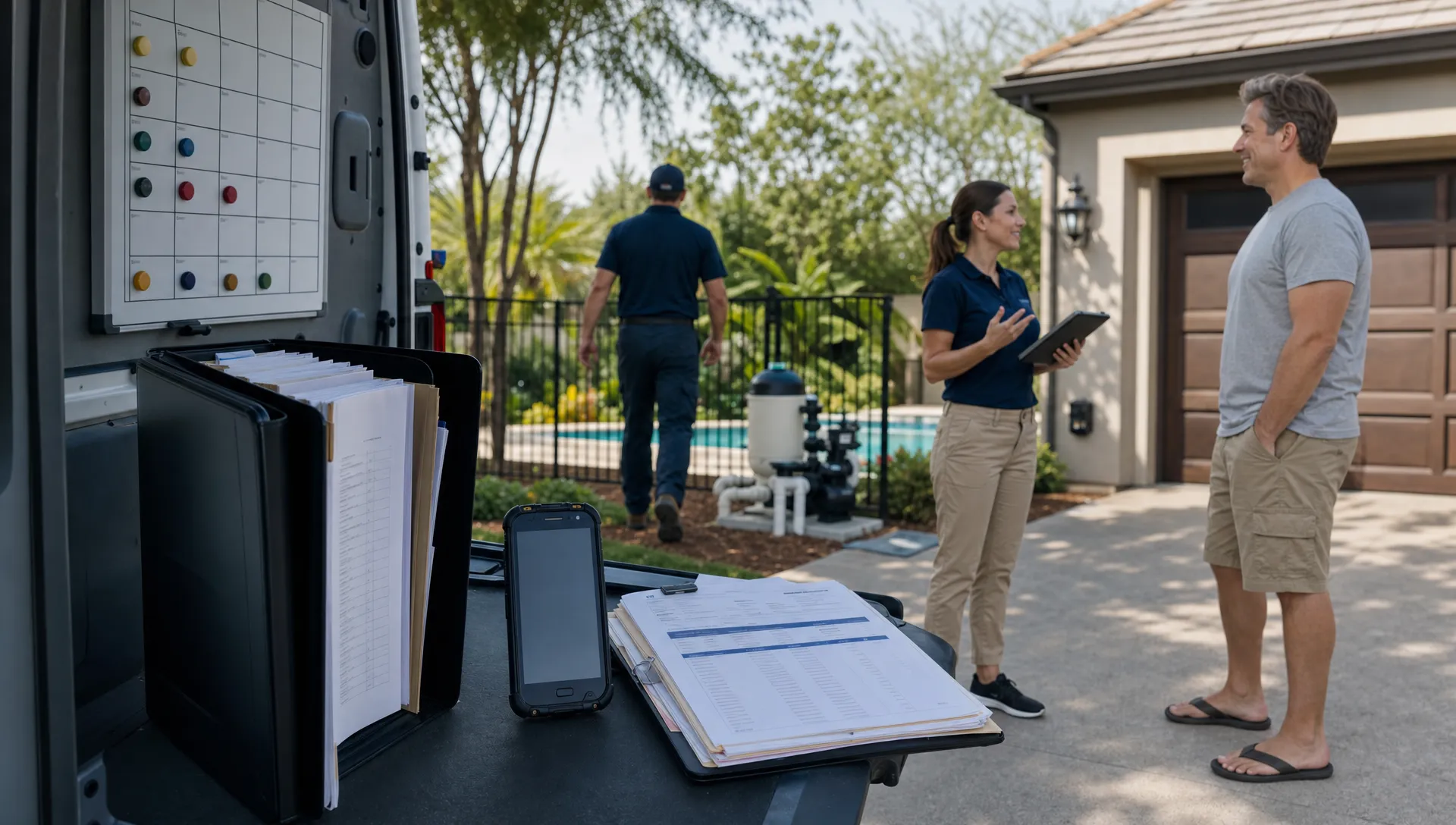
Small businesses with field teams do not need another digital address book. They need a CRM that keeps the office, technicians, customers, properties, and invoices working from the same source of truth.
That distinction matters. A sales-focused CRM can be useful for tracking leads, but field work adds another layer of complexity: routes change, customers text last-minute access instructions, technicians need equipment history on-site, and billing depends on what actually happened at the property. For pool service companies, that might include water-quality readings, before and after photos, gate codes, homeowner notes, and recurring maintenance schedules.
The best CRM software for small businesses with field teams helps everyone answer the same question quickly: what needs to happen next, who owns it, and what information do they need to do it right?
Why field teams outgrow generic CRM tools
Generic CRMs often assume work happens at a desk. A lead comes in, a rep follows up, a deal moves through a pipeline, and the record is updated from a laptop. That model breaks down when the work happens in backyards, driveways, equipment rooms, and service vans.
Field teams need a CRM that understands movement. A technician may start the day with eight stops, lose cell service at a property, discover a broken pump, take photos, log chemical readings, and need the office to approve a quote before the homeowner calls back. If those details live in texts, paper forms, and someone’s memory, the business becomes hard to manage as soon as it grows beyond a few trusted people.
Reddit posts in communities like r/smallbusiness and r/Entrepreneur are useful because they show the problem in plain language. Owners frequently complain that they bought a CRM, but the team still uses spreadsheets because the software feels too heavy. Field operators often describe the same pattern: office staff enters information twice, technicians avoid updating records, and customer conversations get scattered across texts, calls, and email.
That is not just an adoption problem. It is usually a workflow mismatch. A CRM for a field team has to be fast enough for technicians, structured enough for office staff, and complete enough for owners to see what is really happening across routes and revenue.
If your team is trying to simplify operations, it helps to start with the principles behind simple CRM software that busy small teams will actually use, then evaluate whether the system also supports the realities of field service.
A field-ready CRM is operational memory
For service businesses, the customer record is only one part of the story. The CRM should also remember the property, the work history, the equipment, the billing relationship, and the next scheduled action.
This is especially important in home and property services, where one customer may own multiple locations or one property may involve several contacts. Field service businesses are not alone in this. A company helping buyers compare affordable manufactured homes in San Antonio may need to track buyer preferences, home models, financing conversations, site visits, and community details. A pool service company needs the same kind of location-aware record, but with service routes, pool equipment, water chemistry, access notes, and job documentation layered on top.
The common thread is property context. A CRM that treats every relationship as just a name, phone number, and email address will miss the details that make field work run smoothly.
| Field-team question | What the CRM should capture | Why it matters |
|---|---|---|
| Who is the customer? | Owner, tenant, billing contact, property manager, or other stakeholder | Prevents miscommunication and billing mistakes |
| Where is the work performed? | Property address, access notes, gate codes, pets, parking, and service preferences | Helps technicians arrive prepared |
| What has happened before? | Visit history, notes, photos, readings, repairs, and customer requests | Reduces repeat questions and missed follow-ups |
| What equipment is on-site? | Pumps, filters, heaters, cleaners, warranties, and service history | Speeds up troubleshooting and quoting |
| What needs to happen next? | Follow-up tasks, route schedule, estimates, invoices, and payment status | Keeps the business moving without relying on memory |
For pool companies, this operational memory is not a luxury. It is the difference between a business that can scale and one that depends on the owner answering every question.
The workflow your CRM should support from lead to invoice
A strong field-team CRM should connect the full customer journey. It should not stop at lead capture, and it should not force your team to jump between unrelated apps for scheduling, field notes, billing, and customer communication.
A practical workflow usually looks like this:
- New lead or customer inquiry enters the CRM with contact, property, and service details.
- Office staff qualifies the request, assigns the right service type, and schedules the visit.
- The technician receives route details, property notes, and any relevant history in a mobile app.
- Work is completed in the field with notes, photos, readings, equipment updates, or recommendations.
- The office reviews the job, communicates with the customer, and sends an invoice or follow-up estimate.
- Payment status, customer communication, and future service needs remain tied to the same record.
When this flow is disconnected, problems multiply. The technician does not see the customer’s complaint. The office cannot tell whether the job was completed. The homeowner asks for proof of service. The invoice is delayed because the work notes are missing. The owner has to chase everyone for updates.
A CRM that integrates office and field work prevents those gaps. For a deeper look at this connection, SplashIQ’s guide to how CRM integration connects office and field teams explains why shared records are so important for service businesses.
What small businesses with field teams should prioritize in 2026
The CRM market is crowded, and many products claim to serve small businesses. The right choice depends less on brand recognition and more on fit. A ten-person pool company, HVAC shop, landscaping crew, or mobile repair business has different needs than a desk-based sales team.
Start by looking at the features that reduce friction in the field. If technicians cannot update the system quickly, the CRM will become incomplete. If the office cannot trust the data, the team will fall back to calls, texts, and spreadsheets.
| Priority | What to look for | Why it matters for field teams |
|---|---|---|
| Mobile usability | A field app designed for quick updates, photos, notes, and job completion | Technicians are more likely to use it consistently |
| Scheduling and routing | Route visibility, job assignments, recurring visits, and schedule changes | Reduces wasted drive time and missed appointments |
| Customer and property records | Contacts, properties, access details, preferences, and service history | Gives every team member the full context |
| Offline access | Ability to keep working when service is weak or unavailable | Prevents lost notes and incomplete jobs |
| Service documentation | Before and after photos, water-quality logs, equipment notes, and technician updates | Creates proof of work and better customer communication |
| Billing and payments | Invoices, payment tracking, online payments, and homeowner billing details | Shortens the gap between completed work and cash collected |
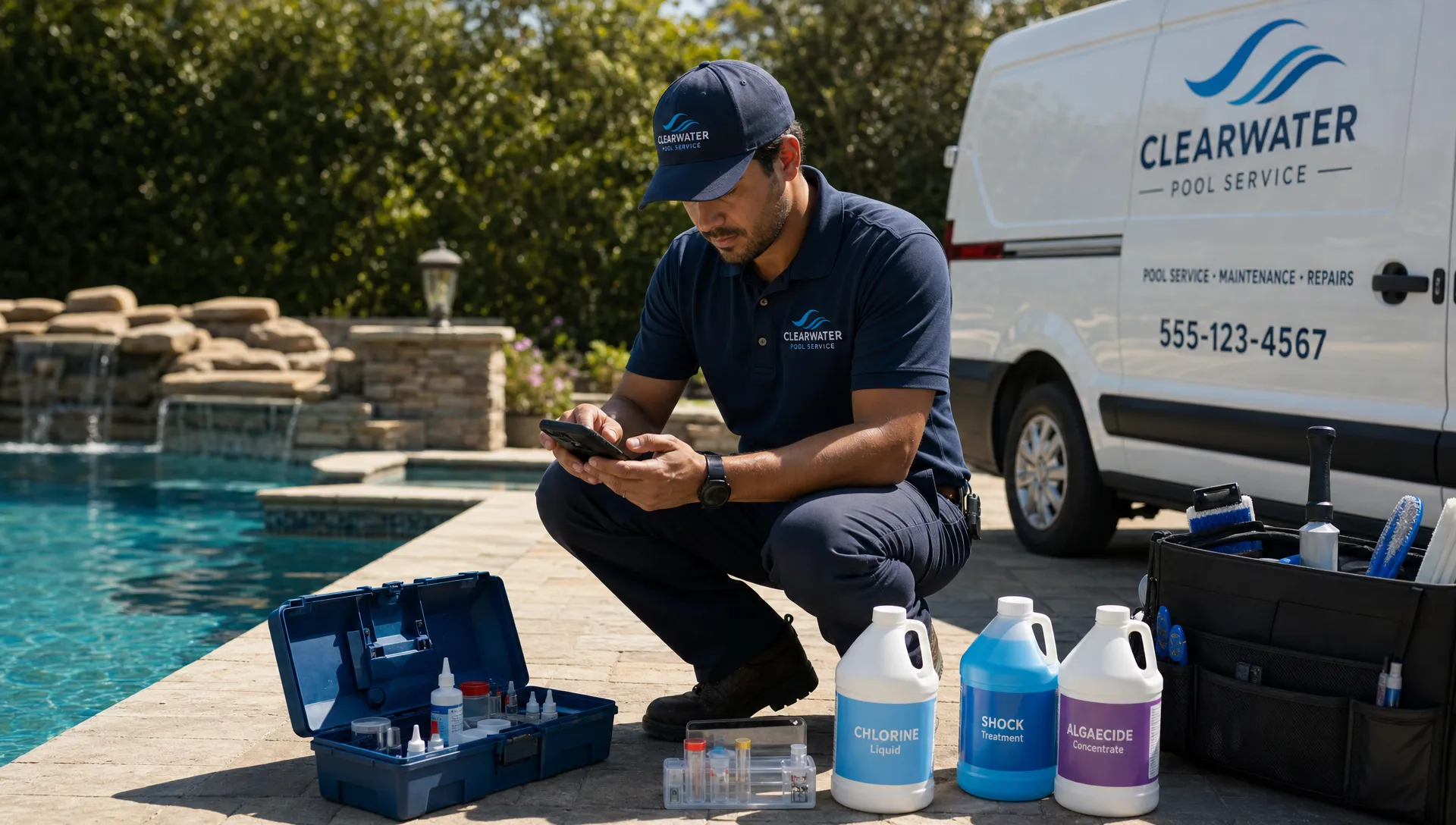
For pool service companies, industry-specific fit matters even more. A general CRM may track contacts and sales stages, but it may not support water-quality logs, equipment tracking, recurring route work, before and after photos, homeowner portals, or technician scorecards. Those are operational details, not nice-to-have extras.
SplashIQ is built around that service-company workflow, with CRM, smart route scheduling, water-quality logging, equipment tracking, an offline field app, homeowner communication, billing, online payments, homeowner financing, and technician performance visibility in one operating system for pool businesses.
Red flags that a CRM will fail with your field team
A CRM can look impressive in a demo and still fail in daily operations. The most common red flag is complexity. If every update requires too many clicks, technicians will skip it. If records are cluttered with irrelevant sales fields, office staff will stop trusting the system.
Another warning sign is weak mobile support. A mobile-responsive website is not the same as a field app built for real jobsite conditions. Technicians need to see their route, find the right customer and property notes, add job documentation, and keep working even when connectivity is unreliable.
Watch out for systems that separate customer information from work history. In a service business, a customer record without service context is incomplete. The office needs to see what happened in the field, and technicians need to see what the office promised the customer.
Pricing can also hide complexity. A low monthly fee may become less attractive if you need several additional tools for scheduling, payments, field documentation, customer communication, and reporting. For a small business, total workflow cost matters more than the sticker price of a CRM subscription.
This is where Reddit conversations are again helpful. Many CRM complaints from small business owners are not about missing advanced features. They are about everyday breakdowns: no one updates the tool, the mobile experience is painful, automations are confusing, or the system creates more admin work than it removes.
How to choose between a general CRM and a field-service CRM
A general CRM can work well if your field process is light, your team mainly needs contact management, and scheduling happens somewhere else without much friction. For example, a small consulting business that occasionally visits client sites may not need property-specific records or route scheduling.
A field-service CRM becomes the better fit when customer information and job execution are inseparable. If your team dispatches technicians daily, manages recurring service visits, documents work on-site, and bills based on completed field activity, the CRM should be connected to operations.
For pool service companies, the decision is usually straightforward. Routes, water chemistry, equipment details, homeowner communication, and proof of service are part of the customer experience. A CRM that ignores those details will leave too much of the business outside the system.
If you are comparing options, look beyond feature lists and ask how the software handles a real day in your company. Can a new lead become a scheduled service visit without retyping information? Can a technician see the right notes before arriving? Can the office review work quickly and bill the homeowner? Can the owner spot route issues or technician performance trends without building a spreadsheet?
SplashIQ’s article on what a CRM app should do for service teams in 2026 is a useful companion if you want to evaluate the mobile experience more closely.
A simple rollout plan for small field teams
Even the right CRM can fail if rollout is rushed. The goal is not to digitize every process on day one. The goal is to create one reliable workflow that the team actually uses, then expand from there.
Start with clean customer and property records. For a pool business, that means every active account should have the correct homeowner details, service address, access notes, billing contact, and key equipment information. Incomplete records create frustration immediately, especially for technicians.
Next, move scheduling and field updates into the CRM. This is where the business begins to gain visibility. The office can see what is scheduled, technicians know what they are responsible for, and completed visits become part of the customer history.
After that, standardize the job documentation your team needs. Pool service companies might require water-quality readings, photos for certain job types, equipment notes, or repair recommendations. Keep required fields practical. The more relevant the update, the more likely technicians are to complete it.
Finally, connect billing and customer communication. Once completed work flows into invoices and homeowner updates, the CRM becomes more than an internal tool. It improves the customer experience and helps the business get paid faster.
Frequently Asked Questions
What is the best CRM software for small businesses with field teams? The best CRM is one that matches your workflow. For field teams, that usually means customer and property records, scheduling, mobile access, job documentation, communication, and billing in one connected system. Pool service companies should also look for water-quality logs, equipment tracking, route scheduling, and homeowner-facing communication tools.
Can a small business use a general CRM for field service? Yes, but only if the field workflow is simple. If your team manages recurring visits, technician routes, service notes, photos, equipment history, or job-based billing, a field-service CRM will usually be a better fit than a generic sales CRM.
Why do technicians resist CRM software? Technicians usually resist CRM software when it slows them down, requires duplicate entry, or does not help them do the job. Adoption improves when the mobile app is fast, the information is useful on-site, and the required updates are tied to real operational needs.
What CRM features matter most for pool service companies? Pool service companies should prioritize customer CRM, smart route scheduling, water-quality logs, equipment tracking, offline field access, before and after photos, homeowner communication, online payments, and visibility into technician performance.
How do I know when spreadsheets are no longer enough? Spreadsheets become a problem when customer details are outdated, office staff cannot see field status, technicians rely on texts for job notes, billing is delayed, or the owner has to answer routine operational questions. Those are signs your team needs a shared CRM system.
Run your pool service business from one connected system
Field teams need more than a contact database. They need software that connects the office, the route, the technician, the homeowner, and the invoice.
SplashIQ gives pool service companies a single operating system for CRM, scheduling, water-quality logging, equipment tracking, field updates, homeowner billing, online payments, and more. If your business is ready to replace spreadsheets, paper checklists, and scattered messages with one connected workflow, SplashIQ is built for the way pool service teams actually work.