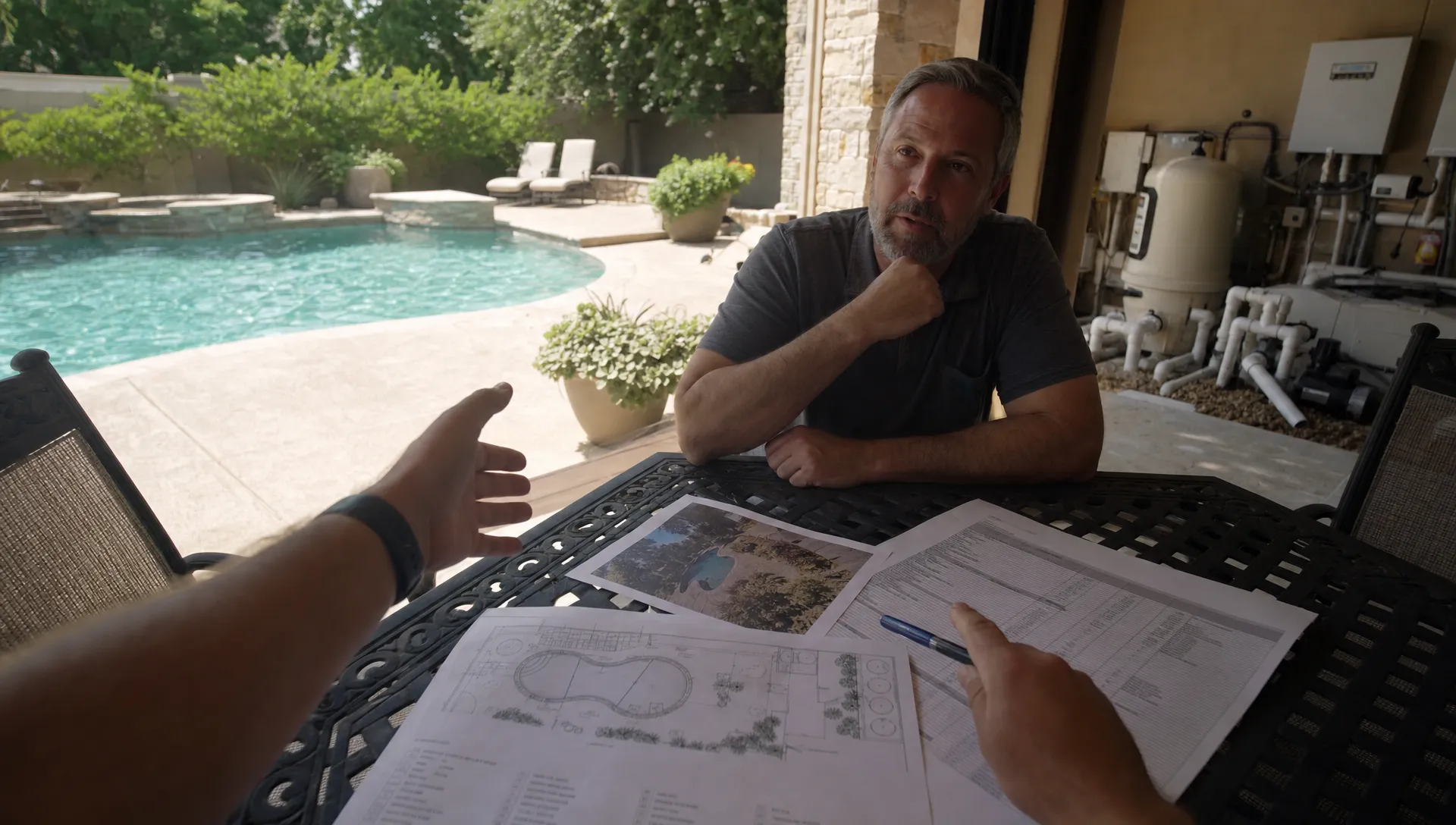
A pool lead is not revenue yet. It is only the beginning of a chain that has to move from inquiry to estimate, approval, scheduled work, field execution, invoice, and follow-up. If any link breaks, the office loses context, the technician shows up underprepared, or the homeowner wonders why nobody called back.
That is why sales CRM software for pool service companies has to do more than store names and phone numbers. It needs to connect the sales conversation to the property, the equipment, the route, and the actual job. A clean pipeline is helpful, but the real win is a clean handoff.
For pool businesses, this is where many generic CRMs fall short. They can track a deal stage, but they often do not understand gate codes, equipment pads, water-quality history, before/after photos, recurring routes, or the difference between a quick green-to-clean quote and a complex heater replacement.
Why deal-only CRM creates revenue leaks
Most sales CRMs were designed around desk-based sales teams. A rep makes calls, sends proposals, logs activities, and marks an opportunity won or lost. That model works reasonably well for many B2B companies, but pool service is not only a sales process. It is a field operation with moving parts.
A pool company might receive a lead from a website form, a phone call, a neighbor referral, a Google Business Profile message, a Facebook group, or a technician who spots a nearby property on route. Then someone has to qualify the pool, understand the service need, estimate the work, schedule a visit, assign the right technician, and eventually bill the homeowner.
If the CRM only tracks the lead, the team still has to copy details into a calendar, text thread, spreadsheet, estimate template, field app, and accounting tool. Each copy and paste creates risk. Notes disappear. Photos stay on someone’s phone. A quote gets approved, but nobody schedules the job. A tech arrives without knowing the homeowner mentioned a broken actuator during the sales call.
Reddit is a useful place to see this frustration in the wild. Posts and comment threads in communities like r/pools and r/smallbusiness often show both sides of the same problem: homeowners complaining that service companies never followed up after a site visit, and small business owners asking how to manage leads coming from texts, calls, DMs, and referrals. These are not formal market studies, but they are excellent voice-of-customer signals. The recurring theme is simple: response speed and follow-through matter.
If your biggest issue is capturing every inquiry before it disappears, start by tightening the front end of your pipeline with a CRM system for sales that never misses a pool lead. Once that foundation is in place, the next step is connecting the accepted estimate to the work your field team actually performs.
The lead-to-job path your CRM must connect
A strong pool service workflow treats the customer, property, estimate, and job as connected records. The office should not have to rebuild the same story every time the lead moves forward.
| Workflow stage | What the CRM should preserve | What goes wrong when it is disconnected |
|---|---|---|
| New lead | Contact details, property address, service request, lead source, urgency | The office forgets where the lead came from or misses a time-sensitive request |
| Qualification | Pool type, access notes, photos, equipment details, service area fit | The wrong opportunities consume estimating time |
| Estimate | Scope, pricing notes, optional add-ons, assumptions, expiration date | The quote does not match the property reality or field requirements |
| Approval | Accepted scope, homeowner questions, payment or financing context | A won deal sits in limbo because scheduling is not triggered |
| Scheduled job | Technician assignment, route placement, parts, instructions, photos | The field team arrives without the context needed to complete the work efficiently |
| Completed work | Before/after photos, water-quality logs, equipment updates, technician notes | Billing and follow-up happen late or with missing proof |
| Invoice and follow-up | Payment status, service recommendations, future reminders | Repeat revenue is left to memory instead of a repeatable process |
The key idea is continuity. Sales CRM software should not stop when the homeowner says yes. For a pool company, that yes is the moment when the estimate needs to become a scheduled, trackable job.
What to capture before creating the estimate
A better estimate starts before anyone opens a pricing template. The CRM should capture the operational facts that shape the scope of work. This is especially important when the homeowner describes the problem casually, but the field reality is more complicated.
For example, a homeowner might say the pool is cloudy. That could mean a routine chemistry correction, a filtration issue, dead algae, poor circulation, neglected maintenance, or equipment failure. If the sales record only says cloudy pool, the estimate will be weak. If the record includes photos, equipment type, recent service history, access instructions, and urgency, the office can quote with more confidence.
The most useful pre-estimate fields usually include:
- Property address and service area fit
- Pool type, approximate size, surface, and visible condition
- Equipment details such as pump, filter, heater, automation, chlorinator, and cleaner
- Photos or videos from the homeowner, estimator, or technician
- Access details such as gate codes, pets, parking, and preferred visit windows
- Homeowner goals, timeline, and budget sensitivity
- Source of the lead, especially if it came from a neighbor on an existing route
This is where pool-specific context matters. A standard sales CRM may give you a notes box, but a pool service operation needs structured information that can travel from the sales conversation to the estimate and then to the field.
Estimates should become operational promises
An estimate is not just a price. It is a promise your company is making to a future scheduler, technician, and homeowner. If the estimate says filter cleaning, chemical balance, or equipment replacement, the team needs to know what labor, parts, access, and proof of completion will be required.
This is why disconnected PDF estimates create problems. They may look professional to the homeowner, but if the details are not tied to the job record, the field team has to ask the same questions again. The office may also struggle to see which estimates are pending, which were approved, and which need a follow-up call.
A connected workflow makes estimate status visible and actionable. Pending estimates should trigger follow-up. Approved estimates should trigger scheduling. Declined estimates should record the reason, such as price, timing, competitor choice, or scope mismatch. Over time, those reasons help the business improve its pricing, packaging, and communication.
Some pool companies also estimate automation, motor controls, or specialty electronics work. When a job touches custom controls or embedded hardware, a design partner such as power electronics and embedded systems specialists can help teams understand what is technically feasible before they promise a scope to the homeowner.
The more complex the work, the more important it is for the estimate to carry assumptions clearly. If a heater replacement depends on gas line condition, electrical availability, equipment access, or code requirements, those notes need to stay attached through scheduling and job completion.
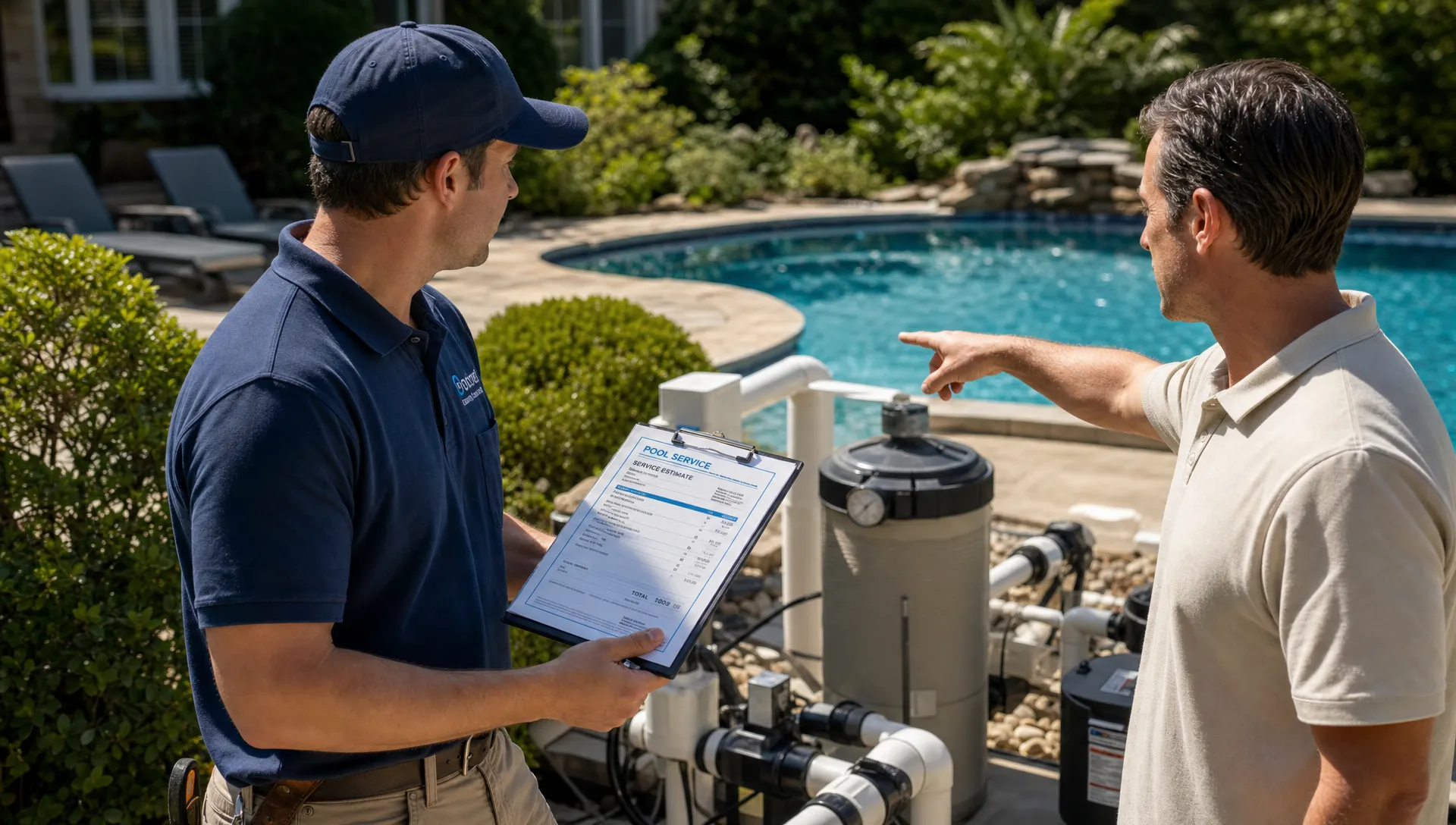
Jobs need the sales context, not just the schedule slot
When an estimate is accepted, the CRM should not simply mark the deal as won. It should help the office convert that approval into a job with the right context attached.
The technician needs to know what was sold, what the homeowner expects, what problems were discussed, and what proof the office will need after completion. For a one-time cleanup, that might include before/after photos and water-quality readings. For recurring service, it might include route placement, access notes, equipment history, and homeowner communication preferences.
This is also where many small teams outgrow generic tools. A calendar can show where a technician should go, but it cannot always show why the job matters, what was promised, what parts may be needed, or what the homeowner already approved. If you are evaluating options, it helps to compare general CRM features against the needs of CRM software for small businesses with field teams, because field work adds a layer of operational complexity that office-only sales tools often miss.
For pool service companies, job context can include water-quality logs, equipment tracking, gate codes, service history, technician notes, and photos. When that information is connected, the office does not have to interrupt technicians for updates, and technicians do not have to call the office for basic property details.
How connected CRM improves close rate and route quality
Connecting leads, estimates, and jobs is not only about organization. It can improve the economics of the business.
First, faster follow-up usually improves the chance of winning the job. A lead that gets a clear response, a professional estimate, and a defined next step feels easier to trust. A lead that waits days for a quote may continue shopping.
Second, better context improves pricing discipline. When the CRM shows what similar jobs required, what equipment was involved, and what follow-up issues appeared later, owners and managers can estimate with fewer guesses. That does not mean every quote becomes perfect, but it creates a feedback loop between sales and operations.
Third, connected workflows support route density. A new weekly service customer is more valuable if the property fits an existing route. A repair job can sometimes be scheduled near other visits. If lead source, property address, estimate status, and scheduling all live in separate places, it is harder to make those decisions quickly.
Finally, the post-job record creates future revenue. A technician might notice an aging pump, a filter nearing replacement, staining, leaking valves, or automation issues. If those observations are captured in the same system as customer communication and sales follow-up, the company can turn field insight into a legitimate next estimate instead of relying on memory.
What to look for in sales CRM software in 2026
In 2026, pool companies should expect more from sales CRM software than a contact database. The best fit is a system that helps office staff, technicians, and homeowners stay aligned from inquiry to payment.
| Capability | Why it matters for pool service companies |
|---|---|
| Customer and property CRM | The homeowner and the pool are both important, and each property needs its own history |
| Lead and follow-up tracking | New inquiries need owners, stages, reminders, and outcomes |
| Estimate-to-job handoff | Approved work should move naturally into scheduling and field execution |
| Smart route scheduling | Route density and technician efficiency affect profit on every service day |
| Field app access | Technicians need property details, notes, photos, and job instructions away from the office |
| Offline functionality | Pool routes often include areas where mobile service is unreliable |
| Water-quality logs | Chemistry history helps with accountability, troubleshooting, and homeowner trust |
| Equipment tracking | Repairs and replacements require accurate asset history |
| Homeowner communication | Portals, photos, visit summaries, and payment options reduce callback chaos |
| Performance visibility | Technician scorecards and job history help managers coach and improve operations |
The point is not to buy the tool with the longest feature list. The point is to choose software that matches the way revenue actually moves through your business. If a lead becomes an estimate, and an estimate becomes a job, your CRM should make that path visible.
A practical implementation plan for pool companies
Start with your current workflow, not with software settings. Write down every way a lead enters the business, who responds, how estimates are created, how approvals are handled, how jobs are scheduled, and how invoices are sent. The gaps will usually become obvious.
Next, define ownership. Every lead should have an owner. Every estimate should have a next step. Every approved estimate should have a scheduling path. Every completed job should have a billing and follow-up action when needed.
Then standardize the fields that must travel from sales to operations. Do not overwhelm the team with unnecessary data entry. Focus on the details that prevent callbacks, repeat questions, and wasted truck rolls: property information, equipment, access, scope, photos, and homeowner expectations.
Finally, measure the handoffs. Track how many leads become estimates, how many estimates are approved, how long approved estimates take to schedule, and how often jobs require office clarification. These metrics reveal whether your CRM is only storing data or actually improving the business.
Where SplashIQ fits
SplashIQ is built for pool service companies that need one operating system across CRM, scheduling, water-quality logging, equipment tracking, homeowner billing, field operations, and payments. Instead of forcing the office to manage leads in one place and field work somewhere else, the platform is designed around the full pool service workflow.
That matters because pool service is property-specific. The customer record, equipment history, route schedule, technician notes, photos, and billing status all affect the experience. When those pieces are connected, the company can respond faster, estimate with better context, schedule more cleanly, and communicate more professionally.
If your team is replacing spreadsheets, paper checklists, and disconnected apps, SplashIQ's pool service CRM is a practical place to start.
Frequently Asked Questions
What is sales CRM software for a pool service company? Sales CRM software helps a pool service company capture leads, manage follow-up, track estimates, and connect sales activity to customer and property records. The strongest systems also support the handoff from approved estimate to scheduled field work.
Why is a generic CRM often not enough for pool service? Generic CRMs usually focus on contacts, tasks, and deal stages. Pool service companies also need property details, route scheduling, equipment history, water-quality logs, photos, field notes, homeowner communication, and billing context.
Should estimates be connected to the CRM? Yes. Estimates should be connected to the lead, customer, property, and job record. This helps the office follow up on pending quotes, schedule approved work faster, and give technicians the context they need.
What information should move from an approved estimate to the job? The job should include the accepted scope, property address, access notes, equipment details, photos, homeowner expectations, parts or materials needed, technician instructions, and any proof required after completion.
How can a small pool company adopt CRM software without slowing the team down? Start with the most important handoffs: lead capture, estimate follow-up, scheduling, job notes, and billing. Keep required fields simple at first, then add more structure once the team sees that the system saves time instead of creating extra admin work.
Connected sales CRM software gives pool companies a cleaner path from first inquiry to finished work. When leads, estimates, and jobs stay connected, the office gains visibility, technicians get better context, and homeowners receive the follow-through they expected when they first reached out.