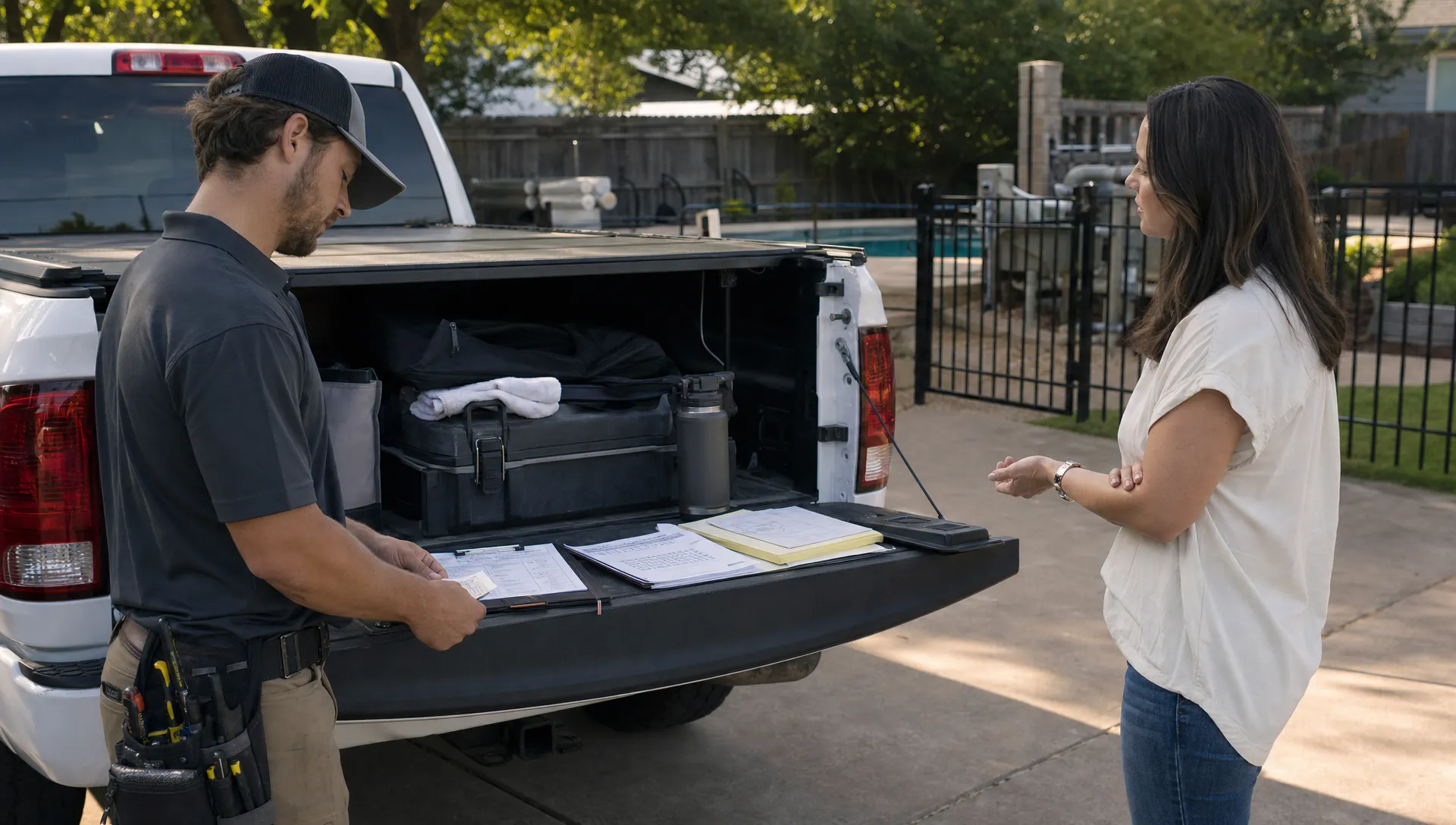
A pool lead rarely disappears because the homeowner was not interested. It disappears because the inquiry landed in a voicemail, a Facebook message, a technician's text thread, a sticky note, or an inbox nobody checked until the end of the day.
That is why building a CRM system for sales is not just an office project. For a pool service company, it is a revenue protection system. It should make every lead visible, assign the next action, preserve property context, and connect the sale to the route, the technician, the equipment record, and the invoice.
The goal is simple: when someone asks for weekly service, a green pool cleanup, equipment repair, an opening, a closing, or a renovation-related referral, your team should know exactly who owns it, what happens next, and when it must happen.
Why pool leads slip through ordinary sales processes
Pool sales are different from many local service sales because timing and trust matter immediately. A homeowner with a cloudy pool before a party is not casually browsing. A property manager with a failed pump is trying to prevent complaints. A new homeowner who inherited an unfamiliar pool is looking for someone competent enough to take control.
The problem is that pool companies often grow faster than their sales process. The owner used to remember every inquiry. Then one office admin, two techs, seasonal demand, and multiple lead sources enter the picture. Suddenly, the business is relying on memory during the busiest months of the year.
Reddit posts can be useful voice-of-customer material here. Browse discussions like Reddit threads about pool service companies not calling back, and you will see the same buyer frustration repeatedly: homeowners are not only comparing price, they are comparing responsiveness. In many markets, simply replying professionally and following through already separates you from the pack.
A strong CRM system for sales should solve four practical problems:
- It captures every inquiry in one place.
- It identifies the property, not just the person.
- It assigns a clear owner and deadline for the next step.
- It turns a won lead into scheduled service without duplicate data entry.
If your current process does not do those four things reliably, leads will leak no matter how good your technicians are.
Start with the lead record your pool team actually needs
A generic sales CRM might ask for name, phone, email, company, deal value, and close date. That can work for software sales, but pool service teams need a property-aware record. The person paying the bill may not be the person granting access. The pool may have special equipment, a gate code, a dog in the yard, a salt system, a spa, or recurring chemistry issues.
The lead record should be detailed enough to prevent confusion, but not so long that your team avoids using it. Think of it as the minimum information needed to respond fast, qualify accurately, and hand the job to operations cleanly.
| CRM field | Why it matters for pool sales |
|---|---|
| Lead source | Shows whether Google, referrals, postcards, builders, or social channels are producing qualified demand. |
| Property address | Helps evaluate route fit, drive time, neighborhood density, and service area eligibility. |
| Homeowner or contact details | Keeps communication tied to the right person, especially when landlords, tenants, or property managers are involved. |
| Service request | Separates weekly maintenance, repair, startup, green pool cleanup, inspection, opening, closing, and one-time service. |
| Urgency | Helps your team prioritize safety issues, equipment failures, and high-intent recurring service leads. |
| Pool details | Captures pool type, spa, salt system, heater, automation, cleaner, and known equipment where relevant. |
| Access notes | Prevents wasted trips caused by locked gates, alarm codes, pets, or parking restrictions. |
| Photos or attachments | Gives estimators and technicians visual context before a visit. |
| Next step and due date | Makes ownership visible, so leads do not sit untouched. |
| Pipeline stage | Shows where each opportunity stands and what is blocking the sale. |
For a deeper look at closing the gaps between inquiry, follow-up, and conversion, SplashIQ has a dedicated guide with CRM lead management tips for pool service companies.
Map every lead source to one front door
Before you customize stages or build automations, list every place a pool lead can enter your business. Most missed leads are not caused by a bad closing script. They are caused by a fragmented front door.
Common pool lead sources include website forms, phone calls, voicemails, Google Business Profile messages, Facebook and Instagram messages, email, referrals from builders or real estate agents, HOA recommendations, door hangers, direct mail, existing customer referrals, and technician conversations in the field.
Each source needs a capture rule. If a homeowner texts a technician, should the tech forward it to the office, create a lead in the field app, or assign a callback task? If a voicemail comes in after hours, who reviews it the next morning? If a customer asks about adding a neighbor to the route, does that stay in a personal text thread or become a trackable opportunity?
A useful rule is this: if it could become revenue, it belongs in the CRM. Not eventually. Immediately.
This does not mean every team member needs to fill out a long form. A technician might only need to capture the name, phone number, address, and request type. The office can qualify the rest. The system should make the right behavior easy enough to happen during a busy route day.
Build pipeline stages around action, not wishful thinking
Many sales pipelines are too vague. Stages like “interested” or “pending” do not tell anyone what needs to happen. A better pool service sales pipeline is built around observable actions.
| Stage | What it means | Required next action |
|---|---|---|
| New lead | Inquiry received but not yet handled. | Assign owner and contact the homeowner. |
| Contact attempted | A call, text, or email has been sent, but no conversation yet. | Schedule next attempt. |
| Qualified | Service area, request type, urgency, and fit are understood. | Decide whether estimate, quote, or scheduling comes next. |
| Estimate needed | A site visit, photo review, or technician input is required. | Assign estimator or collect missing details. |
| Quote sent | Pricing or proposal has been delivered. | Set a follow-up date. |
| Won | Homeowner approved the work or recurring service. | Convert to customer and schedule service. |
| Lost or nurture | Lead is not moving forward now. | Record reason and future follow-up if appropriate. |
The most important column is not the stage name. It is the required next action. A lead with no next action is not being managed, it is just being stored.
You can also add light qualification labels, such as “ideal route fit,” “outside service area,” “repair only,” “recurring opportunity,” or “seasonal.” These labels help your team protect time and focus on leads that support profitable growth.
Set response rules your team can keep
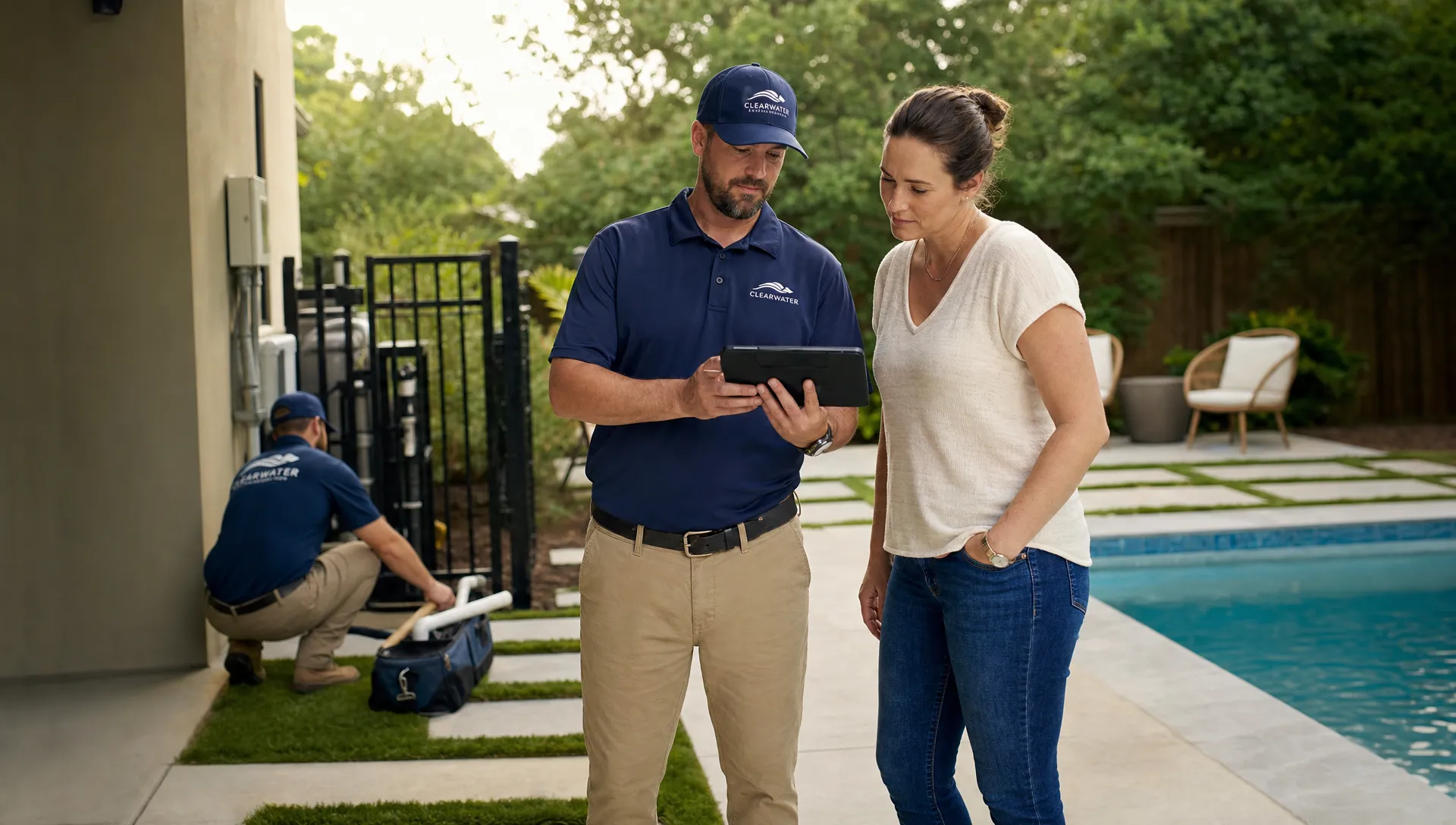
Speed matters, but the best rule is the one your team can actually follow. If you promise instant responses and the office is already overloaded, the rule will fail by Wednesday. Instead, define practical response standards by lead type.
A weekly service inquiry in your ideal neighborhood might deserve a same-day response during business hours. A green pool cleanup before a holiday weekend may need even faster triage. A non-urgent quote request from outside your main service area might receive a polite response with a longer timeframe or a referral.
The point is not to treat every lead the same. The point is to ensure every lead is intentionally handled.
Speed-to-lead research supports this discipline. In its well-known review of online lead response times, Harvard Business Review reported that companies responding within an hour were far more likely to have a meaningful conversation with a decision maker than those that waited longer. Pool service is local, seasonal, and trust-based, so a fast professional response can have an even stronger impact.
Good response rules include three parts: who owns the response, how quickly it should happen, and what happens if the first attempt fails. For example, a new recurring-service lead may trigger a call first, a text second, and an email third, with a follow-up task due the next business day.
The CRM should not rely on someone remembering that sequence. It should create tasks, show overdue items, and make untouched leads visible.
Connect the sale to the property and the route
The moment a lead becomes a customer, sales data should become operations data. This is where pool companies outgrow generic CRMs quickly.
If a sales rep closes a weekly service account, the office should not have to copy the same information into a scheduling spreadsheet. The property address, access notes, pool details, photos, billing contact, and service request should travel with the customer record. Otherwise, your team risks starting the relationship with mistakes: wrong gate code, wrong service day, missing equipment context, or a technician who arrives without knowing what was promised.
For pool service companies, the best sales system does more than track prospects. It connects CRM, scheduling, field work, water-quality logs, equipment tracking, homeowner communication, and billing. That is what turns a CRM from a contact database into an operating system.
When sales and operations share the same property record, handoffs become cleaner. The office can schedule the first visit, technicians can see notes in the field, before-and-after photos can document work, and the homeowner can receive clear communication. Online payments and financing options can also fit more naturally into the workflow when the sales and billing context stay connected.
Score leads by profitable fit, not just close probability
A pool lead that is easy to close is not always the best lead to win. If it sits far outside your service area, requires a one-off trip, or creates route fragmentation, it may cost more than it contributes. A lead that takes two follow-ups but sits beside five existing customers may be much more valuable.
Your CRM should help the team see fit as well as interest. Useful scoring factors include neighborhood density, route proximity, recurring-service potential, equipment complexity, average property value, referral source, urgency, and whether the work matches your team's strengths.
This is especially important when you are trying to build denser routes rather than simply adding more stops. SplashIQ has covered this strategy in more depth in its article on how CRM marketing software helps pool companies win more routes.
A simple lead-fit score can be enough. You do not need a complicated algorithm to start. A tag like “A-route target,” “good fit,” “low fit,” or “outside area” gives the office a shared language for prioritization.
Add accountability without creating admin drag
A CRM system for sales fails when it becomes either too loose or too heavy. If it is too loose, nobody trusts the data. If it is too heavy, nobody updates it.
The right balance is accountability with minimal friction. Every lead should have an owner, a stage, a next step, and a date. Managers should be able to see overdue follow-ups without asking five people for updates. Technicians should be able to capture field-generated opportunities without becoming data-entry clerks.
Borrow a lesson from compliance operations: process only works when responsibilities, evidence, and remediation steps are visible. In more regulated environments, teams use tools such as AI-powered compliance workflow automation to collect information, assign actions, and keep work moving consistently. Your pool sales process needs a lighter version of that same discipline: clear ownership, automatic reminders, and a record of what happened.
A weekly sales review should answer a few simple questions. How many new leads came in? How many were contacted within the expected timeframe? Which quotes are waiting for follow-up? Which leads have no next step? Which sources produced the best customers? Which neighborhoods are creating route density?
If your CRM cannot answer those questions quickly, your team will manage by anecdote.
Create a daily rhythm for zero-miss follow-up
Software helps, but habits make the system work. A daily rhythm keeps lead management from becoming an end-of-week scramble.
Try this operating cadence:
- Morning triage: Review all new leads, assign owners, prioritize urgent requests, and contact high-fit opportunities first.
- Midday check: Confirm that same-day callbacks are happening and that technicians have captured any field-generated referrals.
- Late-day review: Clear overdue tasks, schedule tomorrow's follow-ups, and make sure no quote was sent without a follow-up date.
- Weekly pipeline review: Look at source quality, win rates, response times, lost reasons, and route-fit trends.
The rhythm matters because pool businesses are interruption-heavy. The phone rings, a tech needs help, a homeowner has a chemistry question, and a pump emergency changes the day. A CRM gives you the structure to return to the sales process after each interruption.
Avoid the CRM mistakes that create new leaks
The first mistake is building too many fields too soon. If the intake form feels like paperwork, your team will avoid it. Start with the data needed to respond and qualify, then add fields only when they improve decisions.
The second mistake is separating sales from service. If the CRM knows the homeowner but the scheduling system knows the property, your team will still duplicate work and lose context.
The third mistake is ignoring mobile use. Pool opportunities often appear in the field: a neighbor asks a technician for a card, an existing homeowner wants a repair quote, or a property manager mentions another location. If field staff cannot capture those moments easily, the lead may never reach the office.
The fourth mistake is measuring only lead volume. More leads do not always mean better growth. You want the right leads, in the right neighborhoods, with the right service needs, handled at the right speed.
Finally, do not treat the CRM as a one-time setup. Your service area changes, your team changes, and seasonal demand changes. Review stages, fields, automations, and reports at least a few times per year, especially before peak season.
Frequently Asked Questions
What is a CRM system for sales in a pool service business? It is a system that captures inquiries, organizes homeowner and property information, tracks sales stages, assigns follow-ups, and helps convert leads into scheduled pool service, repairs, or other billable work.
How fast should a pool company respond to new leads? Faster is usually better, especially for high-intent recurring service, green pools, and equipment failures. Set realistic standards by lead type, then use CRM tasks and reminders to make sure those standards are met.
What stages should a pool sales pipeline include? A simple pipeline can include new lead, contact attempted, qualified, estimate needed, quote sent, won, and lost or nurture. The key is making sure every stage has a required next action.
Can a small pool company benefit from a CRM? Yes. Small teams often benefit the most because one missed lead can represent years of recurring revenue. The CRM should be simple enough for daily use and connected enough to reduce duplicate work.
How does a CRM help build better pool routes? A CRM helps you track where leads come from, which neighborhoods convert, and how new customers fit existing routes. That makes it easier to prioritize profitable density instead of accepting every lead equally.
Build the sales system before the next busy season
A pool company does not miss leads because it lacks effort. It misses leads because the process depends on scattered tools, memory, and heroic follow-up during peak demand.
Build a CRM system that captures every inquiry, assigns ownership, tracks the next step, and carries property context into scheduling and service. When your team can see every lead and act on it quickly, you protect revenue before it leaks.
If you want a pool-specific platform built around customers, properties, routes, field work, photos, payments, and follow-up, explore SplashIQ's pool service CRM software and see how a connected operating system can help your team stop missing opportunities.