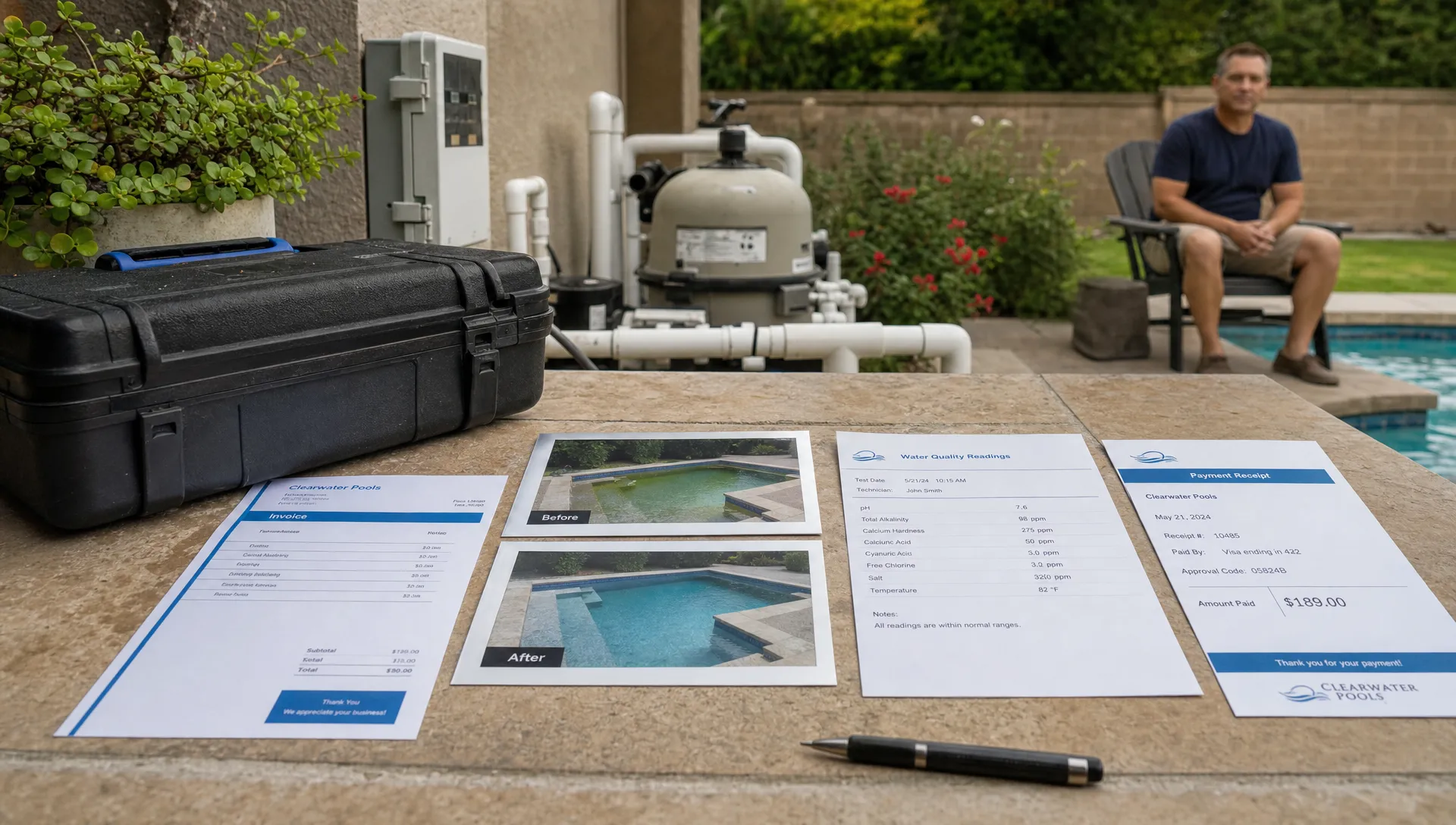
Contractors do not usually outgrow their tools all at once. The first signs are smaller and more irritating: a sold job that never gets scheduled, a completed repair that sits uninvoiced for a week, a homeowner who calls about a charge the office cannot explain, or a technician who knows what happened in the field but not what was promised during the estimate.
That is why CRM and accounting should not be treated as separate back office categories. For contractors, especially pool service companies with recurring routes and repair work, the money trail starts long before an invoice is created. It begins with a lead, an estimate, a property record, a scheduled visit, technician notes, water readings, equipment details, photos and customer approval.
When those pieces live in different places, accounting becomes cleanup. When they live in one workflow, accounting becomes the natural final step of doing the work correctly.
The real issue is not software, it is handoff friction
Most contractors start with a practical stack: spreadsheets, calendar apps, text messages, a basic accounting tool and maybe a generic CRM. That can work when the owner is still close to every job. It breaks down when more people touch the same customer.
The office needs to know what was sold. The technician needs access instructions, equipment history and the scope of work. The customer needs arrival updates and proof that the work was completed. The person creating the invoice needs accurate labor, materials, photos, service notes and payment status.
If any handoff depends on memory, screenshots or a paper checklist left in a truck, revenue leaks follow. The leak may look like poor collections, but the root cause is often operational data that never made it into billing.
Contractors talk about this constantly in online communities. Reddit threads in places like r/smallbusiness, r/QuickBooks and contractor focused subreddits often circle around the same complaints: the crew did the work, the customer expected a different price, the office cannot reconcile notes and the owner spends nights matching texts to invoices. Reddit is not formal research, but it is useful voice of customer data because the frustrations are blunt and repetitive.
Contractor growth articles tend to point in the same direction. Teams scale when customer records, estimates, scheduling and billing stop living in separate silos. SplashIQ has covered that broader scaling decision in its CRM software comparison for contractors ready to scale, but the accounting angle deserves its own focus.
Why standalone CRM and accounting tools fall short
A standalone CRM is usually built to answer sales questions: Who is the customer, what stage is the deal in and when should someone follow up? A standalone accounting system is built to answer financial questions: What was billed, what was paid, what is overdue and how should transactions be categorized?
Those are both necessary. The problem is that contractors do not operate in a clean line from sales to finance. Field service adds a middle layer where the work changes, the property matters and the technician creates the evidence needed to bill accurately.
For a pool service company, a customer record without property context is incomplete. One homeowner may have multiple pools or properties. One property may have gate codes, dogs, spa equipment, a salt system, a heater with recurring issues and a billing contact who is not the person who meets the technician. If the CRM does not carry that context into scheduling and billing, the accounting record receives only a thin version of the job.
On the other side, accounting software may show that an invoice is unpaid, but not why. Did the homeowner dispute the charge? Was the repair missing before and after photos? Was the wrong service package billed? Did a technician forget to record chemical readings or parts used?
That is the gap accounting CRM software is meant to close. It does not need to replace every bookkeeping function. For many contractors, the bigger win is connecting the operational record to the billing event so the invoice is supported by the same data the team used to sell, schedule and complete the work.
What one workflow should actually connect
The phrase one workflow can sound vague, so it helps to map the contractor journey from first contact to cash collected.
| Workflow stage | What the team needs | What accounting needs later |
|---|---|---|
| Lead or referral | Contact details, property type, service interest and source | Revenue attribution and customer setup |
| Estimate or approval | Scope, price, photos, notes and homeowner agreement | Billable line items and dispute protection |
| Scheduling | Route, technician assignment, access details and expected duration | Labor context and service date |
| Field work | Completion notes, readings, photos, parts and equipment status | Invoice accuracy and job costing support |
| Customer communication | Arrival alerts, completion updates and follow up messages | Fewer billing questions and faster payment |
| Billing and payment | Final charge, invoice delivery and payment method | Cash flow visibility and receivables tracking |
The table shows why CRM and accounting cannot be separated cleanly in a field service business. Billing quality depends on what happened upstream.
This is also why a contractor CRM should not stop at contact management. If the system cannot connect lead intake, estimates and jobs, the office still has to rebuild the story at invoice time. For a deeper look at that sales to operations handoff, see how sales CRM software can connect leads, estimates and jobs without forcing the team to duplicate entry.
Cash flow depends on field data
Many contractors think of accounting as something that happens after the work is done. In practice, cash flow is shaped during the work.
Same day invoicing is only possible when the office trusts the field record. That record might include the completed service checklist, chemical readings, photos, equipment notes, parts used and any homeowner approvals. If the technician has to call the office, retype notes or return with paper forms, the invoice waits. If the invoice waits, cash waits.
Pool companies feel this especially hard because they often manage a mix of recurring maintenance, seasonal openings and closings, repairs, remodel related work and urgent service calls. A missed recurring invoice hurts margin slowly. A missed repair invoice can hurt immediately, especially when parts were purchased in advance or a specialist was assigned.
Strong accounting habits still matter. Contractors need clear categories, consistent deposits, weekly cash review and disciplined follow up on open invoices. The difference is that those habits become much easier when the service record already contains the information billing needs. SplashIQ covered several of those practical routines in its guide to pool contractor accounting habits that protect cash flow.
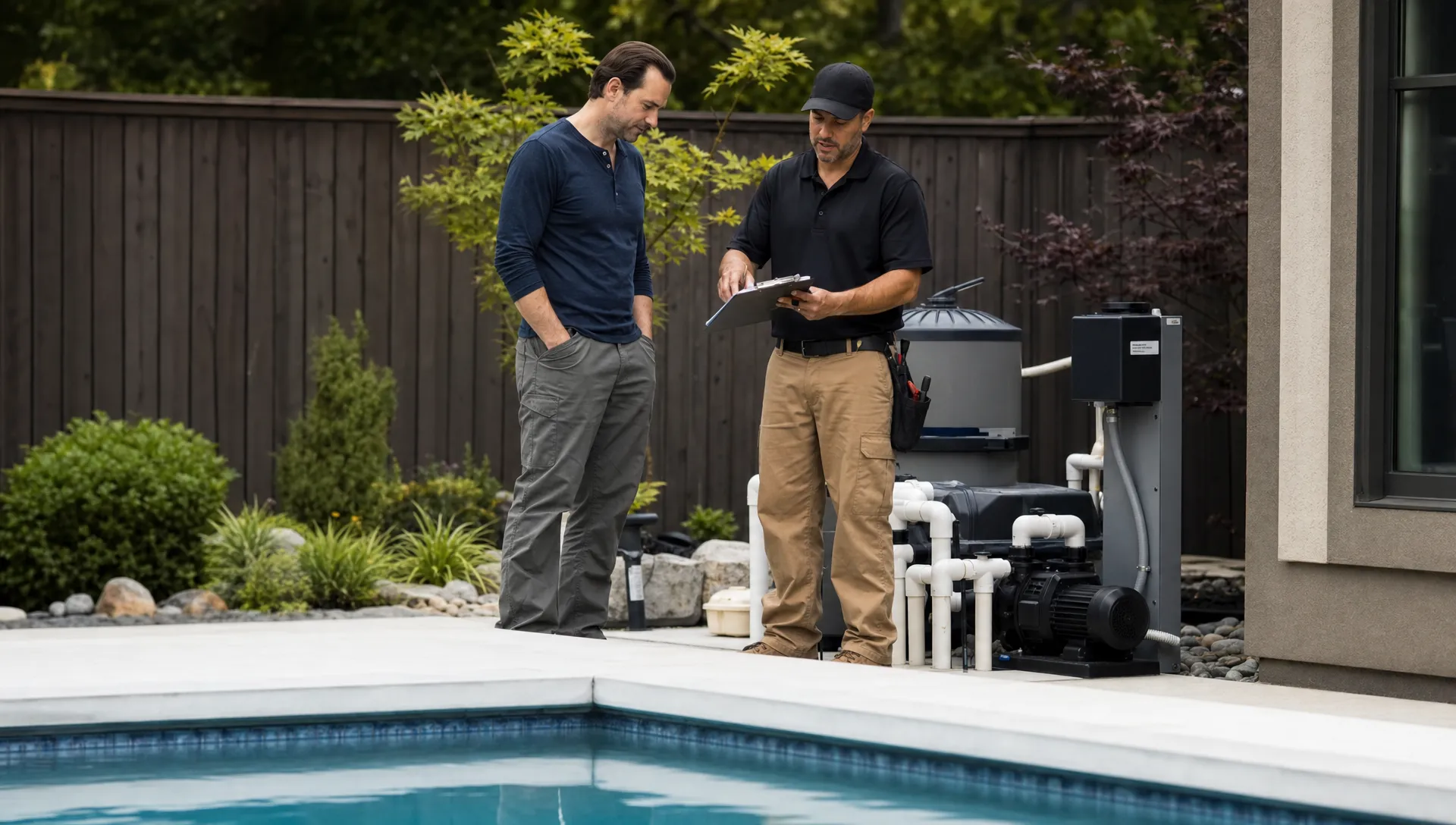
One workflow gives owners better decisions, not just cleaner invoices
The immediate benefit of connecting CRM and accounting is fewer missed invoices. The longer term benefit is better management.
A contractor cannot improve what is hidden across disconnected systems. If sales activity is in one tool, field notes in another and payments somewhere else, the owner gets fragments instead of insight. They may know revenue went up, but not which work created margin. They may know callbacks increased, but not which equipment types, routes or technicians are involved. They may know receivables are aging, but not whether the issue is customer communication, invoice timing or disputed scope.
A connected workflow helps owners ask better questions:
- Which lead sources turn into profitable recurring customers?
- Which services create the most billing disputes or callbacks?
- Which routes are consistently late, rushed or under documented?
- Which technicians complete work with the cleanest notes and fewest follow up calls?
- Which customers need deposits, financing options or clearer approvals before work begins?
That last question matters because growth is not only about winning more work. It is about winning work the company can deliver, document, bill and collect without burning out the office.
What to look for in accounting CRM software
Contractors evaluating accounting CRM software should be careful not to buy a tool based only on a dashboard demo. The real test is whether the system follows how field work actually happens.
A useful workflow should include several basics.
- Customer and property records in one place: Contractors need to see the homeowner, billing contact, service address, access notes, equipment history and communication record without hunting across tools.
- Scheduling tied to the customer record: A job should not be just an event on a calendar. It should carry scope, technician assignment, route context and service history.
- Field documentation that supports billing: Technician notes, water quality logs, before and after photos, equipment updates and parts used should be easy to capture while the work is fresh.
- Customer communication built into the process: Arrival notices, completion updates and billing related messages reduce confusion and help the customer understand what they are paying for.
- Billing and payment flow close to the work order: The invoice should be created from the job record whenever possible, not recreated from memory later.
- Reporting that connects operations to revenue: Owners need to see more than sales totals. They need visibility into completed work, unpaid invoices, technician performance and service trends.
For pool service companies, SplashIQ is designed around this kind of operating flow. It brings CRM, scheduling, water quality logging, equipment tracking, homeowner notifications, field updates, homeowner billing, online payments, financing support and technician scorecards into a shared system for office teams, technicians and homeowners.
That does not mean every contractor needs to abandon their accounting platform. In many businesses, the smartest structure is to keep a dedicated accounting system for bookkeeping, tax preparation, payroll and financial reporting while using the field operating system to make sure every invoice is accurate, timely and backed by job data.
Scaling contractors eventually need stronger integration discipline
At a certain size, contractors stop thinking only about individual apps and start thinking about systems architecture. Multi location service companies, private equity backed home service groups and larger specialty contractors often need CRMs, field operations tools, accounting platforms, payment systems and sometimes ERP environments to share reliable data.
That is where workflow discipline becomes even more important. If a small company has messy data, the owner can sometimes fix it manually. If a larger company has messy data, the errors multiply across reporting, collections, customer service and compliance.
Mid market companies that reach ERP complexity often bring in specialists for integration, automation and controls. For example, firms working heavily in NetSuite may need NetSuite ERP and system integration support to reduce diagnostic guesswork, improve visibility and keep financial infrastructure from becoming a black box.
Most pool service companies will not start there, and they do not need to. But the lesson applies at every size: clean workflows are cheaper to build early than to untangle later.
How to implement one workflow without overwhelming the team
Contractors often hesitate to change systems because technicians are busy, office staff already have too much to do and customers still expect service to run normally. That concern is valid. A better workflow should reduce friction, not create a months long software project that stalls the business.
Start with the highest value handoff. For many contractors, that is completed work to invoice. If the team can capture cleaner field notes, photos and approvals, the office can bill faster and answer customer questions with confidence. Once that handoff is stable, improve lead intake, estimate follow up, route scheduling and payment collection.
Keep required fields practical. A technician should not be forced to complete a long form that does not affect service quality or billing. Focus first on the fields that prevent callbacks, support invoices and protect the company: service completed, issue found, readings or measurements, parts used, photos and follow up needed.
Train around real jobs instead of abstract features. Walk through yesterday's completed repair and show how it should move from customer record to schedule to field notes to invoice. People adopt software faster when they can see how it removes a problem they already dislike.
Review the workflow weekly at first. Look for invoices that were delayed, jobs with missing documentation, customers who asked billing questions and technicians who need a simpler process. Small adjustments during the first month prevent the new system from becoming another disconnected tool.
What this looks like for a pool service company
Imagine a homeowner requests help with recurring cloudy water. In a disconnected workflow, the request may arrive by phone, get written on a sticky note, land on a technician's route through a calendar event and become an invoice days later. By then, the office may not know the exact readings, what chemicals were added, whether the filter pressure was abnormal or what the technician recommended next.
In one workflow, the request creates or updates a customer and property record. The scheduler assigns the visit based on route and technician availability. The technician sees service history, access notes and equipment information before arriving. During the visit, they log water quality, add notes, capture photos if needed and mark recommended follow up. The homeowner receives a service update. The office can bill from the completed record and answer questions using the same information the technician captured onsite.
Nothing about that process is flashy. It is simply less leaky. The customer receives clearer communication, the technician has better context, the office does less chasing and the owner sees the connection between work performed and money collected.
Frequently Asked Questions
Do contractors need CRM and accounting in the same software? Not always. Many contractors still use dedicated accounting software for bookkeeping and tax work. The key is that CRM, scheduling, field documentation, billing and payment workflows should connect cleanly so invoices are accurate and no completed work gets lost.
What is accounting CRM software for contractors? Accounting CRM software refers to a workflow that connects customer records, sales activity, jobs, billing details and payment status. For field service contractors, it should also include property details, technician notes, photos and service history.
Why do separate systems cause cash flow problems? Separate systems create delays and missing context. If the office has to gather texts, paper notes, photos and calendar details before invoicing, bills go out late and disputes are harder to resolve.
Is this only useful for large contractors? No. Small teams often benefit the most because the owner is usually the person absorbing the administrative chaos. A connected workflow helps small contractors invoice faster, reduce callbacks and prepare for growth.
How should a pool service company start? Start by connecting completed service visits to billing. Make sure technician notes, water quality logs, photos, equipment updates and approvals are captured in a way the office can use immediately.
Bring your pool service workflow closer to the money
Contractors do not need more disconnected apps. They need a workflow that keeps the customer, property, schedule, field record, invoice and payment moving together.
SplashIQ helps pool service companies replace spreadsheets and paper checklists with one operating system for offices, technicians and homeowners. If your team is ready to connect CRM, scheduling, service documentation, homeowner communication and billing in a cleaner workflow, visit SplashIQ to see how it can support your next stage of growth.