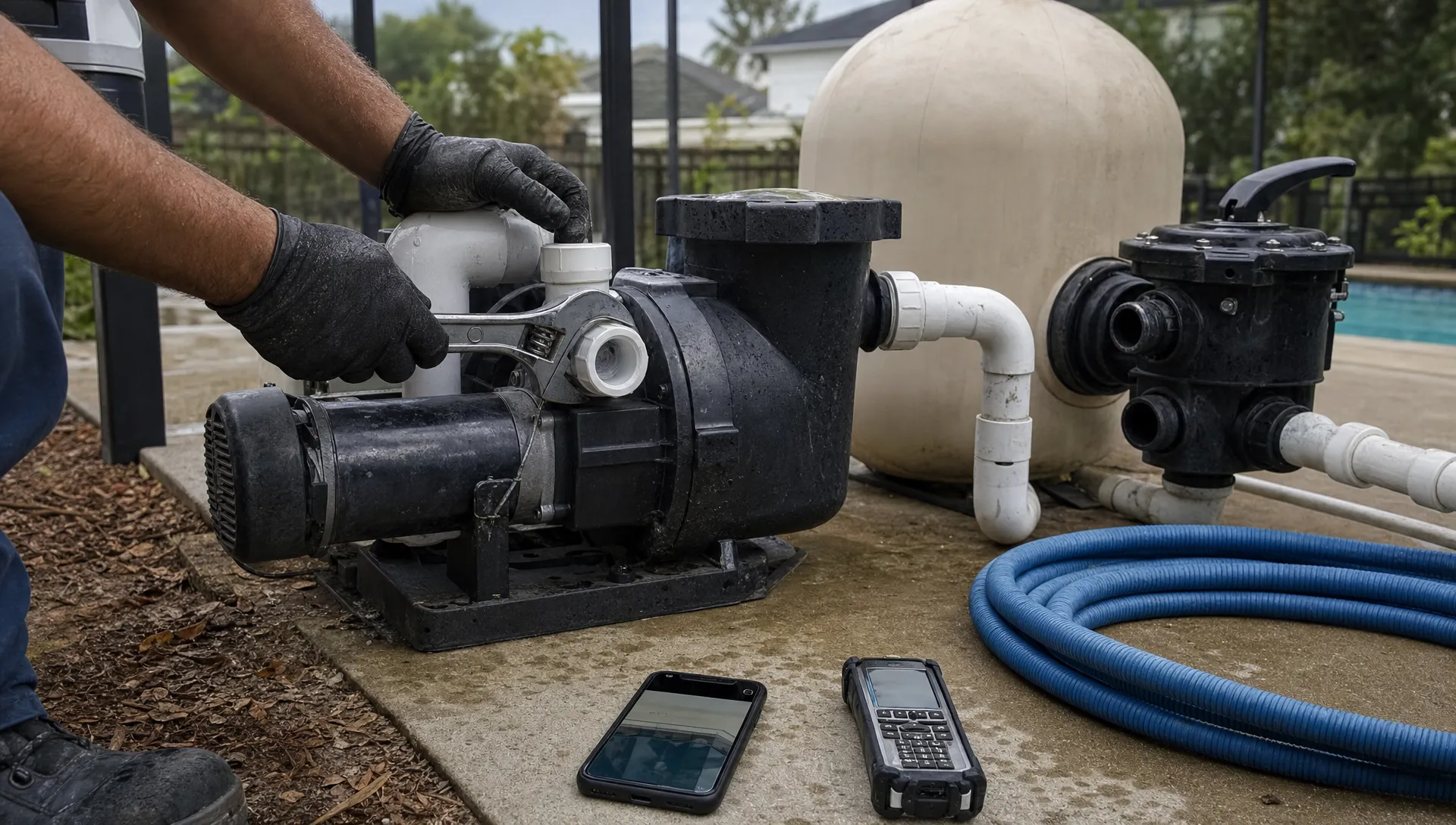
An ecommerce crm can help manage customers who buy pool parts, but it usually cannot run the entire installation workflow on its own. Selling a replacement pump involves an order and payment. Installing it also requires equipment checks, a qualified technician, scheduling, field documentation and a clear policy for additional work.
The distinction matters because a successful checkout does not necessarily mean the job is ready to dispatch. A homeowner may select an incompatible part, purchase installation outside your service area or expect a fixed price before anyone has inspected the equipment pad.
For pool service companies, the right question is not simply whether the software can sell products. It is whether your systems can carry one purchase through fulfillment, installation and aftercare without losing the property details or creating conflicting records.
Where ecommerce crm fits in pool parts sales
An ecommerce CRM primarily supports customer relationships around purchases: contact records, sales activity, follow-up and marketing. Depending on the product, it may connect to an online store, but a CRM is not automatically a storefront, inventory system or field service platform.
Evaluate the complete software setup rather than assuming one application covers everything.
| Business requirement | System that typically owns it | What to verify |
|---|---|---|
| Product listings and checkout | Ecommerce platform | Part numbers, variants, installation options and service-area restrictions |
| Customer communication | CRM | Purchase history, consent preferences and follow-up ownership |
| Available stock | Inventory or commerce system | Warehouse stock, reserved units and truck stock where applicable |
| Installation appointment | Field service system | Technician qualifications, availability and job readiness |
| Equipment history | Property or asset record | Model, serial number, installation date and supporting photos |
| Financial reconciliation | Payment and accounting systems | Deposits, refunds, labor charges and invoice references |
These categories can overlap, but overlap is not proof of a complete workflow. For example, Shopify’s inventory documentation covers stock management within its commerce platform. That is a different responsibility from maintaining a pool’s equipment history or assigning an installer.
For straightforward parts-only transactions, ecommerce crm may be enough for the customer relationship layer, provided the connected commerce system handles fulfillment correctly.
Why installation changes the requirements
Pool equipment purchases carry a compatibility risk that ordinary retail checkout cannot always resolve. A homeowner’s description of “the same pump” may omit the exact model, electrical requirements, plumbing connections or automation configuration.
Your sales process should distinguish between a confirmed replacement and a recommendation that still needs a site assessment. Avoid treating an unverified selection as an installation-ready job.
Separate the buyer, property and equipment
One customer may own several properties. A property manager may approve the work while a different person pays. The shipping address may not be the installation address.
The job needs a specific service location and an equipment record, not just an email address attached to an order. Record the existing model, relevant compatibility notes and any photos used to approve the replacement. Have a qualified professional verify technical requirements before installation.
Separate product fulfillment from job completion
“Paid,” “delivered” and “installed” describe different events. Marking an order fulfilled when equipment leaves the warehouse does not establish that the technician completed the work.
An ecommerce crm becomes an operational liability when staff interpret a sales status as permission to dispatch. Define the evidence required for an installation-ready status, such as compatibility approval, confirmed material availability and customer acceptance of the scope.
If your existing sales process already loses details between estimates and jobs, start by connecting leads, estimates and field work before adding another online sales channel.
Build an explicit order-to-job handoff
A reliable handoff identifies what was purchased, where it belongs and what the technician is authorized to do. It should not require the dispatcher to reconstruct the sale from confirmation emails.
Choose a system of record for each type of information. The commerce platform might own the order and refund history, while the field service platform owns the appointment and completion evidence. Both should reference the same transaction and property.
At minimum, carry the order identifier, customer identifier, service address, purchased SKU, quantity, approved labor scope and payment status into the job record. Include compatibility evidence and access instructions where relevant.
Decide what triggers job creation
Not every paid order should create a dispatchable appointment. You might create a pending job immediately, then release it for scheduling only after review. Alternatively, you might create the job after the customer accepts an installation estimate.
Neither approach is universally better. The important requirement is that office staff can distinguish an order awaiting review from work ready to schedule.
Before connecting ecommerce crm to field operations, specify how duplicate orders, changed addresses and canceled purchases affect the job. Ask vendors to demonstrate these events rather than only showing a successful first-time purchase.
An integration should also make failed transfers visible. If a webhook, connector or manual import fails, someone needs a clear exception queue and responsibility for resolving it.
Handle returns, backorders and additional labor
The normal purchase path is only part of the design. Installation businesses need rules for what happens when the original plan changes.
Backorders and stock allocation
A product can appear available online yet be unavailable for the scheduled job if stock is not reserved correctly. Confirm whether your system distinguishes stock on hand from stock already committed to another customer.
If materials are delayed, the appointment and homeowner communication need to reflect that delay. Do not let a sales confirmation promise an installation date your dispatch team has not accepted.
Returns and changes after inspection
Suppose the technician finds that the purchased component is unsuitable. Your process needs to preserve the original transaction, record the reason for the change and obtain approval for the replacement.
An ecommerce crm should help staff find the customer’s purchase history, but it does not by itself determine whether a return, exchange or warranty claim is appropriate. Follow your published terms, applicable law and the manufacturer’s requirements.
Keep product returns separate from labor adjustments. An unopened part, installed equipment and a completed diagnostic visit may require different treatment.
Additional work approval
If the approved installation scope excludes electrical or plumbing modifications, document that boundary before dispatch. When additional work is necessary, obtain authorization before proceeding and retain the revised scope with the job.
This protects the homeowner from surprise charges and gives your office a defensible record for billing.
Test the workflow with a realistic pump order
Use a hypothetical replacement-pump purchase as a software demonstration, not just a tour of customer profiles.
The homeowner orders a pump with installation requested. The office reviews equipment photos, confirms compatibility and attaches the order to the correct property. Inventory is reserved before the team commits to an appointment.
Next, dispatch assigns a suitable technician. The technician receives the approved scope, access notes and equipment information. At the property, they document the existing installation and record any approved changes before completing the work.
The final record should show what was installed, when it was installed and which charges belong to the original purchase versus subsequent authorized work. Where applicable, retain the model, serial number and warranty documentation.
Then repeat the demonstration with a wrong part, a partial refund and a rescheduled appointment. A system that handles only the clean transaction has not passed the test.
Pay particular attention to whether the office can answer the homeowner’s questions without opening several disconnected records. The goal is traceability across the purchase and the job, not necessarily putting every function into one application.

Compare total operating cost, not just subscriptions
A low monthly software price can be misleading if each order requires staff to copy addresses, rebuild line items and reconcile payments manually.
Measure the administrative effort in your own pilot. Track time spent reviewing compatibility, transferring order details, correcting records and handling changes. Include connector fees, setup work and training in the comparison.
For installed parts, assess profitability at the job level. Relevant costs may include equipment, freight, technician labor, travel, approved additional materials and return-related expenses. Make sure refunds and labor adjustments do not disappear into separate reports.
The best ecommerce crm arrangement for your business is the one that supports reliable execution at an acceptable total cost, not the one with the longest feature list.
You have three practical options: use commerce software for parts-only sales, connect commerce to a field service platform for installed products or make a service-first platform the operational core while adding a storefront where needed. Choose based on your actual sales mix and the capabilities vendors demonstrate.
What contractor CRM articles and Reddit can add
When reading articles about contractors using CRM software to scale, look for the process change behind the claim. Adding software does not establish that a business reduced administrative work or improved installation capacity.
SplashIQ’s article on connecting office, field and billing describes the shared-record approach relevant to growing pool service teams. Apply that idea to parts sales by checking whether each department can follow the same purchase through its own responsibilities.
For owner perspectives, browse CRM discussions on Reddit’s r/smallbusiness. Look for posts from contractors with a comparable mix of product sales and field work, rather than assuming advice from a purely online retailer transfers directly.
Reddit posts are anecdotal, not verified performance evidence. Use them to develop questions about adoption, duplicate entry and support, then test those concerns against your own workflow.
Questions to ask before buying
A vendor demonstration should use your transaction types and exception cases. Ask the salesperson to show the records changing, not simply confirm that a feature exists.
- Compatibility: Can an order remain pending until someone approves the equipment selection?
- Inventory: What prevents two orders from committing the same available unit?
- Scheduling: Can dispatch tell whether materials and approvals are ready?
- Field access: What job information can technicians access without connectivity?
- Changes: How do approved substitutions, additional labor and partial refunds stay linked?
- Traceability: Can staff follow one order through installation and final billing?
- Integration failures: Who sees a failed transfer and how is it recovered?
When assessing ecommerce crm, request a pilot with both parts-only and installed-equipment orders. Include an exception case and have office staff, a dispatcher and a technician review the results.
A useful acceptance standard is simple: no one should need to guess which property, product, approval or payment a record refers to.
Frequently asked questions
Can an ecommerce CRM schedule pool equipment installations? Some products offer scheduling features or integrations, but an appointment calendar alone is insufficient. Verify technician assignment, material readiness, approved scope and field documentation before relying on it for installations.
Do pool parts sales require a separate inventory system? Not always. Your commerce platform may meet your stock-management needs. A business with warehouse inventory, truck stock or frequent special orders should test those requirements explicitly rather than assuming they are supported.
Can ecommerce crm manage warranty claims? It may retain purchase history and customer communication. Warranty handling can also require equipment identifiers, installation records and manufacturer-specific documentation. Verify where those records live and how staff retrieve them.
Should installation be sold at checkout? It can be offered when eligibility, service area, compatibility and scope are clear. If the work depends on a site assessment, present installation as subject to review rather than promising a fixed scope or appointment that has not been confirmed.
Does a pool service business need an online store? Not necessarily. A service-first business may sell replacement equipment through recommendations and approved estimates. A storefront is more useful when customers can select products reliably and fulfillment rules are well defined.
Evaluate the service workflow first
SplashIQ supports customer CRM, smart route scheduling, equipment tracking, an offline field app, before-and-after photos, homeowner communication and online payments. These are relevant to the service side of parts installation.
Explore SplashIQ’s pool service CRM with your order-to-installation workflow in hand. Confirm any required storefront connections, inventory support and accounting integrations rather than assuming they are included. If ecommerce crm remains part of your setup, define its responsibilities and handoffs before committing to either platform.