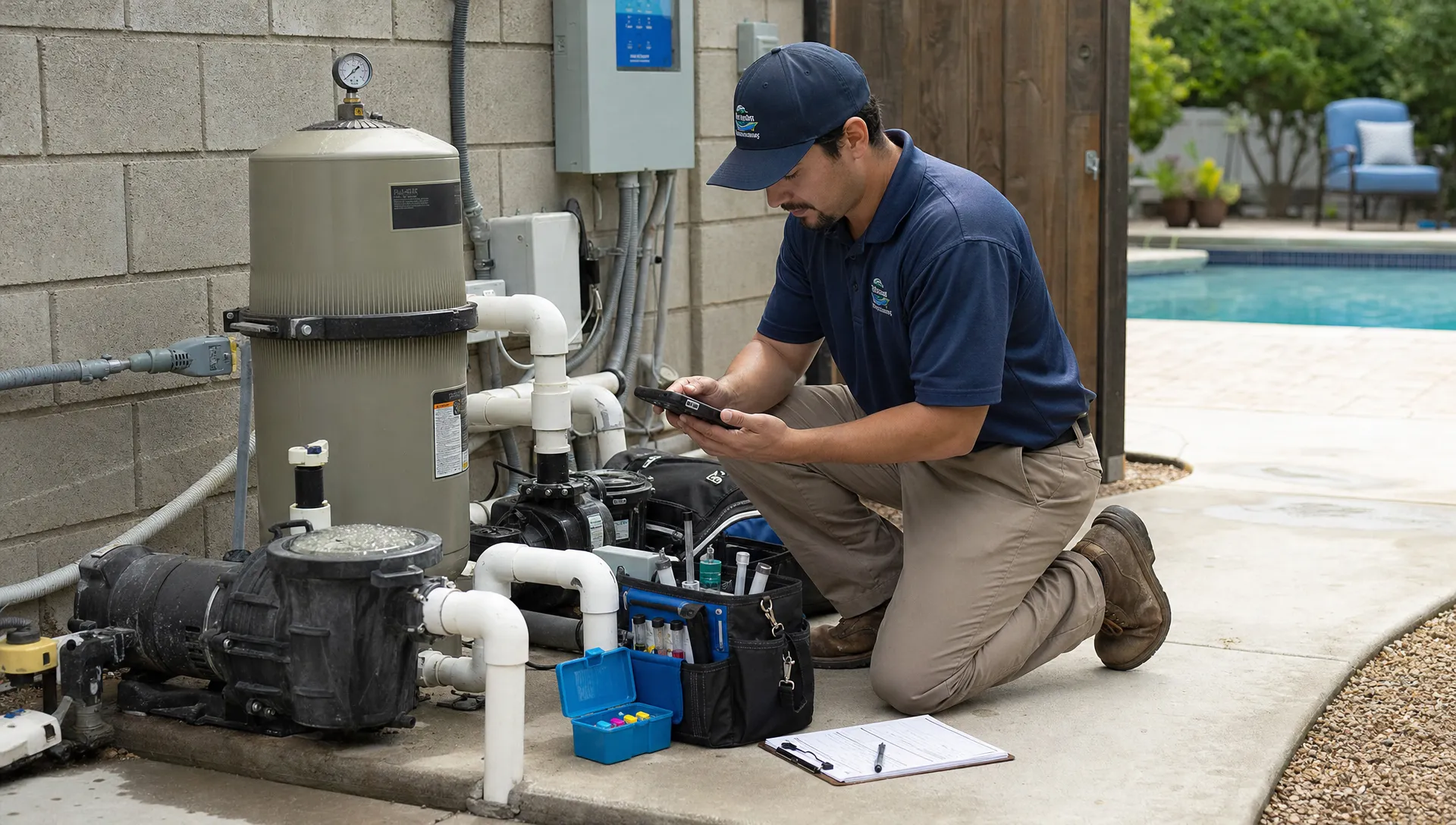
A CRM mobile workflow should let a substitute technician service an unfamiliar pool without calling the absent employee for every gate code, equipment detail or customer preference. When someone calls out, the immediate job is to redistribute work. The harder job is preserving service quality, accurate records and clear homeowner communication while the route changes.
This guide follows that coverage day from the first dispatch decision through the next morning’s handback. The goal is a repeatable process that does not depend on the absent technician being available.
Stabilize the day before moving appointments
Choose one person to coordinate coverage. That dispatcher owns assignments, schedule changes and unresolved exceptions until the day closes. Other employees can help, but parallel edits create opportunities for duplicate visits and missed stops.
Confirm which appointments remain unfinished rather than assuming the entire route needs reassignment. Then separate the work into practical priority groups:
- Time-sensitive concerns: Properties with reported safety issues, equipment failures or conditions requiring qualified assessment.
- Restricted-access visits: Stops with homeowner appointments, limited gate access or other fixed windows.
- Routine maintenance: Visits that another qualified technician can complete using the property record.
- Potential deferrals: Work the office can consider rescheduling after reviewing service obligations, pool conditions and homeowner expectations.
Do not classify a visit as deferrable solely because it looks inconvenient on the map. An unresolved concern may change its priority.
The first CRM mobile decision is therefore an ownership decision: who is responsible for making sure every affected appointment receives a documented outcome? Record that person before distributing stops.
Build a property-level handoff, not a customer-name list
A substitute needs the service location, not just the account holder’s name. One customer may own multiple properties, each with different access instructions, equipment and service requirements.
Use a compact handoff record that answers the questions a replacement technician would otherwise ask from the driveway.
| Handoff item | Information the substitute needs | Mistake it helps prevent |
|---|---|---|
| Property and appointment | Correct address, service scope and visit window | Servicing the wrong pool or performing the wrong work |
| Access and hazards | Approved entry instructions, pets and known site hazards | Failed entry or unsafe access |
| Recent water records | Latest readings, treatment history and timestamps | Treating old readings as current conditions |
| Equipment history | Equipment identification, relevant photos and open issues | Repeating troubleshooting or overlooking a known fault |
| Authorization | Approved work and the person authorized to approve extras | Unapproved repairs or charges |
| Communication | Current concerns and recent homeowner messages | Contradictory promises or repeated questions |
Keep sensitive access information in the approved system rather than copying it into a group text. Clear contact and property records make this handoff more reliable when ownership and service addresses differ.
A useful CRM mobile handoff distinguishes permanent property information from today’s instructions. “Dog usually indoors” is background information; “homeowner confirmed dog secured this morning” is a dated update, not a permanent guarantee.
Reassign by workload, access windows and qualifications
Distance matters, but proximity alone does not establish capacity. The nearest technician may already have a full day, lack the necessary equipment or be unqualified for an open repair.
For CRM mobile coverage planning, estimate the added work using service time, travel, access windows, restocking needs and a reasonable disruption buffer. Compare that total with actual available time, not an empty-looking space on a calendar.
Consider a hypothetical route with 18 affected visits. Eight cluster on the west side, six on the east side and four have restricted access or unresolved equipment concerns. Those are planning groups, not automatic assignments. Review the four constrained properties individually before distributing the geographic clusters.
A simple capacity calculation can expose an unrealistic plan. Eight additional visits at an estimated 30 minutes each consume four hours before travel. Add 80 minutes of driving and 40 minutes for breaks and restocking, and the assignment requires six hours. These illustrative estimates must be replaced with your own route data.
Change the assigned technician on the existing appointment when your system supports it. Creating a second appointment while leaving the original active can produce duplicate reminders, conflicting completion records and billing confusion. Confirm that each replacement technician has received and accepted the revised workload.
Establish CRM mobile checkpoints for every replacement visit
Give substitutes a consistent sequence: review the property, confirm access, assess current conditions, perform authorized work and document the outcome. The sequence should remain familiar even when the pool is not.
Before entering, the technician should verify the address and read access notes. If entry fails, record the attempt and contact dispatch through the approved channel. Do not improvise access around a locked gate or disregard an animal warning to save the stop.
At the pool, collect current readings and inspect conditions according to company procedures. Previous water-quality logs provide context, not a substitute for today’s testing. Never reproduce the absent technician’s chemical additions simply because they appeared on the last visit.
For equipment concerns, distinguish routine service from diagnosis and repair. A coverage assignment does not expand the substitute’s qualifications or the homeowner’s authorization. Record the issue and escalate work outside the approved scope.
Before leaving, save the required readings, service notes and appropriate photos. Separate “routine maintenance completed” from “equipment issue resolved.” A clean pool does not prove that a reported heater fault has been repaired.
When information is missing, the default should be a documented exception with an owner, not a guess that becomes part of the permanent record.
Test offline behavior before coverage depends on it
A CRM mobile app with offline access can help on properties with unreliable reception, but the label does not establish exactly what works without a connection. Test the functions your substitutes actually need.
Before departure, confirm that assigned properties and necessary history are available on the device. In a controlled test, disconnect the phone and check whether the technician can open access notes, review equipment information, enter readings, save photos and record a visit outcome. Some functions may remain online-only.
Reconnection needs its own test. Confirm how the system shows pending uploads, failed uploads and successfully synchronized records. A technician seeing a photo on their phone does not necessarily mean dispatch can see it.
Ask the vendor what happens when two people edit the same appointment while one is offline. Does the system preserve both entries, flag a conflict or replace an earlier value? Do not assume that separate treatment records and editable appointment notes behave identically.
Until those behaviors are established, avoid editing the same fields from multiple devices. Keep measured readings and treatment entries attributable to their author and visit time. Resolve conflicting records through a designated reviewer rather than silently deleting one.
Also test an older supported phone on both relevant operating systems. Check loading speed, readable text and photo capture under realistic field conditions, not only on the office’s newest device.
Notify homeowners after the assignment is settled
Homeowners usually need a concise explanation, an appropriate arrival window and a clear way to report access changes. They do not need the absent employee’s medical information or personal circumstances.
A CRM mobile communication workflow should prevent conflicting messages. Confirm who controls arrival notifications and whether reassigning a visit changes the sender, timing or notification trigger. These behaviors vary by platform and configuration.
A practical message might read: “Jordan will handle your pool service today in place of your regular technician. Your current service window is 1 to 4 p.m. Please let our office know if access instructions have changed.” Only promise that window after dispatch has checked feasibility.
If the visit must move, communicate the revised plan and record any homeowner response. Do not mark a customer as notified merely because someone intended to call.
After service, the summary should reflect what actually happened. If routine maintenance was completed but a repair remains open, say so. Avoid broad messages such as “everything is taken care of” when another technician still needs to return.
Keep communication in the customer record whenever possible so the next employee does not repeat a question the homeowner has already answered.
Separate service completion, exceptions and billing
Coverage introduces a common administrative trap: an appointment appears complete even though an access problem, equipment concern or billing decision remains unresolved.
Your CRM mobile process should track those outcomes separately. Use available statuses or a consistent office procedure to distinguish completed service, attempted access, approved deferral and work requiring follow-up. These are recommended operational categories, not a claim about any platform’s built-in status options.
For example, a substitute might complete scheduled cleaning while identifying a leaking connection. The maintenance visit can have a documented outcome while the leak becomes an open service request with its own responsible person. A defined service-request workflow helps keep that issue from disappearing inside a completion note.
Review billing independently. Moving a visit between technicians should not create another charge merely because someone created another record. Check how recurring service, skipped visits and separately approved repairs are handled under your agreements and system settings.
Before the office closes, reconcile the affected appointments against service documentation and applicable billing records. Every visit should have an outcome, and every unresolved issue should have a next action. Technician completion is one checkpoint, not proof that the entire customer workflow is finished.
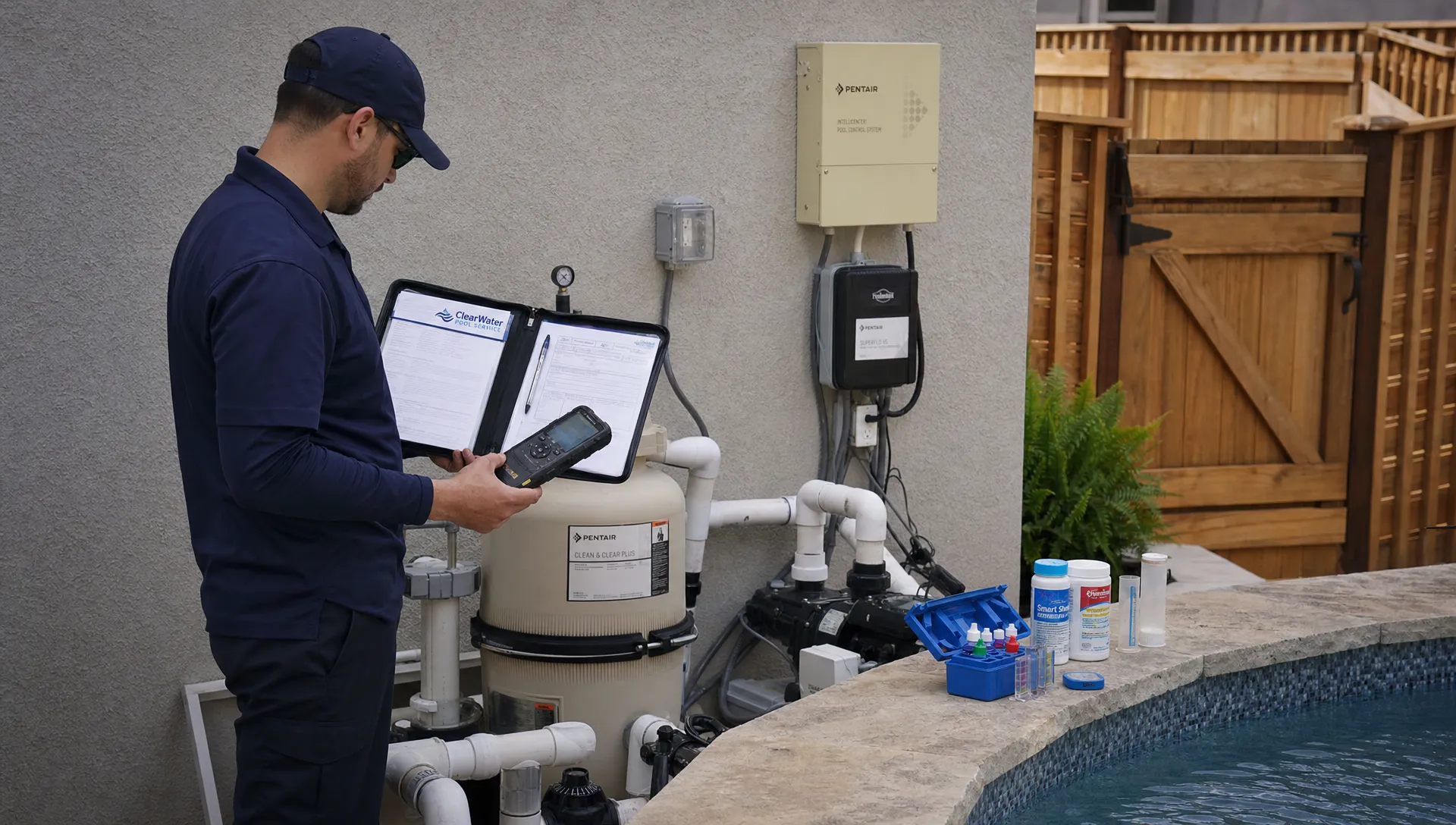
Protect customer data on replacement devices
A coverage day often means someone needs access to properties they do not normally service. Provide the information required for the assignment without distributing the entire customer database unnecessarily.
For CRM mobile access, use individual accounts rather than sharing the absent technician’s login. Verify the platform’s available permissions before assuming access can be limited by route, role or property. Where granular controls are unavailable, document the limitation and decide whether the arrangement is acceptable.
Personal phones need a clear bring-your-own-device policy. Address screen locks, supported operating systems, lost-device reporting, local downloads and what happens when employment ends. Explain any work-profile removal or remote-management capability before employees enroll their devices. NIST’s mobile device security guidance provides a useful reference for developing that policy.
Ask specifically how offline customer data is protected and removed. Signing out, revoking account access and deleting locally stored information are not necessarily the same operation.
Avoid exporting gate codes or customer details into personal notes, camera rolls or unapproved messaging tools. Test practical accessibility as well: substitutes must be able to read instructions and enter accurate records without excessive zooming or tiny controls. Security and usability both affect whether employees follow the approved process.
Close the coverage day and prepare the handback
The returning technician should not have to reconstruct yesterday from scattered texts. Close the day with a short exception review, then attach relevant outcomes to the affected appointments and properties.
A CRM mobile handback should identify changed conditions, completed work, unresolved concerns and promises made to homeowners. It should also explain any departure from the usual service plan. Include who made the decision and when.
Dispatch should confirm that offline entries have synchronized or identify which records still need attention. If an upload is pending, keep a named owner on the issue until the office can verify receipt. Do not ask the returning technician to perform another treatment simply because yesterday’s record is temporarily unavailable.
Where temporary permissions were granted, review whether they should be removed. Restore the regular schedule without erasing who actually performed the coverage work.
Finally, update genuinely outdated property information discovered during the visit. A corrected equipment identifier can improve future service, while a one-day homeowner instruction should remain dated. Keeping those categories separate prevents temporary circumstances from becoming misleading standing instructions.
Measure coverage quality before adding more routes
An absence can reveal whether your operating process is repeatable. If only one technician knows how to access or service a property, adding customers increases dependence on that person rather than building reliable capacity.
Evaluate CRM mobile coverage using outcomes you can verify, not an assumed productivity percentage. Start with these measures:
- Unresolved appointments: Affected visits without a documented outcome at the daily review.
- Missing handoff information: Stops delayed by absent access details, unclear scope or incomplete equipment records.
- Documentation delays: Completed visits whose records are still unavailable to the office after the expected synchronization window.
- Coverage-related rework: Return visits or corrections attributable to an incomplete handoff or missed instruction.
- Billing exceptions: Duplicate charges, missing approved charges or disputes associated with reassigned work.
Track the cause alongside the count. A failed gate entry may reflect outdated instructions, a homeowner change or a technician oversight. Those require different fixes.
Review actual travel and service time against the estimates used during dispatch. Repeated overruns may indicate poor capacity assumptions rather than slow technicians. Use that evidence to adjust coverage plans before hiring another technician or adding another neighborhood.
Use contractor growth articles and Reddit as supporting research
CRM mobile adoption is useful to a growing contractor only when customer information survives changes in staffing and workload. A software purchase alone does not establish that capability.
For further reading on contractors using customer-management systems to support growth, explore the CRM and business-growth articles in Jobber’s Academy. Read vendor-published material with a specific question in mind: which process became repeatable, and what changed in dispatch, field documentation or follow-up? Do not treat a growth headline as proof that software caused the result.
For owner-to-owner perspectives, search Reddit’s r/sweatystartup CRM discussions. Look for accounts from field-service businesses with comparable staffing and recurring routes. Check the post date, distinguish firsthand experience from recommendations and treat comments as anecdotes rather than verified product documentation.
Translate useful ideas into a test. Ask whether another qualified employee could complete an unfamiliar route using the records alone. That is more relevant to absence coverage than a long list of features.
Frequently asked questions
What does CRM mobile mean for pool technician coverage? It means giving dispatch and field staff mobile access to the customer and property information needed to reassign, perform and document service. The coverage workflow should connect scheduling, access instructions, water-quality history, equipment details and follow-up ownership.
Can a substitute technician work without internet access? Potentially, if the chosen app supports the required offline functions and the necessary records are available before reception is lost. Test reading records, entering results, saving photos and synchronizing afterward. Offline support does not guarantee that every feature works disconnected.
Should every visit be completed on the original day? Not automatically. Review safety concerns, service obligations, water conditions, access restrictions and qualified staffing. If a visit moves, document the decision, assign the revised appointment and communicate with the homeowner.
How do we avoid duplicate billing after reassignment? Preserve one authoritative appointment where possible, confirm which record controls billing and review exceptions before charging. A technician change should not become a second billable visit unless separate work was actually authorized and performed.
Put the coverage workflow through a realistic drill
SplashIQ brings customer CRM, smart route scheduling, water-quality logs, equipment tracking, an offline field app, homeowner notifications, photos and payments into one pool-service platform.
Use a realistic absence scenario to evaluate your CRM mobile workflow: reassign several appointments, open an unfamiliar property, test offline documentation and reconcile the results. Confirm permissions, notification triggers, synchronization behavior and billing handling in your actual setup.
The test is straightforward: a qualified substitute should know what to do, the homeowner should know what to expect and the office should be able to verify what happened.