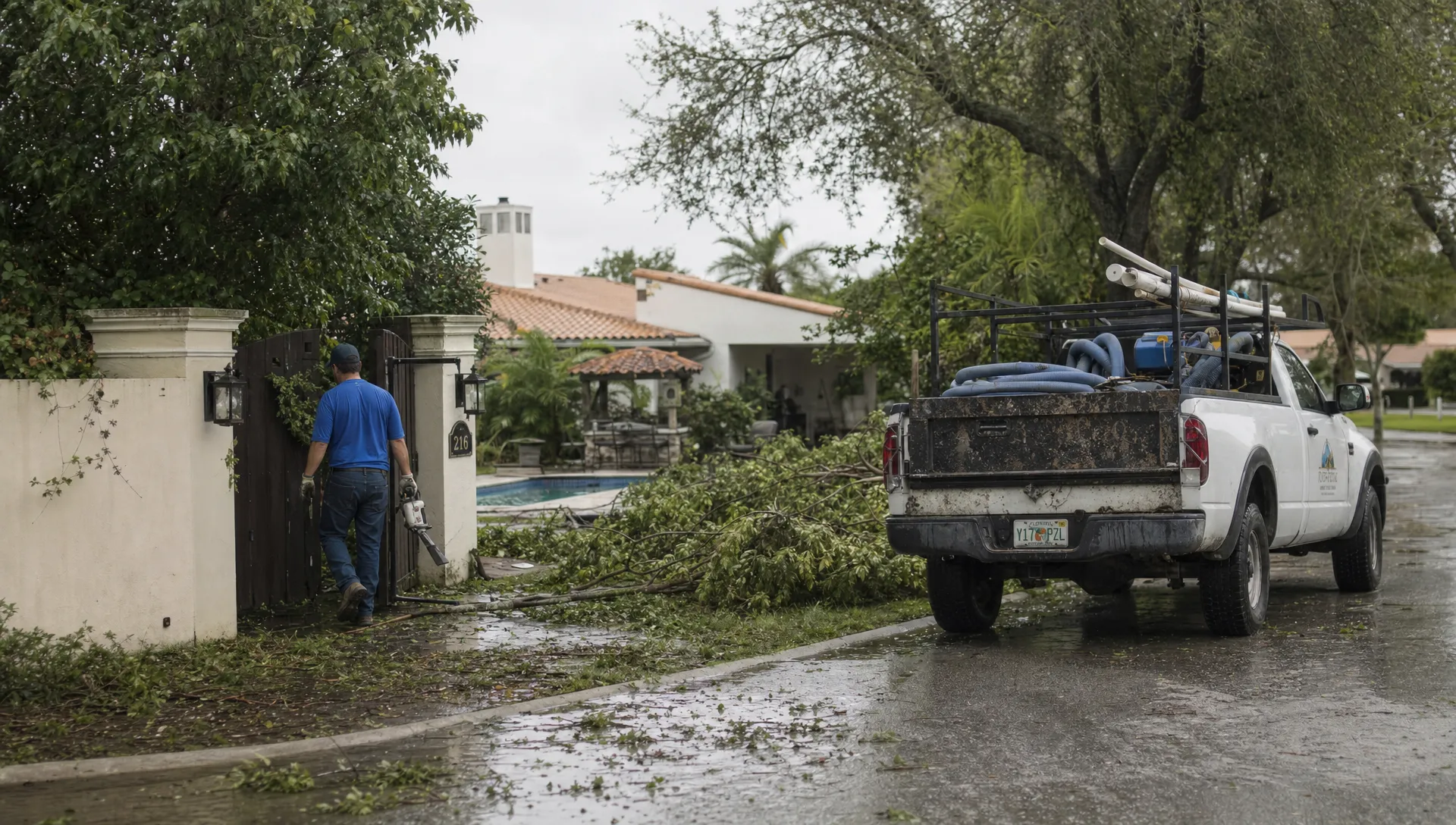
After a storm, pool service phones fill with reports of fallen branches, overflowing water, equipment failures and missed visits. A crm contact center gives office staff a shared way to capture those reports, separate safety concerns from cleanup requests and coordinate the next update. The goal is not to promise everyone an immediate truck roll. It is to make sure each homeowner receives an appropriate response and each technician receives enough information to work safely.
For a pool company, the contact center can be a small office team rather than a dedicated call center. What matters is the connection between customer records, incoming requests, dispatch decisions and field documentation.
Switch from routine scheduling to storm operations
A normal service day starts with a route. A storm response starts with conditions: which areas are accessible, which properties have reported hazards and which crews can safely travel.
Before returning calls, give the office one approved operating update. It should identify service areas on hold, who approves route changes and when dispatch will review conditions again. If those details remain uncertain, say so instead of letting individual agents invent arrival windows.
A crm contact center also needs a clear distinction between acknowledging a request and confirming a visit. “We have recorded your report” is not the same as “A technician is scheduled.” Keeping those commitments separate prevents an intake message from becoming an accidental service promise.
Give a crm contact center a storm-specific intake record
Storm intake should build on the existing property record, not create a disconnected spreadsheet that dispatch must reconcile later. Confirm the service address first, especially when one customer owns several properties.
Capture the following information without asking homeowners to approach hazards:
- Observed conditions: Record what the caller can see from a safe location, such as debris, unusual water color, standing water near equipment or a damaged enclosure.
- Reported hazards: Note electrical concerns, fallen power lines, floodwater intrusion, unstable trees or blocked access in the homeowner’s own words.
- Access conditions: Confirm gate access, road closures and whether the property can be reached safely.
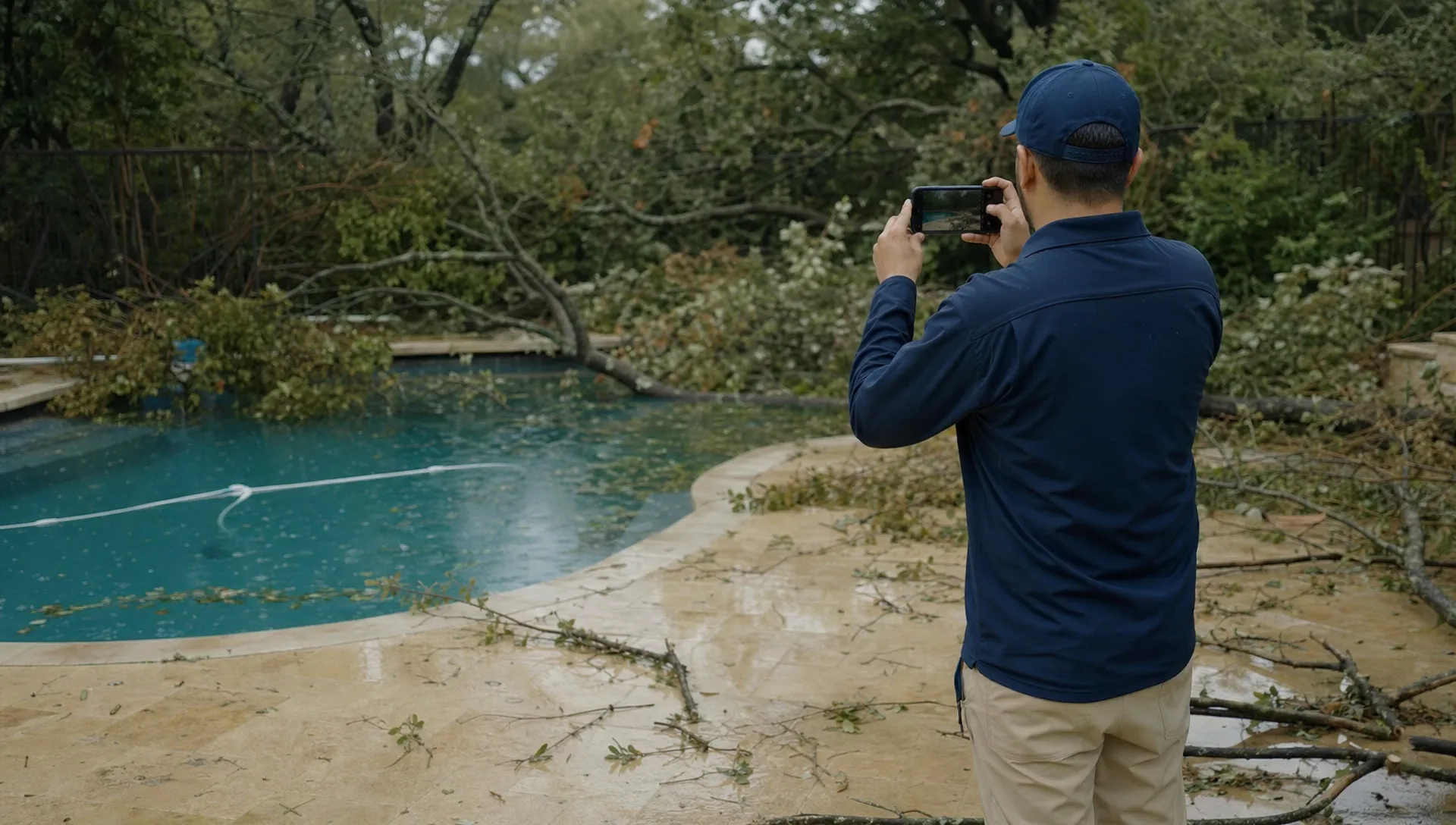
- Useful documentation: Request photos only when they can be taken safely, without entering water or approaching damaged equipment.
- Response ownership: Identify who will review the request and when the homeowner should expect another update.
Record “homeowner reports pump submerged” rather than diagnosing a failed pump over the phone. Observations and technical findings belong in separate fields or clearly labeled notes.
The broader principles of organizing pool service intake around a shared customer record still apply. Storm response adds hazard screening, changing access conditions and tighter control over promises.
Prioritize reported risk, not call order
A crm contact center should prioritize storm reports by risk and service impact rather than rewarding whoever calls most often. That does not mean sending a pool technician into an emergency. Some reports require public emergency services or a utility before pool work can begin.
Use a simple decision framework, with local emergency instructions taking precedence:
| Reported condition | Office response | Dispatch boundary |
|---|---|---|
| Fallen power line, suspected energized water or immediate danger | Tell the caller to stay away and contact the appropriate emergency service or utility | Do not dispatch into an unresolved hazard |
| Flooded equipment or suspected sewage contamination | Record the report and arrange qualified assessment when conditions allow | Do not advise equipment operation or swimming |
| Heavy debris or loss of circulation without an identified immediate hazard | Queue for technical review and cleanup planning | Confirm access and technician capacity first |
| Leaves, routine cleanup or a weather-delayed maintenance visit | Acknowledge the request and provide the next scheduling update | Group with suitable nearby work when feasible |
These categories are intake decisions, not remote diagnoses. An agent should not tell someone to handle a wet breaker, open electrical equipment or drain a pool to solve storm damage.
Active weather also affects technician safety. The National Weather Service’s lightning safety guidance provides a useful reference for policies that keep outdoor work from continuing during unsafe conditions.
Build a recovery queue before rebuilding routes
Once hazards are screened, dispatch needs a workable queue. Suggested statuses include awaiting safety clearance, awaiting assessment, awaiting customer authorization, ready to schedule and completed. These are workflow requirements, not a claim that every CRM includes these exact settings.
Give each request one accountable owner. Otherwise, the office may assume dispatch is responding while dispatch assumes the office is waiting for photographs.
Route planning should combine urgency with geography, access and job duration. Several nearby cleanup visits may fit together, but a complex equipment assessment should not be squeezed into a standard maintenance slot just because it is on the same street.
A crm contact center should keep provisional timing visibly different from a confirmed appointment. Where travel, weather or earlier jobs remain uncertain, offer a next-update time rather than an unsupported arrival estimate.
Also protect existing obligations. If storm work displaces routine service, identify those customers and communicate the change. Moving a technician’s route without updating affected homeowners simply creates another wave of calls.
Answer the question behind repeated calls
A homeowner who calls three times may not need three separate service requests. They may need to know whether the company received their photos, whether swimming is safe or whether cleanup will cost extra.
Check the existing property record before creating another request. Add new information to the active storm issue and preserve any change in conditions. A fresh electrical concern should trigger reassessment, not be dismissed as a duplicate.
Use a short, specific acknowledgment:
We have recorded the debris and equipment concern at your property. We have not confirmed a service visit yet. Please stay away from the reported hazard and do not operate affected equipment. Our office will update you by 3 p.m. tomorrow, even if scheduling remains on hold.
Only promise that update if someone owns it. A crm contact center reduces uncertainty through reliable follow-through, not reassuring language alone.
For customer-language research, Reddit’s r/pools community is a useful place to look for homeowner discussions about storm cleanup, cloudy water and equipment concerns. Treat individual posts as questions to address in scripts, not as verified safety advice or representative customer data.
Give technicians a complete handoff
The field handoff should answer three questions: what was reported, what is known about access and what work has been authorized?
Include the latest homeowner observations, safely obtained photos, equipment history and relevant prior service notes. Make any unresolved hazards prominent. A technician should not discover an access restriction only after reaching the gate.
During the visit, document findings separately from the original report. Record water-quality readings where appropriate, visible equipment conditions, completed work and anything that needs a qualified specialist. Before-and-after photos help explain the difference between debris removal, an equipment diagnosis and a completed repair.
Floodwater intrusion or suspected contamination requires more than a routine visual check. Do not equate clear-looking water with safe swimming, and do not give a blanket reopening assurance without appropriate assessment.
A crm contact center needs the technician’s findings to support the next conversation. If further work is required, the office should know the proposed scope, authorization status and next action before calling the homeowner.
This closes the gap between “the technician visited” and “the customer’s issue is resolved.”
Keep storm charges and approvals traceable
Storm cleanup can fall outside ordinary maintenance, depending on the customer’s agreement. Intake staff should check the contract rather than assume all debris removal, replacement parts or additional visits are included.
Explain the proposed scope and pricing basis before chargeable work begins. If diagnosis is necessary before a repair estimate can be prepared, distinguish the assessment from the repair itself. Record approval through the company’s established process.
Keep condition photos and service records available to the homeowner, but do not promise that an insurer will reimburse the work. Coverage decisions belong to the insurer and the policy terms.
A crm contact center should preserve the connection between the request, approved work, field findings and invoice. That record helps the office answer a billing question without asking the technician to reconstruct the visit from memory.
Avoid adding redundant software under pressure
A busy storm week can tempt a company to add another inbox, messaging tool or intake form. Before buying, identify the missing capability. Do you need better call handling, shared request ownership or more consistent use of the customer records you already have?
For marketing and homeowner outreach tools, an audit of overlapping martech capabilities can help identify redundant functionality and inform consolidation decisions. That is a separate exercise from validating storm dispatch or contact-center requirements.
List which system owns customer information, service status, communication history and billing. Then confirm how staff will access those records. A crm contact center is less useful when agents must compare conflicting updates across several applications.
Do not assume that a CRM includes telephony, automatic call transcription or emergency triage. Verify any required phone, shared-inbox or ticketing connections before making them part of the response plan.
Measure recovery performance as the business grows
After the backlog clears, review more than call volume. Useful measures include time to acknowledgment, overdue promised updates, duplicate requests, unresolved jobs and visits that could not proceed because access information was missing.
Separate weather delays from internal handoff failures. A road closure is outside the office’s control; forgetting to notify a homeowner about a canceled visit is not.
For contractors scaling beyond owner-managed dispatch, SplashIQ’s article on a practical CRM strategy for growing pool service companies covers the underlying need for organized property records and repeatable workflows. Storm response tests whether those practices still hold when demand rises suddenly.
A crm contact center should help the business handle a larger workload without losing accountability. Review a few completed requests from intake through billing, then revise the scripts, ownership rules or scheduling process where the record shows a gap.
Frequently asked questions
Can office staff tell a homeowner to restart flooded pool equipment? No. Suspected water exposure or electrical damage requires qualified assessment. Staff should not direct homeowners to touch wet controls, open equipment or test potentially unsafe systems.
Should every storm-related call become a separate request? No. Check for an existing issue at the same property, then add new information to it. Escalate newly reported hazards even when the original request remains open.
Can a crm contact center automatically decide which pool is safe to service? A customer record can organize reported conditions, but it cannot establish site safety by itself. Human review, current conditions and appropriate professional assessment remain necessary.
Does SplashIQ replace a dedicated phone system? The supplied feature set includes customer CRM, homeowner notifications and field operations tools, but does not establish built-in contact-center telephony. Confirm phone-system requirements separately.
Connect storm response to everyday pool operations
SplashIQ supports customer CRM, smart route scheduling, water-quality logs, equipment tracking, an offline field app, before-and-after photos and homeowner notifications. Those capabilities can support the records and handoffs described here without implying automatic hazard detection or emergency dispatch.
Explore SplashIQ’s pool service platform to assess how it fits your office, technician and homeowner workflows, then document the storm-response responsibilities your team will follow.