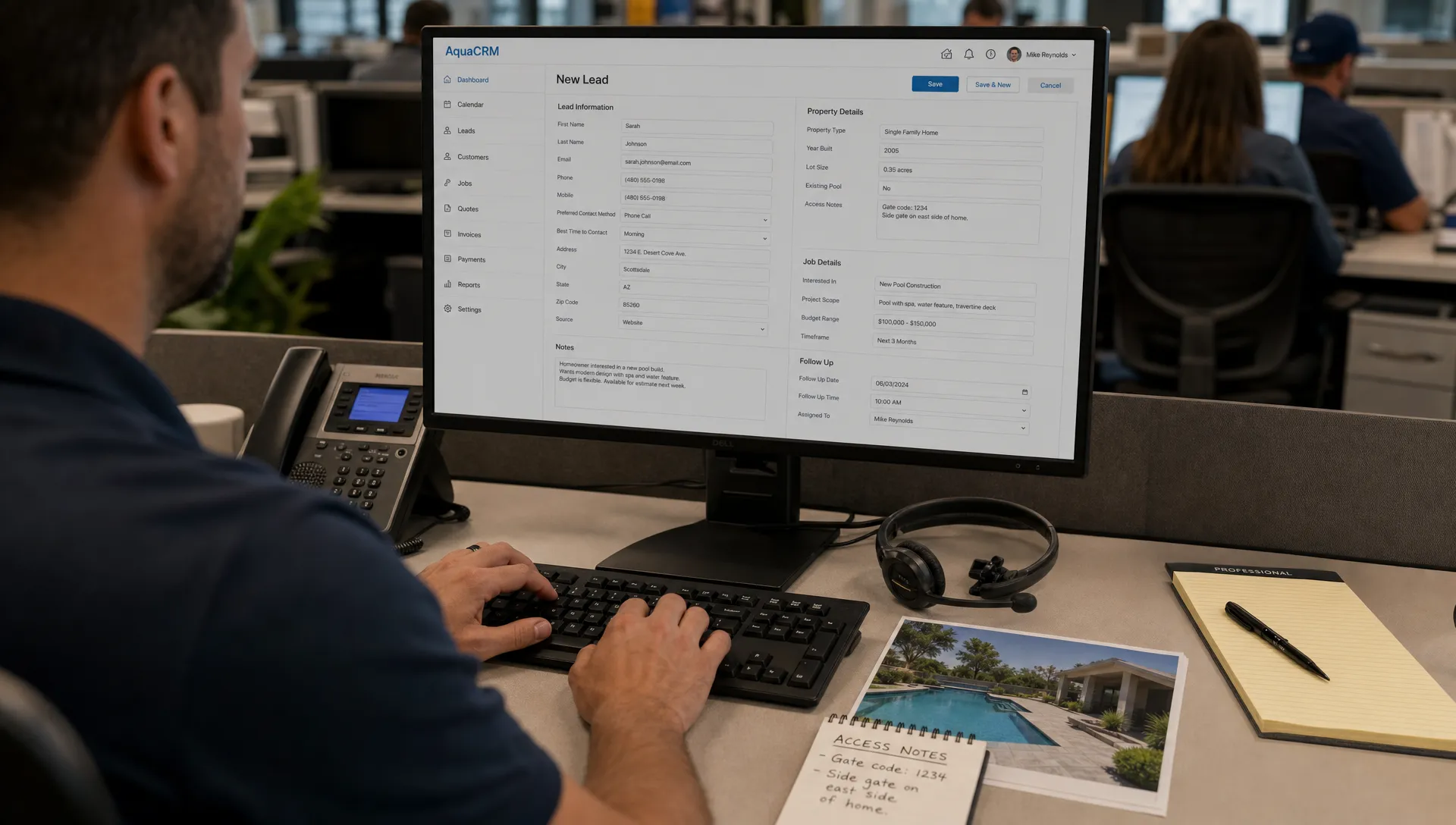
A call center CRM improves pool service intake by turning the first homeowner call, form fill, text or voicemail into a complete operational record. For a pool company, intake is not just answering the phone. It is identifying the property, understanding the issue, checking route fit, setting expectations, collecting photos or notes, assigning the right technician and making sure billing can happen without a second round of detective work. When that process lives in notebooks, spreadsheets and memory, good leads get lost and easy service calls become messy. A stronger intake system gives the office, field team and homeowner the same version of what needs to happen next.
Why a call center CRM matters at the first pool service call
Pool service intake is unusually detail-heavy. A homeowner may call because the pool is green, the pump is noisy, the heater is not firing or they want weekly service before a holiday weekend. Each situation needs different questions before anyone should promise a visit.
The office team has to capture gate codes, pet warnings, equipment brands, pool type, service history, preferred contact method and whether the homeowner is an existing customer. If the caller is new, the team also needs to decide whether the address fits a profitable route.
That is where a call center CRM changes the quality of the first conversation. Instead of asking generic questions and hoping a technician can fill in the gaps later, the intake rep follows a structured path that creates a usable job record from the start.
The intake problem is bigger than missed phone calls
Many pool companies think intake breaks because the phone rings too often. Volume is part of the problem, especially during spring openings, storm cleanup and heat waves. The deeper issue is fragmentation. One lead comes from Google, another from a referral text, another from a voicemail and another from a homeowner who replied to an old invoice email.
Reddit is useful because it shows these operational complaints in plain language. In r/smallbusiness discussions about contractor CRM software, owners often describe missed follow-up, scattered notes and uncertainty about which leads are worth chasing. In r/pools conversations about pool service reliability, homeowners frequently complain about no-shows, vague arrival windows and poor communication after a service request. Reddit posts are anecdotal, but the pattern is familiar to anyone running a service route.
Speed matters too. Harvard Business Review’s article The Short Life of Online Sales Leads reported that companies contacting online leads within an hour were nearly seven times as likely to qualify the lead as companies that waited longer. For pool service, the same logic applies: a homeowner with algae, equipment failure or a closing deadline will usually choose the company that responds clearly first.
What a call center CRM should capture before scheduling
The best intake workflow does not rush every caller straight onto the calendar. It collects the information needed to decide whether the job is a fit, which route should handle it and what the technician needs before arriving.
A call center CRM should make that information easy to capture while the customer is still on the phone or actively replying. This is especially important when the person taking the call is not the owner and may not know every route, customer history or equipment detail from memory.
| Intake field | Why it matters for pool service | Example use |
|---|---|---|
| Property address | Confirms route fit and travel time | Assign to the nearest existing route |
| Service type | Separates weekly service, repair, cleanup and inspections | Send the right technician or estimator |
| Pool condition | Helps triage urgency and materials | Green pool, cloudy water, visible leak |
| Equipment details | Reduces repeat visits and wrong parts | Pump brand, heater model, automation system |
| Access notes | Prevents failed stops | Gate code, dog warning, locked screen enclosure |
| Photos | Gives the office and technician visual context | Before photos of water, equipment pad or damage |
| Communication preference | Keeps follow-up consistent | Text, email or homeowner portal update |
| Billing status | Avoids service without payment clarity | New customer deposit or stored invoice details |
This kind of record also supports better sales follow-up. If your team is still losing new inquiries between channels, the SplashIQ guide on how to build a CRM system for sales that never misses a pool lead goes deeper into lead capture before the first scheduled visit.
Turning intake into a clean office-to-field handoff
A strong intake process is only valuable if the field team can act on it. If the office captures details but technicians still receive a vague calendar note, the company has not solved the real workflow problem.
The handoff should include the reason for the visit, the homeowner’s expectations, recent communication, photos, property access details and any known equipment information. For recurring service customers, it should also connect to past water-quality logs, repair notes and billing history.
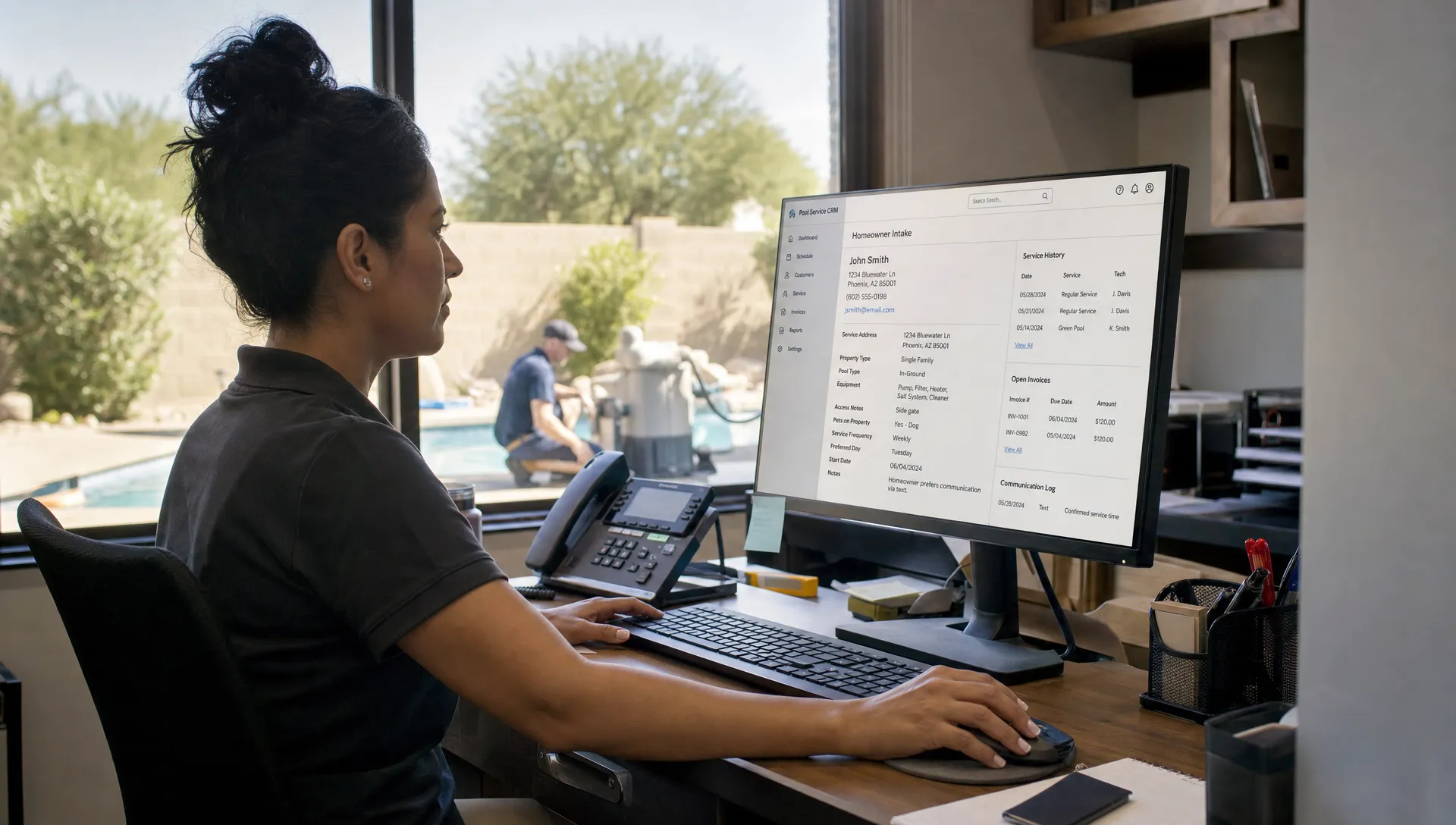
A call center CRM is most useful when it becomes part of daily dispatch, not a separate database that only the office can see. If the technician can update the job from the field, the next intake call starts with better context instead of a fresh round of questions.
SplashIQ is built around that shared operational record, including customer CRM, smart route scheduling, water-quality logs, equipment tracking, an offline field app, homeowner notifications and online payments. The goal is to keep the office and field aligned from the first inquiry through the completed invoice. For a closer look at that handoff, see how CRM integration connects office and field teams.
How a call center CRM turns calls into scheduled, billable work
Better intake should reduce friction, not create more admin work. The workflow needs to guide office staff through the right decisions quickly, especially when calls are stacked and homeowners expect fast answers.
A call center CRM can support that by standardizing the path from inquiry to appointment. New lead? Capture source, address and service type. Existing customer? Pull up the property record before asking repeat questions. Repair request? Collect symptoms, photos and equipment information before assigning a technician. Weekly service request? Check route density and service area before offering availability.
The same record should trigger homeowner communication. Arrival notifications, service summaries, before and after photos and payment links all reduce the number of follow-up calls asking what happened, when the tech will arrive or how to pay.
This is where pool intake overlaps with customer service. The first conversation sets the expectation for every later interaction. A complete property record gives the office a better answer when a homeowner calls back about chemistry readings, equipment recommendations or invoice questions. SplashIQ covers this wider customer context in its guide to how a customer CRM improves every homeowner interaction.
Why contractor growth depends on intake discipline
Contractor-focused articles from Jobber Academy, Buildertrend and similar trade software publishers often describe scaling in operational terms rather than pure sales volume. Growth gets easier when every lead, estimate, work order and payment follows a repeatable process. Growth gets harder when the owner remains the only person who knows which calls matter, which jobs are profitable and which customers need special handling.
For pool companies, intake discipline is route discipline. A company can generate plenty of demand and still lose margin by sending trucks across town for low-fit work, accepting unclear repair requests or scheduling jobs without access information.
A call center CRM helps protect growth by making qualification visible. Office staff can see whether the property fits current routes, whether the homeowner has unpaid invoices, whether the job requires a senior technician and whether the request should become a repair estimate instead of a normal service stop.
This also makes training easier. New office hires do not need to memorize every exception on day one. They can follow structured intake prompts, review customer history and escalate only the calls that need manager judgment.
Intake metrics pool service owners should watch
You cannot improve intake if every problem feels like a one-off. A few simple metrics can show whether your office process is getting tighter or just busier.
| Metric | What it reveals | Healthy direction |
|---|---|---|
| First response time | How fast new inquiries receive a real reply | Shorter |
| Lead-to-scheduled rate | Whether intake is converting qualified demand | Higher |
| Missing information rate | How often technicians lack key details | Lower |
| Rescheduled visit rate | Whether access, routing or expectation issues are causing waste | Lower |
| Callback volume after visits | Whether homeowners understood what happened | Lower |
| Time from completed work to invoice | Whether field notes and billing are connected | Shorter |
These numbers do not need to become a complicated dashboard on day one. Even a weekly review can reveal patterns, such as one intake channel producing incomplete records or one service type causing too many follow-up calls.
For pool companies, a call center CRM should make these conversations more objective. Instead of blaming a receptionist, dispatcher or technician, the owner can see where the workflow breaks and fix the step that creates the most rework.
Common mistakes when setting up intake workflows
The first mistake is copying a generic sales pipeline without adapting it to service operations. Pool intake needs property data, route context, equipment history and field notes. A pipeline that only tracks lead stages will not give technicians what they need.
The second mistake is making forms too long. Intake should collect the information required for the next decision, not every possible detail. A weekly service lead needs different questions than a heater repair or a one-time green pool cleanup.
The third mistake is separating intake from billing. If payment terms, invoice ownership or financing discussions happen outside the main customer record, the office may schedule work that becomes hard to collect on later.
The fourth mistake is ignoring homeowner communication. Intake is the start of a relationship. If the customer receives clear confirmation, arrival updates and post-service documentation, they are less likely to call repeatedly for status.
Frequently Asked Questions
What is a call center CRM for pool service companies? A call center CRM is a customer and intake system that helps office staff capture homeowner requests, qualify service needs, route jobs, document property details and hand work off to technicians.
Does a small pool company need this if it does not have a real call center? Yes, if the company receives calls, texts, web leads or voicemail requests. In pool service, the call center may be a front desk person, dispatcher, owner or answering service. The workflow still matters.
How does intake improve route profitability? Better intake helps the office confirm address, route fit, job type and urgency before scheduling. That reduces unnecessary drive time and keeps technicians focused on work the company can complete profitably.
Can better intake reduce homeowner callbacks? Yes. When the intake record connects to visit notes, photos, water-quality logs, notifications and billing, homeowners receive clearer updates and office staff can answer questions without chasing technicians.
What should pool companies fix first? Start by standardizing the information captured for every new request: property address, service need, access details, photos when helpful, equipment notes and preferred communication method. Then connect that record to scheduling and field documentation.
Bring cleaner intake into every pool service workflow
Pool service intake should not depend on sticky notes, memory or a single person who knows where everything is. A repeatable workflow helps your team respond faster, qualify better jobs, schedule cleaner routes and give homeowners a more professional experience from the first contact.
SplashIQ brings CRM, scheduling, homeowner outreach, water-quality logging, equipment tracking, field documentation, online payments and technician visibility into one operating system for pool service companies. If your intake process is creating missed leads or messy handoffs, visit SplashIQ to see how a connected workflow can support the way your team already works.