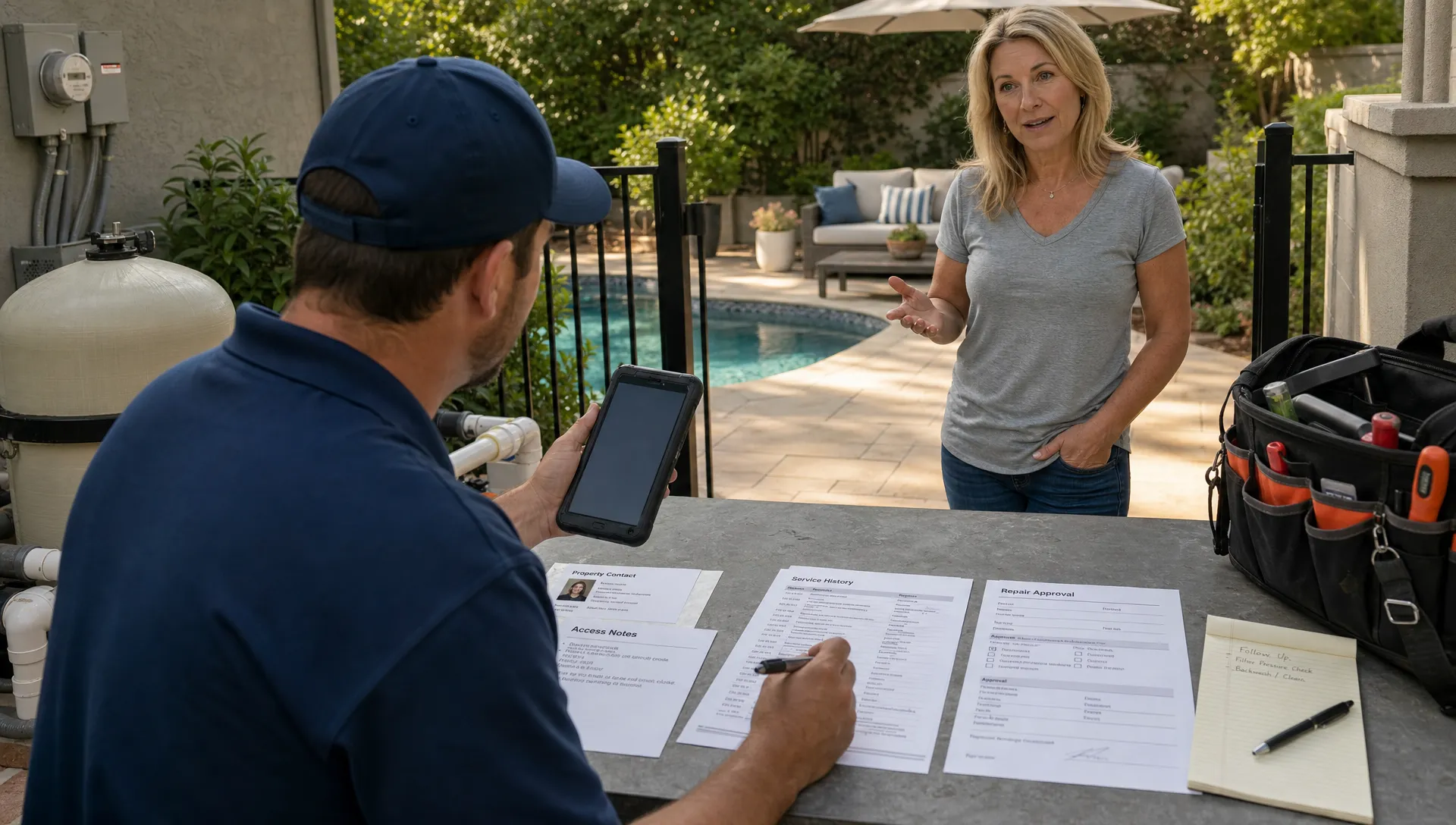
Homeowners rarely judge a pool service company on water chemistry alone. They judge the entire experience: how quickly someone replies, whether the technician knows the property, how clearly the visit is documented, and how easy it is to pay or approve a repair.
That is why a customer CRM is more than a digital address book. For pool service businesses, it becomes the shared memory of every homeowner relationship. Instead of scattering important details across texts, spreadsheets, paper route sheets, technician notebooks, and accounting software, a CRM gives the office and field team one place to understand the customer, the pool, the property, and the next action.
Read a few Reddit posts in communities like r/pools, r/HomeImprovement, or local homeowner groups and the same frustrations appear again and again: “The tech never showed,” “I do not know what chemicals were added,” “Why did I get charged for this?” and “No one called me back.” A customer CRM helps prevent those moments by making every interaction more informed, consistent, and traceable.
What a Customer CRM Means for a Pool Service Company
A generic CRM stores names, phone numbers, and sales activity. A pool service CRM needs to go deeper because each homeowner relationship is tied to a physical property, a pool system, recurring service, water-quality history, access instructions, photos, invoices, and sometimes multiple decision-makers.
For a pool company, the customer record should answer questions like:
- Who owns the property, who pays the bill, and who approves repairs?
- What day is the home serviced, and which route is it on?
- Are there gate codes, dogs, locked equipment rooms, or parking notes?
- What equipment is installed, and what has already been repaired?
- What was the last water test result, and what chemicals were added?
- Were photos taken before and after the visit?
- Are there open estimates, unpaid invoices, or homeowner questions?
When those details are easy to find, every employee sounds more prepared. The homeowner does not have to repeat the same story, the technician does not arrive blind, and the office can follow up with confidence.
The First Inquiry Feels Faster and More Professional
The homeowner experience starts before the first service visit. A prospect may call about a green pool, request a quote for weekly maintenance, ask about equipment repairs, or submit a form after moving into a new home. If that inquiry lands in a notebook or a crowded inbox, the first impression depends on memory and timing.
A customer CRM gives the team a structured place to capture the lead, the property address, the service need, the preferred contact method, and any promised next step. This matters because many pool companies lose revenue not from poor service, but from slow or inconsistent follow-up.
For example, if a homeowner calls Monday morning asking for a startup service, the office can log the request, assign ownership, attach photos if provided, and schedule the next action. If the homeowner calls back the next day, anyone can see what was discussed. That is a much better experience than, “Let me check with the person you spoke to.”
For a closer look at how central records improve responsiveness, SplashIQ has also covered how a customer management system supports daily follow-up for pool service teams.
Onboarding Becomes Clear Instead of Repetitive
Once a homeowner becomes a customer, the business has to collect a surprising amount of information. Property access, pool type, service frequency, billing contact, preferred communication channel, equipment condition, safety issues, and expectations all need to be understood before recurring service runs smoothly.
Without a CRM, onboarding often becomes a chain of disconnected messages. The sales person knows one thing, the service manager knows another, and the technician discovers the rest in the backyard.
A customer CRM turns onboarding into a repeatable handoff. The office can capture the homeowner’s expectations and property details once, then make them available to the technician before the first visit. That reduces awkward first impressions, missed access instructions, and unnecessary return trips.
It also helps set boundaries. If the homeowner expects weekly photos, digital visit summaries, repair approvals before work is performed, or online payment options, those preferences can be documented early. Clear expectations are easier to meet than vague ones.
Scheduling Conversations Become More Helpful
Scheduling is one of the most common homeowner touchpoints. A customer wants to know when the technician is coming, whether the visit can be moved, why the route changed after a storm, or when a repair can be completed.
When scheduling lives outside the customer record, the office has to search across calendars, route sheets, technician texts, and memory. That slows down the conversation and makes the company sound less organized.
With a connected CRM and scheduling workflow, the team can see the homeowner, the property, the route, and the service history together. A scheduling question becomes easier to answer because the person responding has context. They can see whether the property has a locked gate, whether the homeowner prefers afternoon visits, or whether the last visit was skipped due to weather.
This is especially important for pool companies with multiple technicians. A homeowner does not care which employee has the answer. They expect the company to have the answer.
Field Visits Become Transparent, Not Mysterious
For many homeowners, pool service happens while they are at work. They come home to a cleaner pool, but they may not know what was done, what the technician noticed, or whether anything requires attention. That uncertainty can create unnecessary calls and doubts.
A customer CRM improves the service visit by connecting technician activity to the homeowner record. Water-quality logs, visit notes, before-and-after photos, equipment observations, and recommended follow-ups all become part of the customer history.
That does not just help the homeowner. It protects the business. If a homeowner asks why the pool still looks cloudy after a heavy storm, the team can reference the visit notes and chemical readings. If a customer questions whether the technician came, the company can point to service documentation. If a repair is recommended, prior equipment notes support the recommendation.
| Homeowner interaction | Without a customer CRM | With a customer CRM |
|---|---|---|
| New service inquiry | Details may sit in voicemail, email, or a notebook | Lead details and next steps are captured in one record |
| First visit | Technician may lack access notes or expectations | Property instructions and customer context are visible |
| Weekly maintenance | Homeowner may not know what was done | Visit notes, photos, and water logs support transparency |
| Repair recommendation | Approval may require repeated explanation | Equipment history and photos make the issue easier to understand |
| Billing question | Office has to reconcile separate systems | Service history and invoice context are easier to review |
| Complaint or concern | Team depends on memory | Past visits, notes, and commitments are traceable |
This is where a pool-specific operating system can make a major difference. SplashIQ, for example, brings customer CRM, scheduling, water-quality logs, equipment tracking, an offline field app, homeowner portal features, before-and-after photos, payments, financing, and technician scorecards into one workflow for pool service companies.
Repair and Equipment Conversations Become Easier to Trust
Repair discussions are sensitive because they often involve unexpected costs. A homeowner may not fully understand why a pump, filter, heater, salt cell, or automation component needs service. If the explanation is vague, the recommendation can feel like a sales pitch.
A customer CRM gives the team a better foundation for those conversations. Equipment tracking, past service notes, photos, and previous repairs help the company explain the issue in plain language. Instead of saying, “Your pump needs work,” the team can say, “We noted increasing noise on the last two visits, and today the technician found signs of seal failure. Here are the photos and the recommended next step.”
Homeowners compare these experiences across every trade they hire. The expectations set by organized outdoor-living and construction companies, such as Summit Barndominiums & Outdoor Living, carry over into pool service: customers want clear scope, documented work, and a professional process from first conversation to final payment.
For pool companies, the benefit is practical. Better documentation can shorten approval cycles, reduce disputes, and help office staff answer questions without tracking down the technician every time.
Billing Feels Connected to the Work Performed
Billing is not just an accounting function. It is one of the final impressions a homeowner has after service is completed. If the invoice arrives late, lacks context, or does not match what the homeowner remembers, the interaction can create friction even when the work was done well.
A customer CRM improves billing conversations because the invoice is tied to the customer, property, visit history, photos, repair approvals, and service notes. When a homeowner asks, “What is this charge for?” the office can answer with specifics.
This is especially valuable for recurring maintenance, seasonal openings and closings, chemical surcharges, equipment repairs, and special cleanup visits. The more context the billing team has, the easier it is to explain the value of the work.
Online payment options can also make the interaction smoother. Homeowners are used to paying contractors, utilities, and subscriptions digitally. When payment is simple and connected to the service record, the company reduces administrative back-and-forth and improves cash flow.
Customer Portals Reduce Repetitive Questions
A homeowner portal is not a replacement for human service. It is a way to give homeowners the information they are most likely to request before they have to call or text.
For pool service companies, the most useful portal experiences usually focus on practical information: upcoming service schedules, visit summaries, photos, water-quality logs, invoices, payment access, and repair approvals. When these details are available in a self-serve format, the homeowner feels informed and the office spends less time answering the same questions.
The key is to make the portal useful, not overwhelming. Most homeowners do not want a complicated dashboard. They want to know what happened, what is next, and whether they need to do anything. SplashIQ has explored this in more detail in its guide to homeowner portal features pool customers actually want.
Complaints Become Easier to Resolve Fairly
Even excellent pool companies get complaints. A gate was left open, a step was missed, a pool turned cloudy after a storm, a homeowner expected a repair sooner, or an invoice surprised someone.
The difference between a small issue and a damaged relationship is often the quality of the company’s records.
A CRM gives managers a timeline. They can see who spoke with the homeowner, what was promised, when the technician visited, what the water readings were, what photos were taken, and whether any follow-up was assigned. That timeline helps the company respond fairly instead of defensively.
It also helps identify patterns. If multiple homeowners on the same route complain about missed notes, the problem may be a workflow issue. If one technician consistently receives positive homeowner feedback, that can be recognized and used for training. Customer interactions become operational data, not isolated anecdotes.
Office and Field Teams Sound Like One Company
One of the biggest causes of homeowner frustration is internal disconnect. The office says one thing, the technician says another, and the manager has a third version of the story. The homeowner starts to feel like they are coordinating the pool company instead of being served by it.
A customer CRM helps align the team around one source of truth. The office can see field notes. Technicians can see customer preferences and property details. Managers can review open issues and follow-ups. When everyone works from the same record, the company sounds coordinated.
This is especially important as a pool business grows beyond the owner’s personal memory. What works for 60 pools often breaks at 300, 600, or 1,000 pools. A CRM gives the business a structure for scaling relationships without making customers feel anonymous.
If your team is struggling with handoffs between dispatch, office staff, and technicians, the article on how CRM integration connects office and field teams offers a deeper operational view.
What to Look for in a Customer CRM for Pool Service
The right customer CRM should match how pool companies actually work. A system built only for generic sales teams may not understand routes, recurring service, water logs, equipment history, or field documentation.
Look for capabilities that improve the homeowner experience and the employee experience at the same time:
- A complete customer and property record that includes contacts, access notes, service history, and preferences.
- Scheduling tools that support routes, recurring visits, and schedule changes.
- Field-friendly visit documentation, including notes, photos, and water-quality logs.
- Equipment tracking that helps explain repairs and maintain a long-term property history.
- Communication and portal features that keep homeowners informed without creating more manual work.
- Billing and payment workflows that connect service activity to invoices and collections.
- Offline access for technicians who may work in areas with weak reception.
The best CRM is not the one with the longest feature list. It is the one your team actually uses because it makes each interaction easier.
How to Know Your Homeowner Interactions Are Improving
A customer CRM should produce visible changes in the business. You should feel fewer information gaps, fewer repeated questions, and fewer “I need to check with someone” moments.
Useful indicators include faster lead response times, fewer missed follow-ups, clearer repair approvals, fewer billing disputes, better technician handoffs, and more consistent visit documentation. Customer reviews may also start to mention communication, professionalism, and reliability, not just clean water.
This is important because customer experience is cumulative. One clear visit summary may not seem like much. But over a full season, consistent communication builds trust. The homeowner learns that your company documents work, remembers details, explains issues, and follows through.
That trust is what keeps routes stable, improves renewals, and makes referrals more likely.
Frequently Asked Questions
What is a customer CRM for pool service companies? A customer CRM is a system that stores and organizes homeowner, property, service, equipment, communication, and billing information. For pool companies, it helps office staff and technicians manage the full customer relationship, not just contact details.
How does a CRM improve homeowner communication? A CRM gives the team access to accurate customer history, service notes, scheduling details, photos, and follow-up tasks. That makes responses faster, more specific, and more consistent across the office and field team.
Can a CRM help reduce homeowner complaints? Yes. A CRM cannot prevent every issue, but it can reduce confusion by documenting visits, water readings, photos, repair recommendations, approvals, and prior conversations. Better records make it easier to resolve concerns fairly.
Do small pool companies need a customer CRM? Many small companies can operate from memory for a while, but that becomes risky as routes grow. A CRM helps small teams build good habits early, protect customer relationships, and avoid operational chaos as they add accounts or technicians.
What makes a pool service CRM different from a generic CRM? A pool service CRM should support property-specific details, recurring routes, water-quality logs, equipment tracking, field notes, photos, billing, and homeowner communication. Generic CRMs often require workarounds for these service-specific needs.
Build Better Homeowner Interactions With SplashIQ
Every homeowner interaction is easier when your team has the right context. From the first inquiry to weekly service, repair approvals, billing, and renewals, a customer CRM helps your pool company respond with clarity instead of guesswork.
SplashIQ is built for pool service businesses that want to replace spreadsheets, paper checklists, and disconnected tools with one operating system for the office, technicians, and homeowners. If you want every customer conversation to feel more informed, organized, and professional, SplashIQ gives your team the foundation to make that happen.