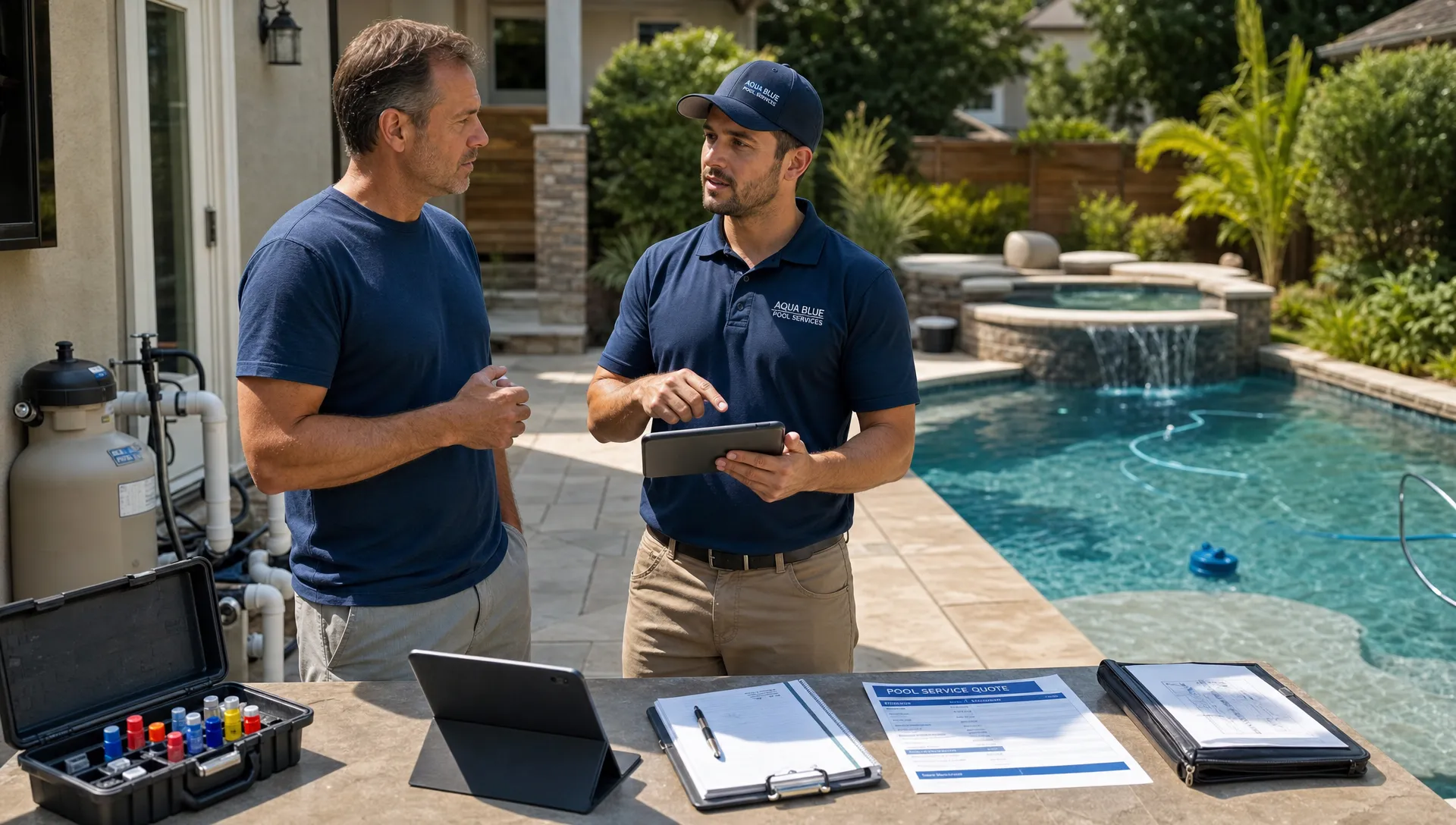
Daily follow-up is not just an office task. For a pool service company, it is the daily rhythm that keeps leads warm, routes organized, repairs moving, invoices paid, and homeowners confident that someone is paying attention.
The challenge is that follow-up rarely lives in one place. A new customer texts the owner. A technician leaves a note on a paper route sheet. A repair approval sits in someone’s email. A homeowner asks about cloudy water after the visit. By the end of the day, the team has done a lot of work, but the next action for each customer is scattered across five tools and a few memories.
That is where a customer management system changes the business. Instead of relying on heroic memory and manual chasing, it gives every customer, property, service visit, quote, photo, and invoice a clear home. More importantly, it makes follow-up visible enough to manage every day.
Why daily follow-up breaks down in service businesses
Most follow-up problems do not happen because the team does not care. They happen because the work moves faster than the system supporting it.
Pool service companies juggle recurring maintenance, green-to-clean jobs, pool openings, repair quotes, equipment issues, weather delays, billing questions, and new leads. A single homeowner record may include gate codes, pets, preferred contact methods, water chemistry history, equipment details, photos, service notes, and unpaid invoices. If those details are spread across spreadsheets, paper checklists, text messages, and accounting software, daily follow-up becomes a guessing game.
Reddit is a useful place to see these pain points in plain language. In communities like r/pools and r/smallbusiness, homeowners often complain about contractors who do not reply, while business owners discuss the stress of missed calls, no-show follow-ups, and customers who need repeated reminders. The common thread is simple: people rarely judge a service company only by the finished job. They judge the communication around the job.
Speed matters too. A well-known Harvard Business Review analysis found that companies contacting leads within an hour were nearly seven times as likely to qualify the lead as companies that waited just one additional hour. Pool service is local, seasonal, and often urgent, so slow follow-up can quickly send a homeowner to the next company on the list.
What a customer management system actually changes
A customer management system is not valuable because it stores names and phone numbers. A spreadsheet can do that. The real value is that it connects customer information to daily work.
For a pool company, that means the office can see who called, what property they own, which technician last visited, what equipment is on site, what water-quality readings were logged, what photos were taken, what quote is pending, and what invoice needs attention. A technician can see the context before arriving. A manager can see which follow-ups are overdue before they turn into complaints.
This is why a pool-specific workflow matters. SplashIQ, for example, includes customer records and follow-ups for pool service businesses, so customer details are not isolated from scheduling, field notes, equipment, and homeowner communication.
The result is not just better organization. It is fewer dropped balls during the small transitions that happen all day: lead to estimate, estimate to scheduled job, visit to customer update, repair note to approval, invoice to payment, and complaint to resolution.
Daily follow-up before and after a connected system
The easiest way to understand the impact is to look at common moments in a pool service day.
| Follow-up moment | Without a connected system | With a customer management system |
|---|---|---|
| New lead comes in | Someone writes it down, forwards a text, or plans to call later | The lead is captured, assigned, and given a clear next step |
| Route changes | The office texts technicians one by one | Schedule updates are tied to the customer and service visit |
| Water issue found | Technician mentions it informally or leaves a note | Water-quality logs, photos, and recommendations stay with the property record |
| Repair is needed | Quote details sit in email or a notebook | Equipment history, photos, approvals, and follow-up tasks stay connected |
| Invoice is unpaid | The office manually checks accounting records | Payment status can be part of the customer follow-up workflow |
| Homeowner asks a question | The team searches texts and remembers context | Visit history and notes help anyone respond confidently |
This is the practical difference between having data and having operational memory. The business no longer depends on one person knowing everything.
How better follow-up improves the customer experience
Homeowners do not need to see your internal system. They feel it when the system works.
They feel it when a new inquiry gets a same-day response. They feel it when a technician knows the gate code and understands the last equipment issue. They feel it when cloudy water is documented with readings and photos instead of vague explanations. They feel it when a repair quote is followed up before the pump fails on a holiday weekend.
Pool companies are not the only local service businesses that win or lose trust during the handoff between quote, appointment, and follow-up. A homeowner comparing a recurring pool service with another home service expects clear service areas, prompt estimates, reviews, and reassurance before a crew arrives. You can see that expectation reflected in Bay Area moving companies such as Zapt Movers, which foreground quotes, service coverage, customer reviews, and trust signals as part of the buying process.
For pool service companies, the same lesson applies after the sale too. The follow-up after each visit is part of the service. If homeowners understand what was done, what needs attention, and what happens next, they are less likely to call confused, cancel unexpectedly, or question the value of recurring maintenance.
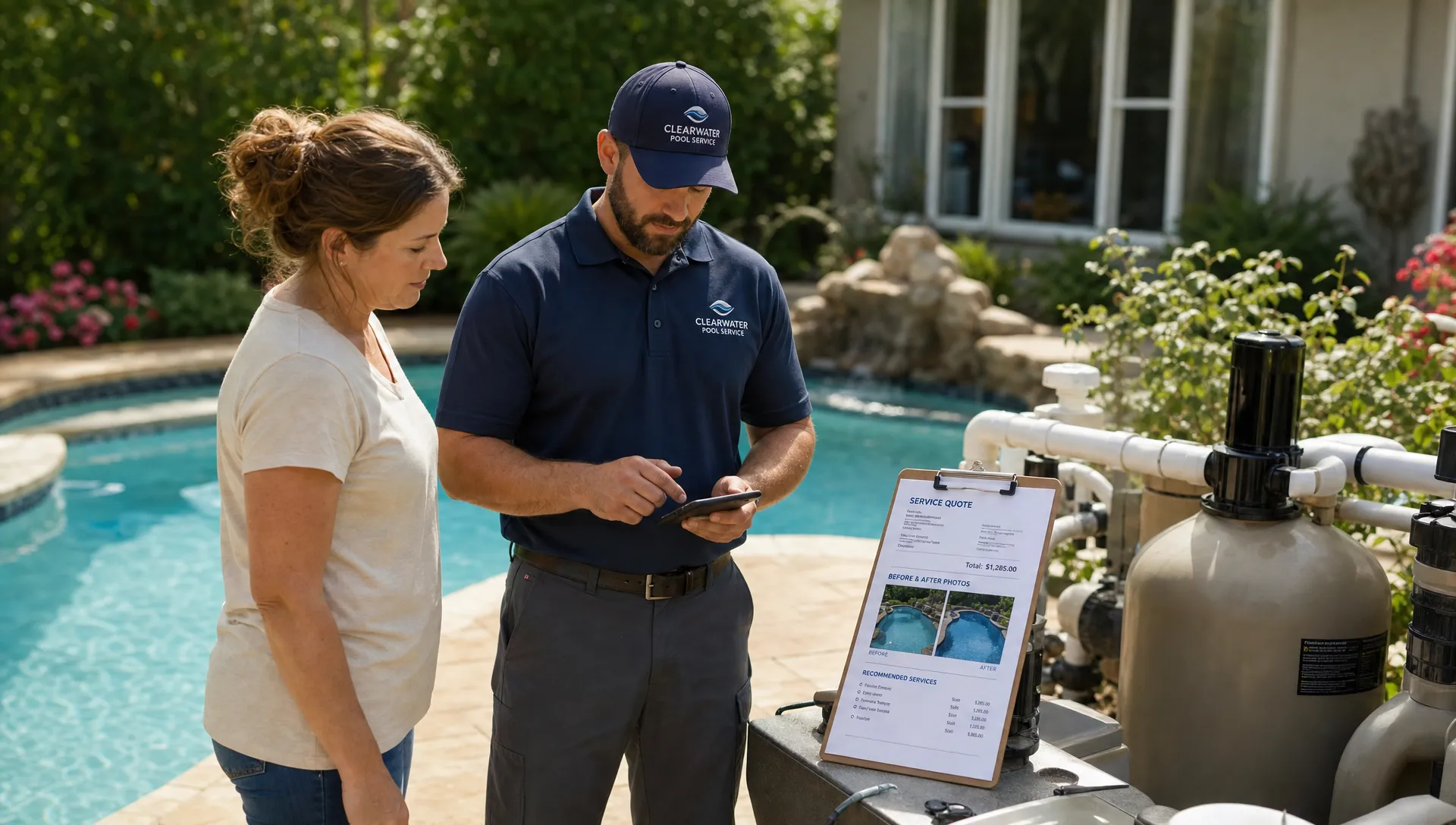
The daily follow-up loop every pool company needs
A customer management system is most useful when it supports a simple daily loop. The loop does not need to be complicated. It just needs to be consistent.
Morning review: know what needs attention before trucks roll
Before technicians start their routes, the office should be able to see the day’s visits, open follow-ups, new leads, urgent customer requests, and any route changes. This is where a system prevents reactive management.
For example, if a homeowner reported a heater issue yesterday, the morning review should show whether the repair is scheduled, whether photos were attached, whether the correct equipment details are available, and whether the homeowner has been updated. If not, the team can fix the gap before the customer asks again.
Scheduling also plays a major role here. Route density, appointment windows, and service zones all affect how much follow-up the office has to do later. If routing is a recurring problem, these smart scheduling tactics that cut drive time can help connect follow-up discipline with a more efficient service day.
Field update: capture the truth while the technician is on site
The best follow-up starts in the field. If technicians wait until the end of the day to reconstruct what happened, details get lost. A good system makes it easy to log water-quality readings, note equipment conditions, capture before and after photos, and record recommendations while the visit is fresh.
This is especially important for pool service because small details matter. A low chlorine reading, a noisy pump, a cracked lid, a clogged basket, or a visible algae bloom can become a bigger issue if no one follows up. When field data is captured consistently, the office can turn observations into action instead of chasing technicians for context.
Offline access also matters for field teams. Many pool routes include backyards with weak cell service. If the field app cannot support work in those conditions, technicians may revert to paper notes or delayed updates, which recreates the same follow-up problem the system was meant to solve.
End-of-day review: close loops before they age
At the end of each day, managers should not have to ask, What happened today? They should be able to review completed visits, exceptions, repair recommendations, unanswered homeowner messages, unsent invoices, and pending approvals.
This is where a customer management system turns follow-up into a habit. The office can see which customers need a message, which estimates need a call, which invoices need payment reminders, and which visits need manager review. Nothing has to wait until a customer calls frustrated.
A practical end-of-day review can focus on a few questions:
- Which new leads still need a response?
- Which customers were promised an update today?
- Which technician notes require office action?
- Which repair recommendations need an estimate or approval?
- Which invoices or payment issues should be followed up before tomorrow?
The goal is not to create more admin work. The goal is to prevent tomorrow’s problems from being created by today’s loose ends.
Where follow-up creates the biggest financial impact
Daily follow-up sounds like a customer service issue, but it is also a revenue issue.
First, faster lead response improves conversion. If a homeowner asks for weekly service, pool opening help, or a repair estimate, the company that responds with context and confidence has an advantage. A customer management system makes it easier to capture inquiries, assign ownership, and track the next step.
Second, repair follow-up protects high-value work. Many repair opportunities start as a field observation: a leaking valve, a failing pump, a salt system issue, or a heater concern. If that note does not become a quote, and that quote does not receive follow-up, revenue leaks out of the business. Worse, the homeowner may blame the service company when the issue gets worse.
Third, billing follow-up improves cash flow. Online payments can reduce friction, but the process still needs visibility. If an invoice is unpaid, the office needs to know whether it was sent, whether the customer had a question, and whether the next reminder is appropriate.
Finally, consistent communication improves retention. Homeowners are more likely to stay with a company that explains what is happening, documents work clearly, and follows through. In a recurring service model, retention can be more valuable than constantly replacing lost customers with new ones.
What to look for in a customer management system for pool service
Not every CRM or customer database fits the daily reality of a pool route. A general-purpose system may handle contacts well, but pool service companies need customer information tied to properties, visits, water chemistry, equipment, photos, scheduling, and payments.
When evaluating software, look for fit across the actual workflow, not just a long feature list. The right system should help office staff, technicians, and homeowners stay aligned without forcing everyone into extra admin.
| Capability | Why it matters for daily follow-up |
|---|---|
| Customer CRM | Keeps names, properties, contact details, service history, and follow-ups in one place |
| Smart route scheduling | Helps the office adjust routes and communicate changes with less confusion |
| Water-quality logs | Turns field readings into documented service history and actionable follow-up |
| Equipment tracking | Gives technicians and office staff context for repairs, quotes, and warranty discussions |
| Offline field app | Helps technicians capture notes and photos even when cell service is unreliable |
| Homeowner portal | Gives customers a clearer place to see updates, invoices, and service information |
| Before and after photos | Makes completed work visible and supports repair recommendations |
| Online payments | Reduces friction when invoices need to be paid |
| Technician scorecards | Helps managers spot coaching opportunities and follow-up patterns |
Adoption is just as important as capability. If the system is hard to use, technicians will avoid it, office staff will create workarounds, and follow-up will drift back into texts and spreadsheets. For small teams, this is why simple CRM software that busy teams will actually use often produces better results than a complex platform that looks impressive but slows everyone down.
How to roll out better follow-up without overwhelming the team
A customer management system works best when the business defines a few follow-up rules before trying to automate everything.
Start with the moments that create the most pain. For many pool companies, that means new lead response, repair recommendations, missed service questions, and unpaid invoices. Decide who owns each follow-up type, how quickly it should happen, and where the next action should be recorded.
Then standardize the handoff from technician to office. If a technician identifies a repair need, the system should make it clear what information is required: equipment details, photos, notes, urgency, and whether the homeowner was told to expect an estimate. This keeps the office from sending vague quotes or calling the technician later for missing context.
Finally, review follow-up daily until the habit sticks. A system cannot fix a process no one checks. Managers should use the customer management system to spot overdue tasks, incomplete records, and recurring bottlenecks. Over time, the daily review becomes shorter because the team becomes more consistent.
Frequently Asked Questions
What is a customer management system? A customer management system is software that organizes customer information, communication history, tasks, and follow-ups. For pool service companies, the best systems also connect customer records to properties, scheduling, service visits, water-quality logs, equipment, photos, and payments.
How does a customer management system improve daily follow-up? It gives every lead, customer request, service note, repair recommendation, and invoice a clear next step. Instead of relying on memory or scattered messages, the team can see what needs attention each day and who owns it.
Is a customer management system different from a spreadsheet? Yes. A spreadsheet can store customer data, but it does not naturally connect that data to routes, technician notes, photos, payment status, and reminders. A connected system helps the business act on information, not just store it.
Why is follow-up especially important for pool service companies? Pool service is recurring, seasonal, and highly visible to homeowners. If communication is late or unclear, customers may worry that water problems, equipment issues, or billing questions are being ignored. Consistent follow-up builds trust and reduces preventable calls.
What should a pool company track every day? At a minimum, track new leads, route changes, completed visits, customer questions, repair recommendations, pending approvals, invoices, and payment issues. The exact workflow can vary, but the important point is that every open item has an owner and a next action.
Turn follow-up into a daily operating rhythm
Daily follow-up should not depend on sticky notes, memory, or late-night text threads. When customer information, schedules, field updates, photos, repairs, and payments live in one connected workflow, the business becomes easier to manage and easier for homeowners to trust.
SplashIQ is built for pool service companies that want to replace scattered tools with one operating system for the office, technicians, and homeowners. If your team is ready to make follow-up more consistent from the first lead to the final invoice, explore how SplashIQ can support your daily workflow.