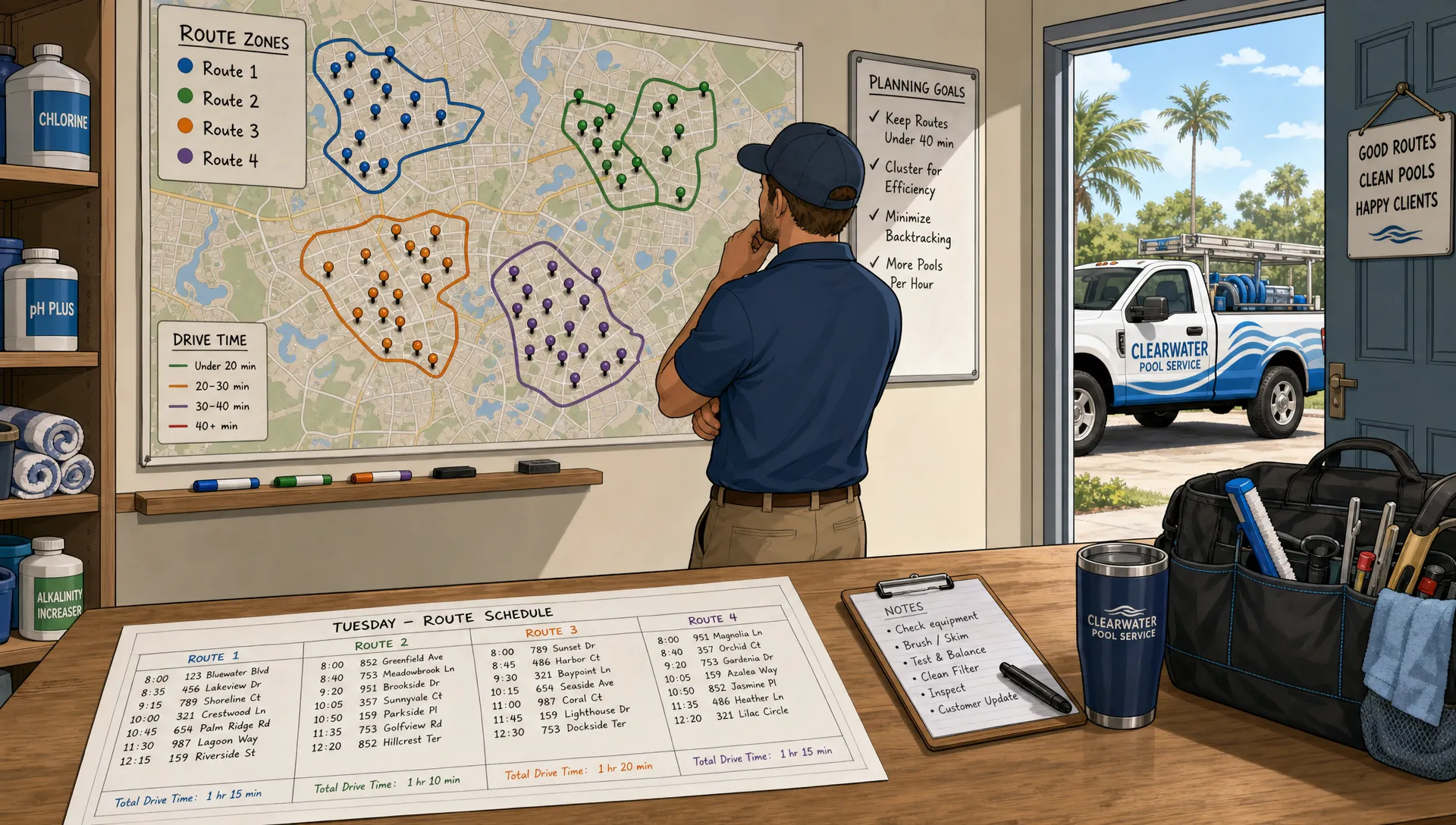
Drive time is one of the easiest costs to underestimate in a pool service business. It does not show up as a line item called “wasted windshield time,” but it quietly affects payroll, fuel, overtime, late arrivals, technician morale, and the number of profitable stops each truck can complete in a day.
Smart scheduling is not simply putting addresses into a map and choosing the shortest path. For pool service companies, it means building routes around customer access, technician skills, job duration, equipment needs, chemical inventory, recurring service commitments, and the reality that emergency calls will happen. The goal is not a perfect route on paper. The goal is a reliable operating rhythm that keeps trucks moving through dense service areas with fewer surprises.
Below are practical smart scheduling tactics that can reduce drive time without sacrificing service quality.
Why drive time becomes a margin problem
A few extra minutes between stops may not feel urgent when a company has one or two trucks. At five, ten, or twenty trucks, those minutes compound fast. If each technician loses even 25 minutes per day to avoidable backtracking, that can turn into hours of paid time every week that produces no revenue.
Drive time also creates secondary problems. A technician who starts the afternoon behind schedule may rush water testing, skip photo documentation, or push a low-priority repair estimate to tomorrow. The office then spends more time answering “Where is my tech?” calls, rescheduling missed visits, or smoothing over homeowner frustration.
That is why smart scheduling should be treated as an operations strategy, not just an administrative task. Better routing protects both profit and consistency.
Start with clean scheduling inputs
No scheduling system can make good decisions from bad data. Before changing route logic, make sure the office has accurate information about each account and each stop type.
The most important scheduling inputs are usually simple, but they must be kept current:
| Scheduling input | Why it matters for drive time |
|---|---|
| Correct service address | Prevents wrong turns, duplicate accounts, and wasted dispatch time |
| Gate codes and access notes | Reduces failed visits and return trips |
| Preferred service day or time window | Helps group nearby customers without creating avoidable conflicts |
| Pool type and service level | Improves stop duration estimates and route balance |
| Equipment details | Helps assign repairs to the right technician with the right parts |
| Photo and service history | Reduces unnecessary diagnostic visits |
| Payment or approval status | Prevents sending a truck to work that cannot be completed or billed |
For pool companies still relying on spreadsheets, paper notes, or scattered texts, the first win often comes from centralizing the customer record. When the office can see service history, repair notes, water-quality logs, equipment details, and billing status in one place, the schedule becomes easier to trust. SplashIQ covers this broader workflow in its guide to a better way to manage pool service and repairs.
Build service zones around real driving patterns
Many pool service companies begin by assigning routes based on ZIP codes, city names, or technician preference. That may work early on, but it often breaks down as the customer base grows. ZIP codes can be oddly shaped, traffic patterns change by time of day, and two homes that look close on a map may require a long detour because of highways, gates, waterways, or school zones.
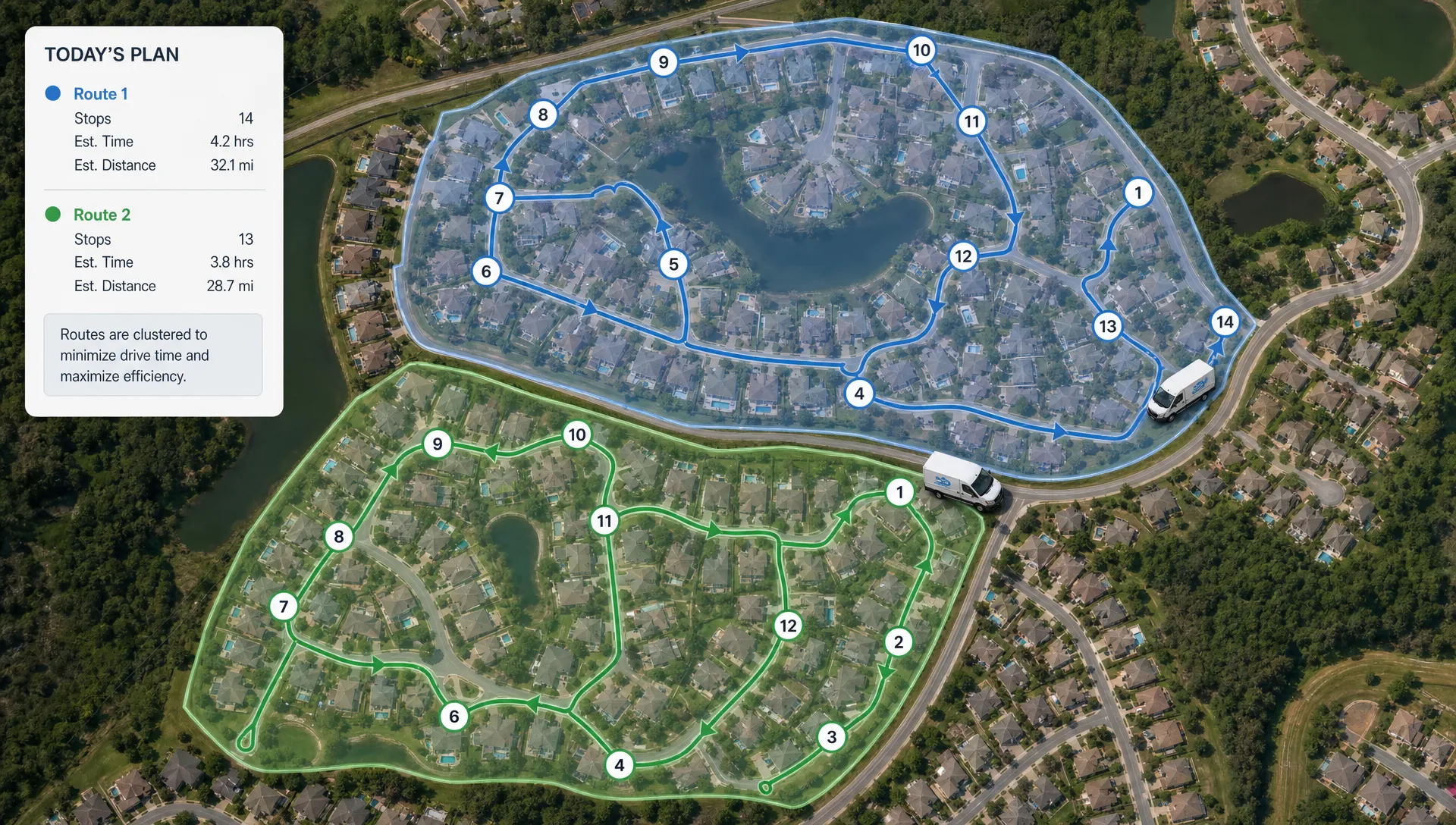
A better approach is to build service zones around real driving patterns. Review completed routes and look for clusters where technicians already complete several stops efficiently. Then adjust service days so nearby customers fall on the same route whenever possible.
This is where smart scheduling becomes more strategic than simple routing. Instead of asking, “What is the best route for today?” ask, “How do we shape our recurring service commitments so every Tuesday, Wednesday, and Thursday route is naturally dense?”
Practical tactics include assigning neighborhoods to specific days, limiting one-off exceptions, and keeping new customers in the closest existing route whenever possible. When the office accepts every preferred day without checking density, routes slowly become scattered.
Protect route density as you grow
Route density is not only an operations issue. It is also a sales and marketing issue. If new customers are spread across a large service area, even strong scheduling will struggle to create efficient days.
Pool service businesses should decide where they want to grow, then align marketing and sales around those territories. Prioritize neighborhoods where you already have profitable routes, homeowner associations with multiple pools nearby, and areas where technicians can add stops without crossing town.
The same principle applies to local demand generation. Whether a service business grows through referrals, partnerships, paid ads, or support from a local SEO agency for small businesses, the highest-value leads are often the ones that improve route density rather than simply expanding the map.
This can feel counterintuitive. Turning down a customer outside your ideal route may seem like lost revenue. But if that account adds 35 minutes of round-trip drive time every week, it may be less profitable than it appears.
Use wider appointment windows when the job allows it
Pool service is different from many home services because the homeowner does not always need to be present. Weekly maintenance, water testing, chemical balancing, skimming, brushing, and photo documentation can often happen within a service window rather than at an exact time.
Exact appointment times are necessary for some jobs, especially diagnostics, equipment walkthroughs, homeowner approvals, or repairs requiring access to locked areas. But when every visit is treated like a narrow appointment, the schedule becomes brittle. One delay can affect the entire day.
Use a mix of scheduling commitments:
| Commitment type | Best for | Scheduling benefit |
|---|---|---|
| Service day | Recurring maintenance where access is open | Maximizes route flexibility |
| Morning or afternoon window | Customers who want a rough arrival range | Balances customer expectations with route efficiency |
| Exact appointment | Repairs, walkthroughs, inspections, or locked access | Keeps high-touch work predictable |
The key is communication. If homeowners understand what to expect and can see service notes, photos, and billing updates after the visit, they are often more comfortable with flexible arrival windows.
Separate recurring maintenance from repair-heavy work
One common routing mistake is mixing too many job types into the same day without accounting for duration and complexity. A route with 16 standard maintenance stops is very different from a route with 11 maintenance stops, two filter cleanings, one pump diagnostic, and one green-to-clean visit.
Smart scheduling should account for both geography and job type. The shortest route is not always the best route if it creates an impossible workload for the technician.
A simple way to improve planning is to assign estimated time blocks to common stop types. These estimates do not need to be perfect. They just need to be consistent enough to prevent overloaded routes.
For example, a standard maintenance stop might be planned differently than a cartridge filter cleaning, salt cell inspection, heater diagnostic, or equipment pad repair. If your schedule treats all stops as equal, the office will underestimate workdays and technicians will spend more time rushing or calling for help.
Create emergency capacity instead of destroying routes
Emergency calls are unavoidable in pool service. A pump fails before a party, a pool turns green after a storm, a filter pressure issue escalates, or a homeowner discovers a leak. The mistake is pretending emergency work can be added to a full route without consequences.
When the office inserts urgent jobs into already dense routes, drive time usually increases because technicians are pulled out of sequence. The route becomes a zigzag. Recurring customers get pushed later. The technician may need to return to a neighborhood they already left.
A smarter approach is to build emergency capacity into the schedule. Depending on company size, this may mean leaving one lighter route each day, assigning a floating technician, or reserving afternoon blocks for same-day issues. The right model depends on route volume and seasonality, but the principle is the same: emergencies should have a planned place to land.
Preventive work also reduces route disruption. For example, catching rising pressure, leaks, weak flow, or debris returning to the pool can help avoid emergency calls later. SplashIQ explains this in more detail in its article on pool filter repairs that help avoid emergency calls.
Match technicians to routes by skill and inventory
Drive time is not only about distance. It is also about whether the right technician arrives ready to complete the work.
If a tech reaches a job and lacks the part, tool, or experience needed, the company may create a second trip. That return visit adds more drive time than a slightly less efficient route would have. Smart scheduling should consider technician capability and vehicle inventory before dispatching repair work.
For example, a technician who is strong in automation troubleshooting may be the best fit for certain equipment calls, even if another tech is geographically closer. A route with several filter cleanings should be assigned to a truck stocked and prepared for that work. A newer technician may be ideal for a tight cluster of standard maintenance stops but not for a day filled with complicated repairs.
This is where equipment tracking and service history matter. The more the office knows before assigning a stop, the fewer unnecessary trips the company creates.
Use a weekly route review, not just daily dispatching
Daily dispatching is reactive. Weekly route review is strategic.
Set aside time each week to review route performance. Look for repeated pain points, not one-off problems. If a specific route consistently runs late, the issue may be poor clustering, unrealistic stop counts, heavy traffic at certain times, or too many complex jobs mixed into maintenance work.
A useful review should answer these questions:
- Which routes had the highest drive time compared with completed stops?
- Which technicians had the most late arrivals or unfinished work?
- Which neighborhoods are creating outlier travel time?
- Which customers frequently require special access or return visits?
- Which days have too much repair work mixed into recurring service?
Make small route changes each week rather than waiting until the schedule becomes unmanageable. Moving a few accounts to a better service day can be easier than rebuilding every route at once.
Plan differently for seasonal spikes
Pool companies rarely operate under the same scheduling pressure all year. Openings, closings, storm cleanup, algae spikes, heat waves, and vacation periods all change the workload.
During seasonal peaks, the goal may shift from maximum route density to maximum predictability. You may need dedicated opening crews, tighter checklist discipline, or temporary route rules that keep technicians from bouncing between complex jobs and routine maintenance.
For example, pool openings can create long stops with many variables: covers, plugs, equipment startup, water level, chemical startup, inspection notes, and homeowner expectations. Digital process control helps keep these jobs consistent, especially when seasonal staff or newer technicians are involved. That is why tools like digital checklists for pool openings can support scheduling by making job duration and completion quality more predictable.
The more predictable each job type becomes, the easier it is to build routes that hold up in the real world.
Track the right smart scheduling metrics
If you want to cut drive time, measure more than total miles. Miles matter, but they do not tell the whole story. A short route in heavy traffic may be worse than a longer loop through easy neighborhoods. A low-mileage day may still be unprofitable if technicians complete too few stops.
Track a combination of time, productivity, and service quality metrics.
| Metric | What it reveals |
|---|---|
| Drive minutes per completed stop | Whether routes are becoming more efficient over time |
| Stops completed per technician day | Whether schedule density is improving without overloading staff |
| First-stop and last-stop distance | Whether technicians start and end too far from their assigned zone |
| Same-day reroute count | How often the office disrupts planned routes |
| Return visits | Whether missing notes, parts, or approvals are creating extra trips |
| Late or missed appointments | Whether route plans match real technician capacity |
| Overtime by route | Whether certain routes are structurally overloaded |
Review these metrics by route, technician, day of week, and season. The pattern matters more than any single day.
Where software helps most
A whiteboard can show where technicians are going today. A spreadsheet can list customers by day. But neither is ideal for coordinating routes, field notes, service history, water-quality logs, equipment records, photos, homeowner communication, and payments across a growing team.
Smart scheduling software helps most when it connects the office and the field. Dispatchers need to see who is available, what work is scheduled, what each job requires, and whether a route is realistic. Technicians need access to the right customer notes, equipment history, and service instructions from the field. Homeowners need clear communication after the visit so they are not calling the office for basic updates.
For pool service companies, the scheduling system should support how the business actually runs: recurring maintenance, seasonal work, repair calls, route adjustments, offline field conditions, and billing after completion. When scheduling is connected to the rest of operations, cutting drive time becomes easier because fewer decisions are made in isolation.
Frequently Asked Questions
What is smart scheduling for pool service companies? Smart scheduling is the process of assigning pool service work based on route density, technician availability, job type, customer access, equipment needs, and real driving conditions. It goes beyond basic calendar planning by helping each truck complete more work with less wasted travel.
How can a pool service business reduce drive time quickly? The fastest improvements usually come from grouping customers by neighborhood, reducing unnecessary exact appointment times, fixing inaccurate customer records, and moving scattered accounts to better service days. Even small changes can improve route efficiency within a few weeks.
Should pool routes be organized by ZIP code? ZIP codes can be a starting point, but they are often too broad or irregular for efficient routing. It is better to organize routes around actual driving patterns, traffic, technician start locations, neighborhood clusters, and recurring service commitments.
How do emergency calls affect route efficiency? Emergency calls often pull technicians out of sequence, which increases drive time and can delay recurring stops. Building emergency capacity into the schedule helps absorb urgent work without disrupting every route.
What data should pool companies track to improve scheduling? Useful metrics include drive minutes per completed stop, stops per technician day, return visits, same-day reroutes, late appointments, and overtime by route. These numbers help identify which routes need adjustment.
Turn better scheduling into a daily operating advantage
Reducing drive time is not about squeezing technicians harder. It is about giving them better routes, clearer information, and fewer avoidable disruptions. When service zones are dense, job durations are realistic, emergency work has a plan, and customer records are accurate, each truck can complete more profitable work with less stress.
SplashIQ helps pool service companies connect CRM, smart route scheduling, water-quality logs, equipment tracking, field operations, homeowner communication, and payments in one operating system. If your team is ready to replace scattered spreadsheets and paper checklists with a more reliable workflow, SplashIQ can help you build routes that work in the real world.