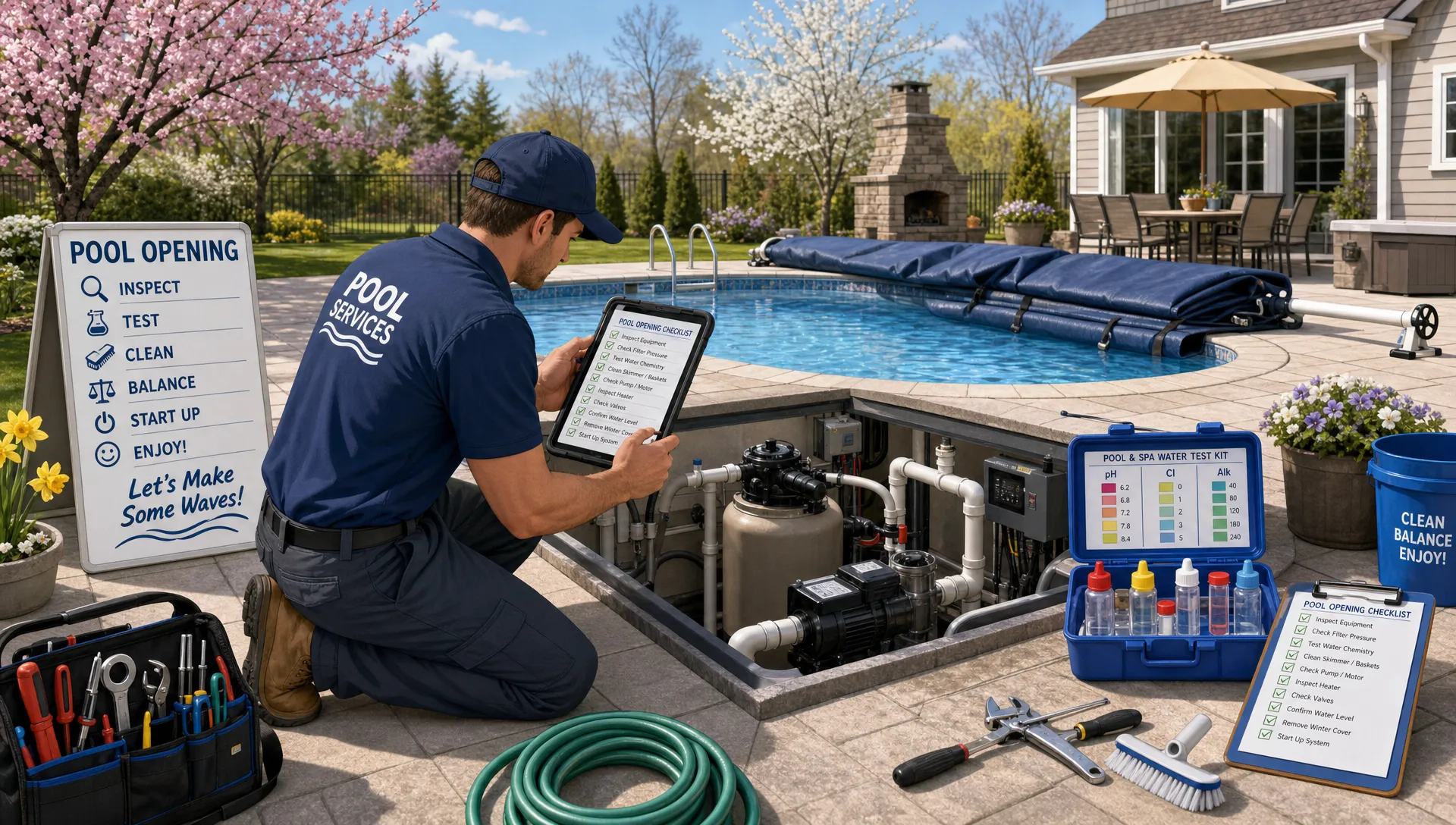
Opening season can make or break the rest of the pool service year. In a few hectic weeks, teams need to remove covers, restart equipment, balance water, identify damage, communicate with homeowners, and keep routes moving. When all of that lives on paper checklists, texts, memory, or a whiteboard in the office, mistakes are almost inevitable.
Digital checklists make pool openings easier because they turn a rushed seasonal process into a repeatable workflow. Instead of asking every technician to remember the same 40 details under pressure, your business gives them a clear step-by-step process in the field, paired with photos, water-quality logs, equipment notes, and follow-up tasks.
For pool service companies, that is not just a convenience. It is a way to protect margins during one of the busiest times of the year.
Why pool openings are so easy to mismanage
A pool opening looks simple to the homeowner: remove the cover, start the system, add chemicals, and get the water ready. For the service company, it is a multi-step job with many opportunities for delays or missed documentation.
A typical opening may involve:
- Confirming property access, gate codes, pets, and homeowner instructions
- Inspecting the cover, anchors, deck, and visible pool condition
- Removing and storing the cover properly
- Reinstalling ladders, rails, fittings, drain plugs, baskets, and accessories
- Reconnecting pumps, filters, heaters, salt systems, automation, and cleaners
- Priming equipment and checking for leaks, pressure issues, air bubbles, or weak flow
- Testing and recording water chemistry
- Adding startup chemicals according to company procedure and product labels
- Capturing photos of the pool before and after service
- Flagging repairs, parts, or return visits
- Sending a homeowner update and triggering billing
Now multiply that by dozens or hundreds of properties, seasonal hires, unpredictable weather, and customers who all want their pool ready by the same weekend. Without a structured system, office staff spend too much time asking, “Was this done?” and technicians spend too much time explaining what happened after the fact.
What a digital pool opening checklist should include
A good digital checklist is more than a converted paper form. It should guide the technician through the work in the right order, capture proof of completion, and create usable records for the office.
The exact checklist will vary by company, region, pool type, and service package, but most opening workflows benefit from these core sections.
Property and access details
The opening starts before the truck reaches the driveway. Technicians need the right address, contact information, gate code, parking notes, dog warnings, equipment location, and any special homeowner instructions.
This is where connected customer records matter. If your office stores property notes in one place, schedules in another, and service history somewhere else, technicians are forced to piece together the job manually. A dedicated pool service CRM helps keep customer, property, equipment, gate code, and visit history information organized so opening crews start with better context.
Cover and pool condition
Before removing the cover, the tech should document its condition. This protects both the homeowner and your company. If a cover is torn, springs are missing, anchors are damaged, or water bags have failed, photos and notes should be captured before the work begins.
The same applies to the visible condition of the pool, deck, coping, tile, and surrounding area. A simple “before” photo can prevent disputes later and help the office explain why additional cleanup, vacuuming, or repairs are needed.
Equipment startup
Equipment is one of the most important sections of any pool opening checklist. The technician should verify that winterizing plugs are removed, drain plugs are reinstalled, valves are positioned correctly, pumps prime properly, and filters run at expected pressure.
This is also the moment to catch early warning signs. A pump that struggles to prime, a filter pressure reading that jumps quickly, a leaking union, or a heater that fails to ignite should become a documented follow-up, not a note scribbled on the back of a work order.
If your team sees recurring issues at startup, it may be worth reviewing how proactive pool filter repairs can help avoid emergency calls, especially when opening season reveals weak flow, dirty returns, high pressure, or cracked components.
Water-quality logging
Opening water chemistry sets the tone for the first month of service. Digital checklists should prompt technicians to record key readings, such as sanitizer level, pH, alkalinity, calcium hardness, stabilizer, salt level when relevant, and water temperature when useful.
The value is not just the reading itself. It is the trend over time. If the same property consistently opens with extreme chemistry, the company can adjust preseason communication, recommend cover maintenance, or schedule an earlier opening next year.
For public and commercial environments, operators should also follow applicable health department requirements. The CDC provides pool operation guidance through its healthy swimming resources, and residential companies should still train teams to follow product labels, manufacturer instructions, and local rules.
Photos and homeowner notes
A strong opening checklist should include required photo prompts. These can include the covered pool before service, equipment pad before startup, visible damage, water condition after cover removal, completed equipment setup, and final pool condition.
Photos are especially useful when the water is not clear on opening day. Homeowners may expect a swim-ready pool immediately, but green or cloudy water often needs circulation time, filtration, brushing, vacuuming, or a follow-up visit. A clear homeowner note paired with photos reduces confusion and repetitive office calls.
Paper checklist vs. digital checklist
Paper can work when the business is small, the same person opens every pool, and the office does not need instant visibility. But once routes grow, paper becomes a bottleneck.
| Opening task | Paper checklist problem | Digital checklist advantage |
|---|---|---|
| Property access | Gate codes and notes may be outdated or hard to find | Crew sees current property details before arrival |
| Equipment startup | Readings may be incomplete or illegible | Required fields help capture consistent data |
| Water testing | Results often stay on paper until the end of the day | Logs can be available to the office sooner |
| Photos | Images stay on a personal phone or are never taken | Before/after photos can be tied to the job record |
| Repairs | Follow-ups may be lost in texts or margin notes | Issues can become documented tasks or estimates |
| Billing | Office waits for paperwork to confirm completion | Completed work can support faster invoicing |
Digital checklists reduce the number of places where information can disappear. That matters most during opening season, when every missing detail creates another call, another return visit, or another invoice delay.
How digital checklists help technicians in the field
The best checklists do not slow technicians down. They remove guesswork.
A new seasonal hire might know how to remove a cover but forget to inspect anchors. An experienced technician might remember the equipment but skip homeowner-facing photos because the route is behind. A digital checklist creates a consistent standard across the team without requiring the office to micromanage every stop.
It also helps technicians communicate issues while they are still on site. If a heater does not start, the technician can record the model, capture a photo, describe the symptom, and alert the office before leaving. That turns a vague “heater broken” message into a useful repair lead.
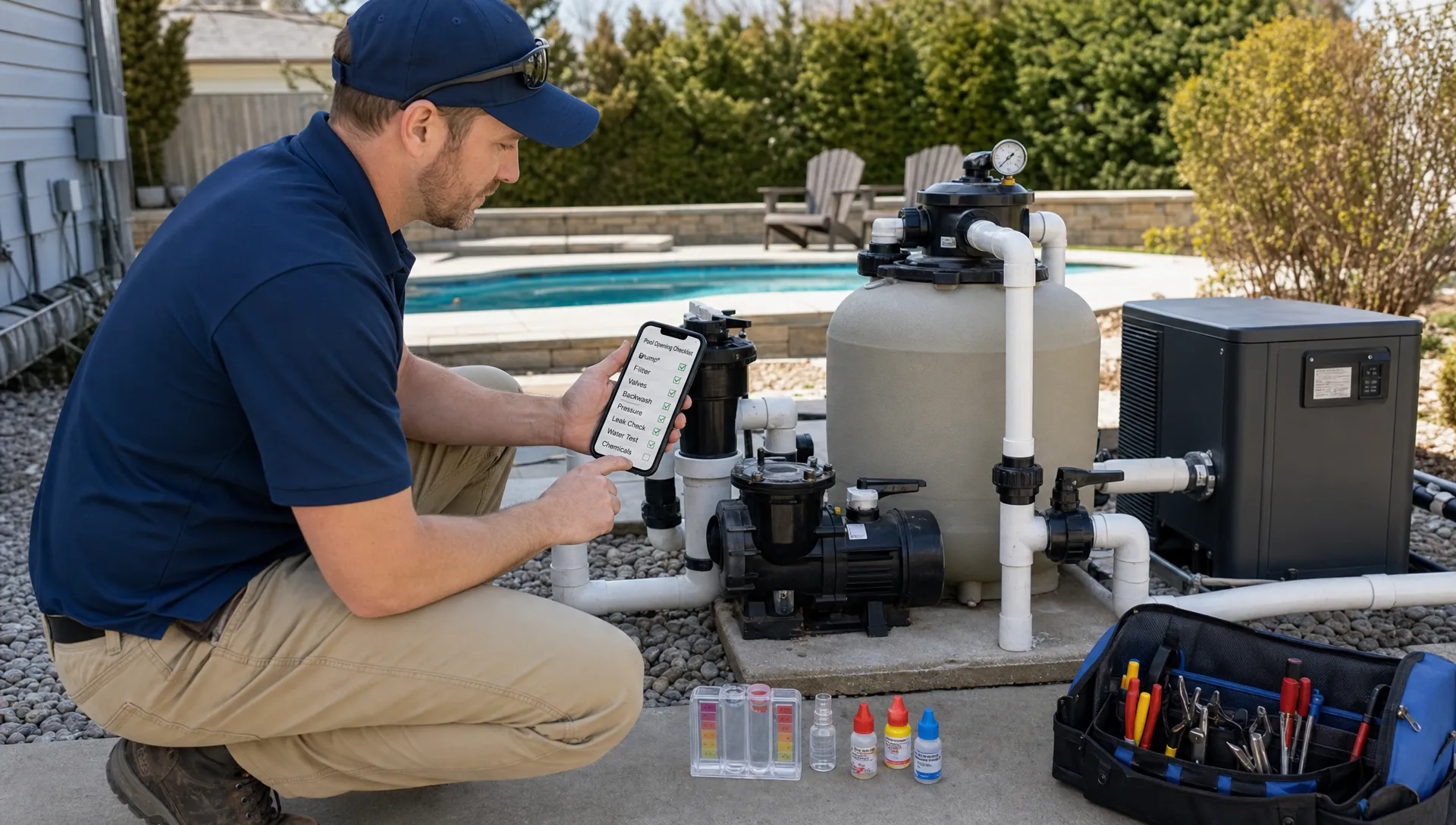
For companies with multiple crews, this consistency is crucial. Owners and managers can compare jobs more fairly, coach technicians using real field data, and spot patterns before they become customer complaints.
Turning pool openings into repair opportunities
Opening season is not only about getting pools running. It is one of the best times to identify work that improves safety, performance, and customer satisfaction.
Common repair opportunities found during openings include leaking pump lids, cracked unions, worn O-rings, failing filter cartridges, broken pressure gauges, heater ignition issues, salt cell errors, automation problems, damaged covers, loose handrails, and missing drain covers or fittings.
The challenge is capturing those opportunities in a way the office can act on. If a technician writes “needs repair” on a paper form, the office still has to interpret the note, call the technician, ask for photos, confirm parts, contact the homeowner, and schedule the work.
A digital workflow can make that handoff cleaner. The opening checklist should ask whether any repair is recommended, require a short description, and prompt the technician to attach photos. From there, the office can review the issue and follow the company’s estimate or approval process.
This is where opening workflows connect to broader service operations. If you are trying to reduce lost repair revenue and tighten communication between office and field teams, it helps to look at a better way to manage pool service and repairs beyond opening season.
Building a checklist your team will actually use
A digital checklist only works if it fits the way your crews operate. Overly long forms frustrate technicians. Overly vague forms fail to capture the details the office needs. The goal is to create a checklist that is structured, fast, and practical.
Start with your most common opening package. Map the job from arrival to departure, then identify which steps must be confirmed every time. Separate required safety, equipment, and billing information from optional notes.
A useful opening checklist often includes:
- Arrival confirmation and access notes
- Pre-service photos and cover condition
- Cover removal and storage confirmation
- Equipment reconnection and startup checks
- Filter pressure and visible leak checks
- Water test readings and chemical actions
- Damage, repair, or part recommendations
- Final photos and homeowner update
- Completion status and billing notes
Once the checklist is drafted, test it with your best technicians. Ask them what feels unnecessary, what is missing, and which prompts would help avoid callbacks. The people doing the work will often find gaps that managers miss.
Use conditional prompts instead of one giant form
Not every pool opening requires the same questions. A vinyl liner pool, gunite pool, attached spa, salt system, cartridge filter, DE filter, heater, automation panel, and safety cover can all require different steps.
Digital checklists are most useful when they adapt to the property. For example, a salt pool should prompt for salt level and salt system status. A pool with a heater should prompt for ignition, error codes, bypass position, and visible corrosion. A property with a known access issue should display that note before the technician arrives.
Even if your system is simple at first, you can still organize your checklist by sections so technicians only focus on what applies. This keeps the workflow clean and reduces skipped fields.
Standardizing documentation as your company grows
As a pool service company grows, its process becomes part of its value. Your opening checklist, repair standards, training materials, customer communication templates, and pricing logic are all operational assets.
For most local service companies, the immediate priority is consistency and efficiency. For larger brands, franchisors, or companies developing proprietary training systems, it may also be worth thinking about how business processes, content, and brand assets are protected. Platforms like Third Chair help companies monitor, enforce, and license intellectual property, which is a useful reminder that standardized documentation can become more than an internal tool as a company scales.
The practical takeaway is simple: do not treat your opening checklist as disposable paperwork. Treat it as a living operating procedure that improves every season.
Common mistakes to avoid when going digital
Moving from paper to digital checklists is not just a software change. It is a process change. The most common mistakes usually come from trying to digitize a messy workflow without improving it first.
One mistake is making every field optional. If technicians can skip water readings, filter pressure, or final photos, the office will still have incomplete records. Required fields should be used carefully, but the critical ones should be enforced.
Another mistake is asking for too much typing. Technicians are working outdoors, often with wet hands, bright sunlight, and tight schedules. Use checkboxes, dropdowns, photo prompts, and short note fields where possible. Save longer written descriptions for exceptions and repair findings.
A third mistake is failing to connect the checklist to the next step. If a repair issue is captured but does not trigger a follow-up process, the company has only created a better archive of missed opportunities. Opening data should help drive scheduling, customer communication, and invoicing.
How SplashIQ supports a cleaner opening season
SplashIQ is built for pool service companies that want to replace spreadsheets and paper checklists with one app for offices, technicians, and homeowners. For pool openings, that means your team can work from a more connected system instead of juggling route sheets, text threads, photo albums, and billing notes.
With SplashIQ, pool service businesses can manage customer CRM details, smart route scheduling, water-quality logs, equipment tracking, offline field work, homeowner communication, before/after photos, online payments, homeowner financing, and technician scorecards in one operating system.
That connected workflow matters during openings because the job does not end when the cover comes off. The office needs to know what happened, the homeowner needs a clear update, the technician needs a simple way to document issues, and the business needs to convert completed work into accurate billing and follow-up.
Frequently Asked Questions
What is a digital checklist for pool openings? A digital checklist is a mobile-friendly workflow that guides technicians through each step of a pool opening, such as access, cover removal, equipment startup, water testing, photos, repair notes, and completion details.
Do digital checklists reduce pool opening callbacks? They can help reduce callbacks by standardizing required steps, prompting technicians to document issues, and making it easier for the office to spot incomplete work before the customer calls.
What should technicians document during a pool opening? Technicians should document access issues, cover condition, visible damage, equipment startup results, filter pressure, leaks, water chemistry, chemicals added, repair recommendations, before/after photos, and any homeowner-facing notes.
Are digital checklists useful for small pool service companies? Yes. Even a small company can benefit from consistent records, faster billing, clearer homeowner communication, and less reliance on memory. The value increases as routes, technicians, and seasonal volume grow.
How do digital checklists help with billing? When completion details, photos, and service notes are captured in the field, the office has better proof that the opening was completed and can invoice with fewer delays or follow-up questions.
Make every pool opening easier to manage
Pool openings will always be busy, but they do not have to feel chaotic. With digital checklists, your team can follow the same proven process at every property, capture better field documentation, and keep office staff informed without constant phone calls.
If your pool service business is ready to move beyond paper forms, spreadsheets, and scattered texts, SplashIQ gives your office and field team one place to manage scheduling, service records, water-quality logs, equipment details, homeowner communication, photos, and payments.