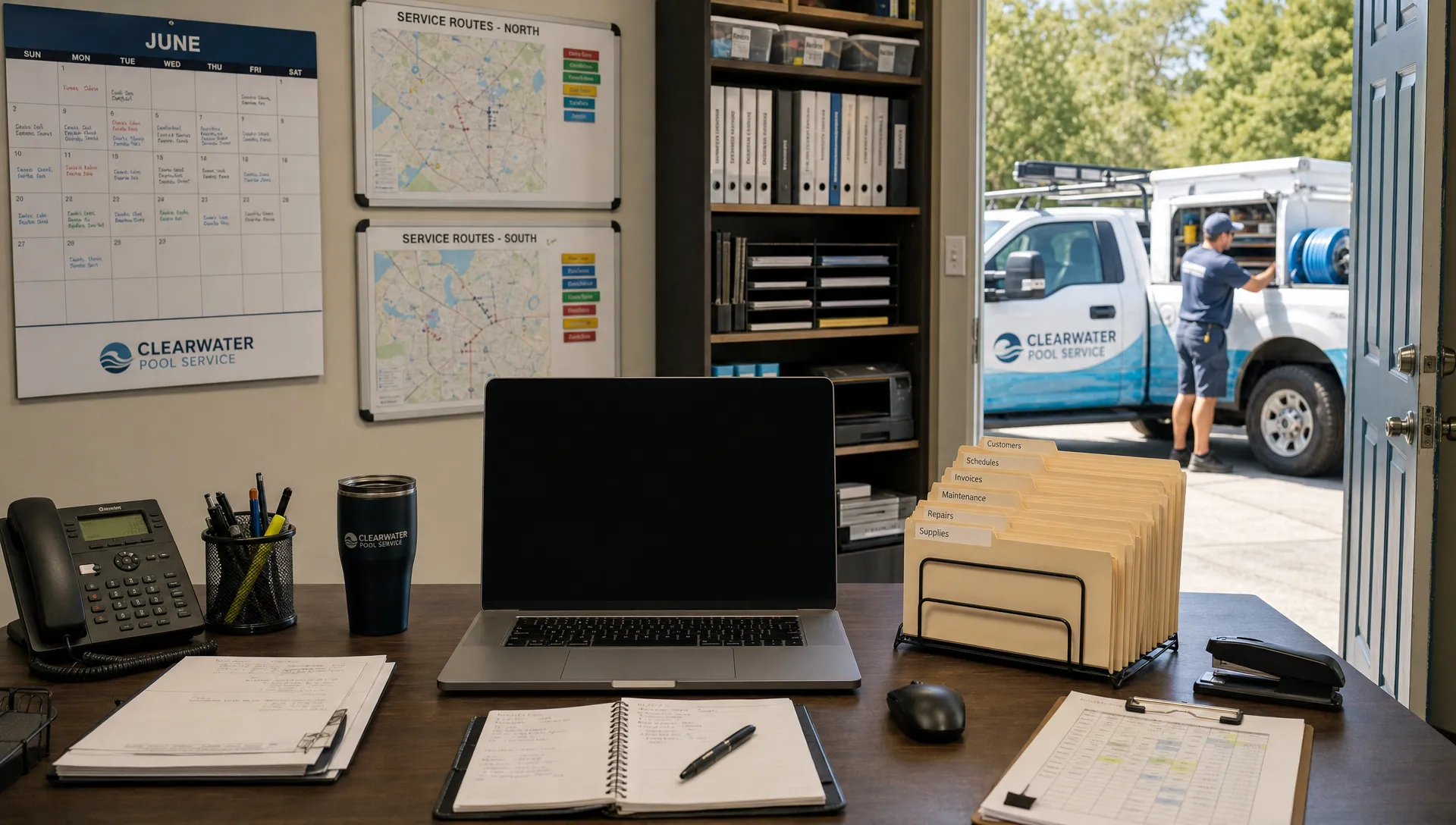
The wrong time to discover the limits of your CRM support is when technicians are waiting for their routes and the office cannot reach anyone who can help. Before your pool service schedule fills up, find out what happens after someone reports a problem, not just which contact options appear on the vendor’s website.
CRM stands for customer relationship management. Here, support means the help your software vendor provides with setup, troubleshooting and operational problems. That is different from the customer service your team delivers to homeowners. These questions will help you evaluate that help before you depend on it during peak season.
1. Who answers when a problem stops the workday?
Start with your actual operating hours. If technicians leave before the office opens, support that begins later in the morning leaves a gap. Weekend pool service creates the same issue when a vendor only handles technical problems on weekdays.
Ask: “If our team cannot access today’s routes at opening time, who responds and through which channel?”
Have the vendor distinguish between live technical assistance, an answering service and an automated acknowledgment. A chat window available around the clock does not necessarily mean a person can investigate around the clock.
Confirm the time zone, holiday schedule and process for reaching someone outside normal hours. Also establish who on your team can submit an urgent request. Requiring every technician to go through one unavailable account administrator can delay the response before the vendor even sees the problem.
Ask for these arrangements in writing. A general promise of “dedicated assistance” does not tell your dispatcher what to do when the morning schedule will not load.
2. What does the CRM support response promise actually mean?
A first response and a working solution are different milestones. “We received your ticket” may satisfy an acknowledgment target without helping your office assign work.
Ask: “Does your response target mean acknowledgment, contact with a qualified person or active investigation?”
Then ask how the vendor classifies severity. A spelling error in a template should not follow the same escalation path as an entire team losing access to customer records. Find out whether your business impact affects the classification and who can review it if you disagree.
Atlassian’s explanation of incident-management metrics distinguishes measures such as acknowledgment and recovery. That distinction is useful when reviewing a vendor’s service-level agreement, or SLA: identify exactly what each promised clock measures.
Also ask when the clock pauses. Does it stop while the vendor waits for your reply? Do weekends count? What happens if a third-party provider is involved?
A vendor may not be able to promise a resolution time for every technical defect. In that case, look for a clear escalation owner, an update cadence and a process for providing a safe workaround. Those commitments are more useful than an undefined promise to resolve issues quickly.
3. Can you walk us through a realistic field failure?
Generic demonstrations rarely show how a vendor handles a disrupted workday. Give the team a pool-service scenario and ask them to explain the investigation.
For example, suppose a technician records water chemistry readings and service photos without connectivity. Back at the next property, the office still cannot see the completed visit. Good CRM support should help distinguish a connectivity issue from a permissions problem, an incomplete upload or a wider service disruption.
Ask: “What would you tell the technician to do first, and what information would you need from us?”
Listen for instructions that protect unsynchronized work. Before anyone signs out, clears application data or reinstalls software, the vendor should explain whether those actions could affect locally stored records. Do not assume every offline application handles those actions the same way.
Ask what happens to related workflows while the issue remains open. Could a homeowner notification be delayed? How should the office verify that a visit is complete before billing it?
A useful response identifies immediate precautions, the person responsible for investigating and a way to confirm recovery. “Try reinstalling it” is not a complete operational plan when field records may still be waiting to upload.
4. Who owns onboarding and changes before peak season?
Separate three services that are often discussed together: initial implementation, everyday technical assistance and ongoing workflow consulting. They may involve different teams, different availability and different fees.
Ask: “Who helps us verify that our setup works before we add seasonal staff or expand routes?”
Clarify who checks imported customer records, user permissions and the connection between scheduling, completed visits and invoicing. Establish whether the vendor performs that work, advises your administrator or refers you to a paid implementation partner.
CRM support becomes more consequential as additional people depend on the same records. The article on CRM tools that help contractors scale without chaos provides useful context for evaluating those connected workflows. Your support evaluation should test what happens when one of those connections breaks.
Ask how much notice the vendor needs for onboarding appointments and configuration reviews. Do not assume an implementation specialist will be immediately available just before your busiest weeks.
Before peak season, agree internally on a cutoff for nonessential configuration changes. Keep an exception process for urgent corrections, but avoid redesigning billing rules or permissions while the team is already handling its heaviest workload.
5. What will help cost when we add people or need urgent assistance?
The subscription price may not describe the full cost of getting help. Ask for a written breakdown of included assistance, optional services and charges triggered by changes to your account.
Ask: “Which support activities are included in our plan, and which require a separate purchase?”
Possible distinctions to investigate include data cleanup, additional training, custom configuration, integration troubleshooting and after-hours help. These are questions to verify, not fees to assume every vendor charges.
Also ask whether every employee can contact the help desk or whether access is limited to designated administrators. A restriction may be workable, but your team needs a backup contact when the primary administrator is away.
Compare CRM support costs at your expected peak-season staffing level, not just today’s headcount. If a higher subscription tier is required for a particular channel or coverage window, include that difference in your comparison.
Request a sample invoice or written pricing explanation for any optional service you expect to use. Clarify whether unused assistance hours expire and whether urgent work requires advance approval. These details help the office authorize necessary help without having to negotiate spending limits during an interruption.
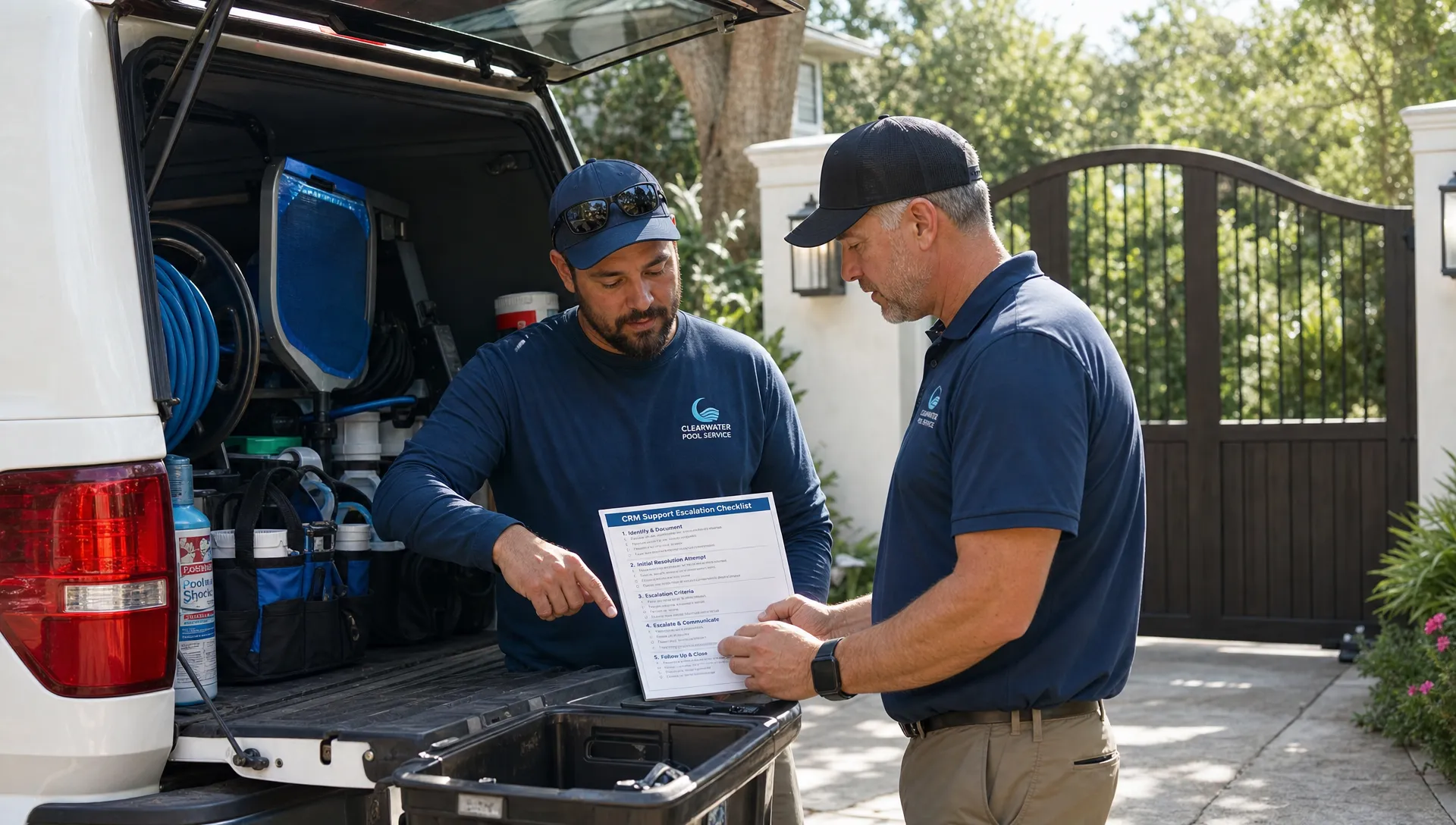
6. What happens during an outage, and how is our data protected?
An individual account problem and a platform-wide outage require different communication. Ask where the vendor posts incident updates and whether that channel remains accessible if the main application is unavailable.
Ask: “How will we know whether an issue affects only us, and when should we expect the next update?”
Find out whether updates arrive automatically or require someone to check a status page. Identify who in your business will monitor them and relay instructions to technicians. Otherwise, several employees may submit duplicate tickets while nobody coordinates the response.
Then discuss data recovery separately from service availability. Ask what is backed up, how restoration requests work and what limitations apply. A statement that backups exist does not explain which records can be recovered or how long recovery might take.
Request details about exporting customer records, water-quality logs, equipment history and photos. Confirm the available formats and whether attachments are included. An export is useful for continuity planning, but it is not automatically a complete replacement for a recoverable system backup.
Finally, ask how staff access your account during investigations. Share only the information needed for troubleshooting, and avoid placing homeowner payment details or gate codes in ordinary ticket messages.
7. Can we test the process before the schedule fills up?
A short, agreed support exercise can reveal more than another feature demonstration. With the vendor’s permission, submit a genuine, low-risk setup question through the channel your office would normally use. Never label a test as an emergency or create a fake outage.
Evaluate the CRM support experience from submission through closure. Did the first responder understand the problem? Did the next person receive the context? Could your office follow the instructions without another explanation?
Use a simple test record:
- Submission: Record the channel, time and business impact described.
- Handoff: Note whether you had to repeat information to another person.
- Guidance: Check whether the instructions were specific and safe to follow.
- Closure: Record how you confirmed the issue was resolved.
Reddit can help you identify questions worth testing, but an anecdote is not a contractual commitment. Use this article about contractor CRM discussions on Reddit to develop questions, then verify the answers directly with the vendor.
When evaluating any review or discussion, check its date, subscription tier and business context. An experience with another plan or an older version may not describe the service you would receive today.
Turn the answers into a go-or-no-go decision
Do not reduce the evaluation to whether a salesperson seemed helpful. Document the evidence your business needs before relying on the system for peak-season operations.
Use this CRM support checklist as a starting point. The acceptance criteria below are suggested buying requirements, not claims about what every vendor provides.
| Area | Evidence to request | Practical acceptance criterion |
|---|---|---|
| Coverage | Written hours, time zone and urgent-contact process | Your operating hours are covered, or you have an acceptable contingency |
| Response | Severity definitions and response commitments | You understand what starts, stops and satisfies each commitment |
| Escalation | Named roles or a documented escalation path | Unresolved work-blocking issues have a clear owner |
| Field troubleshooting | Walkthrough of an offline or synchronization problem | Instructions account for unsynchronized records |
| Costs | Plan inclusions and optional-service pricing | Expected peak-season assistance fits your budget |
| Continuity | Incident communication, recovery and export documentation | Your office knows how to operate during an interruption |
Treat an unanswered question as an open risk, not an implied yes. Assign someone to resolve each gap and set a decision date before you move essential workflows.
If coverage does not match your needs, decide whether a documented workaround is sufficient or whether the gap should prevent the purchase. That judgment should reflect the work affected, not just the attractiveness of the subscription price.
Frequently asked questions
What does CRM support usually include? It can include account setup guidance, troubleshooting, documentation and help using existing features. Data migration, custom development, workflow consulting and after-hours assistance may be separate. Confirm the boundaries for the specific subscription you are considering.
Does a pool service company need 24/7 assistance? Not necessarily. Coverage should match when your team works and how long it can safely operate without the software. Early-morning or weekend coverage may matter more than overnight availability. Ask whether the advertised coverage provides live technical investigation or only ticket intake.
What if a vendor will not guarantee a resolution time? Ask for defined response commitments, escalation steps, update frequency and a workaround process. Some defects cannot be assigned a reliable fix deadline immediately, but responsibility and communication should still be clear.
Should we switch systems immediately before peak season? Avoid committing without enough time to validate data, permissions and essential workflows. If a transition cannot be delayed, narrow the initial scope and document a fallback process. A launch date alone is not evidence that the team is ready.
Bring these questions to your next software conversation
SplashIQ brings together customer records, smart route scheduling, water-quality logs, equipment tracking, an offline field app and homeowner payments for pool service businesses.
Use the questions above when evaluating how it fits your operation. Confirm support hours, escalation arrangements, onboarding responsibilities and any additional costs directly before committing. The goal is a clear plan for getting help while your team keeps serving pools.