
Scaling a contracting business rarely fails because the owner forgot how to sell or the crew forgot how to work. It usually fails when the same informal systems that worked at 8 jobs a day break at 40. The right CRM tools give contractors a shared operating layer for leads, customer details, scheduling, job history, photos, billing and follow-up, so growth does not depend on one person remembering everything.
For pool service companies, that operating layer has to reach beyond a normal sales database. A homeowner may call about green water, a technician may find a pump issue onsite, the office may need to bill for chemicals and the owner may want to know which routes are profitable. If those details live in texts, paper checklists and disconnected spreadsheets, every new customer adds more drag.
Why CRM tools matter most when a contractor starts to scale
A small contracting business can survive on memory for a while. The owner knows which customer is picky about gate access, which technician can handle a heater repair and which invoice is still waiting on approval. That stops working when new office staff, new technicians and new routes enter the picture.
At that point, the issue is not just organization. It is operational risk. Missed follow-ups become lost bids, unclear work notes become callbacks and unrecorded equipment details slow down every future visit.
Growth turns memory into a bottleneck
Contractors often describe the same pattern on Reddit. In searches across communities like r/smallbusiness and r/Construction, the complaints are rarely about needing a prettier dashboard. They are about adoption, field updates, duplicate data entry and systems that salespeople like but crews avoid.
That matches the lesson in SplashIQ’s article on Reddit’s CRM lessons for contractors scaling service teams: software only helps if it reflects how work actually moves from the first call to the completed job. The most useful CRM tools reduce handoffs, instead of creating another place for the office to retype information.
What your contractor CRM should fix before you scale
Before choosing software, define the chaos you are trying to remove. A contractor with 200 recurring pool accounts does not need the same workflow as a commercial remodeler bidding six-month projects. Still, most scaling contractors run into the same core problems: inconsistent follow-up, scheduling complexity, incomplete job records and slow billing.
A practical way to evaluate a CRM is to map it to the moments where work gets dropped.
| Scaling pressure | What the system should connect | Why it matters |
|---|---|---|
| More inbound leads | Lead source, estimate request, property details and follow-up status | Prevents good opportunities from disappearing in voicemail or email |
| More service stops | Customer profile, route schedule, technician assignment and visit notes | Keeps crews aligned without constant dispatch calls |
| More equipment history | Installed equipment, photos, warranty notes and past repairs | Helps technicians diagnose faster and quote accurately |
| More billing volume | Completed work, materials, approvals and invoice status | Reduces end-of-week admin cleanup |
| More staff | Technician activity, job outcomes and customer feedback | Makes coaching possible without micromanaging |
Lead capture and follow-up
Most contractors lose revenue before the job is ever scheduled. A homeowner asks for an estimate, someone writes a note, the owner plans to call back and then a more urgent problem takes over. As volume increases, “I’ll remember” becomes an expensive habit.
For scaling service businesses, lead management should capture the request, attach it to the customer or property and assign a next step. That next step might be a quote, an inspection, a financing conversation or a simple follow-up message. The key is that the opportunity cannot depend on one inbox.
Scheduling and dispatch
Scheduling is where generic software often starts to strain. Contractors need to account for route density, crew skills, job duration, access notes and emergencies. A calendar alone may show where people are supposed to be, but it does not always show whether the day makes operational sense.
The best CRM tools for field teams connect the customer record to the visit, then make that information available to the office and technician. In pool service, that can mean seeing route order, service history, water-quality logs, equipment notes and photos without calling the office from the driveway.
Documentation that protects margins
Documentation is not busywork when it reduces disputes, callbacks and unpaid extras. Before-and-after photos, chemical readings, equipment conditions, gate access issues and homeowner approvals all create context for the next visit. They also help the office explain what happened when a customer calls with a question.
This is one reason articles about contractors scaling with CRM software often focus less on “closing more deals” and more on process control. Growth guides from field service software companies commonly emphasize the same sequence: capture demand, schedule consistently, document the job and invoice quickly. SplashIQ takes that same operating-system approach for pool service teams by connecting CRM, scheduling, water-quality logging, equipment tracking, homeowner communication and payments in one workflow.
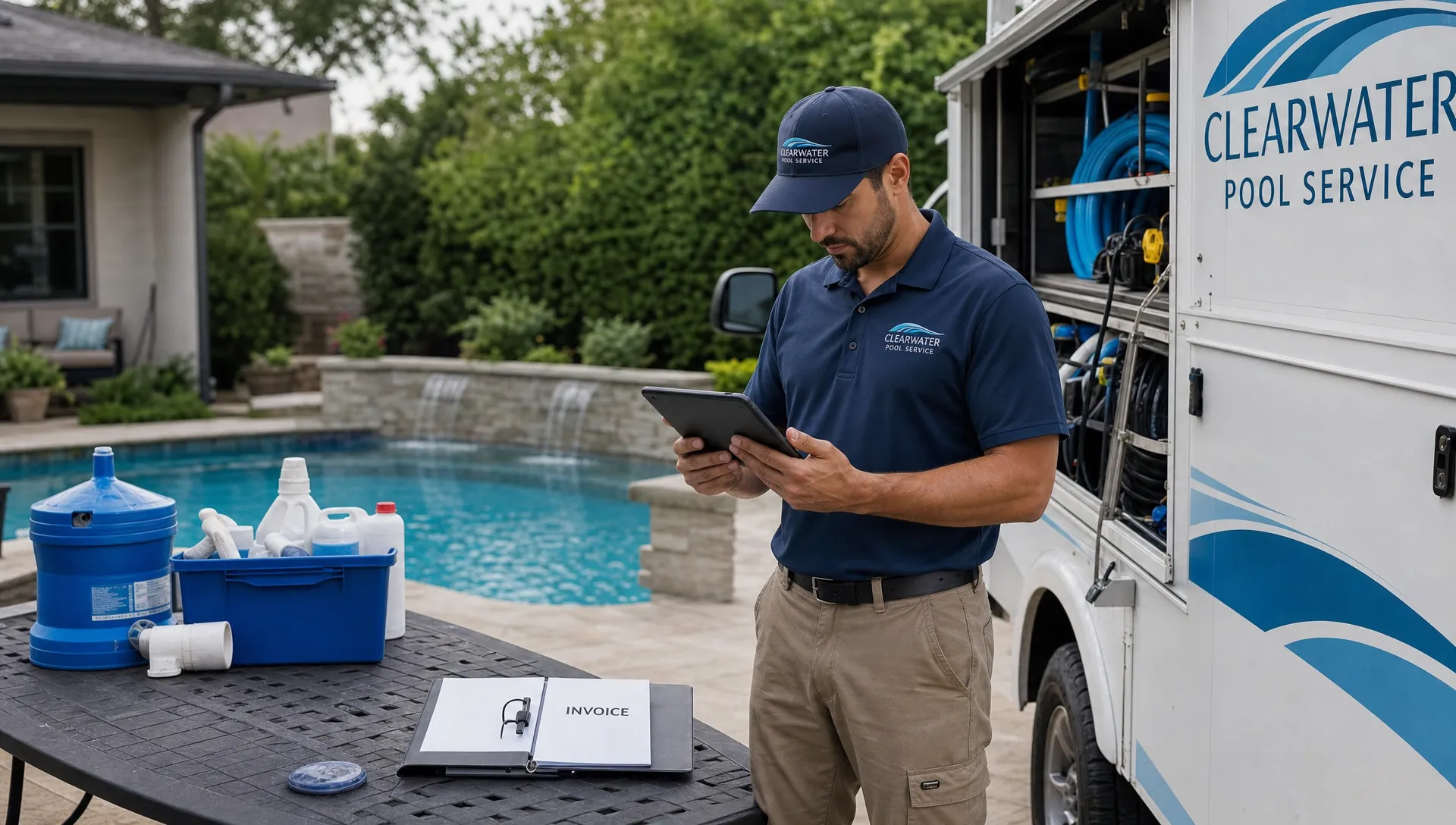
How CRM tools prevent chaos after the tenth truck
Scaling from one crew to three is a different challenge than scaling from three to ten. Early growth is usually about getting more work. Later growth is about making sure work happens the same way across every route, every technician and every customer interaction.
That is where a contractor CRM should become the source of truth, not just a contact list. The office should know what was sold, the technician should know what was promised and the homeowner should receive timely communication without forcing staff to send every message manually.
| Workflow | Chaotic version | Scalable version |
|---|---|---|
| New customer onboarding | Details are spread across email, texts and paper forms | Customer, property, equipment and billing records are created once |
| Route planning | Dispatch adjusts manually all day | Routes account for technician assignment, location and recurring service needs |
| Service visits | Notes vary by technician | Standard logs, photos and required fields create consistent records |
| Customer updates | Homeowners call to ask when someone is coming | Arrival, completion and service notifications reduce inbound calls |
| End-of-week billing | Office staff reconstruct work from notes | Completed visits flow toward invoices and online payment collection |
The office should not become the integration layer
Many contractors accidentally make the office manager the “software integration.” A lead comes from the website, an estimate lives in email, route notes are in a scheduling app, job photos are in a phone and invoices are built later in accounting. The business technically has software, but people still connect everything by hand.
If CRM tools cannot pass information cleanly from lead to field work to payment, scaling will add admin hours nearly as fast as it adds revenue. This is why SplashIQ’s article on why contractors need CRM and accounting in one workflow is worth reading before you add another disconnected app to the stack.
Choosing the right system for your trade
The right CRM for a contractor depends on the work being performed. A remodeler may need long sales pipelines and project milestones. A pool service company may need recurring routes, chemical logs, homeowner notifications, equipment history and fast invoicing. An HVAC contractor may prioritize dispatch, service agreements and technician skill matching.
The mistake is buying for one department only. A sales-first CRM may help the office track opportunities, but it can fail if the field app is clunky or the service history is hard to find. A basic scheduling app may look simple, but it can create a second problem if customer communication and billing still happen elsewhere.
If you are comparing options, start with a workflow review before a feature checklist. SplashIQ’s CRM software comparison for contractors ready to scale breaks down what matters most for field service and pool service companies, including scheduling, mobile usability, service records and payments.
What to prioritize before demos
Contractors should enter software demos with real scenarios, not abstract requirements. Ask what happens when a homeowner requests service from a website form, when a technician finds a broken valve, when a customer disputes a charge or when a route needs to be rearranged after an emergency.
You will learn more from one realistic job flow than from a long feature tour. Strong CRM tools should make the next action obvious for the person doing the work, whether that person is in the office, in a truck or paying an invoice from home.
Red flags that your system is becoming another spreadsheet
A CRM can create chaos if it is too generic, too complicated or disconnected from field work. Contractors do not need more databases to maintain. They need fewer places to check.
Watch for these warning signs during selection or rollout:
- Technicians avoid the app because it slows them down onsite.
- The office still copies notes from one system into another.
- Customer records do not include property, equipment or service history.
- Scheduling changes do not update the people who need to know.
- Invoices require someone to reconstruct what happened after the job is done.
These symptoms mean the company has not actually simplified operations. It has added a digital layer over the same old handoffs.
How to roll out a contractor CRM without slowing crews down
Implementation matters as much as selection. Rolling out CRM tools across a contractor team should feel like removing friction, not launching a corporate IT project. Start small, prove the workflow and expand once crews trust the system.
A practical rollout can follow five steps:
- Map your real workflow first: Write down how a lead becomes a scheduled job, how the job is documented and how the invoice gets paid.
- Clean the customer and property data: Bad addresses, duplicate names and missing equipment records create distrust quickly.
- Pilot with one route or crew: Use a real service route to find confusing fields, missing job details and training gaps.
- Standardize the must-have notes: Decide which photos, readings, approvals or equipment details are required for each job type.
- Review adoption weekly: Look for skipped steps, repeated questions and places where staff still leave the system to finish the work.
The goal is not perfection on day one. The goal is to create a reliable operating rhythm, then improve it with feedback from the people who actually use the system.
FAQ
What are the most important CRM tools for contractors? The most important capabilities are lead tracking, customer and property records, scheduling, field documentation, communication history, billing workflow and mobile access for technicians. For pool service companies, water-quality logs, equipment tracking and homeowner notifications are especially important.
Can a small contractor use a CRM before hiring office staff? Yes. In fact, implementing a simple workflow early can prevent messy data and inconsistent habits later. A small team should focus on capturing leads, scheduling jobs, documenting work and getting paid without adding unnecessary complexity.
Why do contractors complain about CRM software on Reddit? Reddit threads often highlight practical adoption problems: tools that are too sales-focused, mobile apps that crews dislike, duplicate data entry and software that does not match field work. Those complaints are useful because they reveal where CRM projects fail in daily operations.
How do CRM tools help contractors scale revenue? They help by reducing missed leads, improving follow-up, making scheduling more consistent, documenting billable work and speeding up payment collection. The revenue impact usually comes from fewer leaks across the whole workflow, not from one magic feature.
Scale your pool service business with fewer moving parts
If your pool service company is growing but the office is stuck chasing notes, schedules, photos and invoices across too many places, the problem is not effort. It is workflow design.
SplashIQ brings customer CRM, smart route scheduling, water-quality logs, equipment tracking, an offline field app, homeowner notifications, before-and-after photos, online payments and technician scorecards into one operating system for pool service businesses. The right CRM tools should help your team take on more customers without turning every day into a coordination scramble.