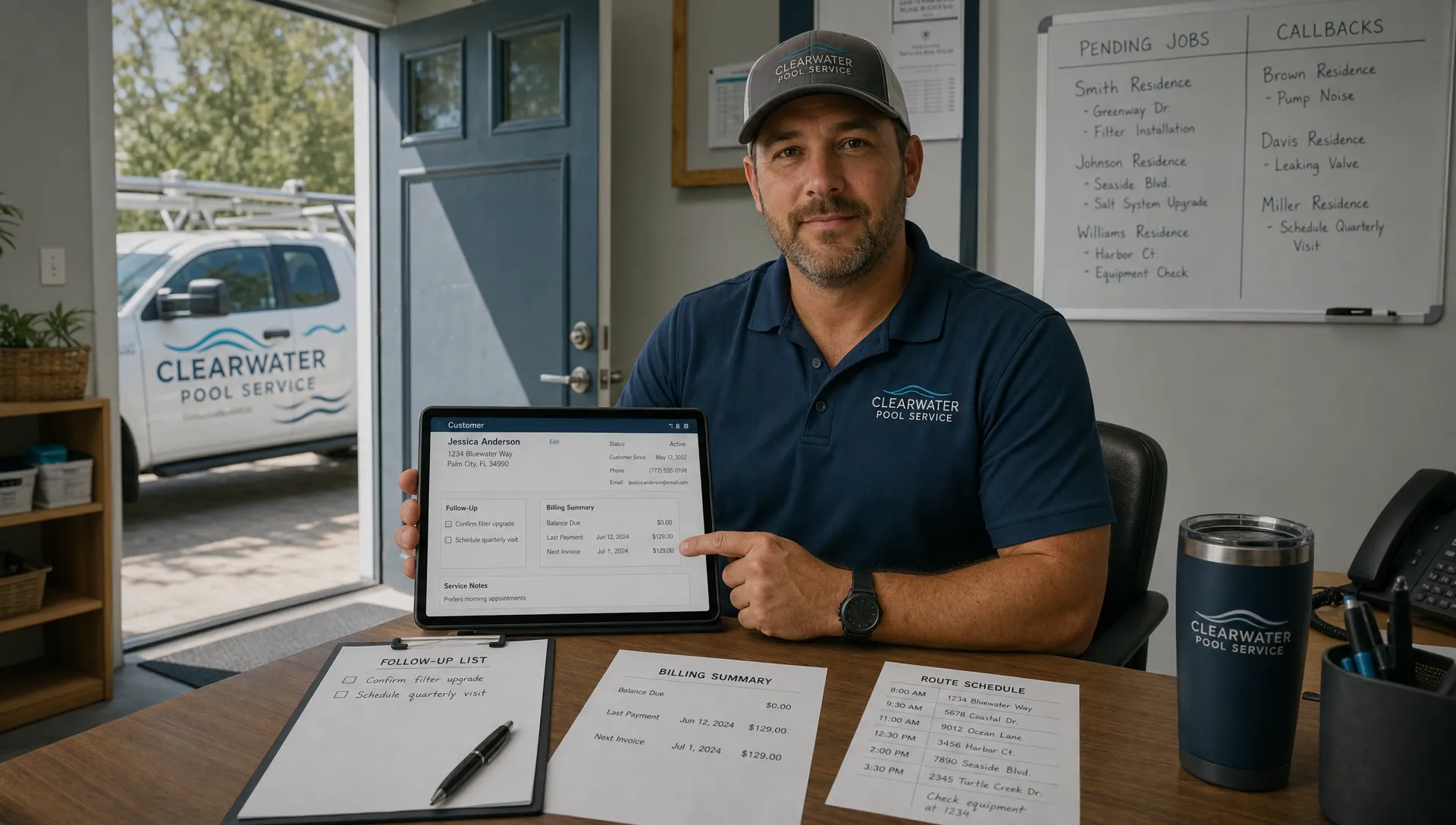
A CRM only creates value when people use it. That sounds obvious, but it is the reason so many CRM rollouts disappoint. A company buys a system to improve follow-up, scheduling, documentation, and billing, then the office team keeps a spreadsheet on the side and technicians still text photos from the field. The software exists, but the business process never really changed.
That is why a user friendly CRM is not a nice-to-have. For service businesses, especially pool service companies with mobile technicians, recurring routes, repairs, chemical readings, equipment details, and homeowner communication, usability is directly tied to adoption and adoption is directly tied to ROI.
A CRM that is technically powerful but hard to use becomes another administrative burden. A CRM that fits the day-to-day workflow becomes the operating record of the company.
What user friendly CRM really means
A user friendly CRM is not just a clean screen or a modern color palette. It is a system that helps each role do the next right thing with minimal friction.
For an owner or office manager, that might mean seeing customer history, pending follow-ups, upcoming jobs, billing status, and open estimates without searching across five tools. For a dispatcher, it means scheduling work without rebuilding routes manually every morning. For a technician, it means opening the app at a property and immediately seeing the gate code, equipment notes, service history, water-quality logs, and required tasks.
The best usability test is simple: does the CRM reduce the number of places people have to look, type, remember, and re-enter information?
This is why the idea of simple CRM software that busy small teams will actually use matters so much. Simplicity is not about having fewer capabilities. It is about making the most important actions easier to complete consistently.
Adoption is the first ROI metric
Many businesses measure CRM ROI too late. They look at revenue, close rates, or admin hours after months of partial usage. But the first measurable sign of ROI is adoption.
If team members avoid the CRM, the data becomes incomplete. If the data is incomplete, reports are unreliable. If reports are unreliable, managers make decisions based on guesswork. The result is a system that looks expensive because the company never fully captured the operational benefit.
For pool service businesses, low adoption often shows up in small but costly ways. A new lead is written on a sticky note and never followed up. A technician notices failing equipment but does not document it in the customer record. A homeowner asks about a prior repair and the office has to dig through texts. A route change is communicated verbally and someone misses the update.
The CRM did not fail only because of bad data. The data failed because the workflow was not easy enough to follow.
| Usability factor | Adoption impact | ROI impact |
|---|---|---|
| Fast mobile access | Technicians update jobs in the field | Fewer missing notes and fewer office follow-ups |
| Clear lead stages | Office staff know what needs attention | Faster response times and fewer lost opportunities |
| Connected customer records | Everyone sees the same property history | Less duplicate work and better service continuity |
| Simple billing workflow | Invoices move sooner after work is complete | Improved cash flow and fewer delayed payments |
| Practical manager visibility | Owners see performance trends without chasing updates | Better staffing, coaching, and route decisions |
Where user friendly CRM improves ROI
CRM ROI is rarely one big dramatic win. It usually comes from many small operational improvements that compound. A few minutes saved on each route stop, a few more leads followed up on time, fewer callbacks, faster invoices, and clearer customer communication can change the economics of a service company.
Faster lead response and fewer pipeline leaks
When a homeowner requests a quote, speed matters. If the inquiry lands in an email inbox, voicemail, or text thread with no clear owner, follow-up depends on memory. A user friendly CRM makes the next step visible, assignable, and trackable.
That does not mean every business needs a complex sales pipeline. A pool company may only need practical stages such as new inquiry, estimate scheduled, estimate sent, follow-up needed, won, and lost. The key is that leads should not disappear because the process lives in someone’s head.
If this is a current pain point, SplashIQ has a deeper guide on CRM lead management tips to stop leaks in your pipeline that focuses on turning inquiries into a repeatable process.
Less duplicate admin work
Duplicate entry is one of the fastest ways to kill CRM adoption. If the office creates a job in one place, the technician writes notes somewhere else, and billing happens in a third system, the team is not managing the business. It is reconciling fragments.
A user friendly CRM improves ROI by becoming the shared source of truth. Customer details, property notes, equipment history, job records, photos, and billing context should connect naturally. The fewer handoffs that depend on copy-and-paste, the more likely the team is to keep records current.
This is a common theme beyond CRM. Software adoption improves when tools match the user’s existing behavior. The same principle explains why Telegram-first AI file control can be useful for teams that already manage files and digital products through chat-based workflows. People use systems that meet them where work is already happening.
Better field documentation and fewer callbacks
In pool service, the field visit is where much of the value is created. The technician sees water condition, equipment issues, access problems, repair needs, and homeowner concerns firsthand. If those observations are not captured in a usable system, the company loses operational memory.
Before-and-after photos, water-quality logs, equipment tracking, and visit notes are not just documentation. They protect margins. They help prove work was completed, explain recommendations, reduce disputes, and prepare the next technician for the property.
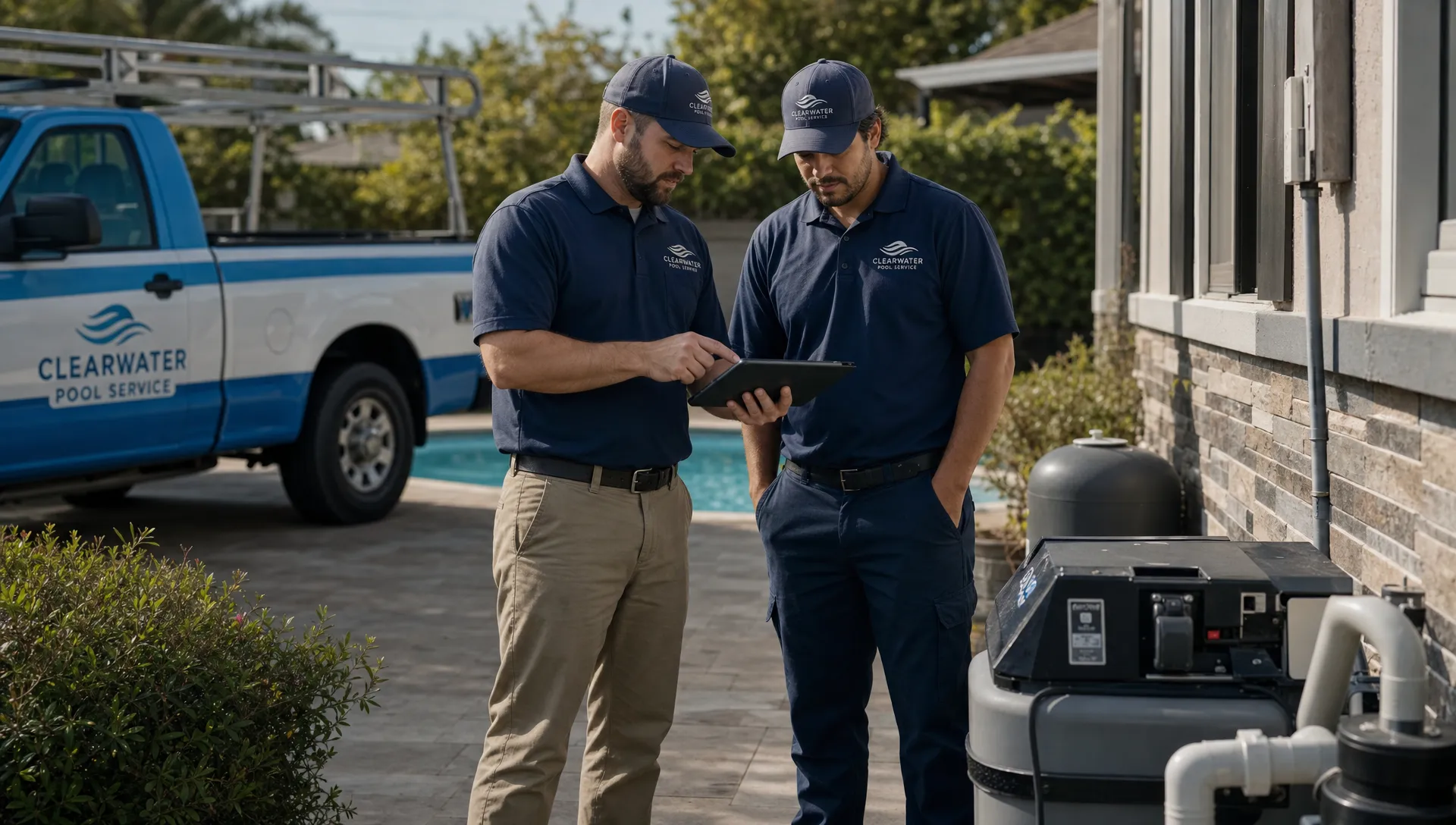
A difficult CRM asks technicians to become data-entry clerks after a long day. A user friendly CRM captures what matters while the technician is still on site, when the information is fresh and the context is clear.
Faster billing and healthier cash flow
ROI is not only about selling more. It is also about getting paid faster for work already completed.
When service records, repair approvals, photos, and job completion details are easy to capture, invoicing can happen with less delay. The office does not need to chase technicians for notes. Homeowners receive clearer information. Payment conversations are easier because the work history is organized.
For recurring service companies, small billing delays add up. A CRM that helps turn completed work into accurate invoices and online payment requests can improve cash flow without adding more customers.
Stronger management decisions
A CRM becomes more valuable as the data becomes more consistent. Owners can see which jobs are backing up, which routes are overloaded, which customers require extra attention, and where technicians may need coaching.
This is where usability and reporting are connected. A dashboard is only as good as the data behind it. If field updates are skipped because the app is frustrating, the report may look clean while the business reality is messy.
User friendly CRM design increases the odds that the data reflects what actually happened in the field.
What Reddit discussions reveal about CRM adoption
CRM complaints on Reddit are useful because they are often blunt. In communities such as r/smallbusiness, r/sales, and service-business discussions, users frequently describe the same frustrations: too many required fields, too many clicks, poor mobile experiences, confusing setup, and managers asking for CRM updates that do not help the person doing the work.
These Reddit articles and threads are not formal research, but they are a valuable reality check. People rarely reject CRM because they dislike organization. They reject it when the system feels like extra work with no immediate benefit.
For a pool service company, that lesson is practical. If the technician does not see how the CRM helps them complete the stop, avoid mistakes, or answer homeowner questions, adoption will be fragile. If the office does not trust that field updates are complete, it will recreate old processes outside the CRM.
How to evaluate whether a CRM is truly user friendly
A demo can make almost any CRM look easy. The real test is whether your team can use it during a normal workday with real customer complexity.
Before committing to a CRM, evaluate it against the workflows that drive revenue and cost in your business:
- Can a new lead be captured, assigned, and followed up without creating a separate spreadsheet?
- Can a dispatcher adjust routes without calling every technician individually?
- Can a technician open a customer record and quickly find property notes, equipment details, and service history?
- Can field notes, photos, and water readings be captured before the technician leaves the property?
- Can completed work move toward invoicing without the office chasing missing information?
- Can homeowners receive clear communication without the team copying details between tools?
The goal is not to find software with the longest feature list. The goal is to find software that your team will trust enough to make it the default place where work happens.
For pool service companies, SplashIQ’s Pool Service CRM is built around the customer, property, equipment, and service context that general-purpose CRMs often miss.
A practical adoption plan for better ROI
Even the most user friendly CRM needs a rollout plan. Adoption improves when the team knows what must be entered, when it must be entered, and why it matters.
Start with the workflows that create the most operational drag. For many pool service businesses, that means lead follow-up, route scheduling, field notes, photos, water-quality logs, equipment records, and billing handoffs. Trying to overhaul every process at once can overwhelm the team, especially during peak season.
Define a minimum standard for customer records. For example, decide which details must be present before a job is scheduled, what technicians must record at every visit, and which notes should trigger an office follow-up. Keep the standard practical. If every field is required, people will find shortcuts. If the right fields are required, data quality improves.
Then remove the duplicate process. If the old spreadsheet, paper checklist, or group text remains the trusted backup forever, the CRM will never become the operating system. There may be a transition period, but the business should be clear about which system is the source of truth.
Finally, review adoption early. Do not wait six months to learn that technicians are skipping notes or that leads are still being tracked outside the CRM. A short weekly review can identify where the workflow is unclear, where training is needed, and where the system should be configured differently.
Why this matters more in pool service than in a generic office workflow
Pool service is not a desk-only business. Work happens in backyards, on routes, during repairs, and in conversations with homeowners. Conditions change quickly. A property may have a gate code, a dog warning, a recurring chemical issue, an aging pump, or a homeowner who prefers a specific communication channel.
A generic CRM may store a name and phone number. A user friendly CRM for pool service needs to support the operational details that affect service quality and profit.
That is why usability must extend beyond the office. If the field app is hard to use, the CRM will not capture reality. If the homeowner communication process is disconnected, the office will still rely on manual updates. If equipment tracking is buried, repair opportunities may be missed or delayed.
The real ROI of a user friendly CRM is not just cleaner contact records. It is a business that runs with fewer gaps between the office, technicians, and homeowners.
Frequently Asked Questions
What is a user friendly CRM? A user friendly CRM is a customer management system that makes daily work easier for the people using it. It should reduce duplicate entry, make key information easy to find, and support real workflows such as lead follow-up, scheduling, field updates, and billing.
Why does CRM adoption affect ROI? CRM ROI depends on accurate and consistent usage. If the team does not use the system, customer records become incomplete, reports become unreliable, and the business keeps paying for manual workarounds.
How can a pool service company measure CRM ROI? Useful metrics include lead response time, estimate follow-up rate, completed visits per route, callbacks, invoice turnaround time, payment speed, and admin hours spent chasing missing information.
Is a simple CRM the same as a user friendly CRM? Not always. A simple CRM may have fewer features, but a user friendly CRM has the right features organized around the way your team works. For pool service, that means customer records should connect to properties, routes, field notes, photos, equipment, and billing.
What is the biggest sign that a CRM is too hard to use? The clearest sign is shadow systems. If employees keep using spreadsheets, paper notes, personal reminders, or text threads because the CRM is too slow or confusing, adoption is at risk.
Turn CRM adoption into measurable operating leverage
A user friendly CRM is not just easier software. It is the foundation for better follow-up, cleaner records, faster billing, and more consistent service.
If your pool service company is outgrowing spreadsheets, paper checklists, and scattered communication, SplashIQ helps connect CRM, scheduling, field operations, homeowner communication, and payments in one workflow built for pool service teams.
Explore SplashIQ at splashiq.ai and see how a CRM designed around real pool service work can help your team adopt the system and capture the ROI that comes with it.