
A CRM implementation is not a software install. For a pool service company, it is a controlled change to how leads are captured, routes are built, visits are documented, homeowners are updated and invoices get paid. The checklist below is built for operators who want cleaner records, fewer callbacks and less dependence on memory, paper routes or scattered spreadsheets.
Pool work has details that generic sales CRMs often miss. One homeowner may own multiple properties, one property may have several gate codes and every service stop can generate chemistry readings, equipment notes, photos, follow-up tasks and billing questions. Your rollout should respect that complexity without making the field team feel like they are filling out a form for the office.
CRM implementation checklist: what to decide before you migrate
Start by defining what the new system must fix. A pool company that only wants a prettier contact list will configure the CRM very differently from a company trying to scale from three trucks to ten, add repair revenue or tighten collections.
A strong rollout plan should connect the office, technicians and homeowners around the same record. If you are still deciding how the system should fit your operating model, SplashIQ's guide to a practical CRM strategy for growing pool service companies is a helpful companion to this checklist.
Define the business outcome first
Before importing a single customer, write down the outcomes you expect within 90 days. Examples might include reducing missed follow-ups, standardizing weekly service documentation, giving homeowners better arrival notifications or making it easier to invoice immediately after a completed visit.
Tie every configuration choice back to those outcomes. If the goal is faster billing, the system needs complete service records, technician notes, photos and payment workflows. If the goal is route efficiency, clean property addresses, service days and access constraints matter more than a long list of sales stages.
A pool-specific platform such as SplashIQ can support CRM, smart route scheduling, water-quality logs, equipment tracking, homeowner communication and online payments in one operating flow. The implementation still needs clear decisions about ownership, naming conventions and required fields.
Map the real pool service workflow
Document what actually happens from the first inquiry to the final invoice. Include every handoff: marketing lead, estimate, recurring service setup, route assignment, arrival notification, onsite checklist, chemistry log, equipment note, photo capture, repair recommendation, invoice and payment.
Your CRM implementation should protect the way technicians already work well, then remove the parts that create confusion. For example, if techs already take before and after photos but send them by text, move that step into the service visit record instead of asking the office to chase photos later.
Map exceptions too. Pools with dogs, locked gates, vacation holds, shared billing contacts, commercial service windows and seasonal opening or closing work all need a place in the system. For more detail on adapting CRM structure to day-to-day pool operations, read SplashIQ's article on how a customizable CRM fits real pool service workflows.
Build the implementation team before choosing settings
A CRM rollout fails when it is treated as an office-only project. The people who answer phones, build routes, service pools and collect payment all have operational knowledge that should shape the setup.
Name one internal owner who can make final decisions. Then involve a dispatcher or office lead, at least one senior technician and someone responsible for billing. If you run repairs or renovations, include the person who tracks estimates and project follow-up.
Use contractor research and Reddit reality checks
Pool companies can learn from other trade businesses without copying them exactly. Contractor growth articles from Jobber Academy, the Buildertrend Blog and HubSpot's CRM implementation guide all reinforce the same practical point: software scales a service business only when customer records, follow-up ownership and job status are standardized first.
Reddit is also useful for hearing the complaints that do not show up in polished case studies. Search communities such as r/smallbusiness, r/Contractor and r/pools for discussions about CRM, field service software, scheduling apps and moving away from spreadsheets. You will often see operators complain about duplicate data entry, tech resistance, overcomplicated forms and systems that work in the office but not in the field.
A good CRM implementation uses that outside research as a warning system. If contractors keep saying adoption drops when the mobile workflow is slow, test technician steps before launch. If homeowners complain about unclear service updates, make notifications and visit summaries part of the core process.
Clean and structure your pool company data
Clean data is the part of CRM implementation that owners are most tempted to rush. Do not. Bad records create bad routes, bad invoices and bad homeowner communication.
Start with active recurring customers, then add prospects, former customers and one-time repair clients. Separate people from properties. A homeowner is not the same as a pool, especially when you serve vacation homes, rental properties, HOAs or property managers.
Standardize customer, property and billing records
For each active account, confirm the homeowner name, service address, billing contact, phone number, email, preferred communication method and payment status. Then confirm property-specific details such as gate code, access notes, pool type, service frequency, equipment location and any safety concerns.
If your records are scattered across QuickBooks notes, technician notebooks, spreadsheets and text messages, decide what is worth migrating and what should be archived. SplashIQ's article on CRM contact management for every pool property and owner explains why this structure matters when one account can involve multiple people and multiple service locations.
Decide which history matters
You do not need to migrate every old note, but you should preserve history that affects service quality or future revenue. Prioritize equipment records, recurring chemistry issues, warranty details, major repairs, customer preferences, unpaid balances and open estimates.
A simple data review table helps keep the import focused:
| Data category | Keep, clean or archive | Why it matters |
|---|---|---|
| Active customer contacts | Keep and verify | Prevents missed messages and billing errors |
| Property access notes | Keep and standardize | Reduces failed visits and technician frustration |
| Equipment history | Keep if current | Supports repairs, estimates and replacement planning |
| Old one-time leads | Clean or archive | Avoids cluttering sales follow-up |
| Water chemistry history | Keep if useful | Helps identify recurring service issues |
Configure your CRM implementation around pool service workflows
Once the data structure is clear, configure workflows in the order work happens. Resist the urge to turn on every feature at once. A focused launch is easier to train, easier to troubleshoot and more likely to stick.
For most pool service companies, the first configuration phase should include lead capture, property records, route scheduling, technician visit documentation, homeowner notifications, billing handoff and payment collection. Repairs, financing workflows, technician scorecards and marketing automation can be phased in once the core system is stable.
The configuration should answer these questions before launch:
| Workflow | Decision to make | Risk if skipped |
|---|---|---|
| Lead intake | Who owns each new inquiry and follow-up? | Leads sit in texts, voicemails or inboxes |
| Route scheduling | What rules control service days and route order? | Trucks waste time and office edits pile up |
| Field documentation | Which visit fields are required? | Notes become inconsistent or unusable |
| Homeowner updates | When are arrival and service notifications sent? | Customers call for status instead of self-serving |
| Billing | What triggers an invoice or payment request? | Completed work waits to be billed |
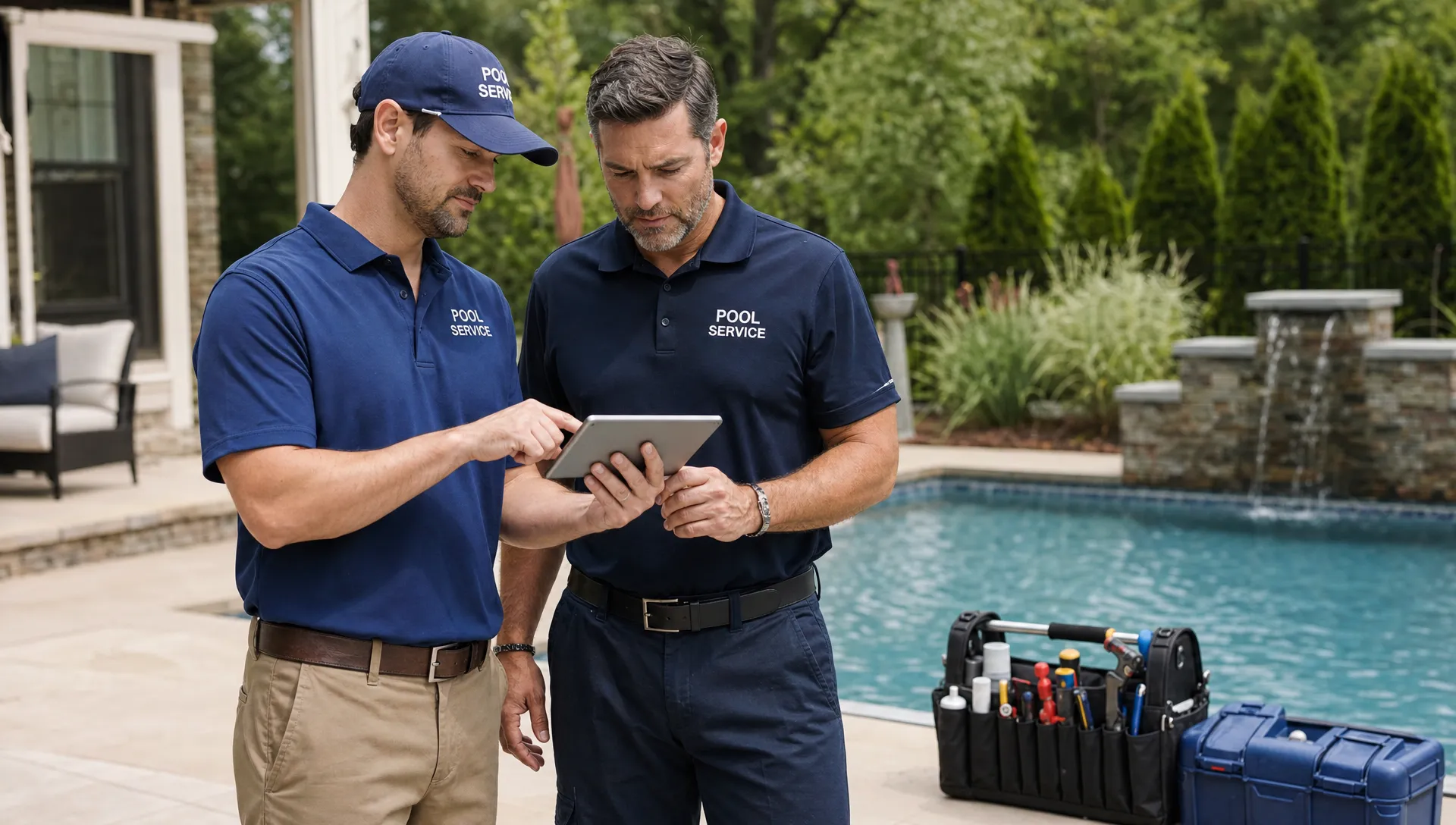
Pilot the CRM implementation with one route first
Do not launch across every route on Monday morning unless the business is small enough to fix issues in real time. A pilot route lets you catch missing fields, confusing mobile steps, notification timing problems and billing gaps before the whole company depends on the system.
Choose a route that includes typical service stops, not only easy customers. Include properties with gate notes, equipment issues, chemical readings, photos and homeowner communication. The pilot should prove that the system can handle normal messiness.
During the pilot, sit with the office team and ride along or debrief with technicians. Watch where they pause, skip fields or use workarounds. Those moments show whether the workflow is unclear, too slow or missing information they need.
Train by role, not by feature list
Office users do not need the same training as technicians. Dispatchers need to build and adjust routes. Technicians need to complete visits quickly, capture water-quality logs, add photos, document equipment and work offline when needed. Billing staff need clean completion data and payment status.
Keep training close to the job. Instead of explaining every menu, run through real scenarios: a new homeowner calls, a tech finds a broken pump, a gate code fails, a customer asks for proof of service or an invoice needs to be paid online.
Track adoption without turning it into surveillance
Technician scorecards can help managers see whether visits are being completed consistently, but the rollout message matters. Present adoption tracking as a way to reduce callbacks, protect technicians from disputes and make good work visible.
If techs see that accurate notes prevent return trips and after-hours questions, they are more likely to use the system consistently.
Go-live checklist for the first 30 days
Your go-live plan should be specific enough that the team knows what happens each day, but not so rigid that small issues become emergencies. The first month is about stability, feedback and habit formation.
Use this checklist before company-wide launch:
- Confirm all active customers and properties are imported.
- Verify routes, service frequencies, technician assignments and access notes.
- Test homeowner arrival and service notifications with internal accounts.
- Complete sample visits from the field app, including offline scenarios.
- Run test invoices or payment requests through the billing process.
- Create a support channel for rollout questions and same-day fixes.
- Schedule end-of-week reviews for the first month.
Keep a short issue log during the first 30 days. Categorize each issue as data cleanup, training, workflow design or software configuration. That prevents every complaint from becoming a vague software problem.
A well-managed CRM implementation usually improves in waves. Week one reveals data gaps. Week two reveals training gaps. Weeks three and four show which workflow choices need adjustment before they become permanent habits.
Measure CRM implementation success with operating metrics
The point of a CRM is not to have a database. The point is to run a better pool service business. Measure the rollout against outcomes that owners, office staff and technicians can all recognize.
Avoid vanity metrics such as number of contacts imported. Instead, track whether the system is making daily work more visible and less reactive.
| Metric | What to watch | Healthy signal |
|---|---|---|
| Lead response time | Time from inquiry to first follow-up | Faster replies and fewer missed opportunities |
| Route completion accuracy | Visits completed with required notes | Fewer unknowns at end of day |
| Callback rate | Repeat visits caused by unclear notes or missed issues | Fewer avoidable return trips |
| Invoice lag | Time from completed work to invoice | Shorter billing cycle |
| Payment status visibility | Accounts with clear paid or unpaid status | Fewer manual collection checks |
| Homeowner communication volume | Calls asking about arrival or service proof | Fewer status calls to the office |
Review these metrics weekly for the first month, then monthly. If one route has low completion accuracy, train that workflow again. If invoice lag remains high, inspect the handoff between technician completion and billing.
Frequently asked questions
How long does CRM implementation take for a pool service company? A small company with clean data may launch core workflows in a few weeks. A larger company with multiple branches, messy records or complex billing should expect a phased rollout that starts with data cleanup and a pilot route.
Should we migrate all historical service notes? Usually no. Migrate the history that helps technicians, sales or billing make better decisions. Equipment records, unresolved issues, recurring water problems and open estimates are more valuable than years of outdated notes.
What is the biggest mistake during a CRM rollout? The biggest mistake is configuring the system for the office without testing the field workflow. If technicians cannot complete visits quickly, adoption drops and the office loses the accurate data it needs.
Can a pool CRM replace spreadsheets completely? Yes, if the CRM covers the full workflow you were using spreadsheets to manage. That usually means customer records, property details, routes, service documentation, billing status and homeowner communication all need to live in the same operating system.
Run your pool service business from one connected system
If your team is ready to replace spreadsheets, paper checklists and disconnected apps, SplashIQ brings CRM, scheduling, water-quality logging, equipment tracking, homeowner communication, online payments and field operations into one platform for pool service companies.
Use this checklist to plan the rollout, then start with the workflows that create the most daily friction. A focused implementation gives your office better visibility, gives technicians clearer jobs and gives homeowners a more professional service experience.