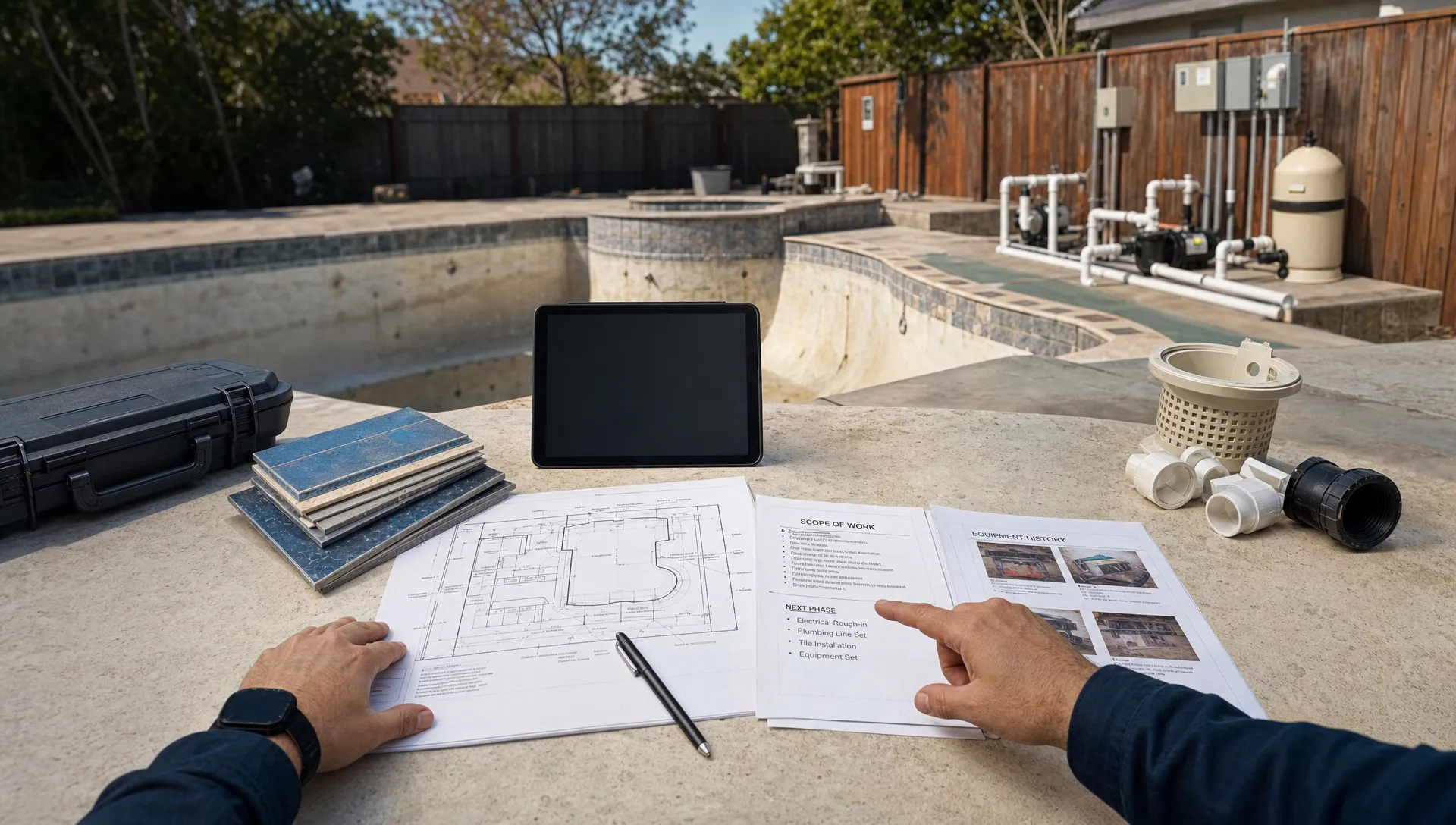
Pool renovations sit in an awkward place operationally. They are too large to manage like a weekly cleaning stop, but too field-heavy to fit neatly inside a generic sales CRM or office-only project board. A renovation may involve a lead inquiry, site visit, estimate, equipment history, homeowner approvals, crew scheduling, water start-up records, photos, billing and follow-up service. If those pieces live in texts, notebooks, spreadsheets and someone’s memory, profit leaks are almost guaranteed.
That is why CRM project management software matters for pool renovation companies. The goal is not just to “track customers.” It is to connect the customer, the property, the scope of work, field updates and payment status in one operating rhythm.
For pool companies that already run service routes, renovation work adds a second layer of complexity. You may still need to maintain route density, respond to green pool calls and keep weekly clients informed while a remodel crew handles resurfacing, plumbing changes, equipment upgrades or tile repairs. The right system gives your office and field team a shared source of truth so renovation jobs do not disrupt the rest of the business.
Why pool renovations break generic CRM and project tools
A standard CRM is usually built around people and deals. A standard project management app is usually built around tasks and deadlines. Pool renovation work needs both, but it also needs property context.
A homeowner might have multiple contacts involved: the person who requested the estimate, the person paying the invoice, a property manager, a tenant or an HOA contact. The property may have gate codes, access restrictions, equipment details, previous water chemistry issues and photos from prior service visits. If the system only treats the job as “Jane Smith, renovation,” the team loses the operational details that make the work go smoothly.
Reddit is a useful place to see this pain in plain language. In communities like r/pools and r/HomeImprovement, homeowners regularly discuss frustration around unclear contractor timelines, poor updates and uncertainty about what was actually completed. On the contractor side, discussions in r/smallbusiness and r/Contractor often circle around the same scaling problem: leads arrive through too many channels, follow-up depends on the owner and field notes never make it cleanly back to the office. Reddit is anecdotal, not research, but it is a strong source of voice-of-customer language.
Contractor software companies publish similar patterns in their customer stories. Buildertrend customer stories and Jobber success stories frequently show contractors moving from owner-led coordination to more standardized workflows for leads, scheduling, communication and billing. These are vendor-published articles, so read them with that context, but the operational lesson is consistent: contractors scale more reliably when their process is documented in software instead of scattered across people.
What CRM project management software should connect
For pool renovations, software should connect the sales record to the actual work. A sold renovation is not the finish line. It is the handoff point where many companies lose details.
A good workflow keeps every major stage visible:
| Renovation stage | What the system should capture | Why it matters |
|---|---|---|
| Lead inquiry | Contact details, property address, request type and source | Prevents missed follow-up and helps measure which channels produce good jobs |
| Site visit | Access notes, photos, equipment details and homeowner concerns | Gives estimators and office staff the same context |
| Accepted work | Scope, scheduled dates, assigned crew and communication preferences | Reduces handoff confusion after the sale |
| Active renovation | Visit notes, before/after photos, materials or equipment updates and next steps | Keeps the office informed without chasing technicians |
| Closeout | Final photos, payment status, homeowner questions and follow-up service needs | Turns a completed project into a long-term service relationship |
This is where pool renovation companies need more than a simple task list. They need CRM records, scheduling, field documentation, customer communication and billing to work together.
If your team is comparing options, SplashIQ’s article on CRM software comparison for contractors ready to scale is a helpful companion because it focuses on field-service realities rather than generic office CRM checklists.
Start with a property-centered CRM
Pool renovation work should be organized around the property, not only the person. The pool, equipment pad, access point and service history are part of the job record.
A property-centered CRM helps answer practical questions before anyone rolls a truck:
- Who is the billing contact?
- Who should receive arrival notifications?
- Are there gate codes, pets or access restrictions?
- What equipment is currently installed?
- Has this pool had recurring water-quality problems?
- Are there photos from prior visits or estimates?
That context is especially valuable when renovation and service teams overlap. A technician who has cleaned the pool for three years may know details that the renovation estimator needs. If that knowledge is trapped in memory, the company becomes harder to scale.
SplashIQ’s pool service CRM software is built around customers, properties, equipment, visit history, leads and follow-ups, which fits the way pool companies actually operate. For renovation work, that property-first structure helps the office keep the job connected to the long-term homeowner relationship.
Use scheduling to protect both renovation jobs and service routes
Renovations can disrupt a pool company’s normal rhythm. Crews may need longer site windows, return visits, equipment handoffs, start-up care after resurfacing or follow-up chemistry checks. If these jobs are scheduled outside the same operating system as regular service, the office may accidentally overload a technician, miss a promised arrival window or create inefficient drive time.
CRM project management software should make scheduling visible across the company. The office needs to know who is assigned, what they are doing, what happened on the last visit and what needs to happen next. Field staff need the right notes before they arrive, not a rushed phone call from dispatch.
Smart route scheduling is useful here because pool companies rarely manage renovation work in isolation. You still have recurring stops, urgent repairs and homeowner calls. Keeping renovation appointments in the same operational view as field activity helps leaders protect crew capacity without losing track of active projects.
Document the job like you expect questions later
Pool renovations are visual and homeowners care deeply about progress. Before/after photos, field notes and equipment records are not just internal documentation. They are trust builders.
The best documentation habits are simple:
- Capture before photos before work begins.
- Record equipment details and any visible site constraints.
- Log field notes after each visit while the information is fresh.
- Add after photos at milestones and closeout.
- Keep homeowner-facing updates clear, short and tied to the next step.
This matters when a homeowner asks why a crew was on site for only part of the day, what was completed behind the equipment pad or when the pool will be ready for use. A documented job reduces defensiveness because the office can answer with specifics.
For companies running multiple crews, technician scorecards can also help reinforce consistent documentation. A scorecard does not have to be complicated. It can focus on measurable habits such as completed visit notes, photo capture, on-time arrivals and callback patterns.
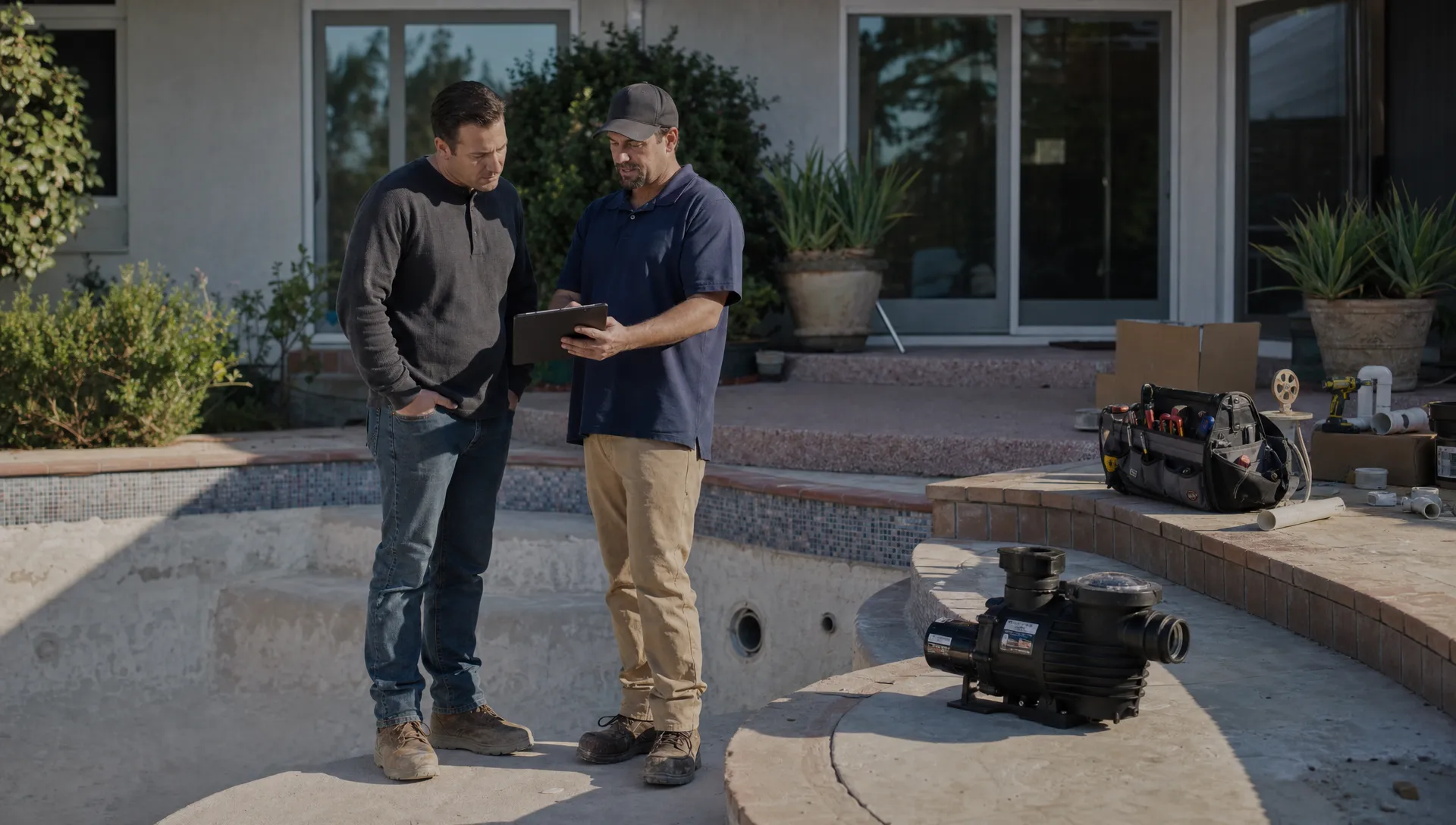
Homeowner communication is part of project management
Pool renovation customers are not only buying labor. They are buying confidence that a major backyard project is under control.
Many complaints about contractors come from silence, not necessarily poor workmanship. A homeowner may tolerate a weather delay if they hear about it early. They may understand a phased schedule if they can see what was completed and what comes next. They become frustrated when they have to ask for every update.
A CRM with homeowner communication tools helps standardize that experience. Arrival notifications, service summaries, photos and a homeowner portal can reduce the number of “just checking in” calls your office has to answer.
For pool companies, a portal can be especially useful because the homeowner may want to see service history, visit summaries, water-quality information, photos or billing status in one place. SplashIQ’s guide to CRM with customer portal features explains how this reduces back-and-forth for service businesses that manage ongoing homeowner relationships.
Billing and payments should not be an afterthought
Renovation jobs can create billing friction if payment steps are separated from the project record. The office may know the job is done, the field team may have the final photos and the homeowner may be waiting for a payment link, but no one owns the next action.
Keeping billing closer to job activity helps reduce delays. Online payments make it easier for homeowners to pay when the work is fresh in their mind. If homeowner financing is part of your process, it should also be connected to the customer workflow so the office is not managing financing conversations in a separate trail of emails and notes.
For pool companies, the closeout step should also trigger future value. A homeowner who just renovated a pool may need ongoing service, start-up visits, water-quality support or equipment maintenance. When the CRM and project workflow are connected, the company can follow up without relying on someone to remember a sticky note from three weeks ago.
How to evaluate CRM project management software for pool renovations
The best option depends on your company size, job mix and growth plan. A company doing occasional renovation add-ons may need a lighter workflow than a company running dedicated remodel crews. Still, the evaluation criteria should be practical.
| Evaluation area | What to look for | Red flag |
|---|---|---|
| CRM structure | Records tied to customers, properties, equipment and follow-ups | Contacts exist, but property details live somewhere else |
| Field usability | Mobile access, offline capability and fast note capture | Technicians avoid the app because it slows them down |
| Scheduling | Clear assignments, route visibility and job status | Office staff manage renovation work on a separate calendar |
| Communication | Homeowner notifications, photos and portal access | Updates depend on manual texts from the owner |
| Documentation | Before/after photos, water-quality logs and equipment tracking | Photos sit in camera rolls and field notes never reach the CRM |
| Payments | Online payment support and a clean closeout process | Invoices are created long after work is completed |
Generic CRM tools can be useful for sales teams, but many break down once the work moves into the field. Generic project management tools can track tasks, but they often miss the homeowner, property and route context. Pool renovation companies need the overlap: CRM plus field operations plus customer communication.
Implementation: do not automate a messy process too soon
Software will not fix an undefined workflow. Before adding CRM project management software, map your renovation process in plain language. Keep it simple enough that your team can actually follow it.
Start with these stages: new lead, site visit scheduled, estimate sent, work accepted, work scheduled, active job, closeout and follow-up. Then decide what information must be captured at each stage. For example, a site visit might require property access notes and photos. An active job might require a field note and next-step status after every visit. Closeout might require final photos, payment status and a follow-up service recommendation.
Once the process is clear, train the team around responsibilities rather than software buttons. The office owns clean intake and communication. Field staff own accurate notes and photos. Managers own schedule health, job status and coaching. That division makes adoption easier because everyone understands the business purpose behind the tool.
It also helps to roll out one workflow at a time. Many companies start with CRM cleanup, then scheduling, then field documentation, then homeowner communication and payments. Trying to rebuild every process in one week usually creates resistance.
Where SplashIQ fits for pool renovation teams
SplashIQ is designed as an operating system for pool service businesses, with CRM, scheduling, water-quality logging, equipment tracking, homeowner billing and field workflows in one app. For companies that manage both service work and renovation projects, that combination is valuable because renovations do not happen outside the rest of the business.
A pool company can use SplashIQ to keep customer and property records organized, schedule field work, notify homeowners, document visits with photos, track equipment details, support online payments and keep homeowners connected through a portal. The platform also includes an offline field app, which matters when technicians are working in backyards with spotty connectivity.
That does not mean every renovation-specific process disappears overnight. Larger remodelers may still have specialized design, permitting or estimating tools. The key question is whether your operating system keeps the customer, property, field activity and homeowner communication connected after the sale. For many pool businesses, that is where growth starts to feel manageable.
Frequently Asked Questions
What is CRM project management software for pool renovations? CRM project management software connects customer records, property details, scheduling, field notes, photos, communication and billing so renovation jobs can move from lead to closeout without scattered information.
Is a generic CRM enough for pool renovation work? A generic CRM may help track leads and follow-ups, but it often misses property details, equipment history, field documentation and scheduling needs. Pool renovation teams usually need a system that supports both customer management and field operations.
How does CRM software help pool contractors scale? It reduces owner dependency by standardizing intake, follow-up, scheduling, documentation and customer communication. That makes it easier to add crews without relying on memory, text threads or spreadsheets.
Should renovation jobs and weekly service routes be managed in the same system? In many pool companies, yes. Renovation work affects crew capacity, homeowner communication and future service opportunities. Keeping both workflows visible helps prevent scheduling conflicts and missed follow-up.
What features matter most for pool renovation companies? Property-centered CRM records, smart scheduling, field notes, before/after photos, equipment tracking, homeowner notifications, portal access, online payments and offline mobile access are among the most useful features.
Bring renovation work into one operating system
Pool renovations are easier to manage when your CRM, scheduling, field documentation, homeowner communication and billing are connected. If your team is outgrowing spreadsheets, paper checklists and scattered text threads, SplashIQ can help you run the full pool service workflow from first lead to final invoice with one system built for pool companies.