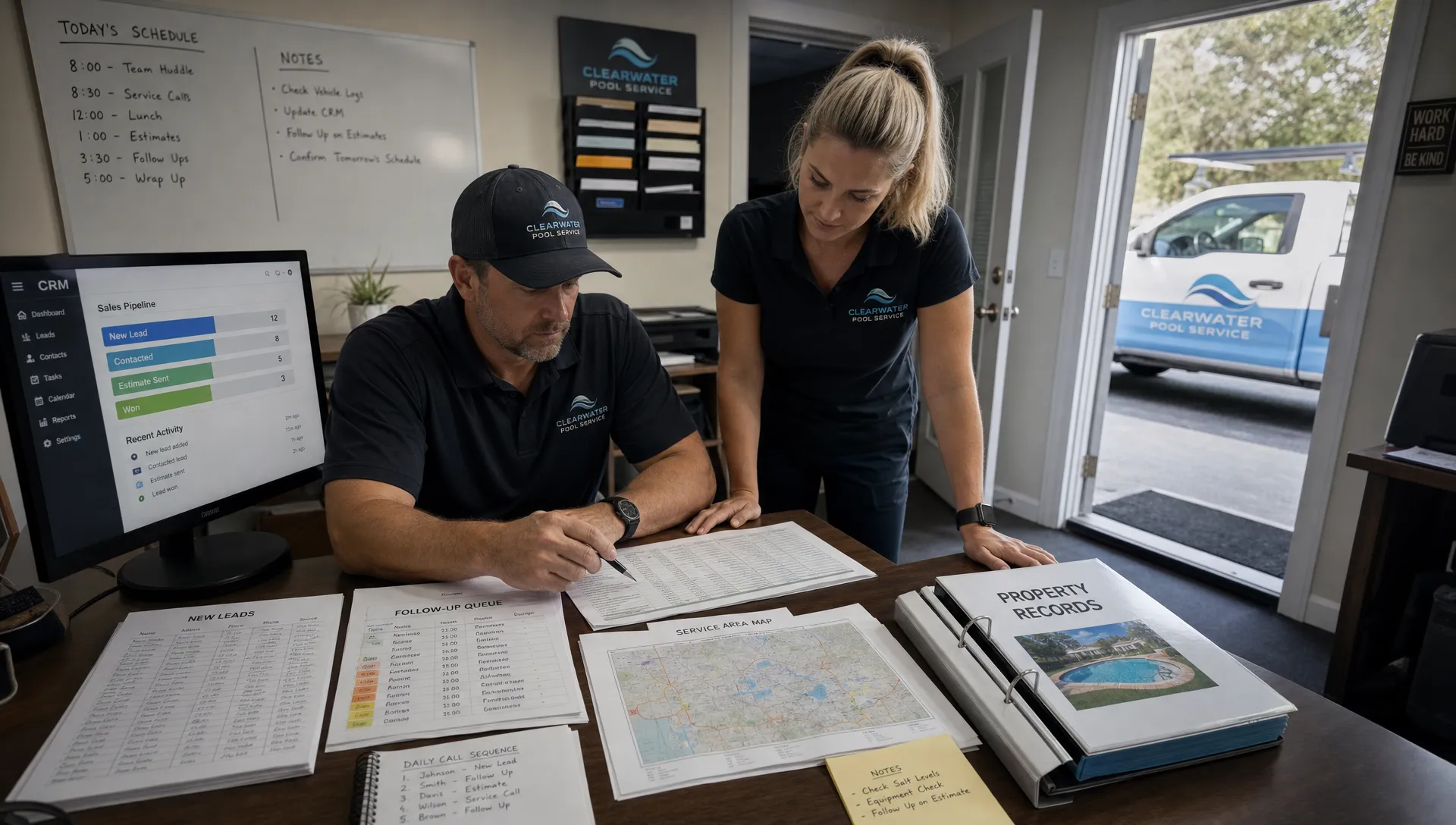
A pool route does not become profitable on the day the schedule is built. It becomes profitable weeks earlier, when your marketing attracts the right homes, your CRM captures the right property data, and your follow-up pushes sales toward neighborhoods your technicians already serve.
That is the real promise of a CRM with marketing automation for pool service companies. It should not just send emails, remind salespeople to call, or store customer names. It should help you grow in a way that makes the business easier to run, not harder.
For route-based companies, more customers can be a trap. A new account 35 minutes away may look like revenue, but it can quietly drain margin through windshield time, schedule gaps, and technician fatigue. Better growth means denser routes, cleaner handoffs, and marketing that knows where capacity actually exists.
Route quality is a marketing problem, not just a scheduling problem
Most pool companies think of routing as an operations task. The office builds the weekly schedule, dispatch adjusts around weather or emergencies, and technicians follow the plan. But by then, many of the biggest routing decisions have already been made.
If your marketing brings in leads from every corner of your service area, your schedule will reflect that scatter. If your sales team closes jobs without knowing route density, your technicians inherit the problem. If your CRM treats every prospect as equal, the business may keep adding revenue while losing operational control.
This is a common theme in contractor growth discussions. In Reddit threads across communities like r/smallbusiness, r/Contractor, and r/pools, owners often describe the same scaling wall: they have demand, but they are still managing follow-up with texts, paper notes, spreadsheets, and memory. These Reddit posts are not formal case studies, but they are useful because they expose the daily friction operators actually feel.
You see the same pattern in articles and case studies about contractors using CRM software to scale. The companies that grow cleanly do not just buy a database. They standardize intake, automate follow-up, track sales stages, and connect sold work to production capacity. For a pool service company, that production capacity is the route.
What a CRM with marketing automation should actually connect
A generic CRM usually starts with contacts. A route-building CRM starts with properties. That difference matters because pool service is tied to a physical location, equipment profile, service history, access notes, water conditions, and recurring schedule.
When marketing automation is connected to that property record, your team can make smarter decisions from the first inquiry. A lead is not just a name and phone number. It is a potential stop on a Monday route, a repair opportunity near three existing accounts, or a bad-fit job outside your profitable zone.
A strong workflow connects these pieces:
- Lead source, property address, service interest, and urgency
- Neighborhood, ZIP code, gate access, pool type, and equipment details
- Estimate status, follow-up history, and customer communication
- Route capacity, technician availability, and recurring service cadence
- Visit notes, photos, water-quality logs, invoices, and payment status
When these elements live in separate tools, growth gets messy. Leads sit in email, estimates live in one system, routes live in another, and field notes arrive by text message. If your sales process already feels disconnected, it is worth looking at how pool companies can keep leads, estimates, and jobs in one workflow before adding more marketing automation on top.
How automation turns scattered demand into better routes
Marketing automation works best when it guides the business toward the customers it wants most. For pool service, that means using automation to favor profitable geography, service fit, and schedule capacity.
Here is how a route-aware CRM changes the impact of common automations:
| Workflow moment | Basic automation | Route-building automation |
|---|---|---|
| New lead submits a form | Sends a confirmation email | Tags the lead by neighborhood, service type, and route fit |
| Salesperson needs to follow up | Creates a generic call reminder | Prioritizes leads near existing routes or open capacity |
| Estimate is accepted | Marks the deal as won | Converts the account into a service workflow with property details intact |
| Technician completes a visit | Sends a thank-you message | Triggers nearby referral or review outreach when the route is strong |
| Route has open capacity | Waits for inbound leads | Sends targeted campaigns to homeowners in the same area |
| Customer pauses service | Stores the inactive account | Launches seasonal reactivation before the route loses density |
The goal is not to automate every human interaction. Homeowners still value real responsiveness, especially when they are trusting you with their pool, property access, and recurring billing. The goal is to remove the gaps that cause good leads to go cold and good routes to fragment.
Build campaigns around service areas, not only customer personas
Many marketing campaigns start with buyer personas: homeowners with pools, busy families, high-income neighborhoods, new homeowners, or customers unhappy with their current service. Those details help, but route-based companies also need a geographic lens.
A pool company may be better off winning 12 average accounts in a dense neighborhood than 5 premium accounts spread across a wide territory. That does not mean you ignore customer quality. It means your CRM should help you balance customer value with route value.
Local contractor marketing often shows this principle clearly. Even outside the pool industry, a service-area-focused business such as an authorized drainage contractor serving specific Danish cities demonstrates the importance of clearly defining geography, services, trust signals, and contact paths for homeowners. Pool companies can apply the same lesson: make it easy for the right local customers to understand where you work and why you are credible.
For pool service marketing, this can translate into neighborhood landing pages, route-fill email campaigns, referral requests after successful visits, and seasonal outreach to homes near current accounts. A CRM with marketing automation should make those campaigns easier to segment and measure.
The data your CRM needs to build better routes
Automation is only as useful as the data underneath it. If the CRM has incomplete addresses, vague service notes, or no connection to scheduling, the automation will only make the mess happen faster.
A route-building CRM should capture practical field and sales information that helps the office decide whether a new account strengthens the route.
| CRM data point | Why it matters for routing |
|---|---|
| Full property address | Enables geographic clustering and realistic travel planning |
| Service type | Separates weekly maintenance, repairs, openings, closings, and inspections |
| Pool and equipment details | Helps assign the right technician and estimate visit duration |
| Access instructions | Reduces failed visits and unnecessary callbacks |
| Preferred service window | Helps the office match expectations to route reality |
| Lead source | Shows which campaigns produce dense, profitable customers |
| Estimate stage | Keeps sales follow-up aligned with route capacity |
| Visit notes and photos | Gives sales, office, and field teams shared context |
| Payment status | Prevents recurring service from being separated from billing reality |
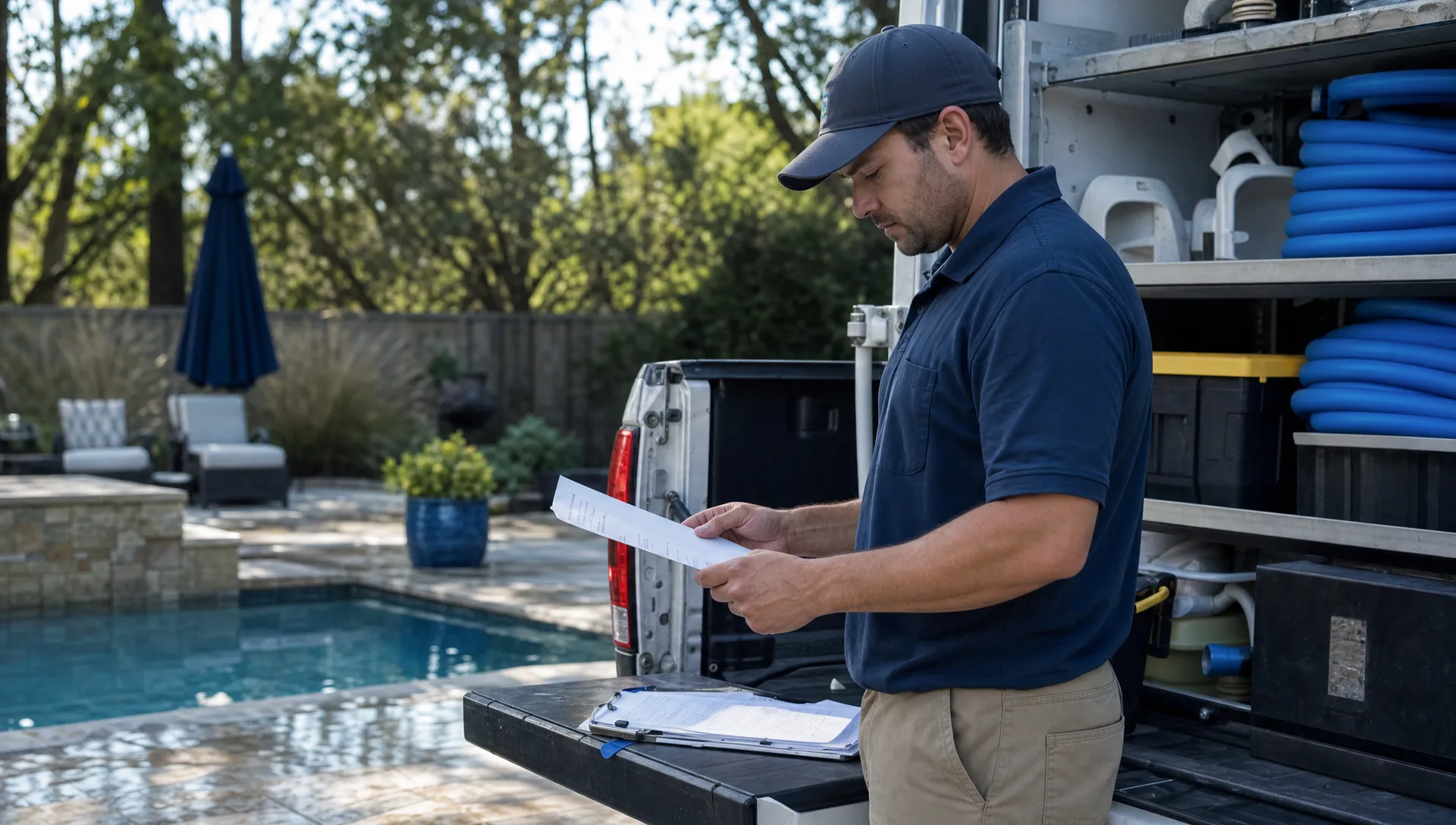
This is where pool-specific operations differ from ordinary CRM use. A software company may track contacts and deals. A pool service company has to track properties, visits, technicians, chemistry, equipment, photos, billing, and homeowner communication. If you are comparing systems, focus on whether the CRM fits companies with mobile crews, recurring work, and service history. This is also why many operators outgrow generic tools and start evaluating CRM software for small businesses with field teams.
Practical automations that improve route density
The best automations are simple, specific, and tied to an operational outcome. They should help the office take the next best action without forcing everyone to become a software administrator.
A few high-value examples include:
- Preferred area lead response: When a lead comes from a ZIP code or neighborhood where you already have density, the CRM can flag it for fast response so sales does not treat it like any other inquiry.
- Route-fill campaign: When a technician has available capacity on a specific service day, the office can send outreach to prospects, former customers, or unsold estimates in that area.
- Estimate follow-up by geography: Instead of following up only by date, sales can prioritize open estimates that would strengthen existing routes.
- Post-visit referral request: After a successful service visit, the homeowner can receive a message asking whether a nearby neighbor needs help with pool care.
- Seasonal reactivation: Before peak season, inactive customers in profitable zones can receive targeted outreach before your competitors contact them.
- Repair-to-maintenance conversion: After completing a repair, the CRM can prompt the office to offer recurring maintenance if the property fits a current route.
Notice that none of these are just “send more emails.” They are business rules that connect marketing to schedule quality. The automation is valuable because it helps your team make better growth decisions faster.
Where route-building CRM projects go wrong
The first mistake is automating before cleaning up the process. If every lead is entered differently, every technician uses different notes, and every office employee has a separate spreadsheet, marketing automation will amplify inconsistency.
The second mistake is measuring marketing success only by lead volume. A campaign that produces 80 leads may look successful, but if most of them are outside your ideal zones, they may create low-margin growth. For a pool company, a smaller number of route-compatible leads can be more valuable than a large list of scattered prospects.
The third mistake is separating sales from dispatch. If sales closes accounts without visibility into service days, technician capacity, or route constraints, operations becomes the cleanup crew. A better CRM gives sales enough context to understand when a lead is attractive operationally, not just financially.
The fourth mistake is ignoring the field team. Reddit discussions about contractor software often include one painful complaint: the office bought a system, but technicians still send photos, notes, and job updates by text. If the field workflow is too slow or unreliable, the CRM will not reflect reality. Offline access, simple visit documentation, and fast mobile updates are not nice-to-have features for route businesses. They are core operating requirements.
Metrics that show whether routes are getting better
A CRM with marketing automation should help you prove that growth is improving the business, not just making it busier. The right metrics combine sales, marketing, and operations.
| Metric | What it reveals |
|---|---|
| Lead response time by area | Whether high-value neighborhoods get fast follow-up |
| Close rate by ZIP code or route | Which areas are easiest to win and retain |
| New accounts added to existing routes | Whether growth is increasing density |
| Average drive time per route | Whether the schedule is becoming more efficient |
| Stops per technician day | Whether crews can complete more work without overloading |
| Callback rate by route or technician | Whether route pressure is hurting service quality |
| Revenue per route day | Whether dense routes are improving financial output |
| Churn by service area | Whether certain territories create retention problems |
These metrics also help owners make calmer decisions. Instead of debating opinions, the team can see which campaigns produce the best accounts, which routes need more density, and where the company should stop accepting low-fit work.
How SplashIQ supports route-based pool service growth
SplashIQ is built as an operating system for pool service businesses, bringing CRM, scheduling, field operations, customer communication, and payments into one workflow. That matters because a pool company cannot manage profitable growth from a contact list alone.
With SplashIQ, the same operating environment can support customer CRM, smart route scheduling, homeowner outreach, arrival and service notifications, water-quality logs, equipment tracking, before-and-after photos, an offline field app, a homeowner portal, online payments, homeowner financing, and technician scorecards.
The value is not simply having more features. It is having the office, technicians, and homeowners working from connected information. When marketing and sales know where the best opportunities are, when field teams can document visits consistently, and when homeowners receive clear communication, growth becomes easier to manage.
That is the difference between adding accounts and building a stronger service business.
Frequently Asked Questions
What is a CRM with marketing automation for pool service companies? It is a CRM that stores customer and property information while also automating follow-up, homeowner outreach, lead nurturing, referral requests, and other marketing actions. For pool companies, the best systems connect those actions to routes, schedules, service history, and field operations.
How can marketing automation improve pool routes? Marketing automation can prioritize leads in preferred neighborhoods, trigger campaigns to fill open route capacity, reactivate customers in dense service areas, and encourage referrals near existing accounts. This helps the company grow in clusters instead of adding scattered stops.
Should a pool company use a generic CRM or a field service CRM? A generic CRM may work for basic contact management, but pool service companies usually need property records, route scheduling, field notes, equipment details, service photos, water-quality logs, customer notifications, and billing workflows. Those needs often point toward software built for field service operations.
Can automation replace the dispatcher or office manager? No. Automation should support the team by reducing repetitive tasks, surfacing priorities, and keeping communication consistent. Dispatchers and office managers still make judgment calls about weather, technician skill, homeowner needs, route balance, and urgent service issues.
What is the most important metric for route-building marketing? Lead volume is not enough. A better metric is the number of new accounts added to existing routes or preferred service areas. This shows whether marketing is creating operationally valuable growth.
Turn marketing into better routes
If your CRM creates more follow-up but your routes keep getting harder to run, the system is solving the wrong problem. Pool service growth should connect the first lead, the property record, the estimate, the schedule, the technician visit, the homeowner update, and the invoice.
That is what SplashIQ is designed to support: one operating system for pool service companies that want cleaner workflows, stronger routes, and better visibility from the office to the field.