For a pool service company, customer relationship management should not stop when a prospect becomes a weekly maintenance account. The sale is only the first handoff in a relationship that may include chemical readings, equipment repairs, seasonal openings, access notes, billing questions, storm cleanup, warranty conversations and renewal decisions. If all of that context lives in text messages, clipboards or one dispatcher’s memory, growth makes the business harder to run instead of easier.
Most CRM conversations are built around the pipeline: new inquiry, estimate, proposal, won or lost. That matters, especially when leads arrive from calls, web forms, referrals and neighborhood campaigns. SplashIQ has covered that sales-side problem in its guide to CRM lead management tips that stop leaks in your pipeline. But the bigger opportunity for established pool companies is what happens after the win. That is where customer relationship management turns from a sales database into shared operating memory.
The work after the sale is where profit is protected
Recurring pool service looks simple from the outside. A technician arrives, tests water, cleans the pool, checks equipment and moves to the next stop. Inside the business, every visit depends on small pieces of information being correct.
A gate code can save five minutes or waste a return trip. A note about a fragile skimmer basket can prevent a warranty dispute. A photo from the previous service can answer a homeowner’s question before it becomes a callback. A billing contact who is different from the property owner can determine whether the invoice gets paid on time.
The practical version of customer relationship management is not just about knowing who might buy. It is about knowing what the company promised, what the property needs and what the next employee should know before they touch the account.
That matters more as the company adds routes. A small team can survive on memory for a while. A growing team needs a record that keeps service quality from depending on who answered the phone that morning.
How customer relationship management becomes operational infrastructure
Once a homeowner signs, the business starts collecting operational facts. Which dog needs to be inside before arrival? Did the heater fail twice in one season? Does the customer approve repairs by text or want a phone call? Those details are not trivia. They shape labor time, homeowner trust and the margin on every stop.
A mature CRM connects the office, field team and homeowner around the same record. In pool service, that record should follow the job from initial request to route assignment, service visit, photo documentation, invoice and next follow-up.
| Business area | What the record should capture | Why it matters after the sale |
|---|---|---|
| Property access | Gate codes, pets, parking, alarm notes | Reduces wasted stops and technician frustration |
| Service history | Visit notes, water readings, before/after photos | Gives the office proof and context for homeowner questions |
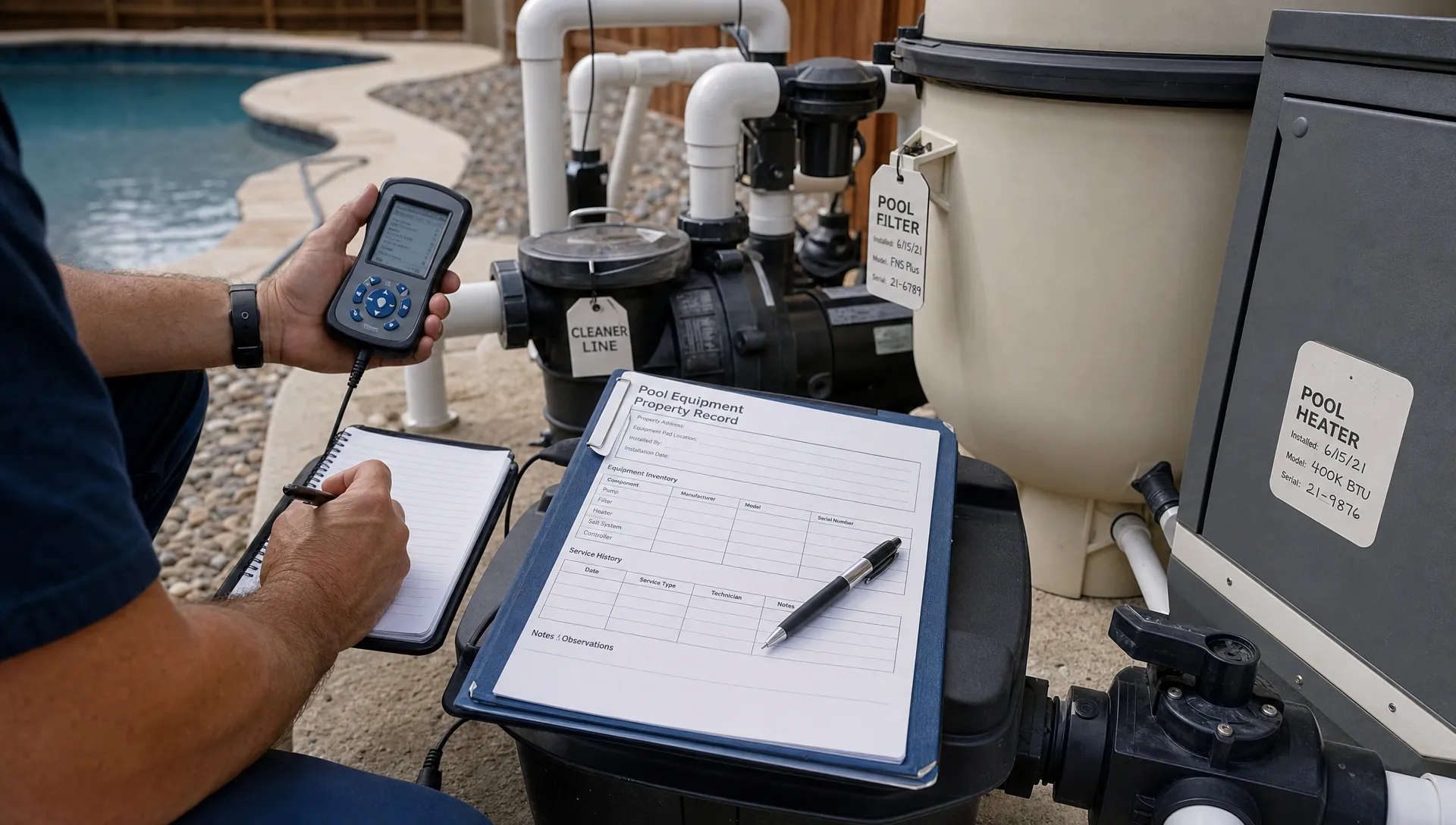
| Equipment | Pumps, filters, heaters, serial numbers, repair history | Helps quote repairs faster and avoid repeat diagnosis |
| Communication | Preferred contact method, past messages, approvals | Keeps promises visible across the team |
| Billing | Payment status, invoice contact, financing needs | Connects service delivery to cash flow |
The goal is not to make the CRM bigger. The goal is to make it closer to the work.
What breaks when CRM stops at the sale
When the CRM is treated as a sales-only tool, the company creates an invisible wall between selling the account and serving it. The sales note says the homeowner wants weekly maintenance. The scheduler adds a stop. The technician arrives and discovers the pool has a locked side gate, a salt system nobody recorded and a homeowner who expected a text before arrival.
The symptoms usually look ordinary:
- A tech arrives without the latest access note.
- The office cannot answer a homeowner’s question without calling the field.
- A repair opportunity gets mentioned in a visit note but never quoted.
- A customer disputes an invoice because the service proof is scattered.
- A route manager changes assignments without seeing property complexity.
At that point, customer relationship management is no longer a database issue. It is a service consistency issue. The homeowner does not care which internal system failed. They remember whether the company seemed organized. If missed callbacks are a recurring pain point, the same logic applies to support workflows, which SplashIQ explores in its article on CRM tools for customer service that cut callback chaos.
The property record is the real source of truth
Pool service is property-centric. The account may belong to a person, but the work belongs to a place. A homeowner can own multiple properties. A rental property may have an owner, a tenant and a property manager. The billing contact may not be the person who complains about algae after a storm.
That is why the CRM should not treat every customer as a simple contact card. A property record should combine the owner, service address, equipment, access instructions, service history, photos, water-quality trends, billing preferences and communication history.
Property-centered customer relationship management also prevents context from disappearing when an employee leaves or a route changes. A new technician should not need a verbal download to understand a long-term account. The system should show the details that matter before the truck arrives.
For companies dealing with multiple owners, access notes, billing contacts and pool histories, SplashIQ’s guide to CRM contact management for every pool property and owner goes deeper on how to structure those relationships without turning records into clutter.
Use CRM data to tighten service, not just follow up
A useful CRM record turns daily service into data that managers can act on. If a pool repeatedly needs extra chemicals after rain, the route manager can review the pattern. If one customer has three callbacks in a month, the office can spot relationship risk before cancellation. If repair recommendations are logged but not quoted, the company can fix the handoff between field and office.
When customer relationship management includes water-quality logs, before/after photos, repair notes and payment status, a manager can see whether a customer is truly healthy or merely active in the billing system.
| Signal in the CRM | What it may reveal | Better management response |
|---|---|---|
| Frequent callbacks | Unresolved service issue or unclear expectations | Review notes, photos and homeowner messages together |
| Repeated equipment notes | Repair opportunity or aging asset | Create a quote workflow tied to the property record |
| Late payments | Billing friction or wrong contact | Confirm invoice recipient and payment method |
| Route disruptions | Missing access info or poor route fit | Update property notes and adjust scheduling |
| Low technician score trends | Training need or difficult account mix | Review field notes before blaming the route |
What Reddit and contractor scaling articles reveal
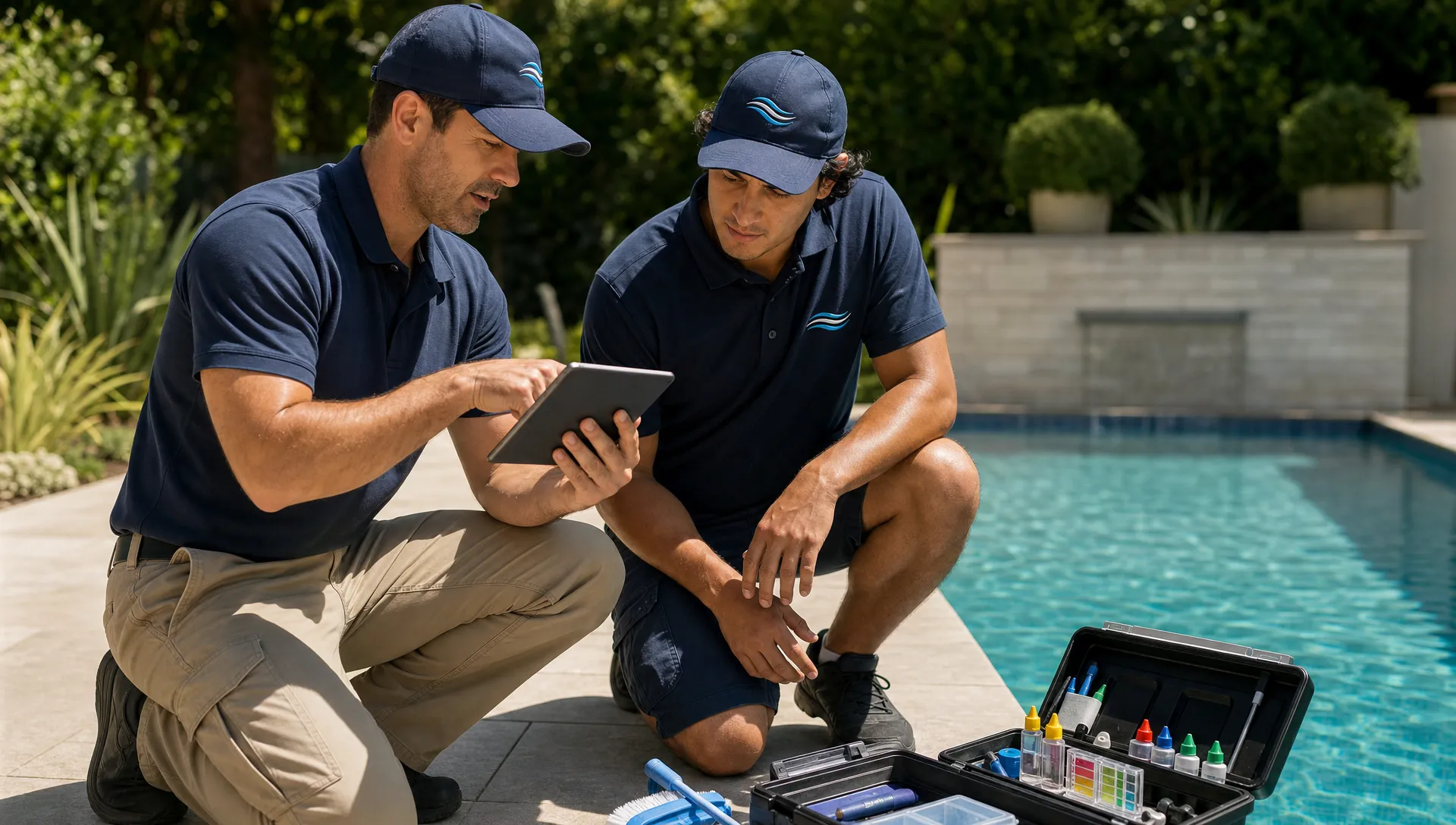
Owner conversations outside vendor pages often describe the problem in plainer language. Reddit is not a formal article library, but Reddit posts are useful because they show what contractors ask when nobody is selling to them. In Reddit searches for contractor CRM discussions, especially around small business and home service questions, owners tend to ask about missed follow-up, crew coordination, reminders, job notes and whether field staff will actually use the system.
The lesson for pool companies is simple: customer relationship management fails when it asks the team to maintain records that do not help the next job go better. If the CRM only benefits the owner or the salesperson, technicians will see it as admin work. If it helps them avoid locked gates, surprise complaints and unclear instructions, adoption becomes much easier.
Contractor scaling articles in education libraries such as Jobber Academy, the ServiceTitan blog and the Buildertrend blog make a related point across home service and construction categories. Scaling is not only about adding leads. It is about turning the owner’s knowledge into repeatable process so crews can deliver consistent work without asking the same questions every day.
From better memory to better margins
For recurring service businesses, retention compounds. Harvard Business Review has widely cited the point that acquiring a new customer can cost far more than retaining an existing one. Pool companies feel that reality every season. A lost weekly maintenance account creates a hole in the route. A happy customer can approve repairs, add services and refer neighbors on the same street.
That is why customer relationship management should measure relationship health, not only deal status. For a pool service operator, useful indicators include response time, repeat callbacks, unapproved repair recommendations, overdue invoices, route exceptions and customer complaints tied to specific properties.
With SplashIQ, the operating record can include homeowner notifications, water-quality logs, equipment tracking, online payments and technician scorecards. Those are not separate from the customer relationship. They are the relationship as the homeowner experiences it: Did you arrive when expected? Did you document the work? Did you remember the equipment history? Did billing match the service delivered?
A practical rollout for pool companies
Software rollouts fail when they try to capture everything on day one. A better path is to start with the handoffs that already cause mistakes, then make the record more useful over time.
If your customer relationship management rollout starts with every possible field, technicians will see it as office paperwork. If it starts with information that prevents wasted time, the team has a reason to use it.
Start with the fields that change daily
Choose a short required set for every active service property: access instructions, service status, chemical readings, equipment notes, before/after photos and next action. These fields are close enough to the work that technicians understand why they matter.
Avoid turning the first version into a perfect database project. Clean records are valuable, but field adoption is more valuable at the start. You can standardize labels, tags and reporting once the team is actually using the system.
Connect office and field work
The office should not have to translate technician notes manually after every stop. The field app should capture what happened, even when service happens in areas with spotty signal. An offline field app, homeowner arrival and service notifications, photos and water-quality logs help make the visit visible without extra phone calls.
This is where a platform built for pool companies differs from a generic sales CRM. Scheduling, route context, service documentation and homeowner communication need to sit next to the customer record, not in separate tools.
Review one workflow each week
Start with a single workflow and improve it. One week, review how new maintenance accounts are handed from sales to scheduling. The next week, review how repair recommendations move from field note to quote. Then review how homeowner questions are answered after a service visit.
Each review should ask the same question: what did someone need to know that was not obvious in the record? That question keeps the CRM grounded in operational reality instead of software configuration for its own sake.
Frequently Asked Questions
What does CRM beyond the sales pipeline mean for a pool company? It means the customer record continues to matter after the account is won. The CRM should connect property details, service notes, equipment history, communication, scheduling and billing so the whole team can serve the homeowner consistently.
How does customer relationship management help after the sale? It gives technicians and office staff a shared view of what was promised, what happened at the property and what should happen next. That reduces callbacks, missed follow-up, billing confusion and repeated explanations from the homeowner.
Do technicians really need CRM access? Yes, if the CRM contains information that helps them complete the job. Access notes, equipment history, photos and service expectations are field-critical details. The system should be simple enough that technicians can update the record without slowing down the route.
Is a spreadsheet enough for a growing pool service company? A spreadsheet can work for a small team with a few accounts. It usually breaks down when the company adds routes, technicians, repair workflows, homeowner messages and payment tracking. At that point, the business needs records that connect to daily operations.
Make every customer record useful after the sale
Pool companies rarely outgrow the need for organized follow-up. They outgrow systems that separate the customer record from the work being done at the property.
When customer relationship management lives in the same workflow as scheduling, field notes, service photos, payment collection and homeowner communication, the record stops being administrative overhead. It becomes how the company keeps promises at scale.
SplashIQ is built for that broader view of pool service operations. If your team is ready to replace spreadsheets and paper checklists with one app for offices, technicians and homeowners, explore how SplashIQ helps run the full pool service workflow.