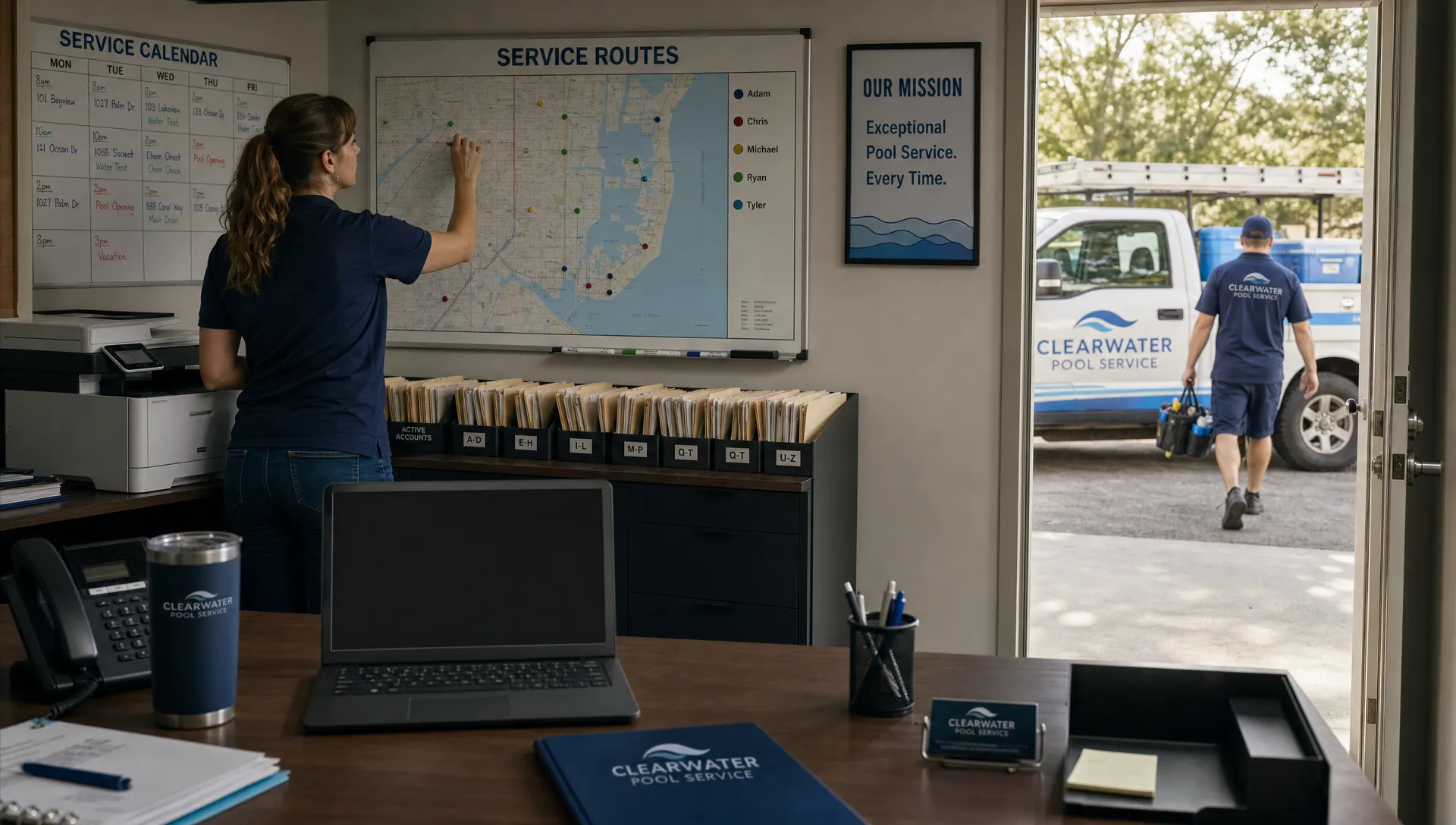
Comparing CRM platforms for a field service team is not the same as choosing a contact database for an office sales team. Your CRM has to support the person answering the phone, the dispatcher building routes, the technician standing in a backyard and the homeowner waiting for an update. If it cannot connect those moments without duplicate entry, the software becomes another admin burden instead of the operating layer for the business.
For pool service companies, HVAC contractors, landscapers, cleaners and other route-based teams, the stakes are practical. A missed gate code, unclear service note or forgotten invoice can turn into a callback, a delayed payment or a frustrated customer. The right comparison process should focus less on polished demo screens and more on whether the system survives a normal service day.
That is also the pattern contractors talk about in public forums and industry articles. Reddit discussions often come back to the same complaints: tools that look good for owners but are too slow for technicians, systems that require double entry or CRMs that do not connect to scheduling. SplashIQ covered those themes in its article on what contractors on Reddit say about CRM for service businesses, which is useful background before you evaluate vendors.
How to Compare CRM Platforms Against Real Field Work
The best way to compare CRM platforms is to start with your workflow, not the vendor’s feature list. A field service CRM is only valuable if it keeps customer, property, schedule, field and billing information connected from the first inquiry to the final payment.
Begin by mapping one common job type from start to finish. For a pool service company, that might be a new weekly maintenance lead, a one-time green pool cleanup or a repair request for a failed pump. Write down who touches the job, what information they need, what photos or test readings should be captured and when the homeowner expects communication.
Then test each system against that workflow. Do not only ask, “Does it have scheduling?” Ask whether the schedule updates the technician’s mobile app, whether the customer record includes equipment details, whether the homeowner receives a service notification and whether the invoice reflects the work completed in the field.
If you are moving beyond spreadsheets, this workflow-first approach prevents you from buying software that simply digitizes your old mess. SplashIQ’s guide to CRM software for small businesses with field teams goes deeper into why field teams need more than a generic sales pipeline.
Start With the Operational Problems You Need to Fix
Before you sit through demos, list the problems that are currently costing your team time, money or customer trust. This makes your comparison more objective and keeps the conversation grounded in outcomes.
Common field service pain points include scattered customer notes, manual route planning, missing service histories, delayed invoices and technicians texting photos to the office from personal phones. Pool service businesses often add more specialized needs, such as water-quality logging, equipment tracking and homeowner updates after each visit.
When you compare CRM platforms, group your problems by workflow area. That gives you a cleaner evaluation framework and helps you separate “nice to have” features from capabilities that affect daily operations.
| Workflow area | Problem to identify | What the CRM should prove |
|---|---|---|
| Lead intake | New inquiries get lost or delayed | Every lead becomes a trackable customer or job record |
| Scheduling | Routes depend on memory or spreadsheets | Dispatchers can build, adjust and communicate schedules quickly |
| Field work | Technicians lack context at the property | The mobile app shows notes, photos, history and equipment details |
| Customer communication | Homeowners ask for arrival times or proof of service | Notifications, visit summaries and service records are easy to send |
| Billing | Completed work waits too long to become revenue | Invoices and payments connect to job completion |
| Management visibility | Owners cannot see performance by tech or route | Reporting shows workload, completion status and service quality |
This table can become your first scoring sheet. If a product cannot solve one of your top three operational problems, it should not rank highly no matter how many secondary features it offers.
Evaluate Scheduling, Routes and Dispatch First
For a field service business, scheduling is not a calendar feature. It is the center of the operation. A strong CRM should make it easier to assign jobs, build efficient routes, handle recurring service, reschedule quickly and keep technicians aligned with the office.
This is where many CRM platforms fall short. A traditional sales CRM may store customer names and reminders, but it usually does not understand route density, service windows, recurring maintenance or last-minute technician changes. If the office still has to manage the real schedule somewhere else, the CRM is not truly running the business.
During demos, ask the vendor to show a realistic service week. Include recurring stops, urgent repairs, weather delays, a customer cancellation and a technician calling out. Watch how many clicks it takes to adjust the route and whether every affected person gets the update without a separate message thread.
For pool service teams, also check whether recurring maintenance jobs can carry property-specific details. A pool with a salt system, spa, automation panel and locked side gate requires different context than a simple chlorine pool with open access.
Test the Mobile Experience Like a Technician Would
A field CRM lives or dies in the hands of technicians. If the mobile app is slow, confusing or dependent on perfect cell service, adoption will suffer quickly.
Ask technicians to participate in the evaluation. Have them complete a sample job in the app, including arrival, notes, photos, water readings, equipment observations and job completion. Watch where they hesitate. If the workflow feels like office software squeezed onto a phone, it will probably fail under real workload pressure.
The strongest CRM platforms reduce typing in the field and make the right information visible at the right time. Technicians should not have to search through old messages to find a customer preference, model number or prior repair note. They should be able to document work clearly enough that the office can answer customer questions without calling them for every detail.
Offline access also matters. Pool routes, rural properties, equipment rooms and backyards do not always have reliable signal. If your crews regularly hit weak service areas, test offline behavior before you commit.

Compare Customer, Property and Equipment Records
Many CRMs treat the customer as the primary record. Field service businesses need more context because the property is often just as important as the person paying the bill.
A pool service company may need to know gate access, pool type, surface, gallons, equipment pad layout, heater model, filter type, recurring chemical issues, preferred service day and prior complaint history. If that information is buried in freeform notes, it becomes hard to standardize service across multiple technicians.
When comparing CRM platforms, look at how each system structures customer and property data. Can the office see every visit, photo, repair, water test and invoice in one place? Can a new technician understand the property before arrival? Can the homeowner’s questions be answered from the record instead of from someone’s memory?
This is also where contractor scaling articles become relevant. Growth usually exposes weak recordkeeping. A small owner-operator may remember every pool, but a 10-truck company cannot run on memory. SplashIQ’s CRM software comparison for contractors ready to scale looks at this shift from a contractor’s perspective.
Review Homeowner Communication and Proof of Service
Customer communication is one of the fastest ways a CRM can reduce office workload. Homeowners want to know when the technician is coming, what work was performed and whether anything needs attention. Without a system, those updates become phone calls, texts and manual emails.
For field teams, communication should be tied to the job record. Arrival notifications, service summaries, before and after photos, recommendations and payment links should not live in disconnected tools. The more fragmented the communication, the harder it becomes to protect service quality and resolve disputes.
Ask each vendor to demonstrate a homeowner-facing workflow. What does the customer receive before the visit? What do they receive after service? Can they see past work, photos, invoices or account information through a portal? Does the system help your office communicate consistently without adding manual steps?
The best CRM platforms make communication feel automatic but still personal. A homeowner should get enough detail to trust that the job was completed, and your office should have a complete record if a question comes in later.
Examine Billing, Payments and Revenue Flow
A CRM comparison should include money movement, not just customer tracking. If completed jobs do not turn into invoices quickly, the software has left a major gap in the workflow.
For service companies, delayed billing often starts with poor field documentation. The office waits for notes, parts used, photos or job status before sending an invoice. A connected platform should reduce that lag by tying job completion to invoice creation, payment collection and customer records.
When you compare CRM platforms, ask how the system handles recurring billing, one-time work, repair quotes, payment reminders and online payments. If you offer larger repairs or renovations, homeowner financing may also matter. Do not assume that a CRM with “billing integrations” will fit your actual process. Make the vendor show the full path from service completion to payment.
Also look at visibility. Owners and managers should be able to see what is completed but not invoiced, what is invoiced but unpaid and what work is still waiting on approval. That information is essential for cash flow and staffing decisions.
Use a Weighted Scorecard Instead of Gut Feel
Demos can be misleading because every system looks organized when a salesperson controls the path. A weighted scorecard helps you compare tools based on your priorities.
Keep the scorecard simple enough that your office manager, dispatcher and a technician can all use it. Rate each category from 1 to 5, then apply a weight based on importance. For example, a pool service company with eight trucks may weight scheduling and mobile adoption more heavily than marketing automation.
| Category | Suggested weight | What a high score looks like |
|---|---|---|
| Scheduling and routing | 20% | Recurring routes are easy to build, edit and communicate |
| Mobile field app | 20% | Technicians can complete work quickly, even with limited signal |
| Customer and property records | 15% | Service history, equipment and notes are clear in one place |
| Communication | 15% | Homeowners receive timely updates and proof of service |
| Billing and payments | 15% | Completed work flows naturally to invoices and collections |
| Reporting and accountability | 10% | Managers can track completion, technician activity and service quality |
| Ease of rollout | 5% | Training, setup and daily use feel realistic for the team |
The goal is not to find a perfect score. It is to make tradeoffs visible. If one product has stronger reporting but weaker technician adoption, the scorecard forces you to decide what matters more for your business right now.
Ask Better Vendor Questions
Good vendor questions reveal whether the software fits your operations or just sounds capable in a demo. Avoid broad questions like “Can it manage jobs?” and ask for specific proof.
Use questions like these during your evaluation:
- How does the system handle recurring weekly, biweekly and seasonal service routes?
- Can a technician see customer notes, property details, equipment history and past photos from the mobile app?
- What happens when a technician completes work without cell service?
- Can office staff see which jobs are completed, skipped, rescheduled or waiting on billing?
- How are arrival notifications, service summaries and homeowner messages sent and stored?
- Can the system track water-quality logs, before and after photos and equipment information?
- What data can be imported from spreadsheets or another CRM?
- What does implementation look like for a team that is still running daily service?
These questions help you compare CRM platforms on evidence instead of promises. If the vendor cannot show the workflow live, ask for a trial environment or a sample account that reflects your type of business.
Watch for Red Flags During the Trial
A trial should make daily work clearer. If your team feels confused after basic training, pay attention. Field service software needs to be powerful enough for the office but simple enough for technicians who are moving between jobs all day.
Red flags include excessive manual entry, unclear mobile workflows, limited customer history, weak scheduling tools and reports that require spreadsheet exports to become useful. Another warning sign is a product that depends on too many add-ons to handle core field service tasks.
Reddit threads about contractor software often highlight a related issue: owners buy a platform, but technicians avoid it because it slows them down. That is not a training problem only. Sometimes it means the product was built for a different type of business.
During the trial, assign real tasks to real users. Let a dispatcher build tomorrow’s route. Let a technician close out a service visit. Let the office send a post-service update and prepare an invoice. The strongest CRM platforms prove themselves through ordinary work, not through idealized demo scenarios.
Plan the Rollout Before You Sign
A CRM decision does not end with vendor selection. Implementation determines whether the system becomes part of daily operations or another tool people work around.
Start with clean data. Decide which customers, properties, service notes, equipment records and billing details need to be imported. Then define the workflows your team must follow from day one, such as how to create a new customer, reschedule a visit, close out a job and document a service issue.
Assign owners for each workflow. The office manager may own customer records, the service manager may own route standards and technicians may help define what a complete job note looks like. This gives the rollout practical accountability.
When comparing CRM platforms, ask vendors how they support onboarding without inventing details you cannot verify. You want to understand what resources are available, how much setup your team must handle and how quickly employees can perform their core tasks. A simpler system that your team actually uses will outperform a complex system that sits half-adopted.
Where SplashIQ Fits for Pool Service Teams
SplashIQ is built for pool service businesses that need one operating system for the office, technicians and homeowners. It connects CRM, scheduling, water-quality logs, equipment tracking, homeowner communication, photos, billing and payments in one workflow.
That focus matters because pool service has requirements that many generic CRMs do not address cleanly. A pool company needs to know what happened at each property, what the water readings were, what equipment was observed, what the homeowner was told and whether the visit has turned into revenue.
If your comparison process shows that your biggest gaps are route scheduling, field documentation, customer communication and billing follow-through, SplashIQ is worth including in your shortlist.
Frequently Asked Questions
What is the biggest difference between a sales CRM and a field service CRM? A sales CRM usually focuses on leads, deals and follow-up tasks. A field service CRM also needs to connect customer records with scheduling, route work, technician updates, service history, photos, billing and customer communication.
How many CRM platforms should a field service company demo? Most teams should shortlist three to five options, then run a deeper workflow test with two finalists. More than that can slow the decision without improving the outcome.
Should pool service companies choose an industry-specific CRM? An industry-specific system can be a better fit when your daily work depends on pool details such as water-quality logs, equipment tracking, recurring routes, service photos and homeowner notifications. The right choice depends on how closely the workflow matches your operation.
How do you know a CRM trial is successful? A successful trial lets your team complete real tasks with less confusion, not more. Dispatchers should be able to schedule work, technicians should complete visits from the field and the office should see clear records for communication and billing.
What should contractors read before choosing CRM software? Public Reddit discussions can reveal adoption issues that polished vendor pages leave out. Contractor-focused comparison articles are also useful because they frame CRM selection around scaling operations, not just managing contacts.
Compare With the People Who Will Use It
The best CRM decision is made with input from the office, dispatchers, technicians and ownership. Each group sees different failure points, and each group needs the system to make their work easier.
If you run a pool service business, compare tools against a real route, a real customer record and a real invoice cycle. That will tell you more than a feature checklist. SplashIQ was built around that connected field service workflow, from lead intake and scheduling to technician documentation, homeowner updates and payment collection.