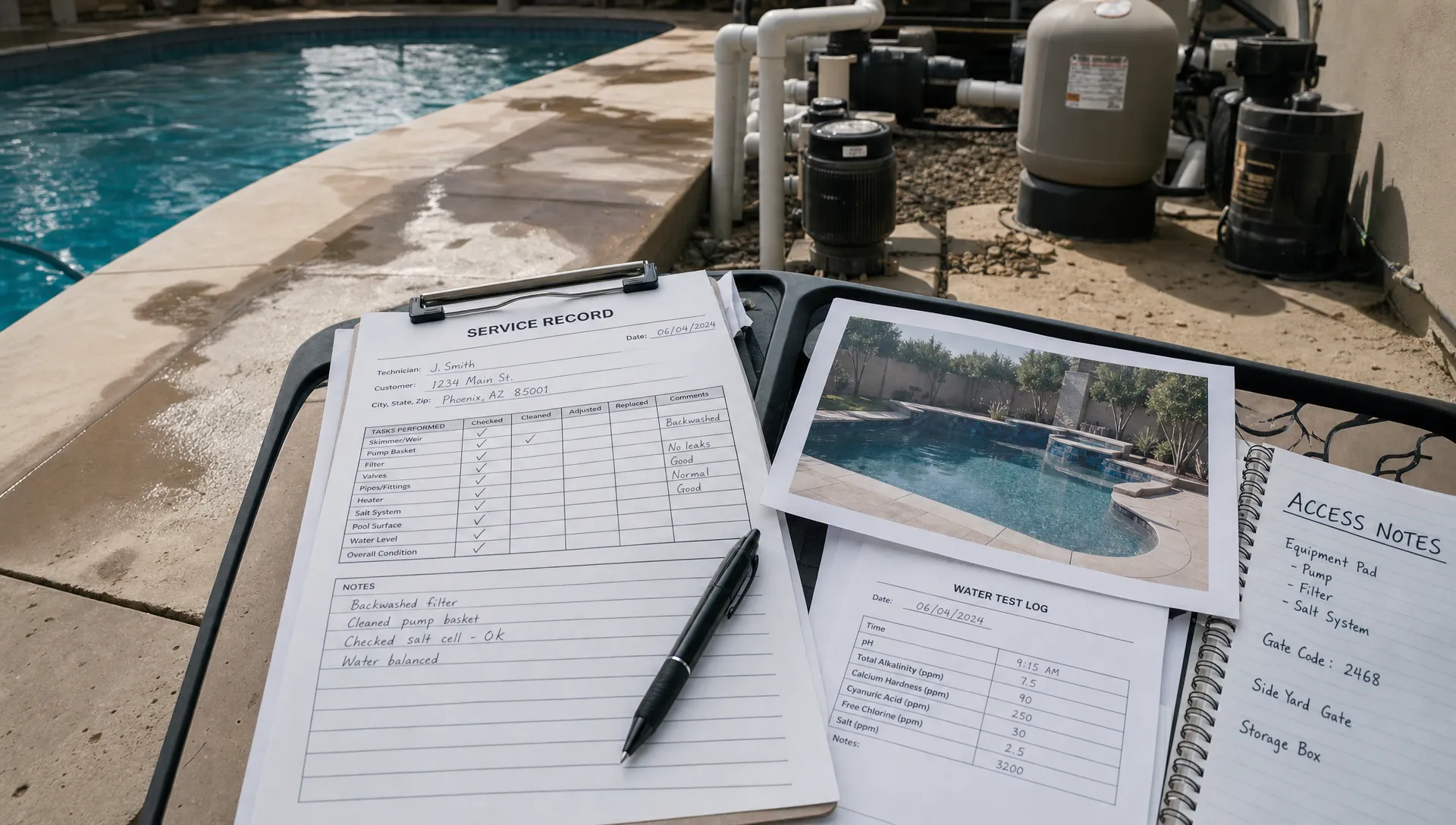
A new pool technician’s first CRM experience should make the next service visit easier, not feel like an office software exam. The technician needs to find the right property, understand the assignment, record what happened and leave information the next person can trust. Start there, rather than with a tour of every feature.
For pool service owners and field supervisors, the goal is straightforward: help a new hire complete a real service workflow safely and accurately. This guide provides a practical onboarding sequence, a suggested first-week plan and readiness checks for independent route work.
Start with the job, not a software tour
Explain the CRM in terms of the technician’s work: it connects the customer, property, scheduled visit and service history. Those records help the field team avoid missed instructions and help the office answer homeowner questions without chasing someone down.
Show one example of why documentation matters. A note that says “pump issue” leaves the next person guessing. A note that says “Unusual noise at pump during inspection; supervisor notified; no repair performed” gives the office something useful to act on. Use this as a fictional training example, not a substitute for your company’s diagnostic procedures.
Keep the first session focused on the visit workflow. Marketing tools, financing and payment administration can wait unless the technician’s assigned responsibilities require them.
Also separate software instruction from trade instruction. Knowing how to enter a water reading does not establish that someone can test water correctly, handle chemicals safely or diagnose equipment. Those skills require their own training and supervision.
Prepare a safe first CRM experience
Before the new hire arrives, check that their device, login and assigned schedule work. Where access controls are available, provide access appropriate to their responsibilities rather than sharing an administrator account.
Choose one uncomplicated property for the walkthrough. Its record should have a correct address, current access instructions, known equipment and a clear service assignment. Fix conflicting notes before training begins. Your broader CRM implementation checklist can help managers prepare the underlying records, but the technician should not have to clean up the system while learning it.
Use a training record if your software supports one. Otherwise, demonstrate with a controlled example that cannot accidentally notify a homeowner, create a charge or alter live service history. Do not assume that a record labeled “test” prevents automated messages.
Explain which actions affect customers. Arrival updates, completion notices and photos may become homeowner-facing information. A new hire should know what gets sent, when it gets sent and whom to ask before correcting a mistake.
Teach the visit in the order it happens
Run the first walkthrough in the same sequence the technician will follow outside. Demonstrate one step, let them perform it and ask them to explain its purpose.
Before the visit: find and verify
Have the technician open the assigned stop and verify the property address, service scope and access instructions. Ask them to locate the previous visit’s notes and any unresolved equipment concern.
A useful first CRM experience connects each screen to a field decision: which gate to use, what work is authorized and whether the supervisor needs to be contacted before service begins.
Teach verification rather than blind reliance on a record. If access instructions conflict with conditions on site, the technician should follow your escalation procedure instead of improvising. They also need to understand the company’s policy for notifying homeowners of arrival, including whether any action in the app triggers that message.
During the visit: record what actually happened
Demonstrate how your company records water-quality results, completed work and equipment observations. Keep those categories distinct: a measured reading is not the same as a treatment, and an observation is not a confirmed diagnosis.
Never encourage a new hire to enter plausible values simply to finish a form. If a test cannot be completed or a reading appears unreliable, they should document the limitation and contact the appropriate supervisor under company policy.
Show what makes a useful service photo: the relevant pool condition or equipment, enough context to identify it and a clear view of the issue. Avoid unnecessary images of people, neighboring properties or personal belongings. Documentation should support service, not collect unrelated information about the household.
After the visit: review and hand off
Before marking work complete, have the technician review the entry against what they actually did. Check for the wrong property, missing results, unclear notes and photos attached to the wrong visit.
The strongest CRM experience teaches that completion is a handoff, not merely a button press. The next technician, office coordinator or homeowner should be able to understand the record without calling for an explanation.
This is why a shared property record matters beyond the sales pipeline: daily service information needs to remain useful after the field team leaves.
Finally, explain how incomplete work differs from completed work. A locked gate, unsafe condition or equipment concern should follow your company’s exception procedure, not disappear inside an ordinary completion note.
Use the first week to build independence
Treat the following schedule as a starting point. An experienced technician may progress faster, while someone learning both pool service and software may need more supervised visits.
| Stage | Training activity | Evidence of progress |
|---|---|---|
| Day 1 | Supervisor demonstrates one complete visit | Technician explains how the record supports the work |
| Day 2 | Technician enters information during a supervised visit | Results, notes and photos match the actual service |
| Day 3 | Technician leads the workflow while the supervisor observes | Routine steps are completed without repeated prompting |
| Day 4 | Practice an exception and review offline use | Technician knows what to document and whom to contact |
| Day 5 | Review several visits and decide the next training step | Records are reliable and unresolved gaps are identified |
Keep coaching specific. “Your equipment note needs the location and what you observed” is more useful than “Be more detailed.” Ask the technician to correct the entry while the visit is still fresh.
A positive CRM experience also leaves room for questions without treating every question as a performance problem. New hires may hesitate to admit that they selected the wrong property or do not understand a status. Establish a correction process early so mistakes are reported rather than hidden.
End each training day with a short review of one strong record and one improvement. Keep the discussion about the work, not the number of taps required to finish it.
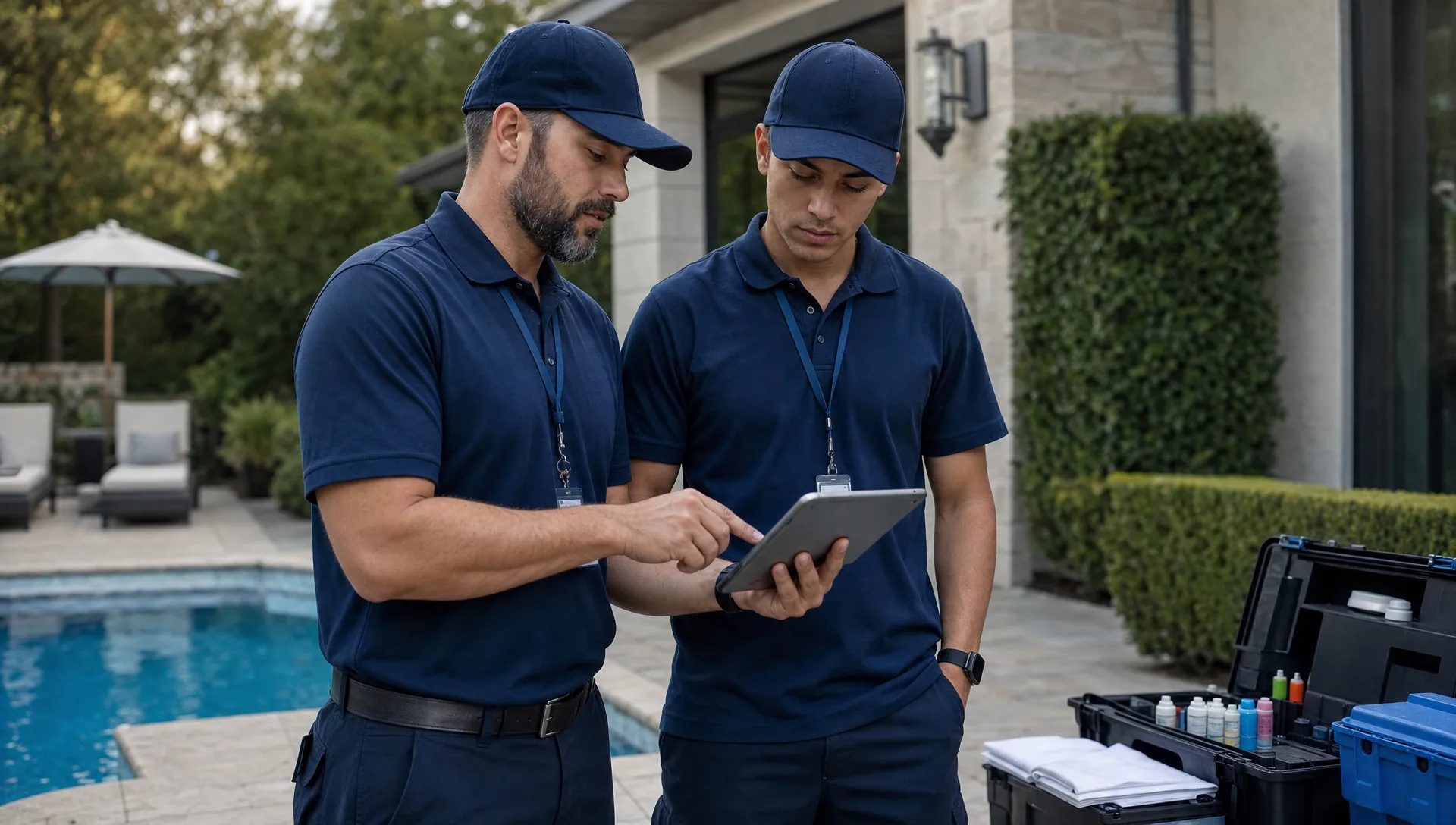
Practice exceptions before assigning a solo route
Routine visits teach the sequence. Exceptions reveal whether the technician understands it. Practice situations that are likely on your routes without creating unnecessary customer disruption.
Use a few controlled scenarios:
- No connection: Demonstrate the supported offline workflow, then reconnect and verify that the service record is available as expected.
- No access: Have the technician document the issue and follow your contact procedure without marking unperformed work complete.
- Unexpected equipment concern: Practice recording an observation, attaching a useful photo and notifying the supervisor without promising an unauthorized repair.
- Incorrect entry: Show how to report and correct a mistake while preserving an accurate account of the visit.
Do not assume every app handles offline records or corrections the same way. Review the behavior of your actual system, including how the technician confirms that information has reached the office.
This part of the CRM experience should include a clear boundary: software does not authorize a new hire to make decisions outside their training or assigned responsibilities. If the situation involves safety, treatment uncertainty or repair authorization, your operating procedures determine the next step.
Have the technician explain the response in their own words. Being able to repeat a demonstrated action is less convincing than knowing what to do when the normal sequence breaks.
Measure readiness, not taps per minute
Speed is a poor first measure of software competence. A technician can finish quickly while omitting readings, using vague notes or overlooking an unresolved issue.
Start with record quality and judgment. Review whether required information is present, whether it matches the work performed and whether exceptions reached the right person. Track recurring corrections so you can distinguish a training gap from an unclear form or confusing company instruction.
One possible readiness standard is three consecutive supervised visits with complete, accurate records, plus a successful demonstration of your exception procedure. This is a suggested management rule, not an industry certification or a guarantee of technical competence.
Evaluate the CRM experience separately from hands-on service capability. Someone may understand the app but still need supervision for testing, chemical handling or equipment work.
If you use technician scorecards, explain what they measure and how they support coaching. Avoid rewarding visit counts in a way that encourages incomplete documentation. Recheck records after the technician begins working independently, when real route pressure can expose habits that did not appear during training.
Read contractor growth stories with a training lens
Contractor growth articles can help owners see why consistent field records matter as a business adds people and routes. ServiceTitan’s contractor case studies offer vendor-published accounts of service businesses using operational software. Read them as examples to investigate, not proof that another contractor’s results will transfer to your pool company.
For peer perspectives, browse Reddit discussions about contractors and CRM software. That link opens a discussion search, not a verified case study. Check the date, business type and whether a recommendation comes from a working contractor or a vendor.
Bring those sources back to the new hire’s CRM experience: what information must the field team capture so the office can support more customers without relying on memory? Borrow useful training ideas, but test them against your own service standards and responsibilities.
Frequently asked questions
How much software training does a new pool technician need? There is no universal hour requirement. Plan an initial walkthrough followed by supervised field use. Independent work should depend on accurate documentation, sound exception handling and separately verified service skills, not simply attendance at a training session.
What should technicians learn first? Start with finding the assigned property, reviewing instructions, recording actual service results and handing off unresolved concerns. Introduce less frequent administrative functions later, when they are relevant to the technician’s role.
Can someone with no previous CRM experience learn the workflow? Yes. Teach the service sequence in small steps, provide supervised practice and explain unfamiliar terms. Prior software use can help, but it does not replace learning your company’s documentation and communication standards.
What if the technician makes a mistake in a live record? Have them notify the designated supervisor and use the system’s supported correction process. Confirm whether the mistake affected homeowner communications or another downstream action. Do not encourage silent edits that leave the office with an inaccurate account of the visit.
Connect training to the tools technicians actually use
SplashIQ brings scheduling, customer records, water-quality logs, equipment tracking, before-and-after photos and an offline field app into one platform for pool service businesses. Its homeowner notification engine also makes customer communication an important part of training.
When evaluating SplashIQ for your pool service team, walk through the same supervised visit described here. Use that walkthrough to identify what a new technician must learn before handling a route independently.