Consistency is one of the hardest things to scale in a pool service business. When the owner is on every route, standards live in one person’s head. Once there are multiple technicians, seasonal helpers, repairs, office handoffs, and homeowners asking for updates, small gaps start to show up.
One tech logs water readings every time. Another leaves them in a notebook. One person takes photos when a pool is green. Another only mentions it verbally. The visit may still get done, but the company loses a repeatable standard.
That is where pool maintenance software becomes more than a scheduling tool. The right system helps technicians follow the same process at every property, while giving the office a clean record of what happened, what changed, and what needs follow-up.
Why consistency breaks down in pool service
Pool maintenance looks simple from the outside, but every stop has variables. A technician may deal with a locked gate, a dog in the yard, a pump losing prime, a cartridge filter that needs attention, a homeowner who wants photos, or a chemical reading that does not match last week’s pattern.
Without a shared system, technicians solve those problems in their own way. That creates inconsistent documentation, uneven customer communication, and more work for the office. The most experienced techs may still do excellent work, but the company has no reliable way to prove it, coach it, or repeat it.
Reddit is a useful place to see how homeowners talk about this problem. A non-scientific scan of pool-related Reddit posts often surfaces the same concerns: a different tech showed up, readings were not shared, the pool still looked cloudy, or nobody explained whether the filter was checked. Those comments are not formal market research, but they show what customers notice. They want visible proof, clear notes, and fewer surprises.
For operators, consistency is not about turning every visit into a rigid script. It is about making critical tasks hard to miss and important information easy to find.
What a consistent pool maintenance visit should include
A consistent visit starts before the technician arrives and continues after they leave. The goal is to make sure each property receives the right service, the right documentation, and the right follow-up.
At a minimum, most pool service companies need a repeatable process for access notes, water-quality testing, cleaning tasks, equipment checks, customer exceptions, photos, and billing handoff. The exact checklist will vary by service type, climate, and company standards, but the structure should be the same.
| Consistency area | What the technician should capture | Why it matters |
|---|---|---|
| Property access | Gate codes, lockbox notes, pets, parking, special instructions | Reduces delays and repeat office calls |
| Water quality | Test readings, chemical additions, unusual trends | Creates a service history and supports safer decisions |
| Cleaning tasks | Skimming, brushing, vacuuming, baskets, waterline, visible debris | Keeps routine maintenance from depending on memory |
| Equipment condition | Pump, filter, cleaner, heater, valves, automation, pressure readings | Helps catch issues before they become emergency calls |
| Photos | Before/after images and proof of unusual conditions | Gives customers and managers visual context |
| Follow-up | Repairs needed, customer approvals, invoice notes, reminders | Prevents open loops between field and office |
When this information is captured in one place, a new technician can understand the property faster. A manager can review work without calling the tech after hours. A homeowner can receive a professional update instead of a vague service note.
How pool maintenance software helps technicians stay consistent
Good software does not make technicians better by adding more admin. It makes the right behavior easier than the wrong behavior. If the field app is slow, confusing, or disconnected from the office, techs will work around it. If it matches the way routes actually run, it becomes part of the routine.
It turns company standards into checklists
Digital checklists are useful because they make expectations visible. A company can define what must be completed for weekly maintenance, green-to-clean work, pool openings, pool closings, repairs, or warranty visits. Instead of relying on memory, technicians follow a clear sequence.
This is especially important for seasonal work, where missed steps can create expensive callbacks. If your team is standardizing openings, the same logic behind digital checklists that make pool openings more predictable can also improve weekly maintenance.
It keeps water-quality history with the property
Water readings are more valuable when they are connected to the customer and property record. A single test tells the tech what to do today. A history of readings shows trends.
For example, repeated low sanitizer, rising pH, or unusual chemical demand may point to usage changes, equipment problems, algae pressure, or a need for homeowner education. If those readings live on paper, in a text thread, or only in a technician’s head, the office cannot use them to make better decisions.
Water-quality logs also help protect consistency across staff changes. When a different tech covers a route, they can see what was recorded last week instead of starting from scratch.
It ties equipment knowledge to the account
Pool equipment is one of the biggest sources of hidden inconsistency. A veteran tech may know which pump basket lid sticks, which automation panel is mislabeled, or which filter pressure is normal for a property. But if that information is not in the system, it disappears when the route changes.
Equipment tracking helps make that knowledge portable. Notes, photos, model details, repair history, and recurring issues can travel with the property record. That gives every technician a better chance of making the same judgment call the experienced tech would have made.
It connects route planning with service quality
Route scheduling is usually discussed as an efficiency tool, but it also affects consistency. A rushed route creates more missed notes, skipped photos, and unfinished follow-up. A poorly planned day can make even a strong technician look inconsistent.
Software that supports smarter routing helps managers balance drive time, workload, service type, and technician capacity. If route density is a focus for your company, the same principles in route-planning habits that reduce drive time can also protect quality by giving techs enough time to document the visit properly.
It gives the office a same-day record
The office should not have to chase field updates through texts, voicemails, and paper route sheets. When visit notes, photos, water readings, exceptions, and follow-up items sync into one system, the office can respond faster.
That same-day visibility helps with billing, repair approvals, customer questions, and schedule changes. It also reduces the classic end-of-day problem where a technician remembers there was an issue, but not enough detail to quote the repair or explain it confidently.
A practical workflow for consistent field visits
A strong system supports three stages: before the visit, during the visit, and after the visit. If any stage is weak, consistency suffers.
Before the visit, the schedule should show the assigned route, service type, property notes, gate access, known equipment, and any open issues. A technician should not need to call the office to learn basic details about the stop.
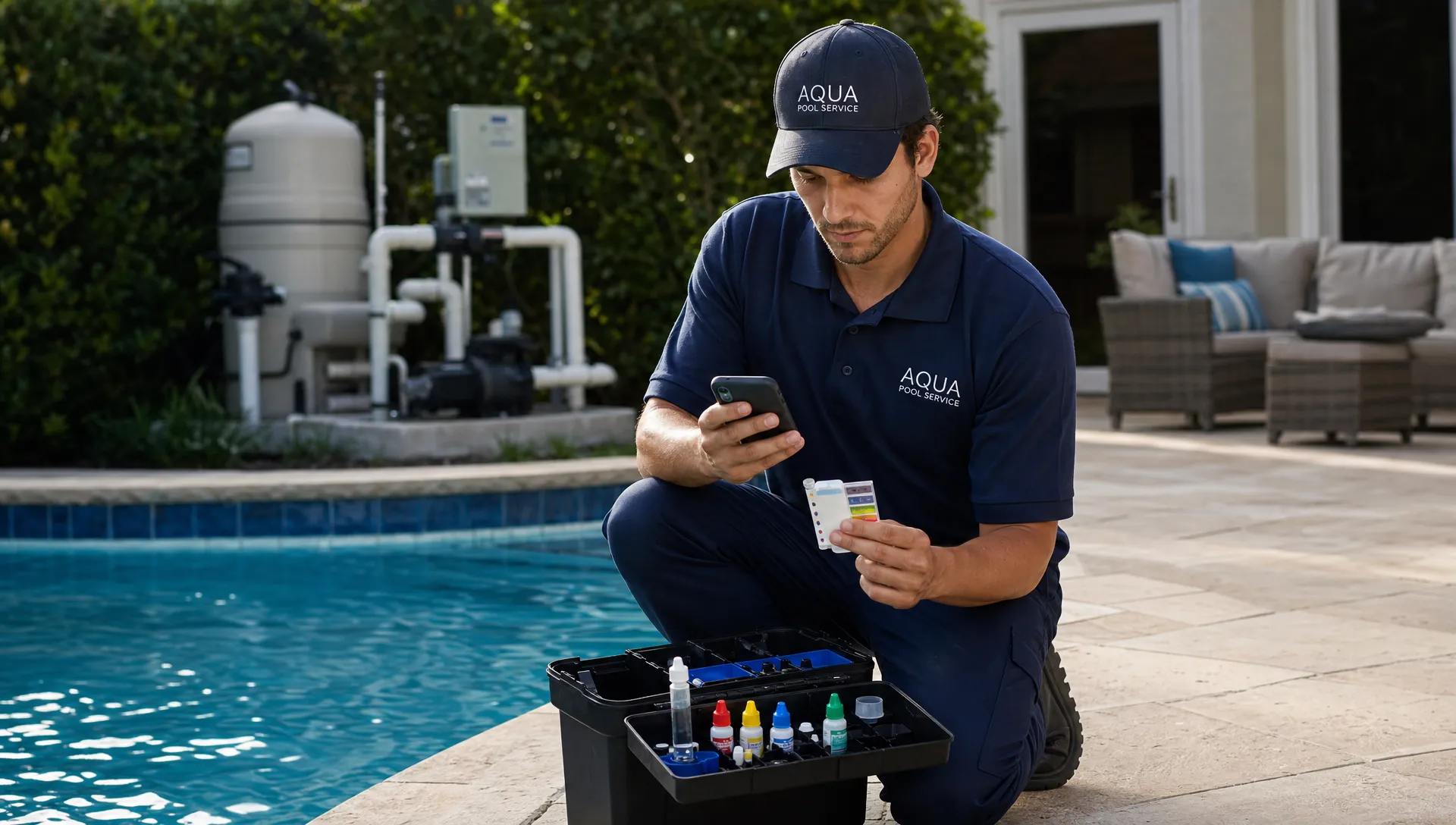
During the visit, the mobile app should guide the technician through required tasks. That may include water readings, chemical additions, cleaning tasks, equipment checks, photos, and notes for exceptions. Required fields should be used carefully. They should protect critical standards, not bury the tech in unnecessary taps.
After the visit, the office should have enough information to act. If the pool needs a filter repair, the repair note should be connected to the customer record. If the homeowner needs an update, the photos and notes should be ready. If the visit is billable, the invoice process should not depend on decoding a paper sheet.
The best workflow feels simple to the technician and complete to the office.
What to look for in pool maintenance software
Not every field service platform is built for pool companies. Generic tools may handle appointments, but pool service teams need property-specific details, water-quality records, equipment context, photos, and customer communication in a workflow that works from a truck or backyard.
| Software capability | How it supports consistency | Question to ask before choosing |
|---|---|---|
| Customer CRM | Keeps customer, property, access, and history in one place | Can the office and field see the same customer record? |
| Smart route scheduling | Reduces rushed visits and inefficient driving | Can routes be adjusted without breaking the day? |
| Water-quality logs | Standardizes readings and chemical records | Are logs tied to each service visit and property? |
| Equipment tracking | Preserves equipment history across technicians | Can techs view and update equipment notes in the field? |
| Offline field app | Keeps work moving when cellular service is weak | Can technicians complete visits without a reliable signal? |
| Before/after photos | Creates visual proof and better customer context | Are photos attached to the visit and customer record? |
| Homeowner communication | Keeps updates professional and repeatable | Can customers see relevant notes, invoices, or requests? |
| Technician scorecards | Helps managers coach with real data | Can performance be reviewed without micromanaging? |
The strongest choice is usually the one that reduces duplicate entry. If a tech logs a reading in the field, the office should not have to retype it. If a customer approves a repair, the record should not live only in an email inbox. If a photo explains the issue, it should be attached to the right visit.
Implementation tips that make adoption easier
Software alone will not create consistency. It has to reflect the way the company wants work done.
Start by defining your minimum service standard. What must happen on every weekly maintenance visit? What must be documented on a green pool? What requires a photo? What requires office follow-up? Keep the first version practical. A checklist that is too long will be ignored, especially in peak season.
Next, separate required fields from nice-to-have notes. Water readings, chemical additions, safety concerns, repair recommendations, and customer-facing exceptions may need structure. Minor observations can often remain as optional notes.
Train technicians on why the process matters. If the message is only about tracking, techs may feel monitored. If the message is about fewer callbacks, better customer trust, cleaner handoffs, and less after-hours confusion, adoption is easier.
It is also worth testing customer-facing workflows before a full rollout. If your team or developer is validating portal invites, confirmation emails, or payment reminder flows, tools such as programmable temp inboxes for QA automation can help test email behavior without using real homeowner addresses.
Finally, review the data with technicians. Scorecards should be used for coaching, not just correction. If one route has more missing water logs, the issue may be training, route load, app friction, or unclear expectations. The data helps managers ask better questions.
Metrics that show whether consistency is improving
The goal is not to measure everything. The goal is to identify whether the field team is following the company’s standard more reliably over time.
| Metric | What it reveals | Desired direction |
|---|---|---|
| Checklist completion rate | Whether required tasks are being recorded | Up |
| Missing water logs | Whether chemistry documentation is consistent | Down |
| Photo attachment rate | Whether visual proof is being captured when needed | Up |
| Exception follow-up time | How quickly office action happens after a field issue | Down |
| Repeat visits for avoidable issues | Whether missed details are creating callbacks | Down |
| Invoice lag after completed work | Whether field notes support faster billing | Down |
| Route variance | Whether some days are overloaded compared with others | Down |
These metrics are most useful when reviewed in context. A low completion rate may mean a technician needs coaching. It may also mean the checklist is poorly designed. A high callback rate may point to training, customer expectations, equipment condition, or schedule pressure.
Good pool maintenance software gives you the visibility to tell the difference.
Frequently Asked Questions
What is pool maintenance software? Pool maintenance software is a system that helps pool service companies manage customers, routes, field visits, water-quality logs, equipment records, photos, communication, billing, and follow-up in one workflow.
How does software help technicians stay consistent? It gives technicians clear checklists, property notes, service history, water logs, and photo requirements during the visit. This reduces reliance on memory and makes each service record easier for the office to review.
Does pool maintenance software replace technician training? No. Software supports training by making standards visible and measurable, but technicians still need proper field knowledge, chemical safety training, equipment experience, and clear company expectations.
What feature matters most for consistency? The most important feature is usually the mobile field workflow. If technicians can easily complete checklists, log readings, add photos, and flag follow-up from the field, the rest of the operation becomes more reliable.
Can smaller pool companies benefit from this type of software? Yes. Smaller teams often benefit early because they can build good habits before growth creates chaos. Clean records, consistent visits, and reliable billing are easier to establish before routes multiply.
Run every visit from the same standard
Consistent service is easier when technicians, office staff, and homeowners are working from the same record. SplashIQ is built for pool service companies that want to replace paper checklists and scattered spreadsheets with one operating system for CRM, smart route scheduling, water-quality logs, equipment tracking, offline field work, photos, homeowner updates, payments, financing, and technician scorecards.
If your team is ready to make every route more repeatable, see how SplashIQ helps pool service businesses run cleaner daily operations from lead to invoice.