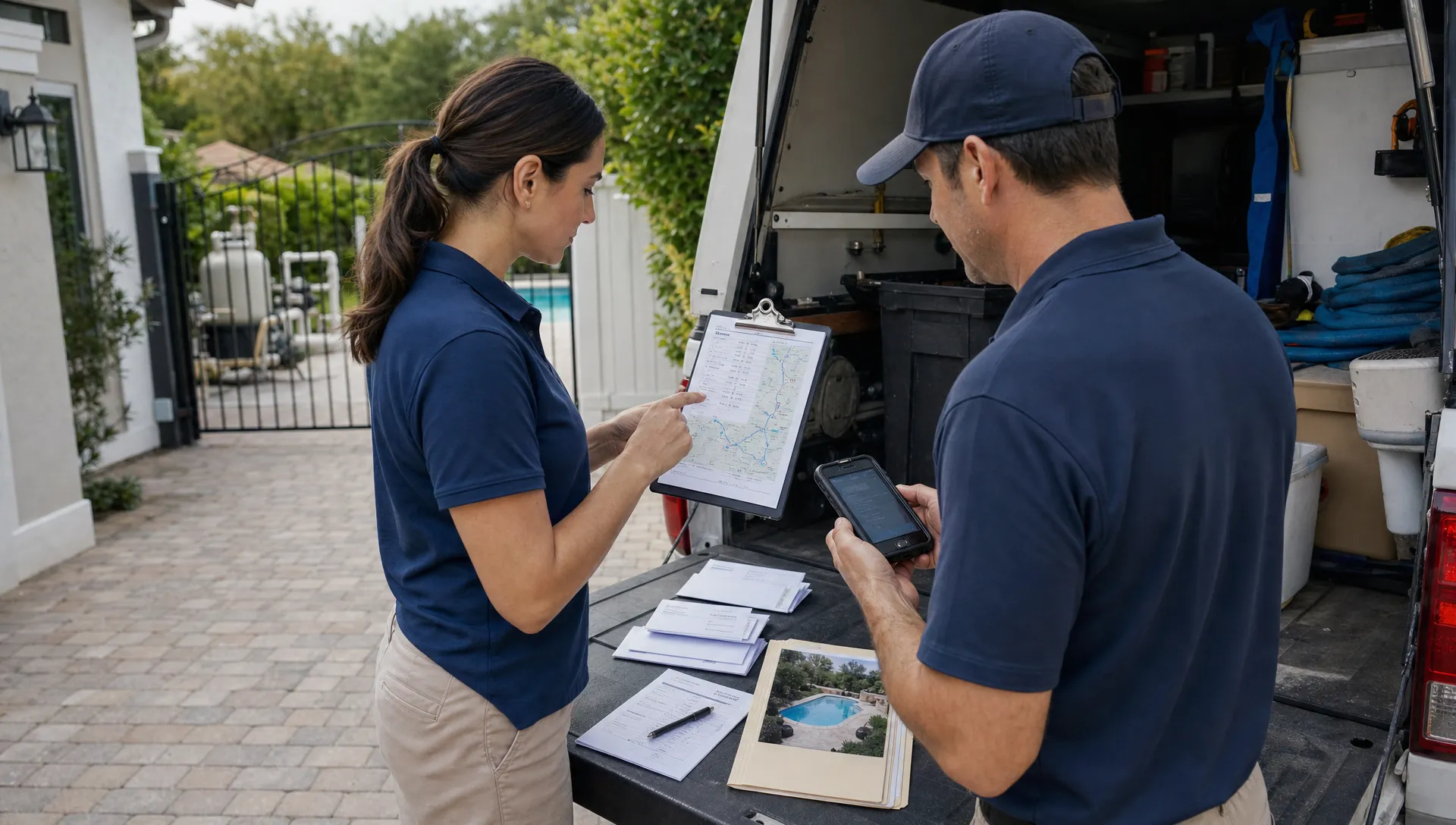
For many pool service companies, routes and billing are where growth starts to feel messy. A five-person crew can often survive on spreadsheets, text messages, and paper route sheets. But once the schedule fills up, the same system starts leaking time and revenue: techs zigzag across town, office staff chase visit notes, invoices wait until Friday, and homeowners call because they do not know what happened in their backyard.
That is the real job of pool service software for route-heavy teams. It is not just a digital calendar. It should connect the customer record, route plan, field visit, photos, water-quality log, equipment details, invoice, and payment in one workflow.
When routes and billing work together, your team can move from service completed to payment requested without rebuilding the story from scattered notes.
Why routes and billing need to live in the same system
Pool service is unusually route-dependent. A plumbing company might dispatch one technician to one job for several hours. A pool service company might send one technician to 15 to 25 stops in a day, each with its own gate code, chemical history, equipment quirks, dog warning, preferred communication style, and billing arrangement.
If routing lives in one place and billing lives somewhere else, every visit creates admin work. Someone has to confirm the tech actually completed the stop, check whether chemicals or parts were used, review photos or notes, decide whether anything is billable, then create or update the invoice.
That handoff is where errors happen. A completed visit might not get billed. A skipped stop might be billed by mistake. A repair recommendation might get buried in a text thread. A homeowner might dispute a charge because no one can quickly show the service record.
Public Reddit threads in communities such as r/pools often show the customer side of this problem. Homeowners ask whether their pool was serviced correctly, whether chemical readings make sense, or why they were charged for work they do not fully understand. On the business side, Reddit discussions in small business communities regularly mention the same pain point: field work is hard to bill cleanly when proof, notes, and payments are scattered.
The lesson is simple. Homeowners want clarity, and operators need a reliable record. Route planning and billing should not be treated as separate back-office chores.
What route-first pool teams actually need
A strong route and billing system starts with the way pool service work happens in the real world. The office needs visibility before the day starts. Technicians need simple tools in the field. Customers need enough information to trust the work. Billing needs to happen from verified job data, not memory.
For pool routes, software should help answer questions like:
- Which technician is assigned to each property today?
- Are stops grouped tightly enough to reduce drive time?
- Does the technician have the right gate code, equipment history, and service instructions?
- Was the visit completed, skipped, or rescheduled?
- Were chemicals, parts, or repairs used that should affect billing?
- Can the homeowner see a visit summary, photos, or payment request?
The more those answers live in one system, the less your office has to chase people at the end of the day.
Customer expectations are changing outside the pool industry too. People are used to guided digital experiences in banking, delivery, healthcare, and even services like personal training covered by insurance that combine scheduling, in-app guidance, and clear next steps. Pool service does not need to copy every consumer app, but homeowners increasingly expect the same basic transparency: what happened, what it cost, and what comes next.
The route-to-cash workflow
The best way to evaluate pool service software is to follow one visit from scheduling to payment. If the system makes that path shorter and cleaner, it is probably worth a closer look.
| Workflow stage | What should happen | Why it matters for routes and billing |
|---|---|---|
| Customer record | Store homeowner, property, equipment, gate codes, and service history | Prevents techs from relying on memory or old text threads |
| Route scheduling | Assign stops by zone, technician, service type, and timing | Reduces drive time and helps the office see route capacity |
| Field visit | Technician logs work, readings, notes, photos, and exceptions | Creates proof of service and captures billable details |
| Review and approval | Office checks flagged items, repairs, skipped visits, or extra charges | Keeps invoices accurate before they reach the customer |
| Billing and payment | Send invoices or payment requests based on completed work | Speeds up cash flow and reduces missed charges |
| Customer follow-up | Share summaries, photos, recommendations, and upcoming work | Builds trust and cuts down on phone calls |
This workflow matters because route efficiency without billing accuracy only solves half the problem. A tight route can save fuel and labor, but if the team forgets to bill for add-ons, repairs, or special services, profit still leaks out.
Features to look for in pool service software
Many tools claim to help service businesses, but pool companies have specific needs. A generic CRM or scheduling app may not understand recurring pool routes, water chemistry, equipment records, or field photos. Look for software that fits the full operating cycle.
| Feature | What it should do | Buying question to ask |
|---|---|---|
| Customer CRM | Keep homeowner, property, communication, and service details together | Can the office and technician see the same customer history? |
| Smart route scheduling | Help group stops by location, technician, and service needs | Does it reduce manual route planning and route reshuffling? |
| Offline field app | Let techs work when cell service is weak | Can technicians complete visits without reliable signal? |
| Water-quality logs | Record readings consistently over time | Can the team review trends and service history by property? |
| Equipment tracking | Store equipment details, notes, and repair context | Can techs see what is installed before they arrive? |
| Before and after photos | Document completed work and problem areas | Can photos support customer communication and billing questions? |
| Homeowner portal | Give customers access to service information and payments | Can homeowners self-serve instead of calling the office? |
| Online payments | Make it easy to collect after service or invoice approval | Does billing connect naturally to completed work? |
| Technician scorecards | Track consistency and performance across the team | Can managers spot coaching needs and route issues? |
If routing is your biggest bottleneck, it is worth studying practical ways to improve stop density and reduce wasted drive time. SplashIQ has a deeper guide on smart scheduling tactics that cut drive time, which pairs well with the software evaluation process.
How connected routes improve billing accuracy
Billing problems usually do not start in accounting. They start in the field. A technician adds chemicals but forgets to note them. A customer asks for a filter cleaning during a routine stop. A repair is recommended, but the photo stays on someone’s phone. A skipped visit is rescheduled verbally, but the invoice still assumes the original route was completed.
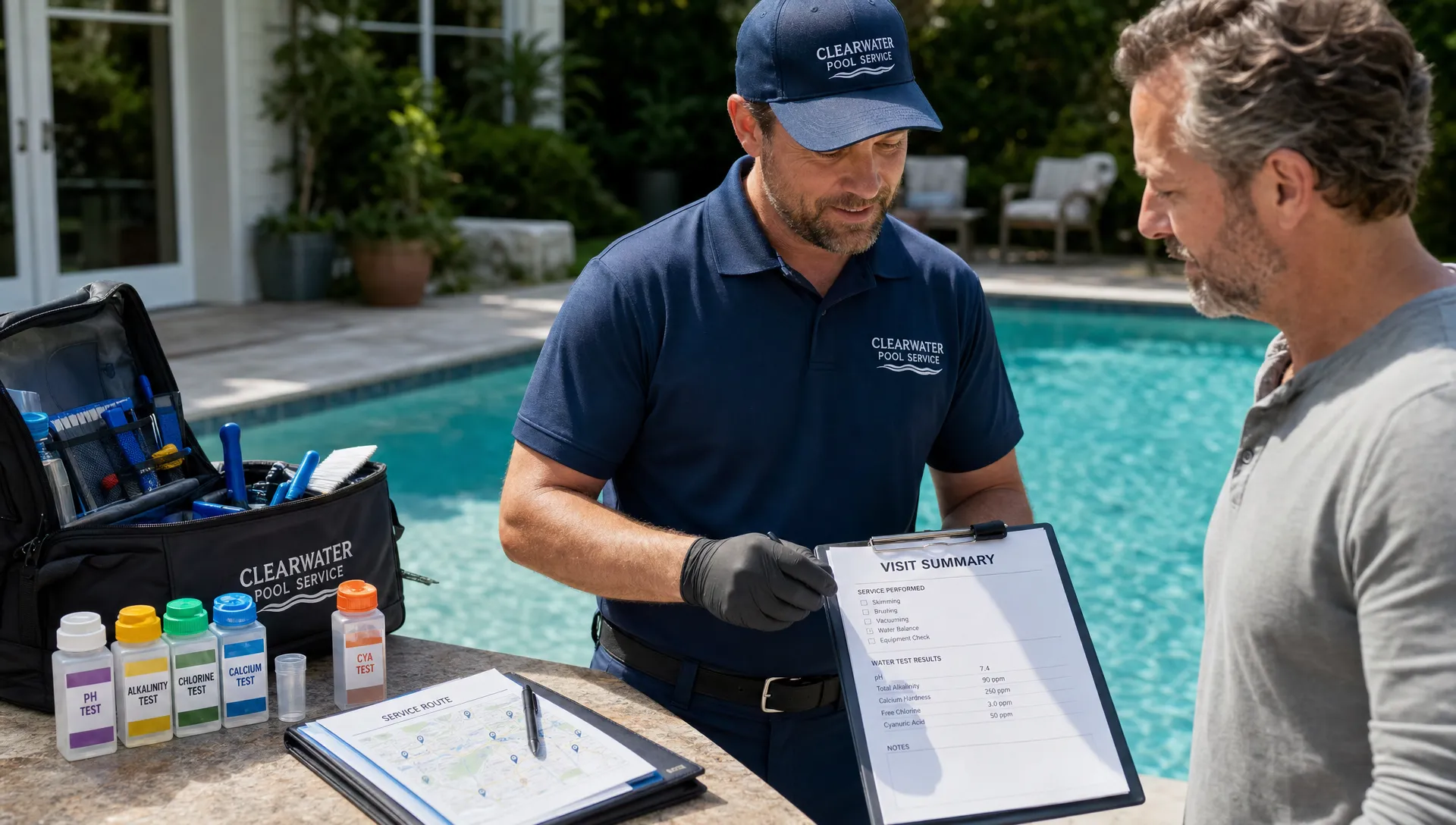
Connected pool service software reduces those gaps by making billing a byproduct of the visit record. The technician completes the stop, logs the work, attaches photos if needed, and flags anything that requires office review. The billing team then works from structured information instead of trying to reconstruct the day.
This is especially important for teams that offer both routine maintenance and repair work. Maintenance routes are repetitive, but repairs introduce variables: parts, labor, approvals, deposits, follow-ups, and sometimes financing. When the original service visit, repair recommendation, customer approval, and invoice live together, fewer jobs fall through the cracks.
It also helps with customer trust. If a homeowner questions a charge, your team can reference the visit summary, photos, water-quality readings, or equipment notes. The conversation becomes factual instead of defensive.
Signs your team has outgrown spreadsheets and paper route sheets
Not every small pool company needs a full operating system on day one. But there are clear signs that the old way is costing more than it saves.
You may be ready for dedicated pool service software if your office regularly has to call technicians to confirm completed stops, if invoices are delayed because notes are missing, or if the same homeowner information is stored in multiple places. Another warning sign is when route changes create confusion across the team. If one person updates a spreadsheet but the technician still follows yesterday’s route sheet, the business is running on hope.
Customer communication is another clue. If homeowners call to ask when the tech is coming, what was done, why a charge appeared, or whether a repair was approved, your software should be doing more of that work. A customer portal and clearer service records can reduce the back-and-forth that eats up office time.
For teams still organizing customer information across inboxes and spreadsheets, SplashIQ’s overview of pool service CRM software shows how customer, property, equipment, and follow-up details can be centralized.
A practical implementation plan
The best software rollout is not just a data migration. It is a workflow cleanup. Before asking technicians and office staff to change habits, define what the new route-to-billing process should look like.
- Clean the customer and property data: Start with names, addresses, service days, gate codes, billing contacts, and equipment notes. Bad data will weaken even the best scheduling system.
- Standardize route rules: Decide how you group stops, handle preferred days, manage urgent repairs, and rebalance overloaded routes.
- Define the field visit checklist: Clarify which readings, notes, photos, and exceptions technicians must capture before a visit is complete.
- Map billing triggers: Identify which services are recurring, which items require approval, and which field entries should prompt an invoice or office review.
- Train around real scenarios: Use common situations such as locked gates, green pools, equipment failures, chemical add-ons, and skipped stops.
Keep the first rollout focused. It is usually better to launch core routes, visit documentation, and billing workflows well than to turn on every possible feature at once. Once the team trusts the basics, you can expand into deeper reporting, technician performance reviews, customer portal adoption, and financing workflows.
What managers should measure after rollout
Software should create visibility, not just digitize old problems. After implementation, track whether the system is improving the parts of the business that matter most.
Useful metrics include route completion rate, average stops per technician, drive time between stops, invoice lag, payment collection time, skipped visit reasons, callback frequency, and repair follow-up rate. You do not need a complicated dashboard to start. Even a weekly review of completed routes, unbilled work, and open follow-ups can reveal where operations are improving or slipping.
Technician consistency also matters. If one route has more missing photos, incomplete readings, or billing exceptions than others, the issue may be training, route design, property complexity, or workload. Technician scorecards can help managers coach with evidence rather than guesswork.
Questions to ask before choosing software
Before you commit to a system, run it through the daily reality of your business. A polished demo is helpful, but your team needs to know how the software behaves on a busy Tuesday in peak season.
Ask vendors questions like:
- Can our office build and adjust recurring pool routes quickly?
- Can technicians access route details, customer notes, and equipment information in the field?
- Does the field app work offline when service areas have poor reception?
- Can completed visit data flow into billing without duplicate entry?
- Can homeowners view service summaries, photos, invoices, or payment options?
- Can we track repairs separately from routine maintenance without losing the customer history?
- How does the system help managers spot missed stops, incomplete notes, or delayed invoices?
If a tool cannot answer these questions clearly, it may create more work than it removes.
Where SplashIQ fits
SplashIQ is built for pool service companies that want one operating system for office staff, technicians, and homeowners. Instead of separating customer records, routes, field notes, water-quality logs, equipment details, and billing into disconnected tools, SplashIQ brings the workflow together.
For teams focused on routes and billing, the most relevant capabilities include customer CRM, smart route scheduling, an offline field app, water-quality logs, equipment tracking, before and after photos, a homeowner portal, online payments, homeowner financing, and technician scorecards. That combination helps managers see what is scheduled, what happened in the field, what needs follow-up, and what is ready to bill.
If your company is also trying to tighten service and repair operations, this related SplashIQ article explains a better way to manage pool service and repairs without losing context between the office and the field.
Frequently Asked Questions
What is pool service software? Pool service software is a system that helps pool companies manage customer records, scheduling, routes, field visits, water-quality logs, equipment details, communication, invoices, and payments in one place.
Why do routes and billing need to be connected? Routes create the service record that billing depends on. When completed visits, notes, photos, materials, and exceptions are connected to invoices, teams reduce missed charges, billing delays, and customer disputes.
Can pool service software reduce drive time? Yes, when it supports smarter route scheduling. Grouping stops by geography, technician capacity, service type, and appointment constraints can help reduce unnecessary driving and improve daily productivity.
Do technicians need an offline field app? For many pool companies, yes. Pools are often in backyards, rural areas, gated communities, or neighborhoods with weak reception. An offline field app helps technicians complete visits even when connectivity is unreliable.
How does a homeowner portal help billing? A homeowner portal can give customers access to service summaries, photos, invoices, and payment options. That transparency can reduce calls, support faster payment, and make billing questions easier to resolve.
Turn routes into revenue, not admin work
Pool routes are the engine of your service business. Billing is how that work turns into cash. When those two systems are disconnected, your team spends too much time chasing notes, fixing invoices, and answering avoidable customer questions.
SplashIQ helps pool service companies connect scheduling, field operations, customer communication, and payments in one workflow. If your team is ready to replace spreadsheets, paper checklists, and scattered billing notes, visit SplashIQ to see how a purpose-built platform can support your next stage of growth.