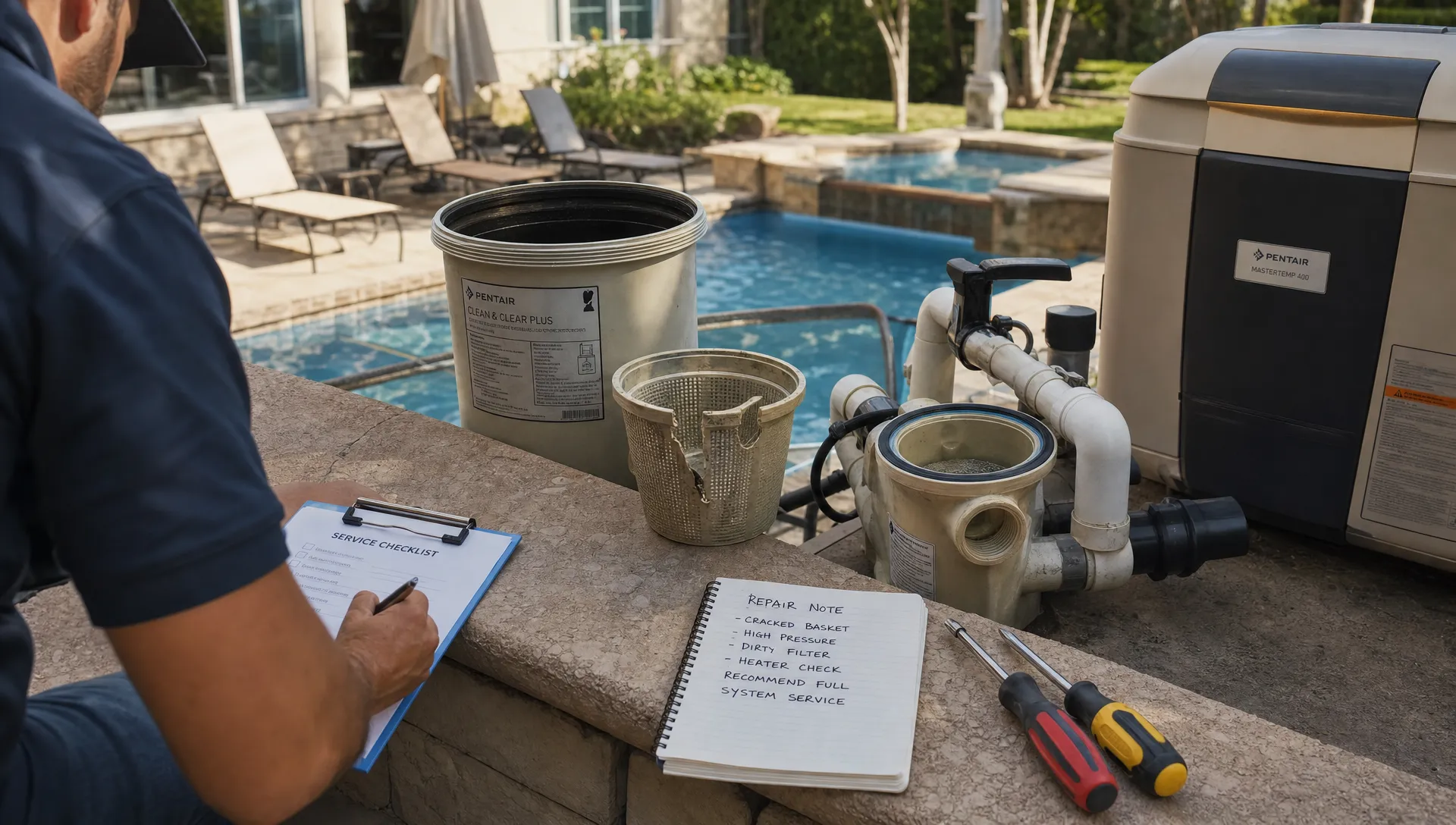
A clean pool is only half the experience homeowners are paying for. The other half is confidence: knowing the technician showed up, what was done, what changed in the water, whether the equipment is healthy and what happens next.
That is why after-visit pool updates matter so much. They turn invisible work into visible value. They also reduce the frustrating follow-up calls every pool office knows well: “Did someone come today?”, “Why does the water still look cloudy?”, “What chemicals were added?” and “Is that repair urgent?”
Spend a few minutes browsing homeowner conversations in Reddit’s r/pools community and you will see the same themes surface again and again. Pool owners want practical answers, not vague reassurance. They ask what readings mean, whether their pool service is doing enough and how to tell if a problem is serious. For pool service companies, those threads are useful voice-of-customer research: homeowners appreciate updates that are specific, visual and easy to understand.
Why homeowners care about pool updates after every visit
Homeowners rarely see the full visit happen. They may be at work, traveling or inside the house while a technician is outside. If the pool looks clean afterward, they may assume everything went fine. If it looks unchanged, cloudy or stirred up, they may assume nothing was done.
A strong service update fills that gap. It documents the work, explains anything unusual and gives the customer a reason to trust the route tech and the company behind them.
For recurring residential pool service, the update is also one of the most frequent customer touchpoints. A homeowner might speak to the office only a few times per year, but they may receive 40 to 50 visit summaries annually. Done well, those messages build trust quietly. Done poorly, they create doubt.
Contractor CRM articles often make the same point in broader field-service terms: scaling depends on consistent customer records, clear communication and repeatable follow-up. For example, ServiceTitan’s overview of CRM for contractors discusses how organized customer information helps contractors manage relationships and operations as they grow. Pool companies face the same challenge, except the relationship is reinforced every week in the backyard.
The pool updates homeowners appreciate most
A useful pool update does not need to be long. It needs to answer the questions the homeowner would have asked if they were standing next to the technician.
| Update element | Why homeowners appreciate it | Best way to present it |
|---|---|---|
| Arrival and completion status | Confirms the visit happened | Short timestamped notification |
| Work performed | Shows what the customer paid for | Plain-language checklist |
| Water-quality readings | Makes chemistry feel transparent | Simple readings with brief notes |
| Chemicals added | Explains what changed after testing | Product type and purpose |
| Equipment condition | Helps prevent surprise breakdowns | Status note with photo when needed |
| Before-and-after photos | Provides visual proof | 1 to 3 relevant images |
| Issues found | Gives the homeowner time to decide | Clear urgency and next step |
| Next visit timing | Reduces scheduling questions | Date or service window |
| Invoice or payment link | Makes billing easier | Direct link after service or billing cycle |
The best updates are specific enough to be useful without overwhelming the homeowner. Most customers do not need a chemistry lecture after every visit. They do want to know whether the water is balanced, what was added and whether anything needs attention.
Start with proof of service
The first thing a homeowner wants to know is simple: did someone actually come?
A good update starts with the visit status. The message can be as short as “Your pool was serviced today by Alex at 10:42 AM.” If your company sends arrival notifications, that is even better because it helps homeowners secure pets, unlock gates or plan around backyard access.
Proof of service matters more than some operators realize. Weekly maintenance can look quick from the outside, especially when the pool was already in decent shape. A timestamped update with notes and photos prevents the perception that the visit was rushed or skipped.
This is also where consistency matters. If one technician sends detailed updates and another sends “Done,” customers notice. Standardized updates protect the brand, not just the individual tech.
Explain what was done in plain language
Homeowners appreciate knowing the basics of the visit, especially when the pool looks similar before and after. A routine service update might include:
- Skimmed surface debris
- Brushed walls, steps or tile line
- Vacuumed as needed
- Emptied skimmer and pump baskets
- Tested and adjusted water chemistry
- Checked pump, filter, heater and visible equipment
The wording should match the actual visit. Generic updates are risky because they train customers to ignore messages. If the tech could not complete part of the service because of locked access, unsafe conditions, severe weather or equipment failure, the update should say so.
A short note is usually enough: “Backyard gate was locked, so we were unable to access the pool today. We notified the office to reschedule.” That kind of direct communication prevents confusion and protects the company’s time.
Include water-quality readings, but add context
Water chemistry is one of the most valuable parts of the update because it shows professional judgment. It is also one of the easiest areas to make confusing.
A homeowner may not know what pH, alkalinity, chlorine or stabilizer mean. They may simply see numbers. If the update includes readings, pair them with a short interpretation:
“Water tested slightly low on chlorine after heavy rain. Chlorine was adjusted today and will be rechecked on the next visit.”
That sentence is more helpful than a block of numbers with no explanation. It tells the homeowner what happened, why it happened and what your team did about it.
This is especially important after storms, heat waves, heavy swimmer use or landscaping work. Homeowners often blame the most recent service visit for cloudy or green water when the actual cause is environmental load, filtration issues or chemistry demand between visits. Clear logs give your office a factual record to reference.
If water chemistry issues are causing repeat calls, it may be worth reviewing your process alongside resources like SplashIQ’s article on pool water chemistry mistakes that lead to repeat visits. The customer-facing update is only as good as the field process behind it.
Use photos to show what words cannot
Photos are one of the most appreciated parts of modern pool updates because they remove ambiguity. They are also useful for office staff, repair teams and future technicians.
A good photo does not need to be artistic. It needs to document something meaningful: the pool after cleaning, a full pump basket, a cracked lid, a leaking union, a damaged cleaner hose, a stained area or a filter pressure gauge.
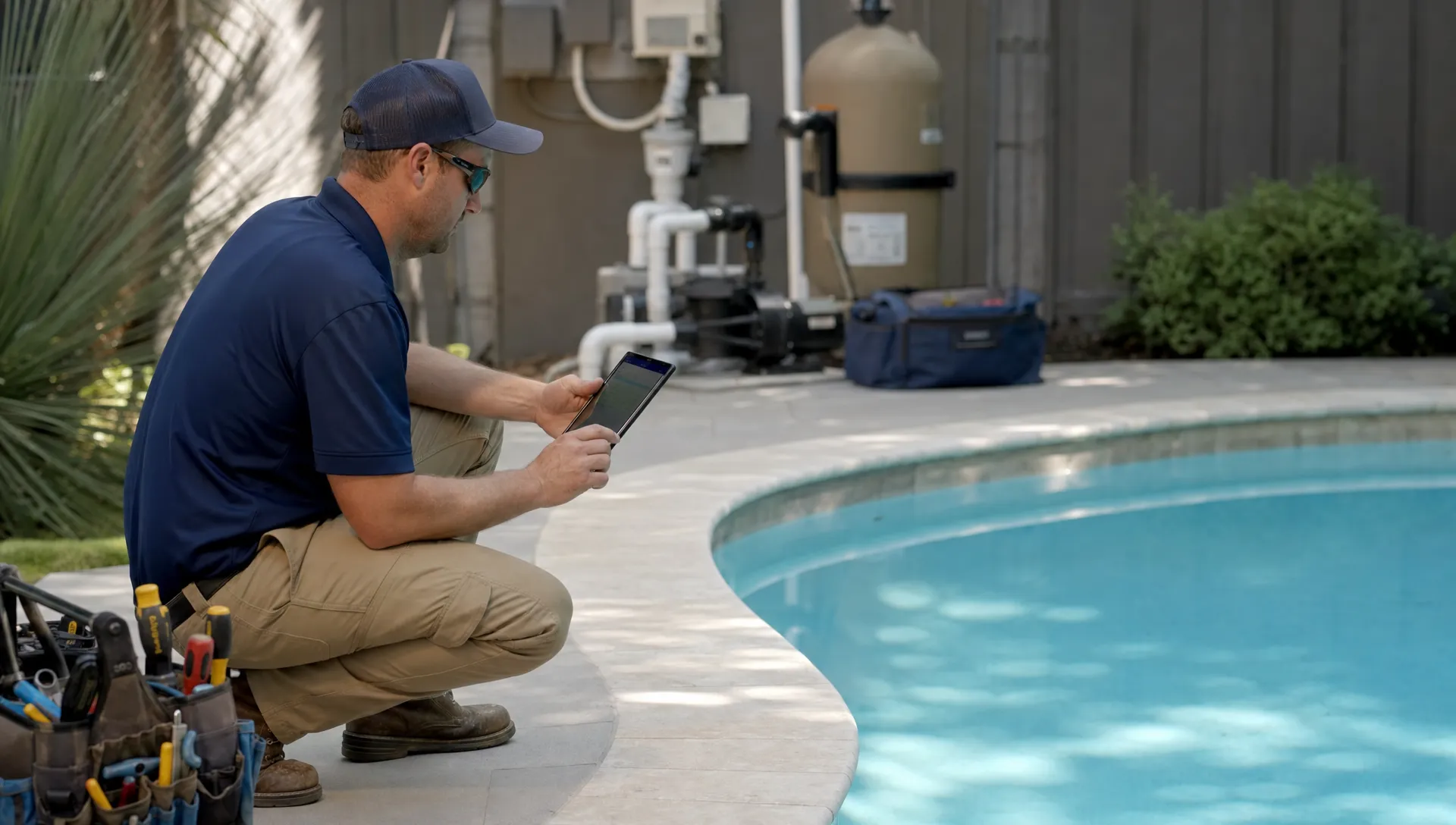
Before-and-after photos are especially helpful when a pool had visible debris, algae, staining or storm cleanup. They show progress even when the water still needs time to fully recover. For repairs, photos help homeowners understand why the recommendation exists.
The key is restraint. Sending ten photos after every normal maintenance visit can feel excessive. Sending one clear photo with a concise note is usually enough unless there is an issue.
Flag equipment issues early, not dramatically
Homeowners appreciate early warnings when they are clear and calm. They do not appreciate vague alarms like “equipment is bad” or overly technical notes that make it hard to decide what to do.
A useful equipment update includes the observed issue, the likely impact and the next recommended step. For example:
“Filter pressure is running higher than normal after cleaning. Flow is still acceptable today, but the cartridge may need deeper cleaning or replacement soon. We recommend inspection on the next visit.”
That message does three things well. It documents the condition, avoids panic and gives the homeowner a next step.
For larger repairs, the update should connect to an approval workflow. Photos, equipment history and a plain-language diagnosis help homeowners say yes faster because they understand what they are approving. SplashIQ covers this in more detail in its guide to pool equipment repairs homeowners approve faster.
Mention anything the homeowner needs to do
Most pool updates should not create homework for the customer. But when action is needed, make it unmistakable.
Common homeowner actions include keeping pets inside, unlocking the gate, approving a repair, running the pump longer, avoiding swimming for a set period after treatment or clearing items blocking equipment access. The update should separate these action items from routine notes so they are not missed.
Instead of writing, “Chem adjusted, do not swim, basket cracked, quote coming,” split the message into clear sections:
| Message section | Example |
|---|---|
| Service completed | “Pool was cleaned and water was tested today.” |
| Important note | “Please avoid swimming until this evening because chemicals were adjusted.” |
| Action needed | “Pump basket is cracked. We will send a repair approval for replacement.” |
This format is easier for homeowners to scan and easier for office staff to reference later.
Share the next step before the customer asks
The best pool updates reduce uncertainty. If something is unresolved, say what happens next.
A green pool treatment may need multiple visits. A filter issue may need a quote. A heater error may need a diagnostic appointment. A billing question may need office follow-up. The update should not leave the homeowner guessing.
For routine service, the next step might simply be “Next scheduled visit: Thursday, September 10.” For non-routine work, use a more specific note: “Our office will send an estimate for the pump seal replacement.”
This small detail prevents many inbound calls because the customer can see that the issue is already moving.
Tailor updates by visit type
Not every pool visit deserves the same message. A routine weekly stop, a green-to-clean recovery and a repair inspection all create different customer questions.
For weekly maintenance, homeowners usually want proof of service, cleaning tasks, chemistry status and any equipment concerns. For recovery visits, they want progress notes, photos and realistic expectations. For repair visits, they want diagnosis, urgency, pricing next steps and approval instructions.
Vacation rentals and high-use properties need more detail than a typical residential pool because the homeowner or property manager may be coordinating guests. In those cases, arrival notifications, photos and completion notes are especially valuable.
A flexible update system lets your team standardize the essentials while adjusting the message to fit the work performed.
Avoid the pool update mistakes that create more calls
A bad update can be worse than no update because it raises questions without answering them. The most common mistakes are easy to fix.
Avoid sending updates that are too generic. “Serviced pool” does not tell the homeowner anything. Avoid unexplained readings. Numbers without context often create confusion. Avoid burying urgent notes at the bottom of a long checklist. If the pump is leaking, that should be easy to see.
Also avoid tech-by-tech inconsistency. Customers should not receive a polished summary one week and a one-word update the next. This is where software and process matter. When visit checklists, water-quality logs, photos and customer communication live in one workflow, the update becomes part of the job instead of an extra administrative task.
SplashIQ’s guide to pool maintenance software that helps techs stay consistent goes deeper on how standardized field workflows improve service quality across routes.
How CRM and field software make better updates possible
As a pool company grows, visit updates become harder to manage manually. A small owner-operator can text every customer from memory. A multi-route company cannot rely on scattered notes, paper checklists, disconnected photo galleries and office staff chasing technicians for details.
This is where a pool service CRM and field app become operationally important. The customer record should connect the property, gate notes, equipment history, service logs, photos, invoices and communication history. When those details live together, each update is more accurate and every team member can answer customer questions without digging through texts.
For pool companies, software should support the full path from route work to homeowner communication. SplashIQ is built for that workflow with customer CRM, smart route scheduling, water-quality logs, equipment tracking, an offline field app, homeowner notifications, before-and-after photos, a homeowner portal and online payments.
The goal is not to make communication feel robotic. It is to make sure every homeowner receives the right information at the right time, even when the company is busy.
A simple after-visit pool update template
Use this as a starting point and adapt it to your company’s voice:
Hi [Homeowner Name], your pool was serviced today by [Technician Name]. We skimmed, brushed, emptied baskets, checked the equipment and tested the water. Chemistry was adjusted based on today’s readings. [Short note about condition, weather impact or issue found.] Photos are attached for your records. Your next scheduled visit is [Date]. [Action item or payment link if needed.]
For a routine visit, this may be enough. For an issue-based visit, add a clear recommendation:
We noticed water around the pump seal today. The system is still running, but this should be repaired before the leak worsens. Our office will send an approval request with photos and next steps.
Notice that both messages are short, factual and customer-friendly. They do not overexplain, but they give the homeowner confidence that the visit was handled professionally.
How to know if your pool updates are working
You can measure the quality of your pool updates by watching customer behavior. If updates are clear, the office should receive fewer routine “did you come?” calls, fewer chemistry confusion calls and fewer disputes about whether service was completed.
You may also see faster repair approvals because customers already have photos and context. Billing can get smoother when invoices connect to documented work. New technicians can step into routes with better historical context because previous notes are attached to the customer and property record.
Ask office staff what questions they answer repeatedly. Those questions are clues. If homeowners keep asking when the tech arrived, add timestamps. If they ask what chemicals were added, include a short chemistry note. If they delay repair approvals, improve photos and urgency explanations.
The right pool updates are not about sending more messages. They are about sending the few details homeowners actually need after every visit.
Frequently Asked Questions
What should be included in a pool update after service? A good pool update should include proof of service, tasks completed, water-quality notes, chemicals added when relevant, equipment observations, photos, next steps and any homeowner action needed.
Do homeowners really want water chemistry readings? Many homeowners appreciate readings, but they need context. A short explanation like “chlorine was low after heavy rain and was adjusted today” is usually more useful than numbers alone.
How many photos should a pool tech send after each visit? For routine service, one clear photo is often enough. More photos are useful when documenting storm cleanup, algae recovery, equipment issues or repair recommendations.
Can automated pool updates still feel personal? Yes, if they use real visit data from the technician. Automation should deliver accurate notes, photos, readings and next steps, not generic messages that could apply to any pool.
How do better pool updates help a company grow? Better updates reduce office calls, improve homeowner trust, document service quality and support faster repair approvals. They also make communication more consistent as the company adds routes and technicians.
Make every visit easier to understand
Homeowners do not need a long report after every pool service visit. They need timely proof, clear notes, useful photos and simple next steps.
If your team is still relying on paper checklists, scattered texts or memory to explain completed work, it becomes harder to deliver that experience consistently. SplashIQ brings scheduling, field operations, water-quality logs, equipment tracking, homeowner notifications, photos, billing and payments into one system built for pool service companies.