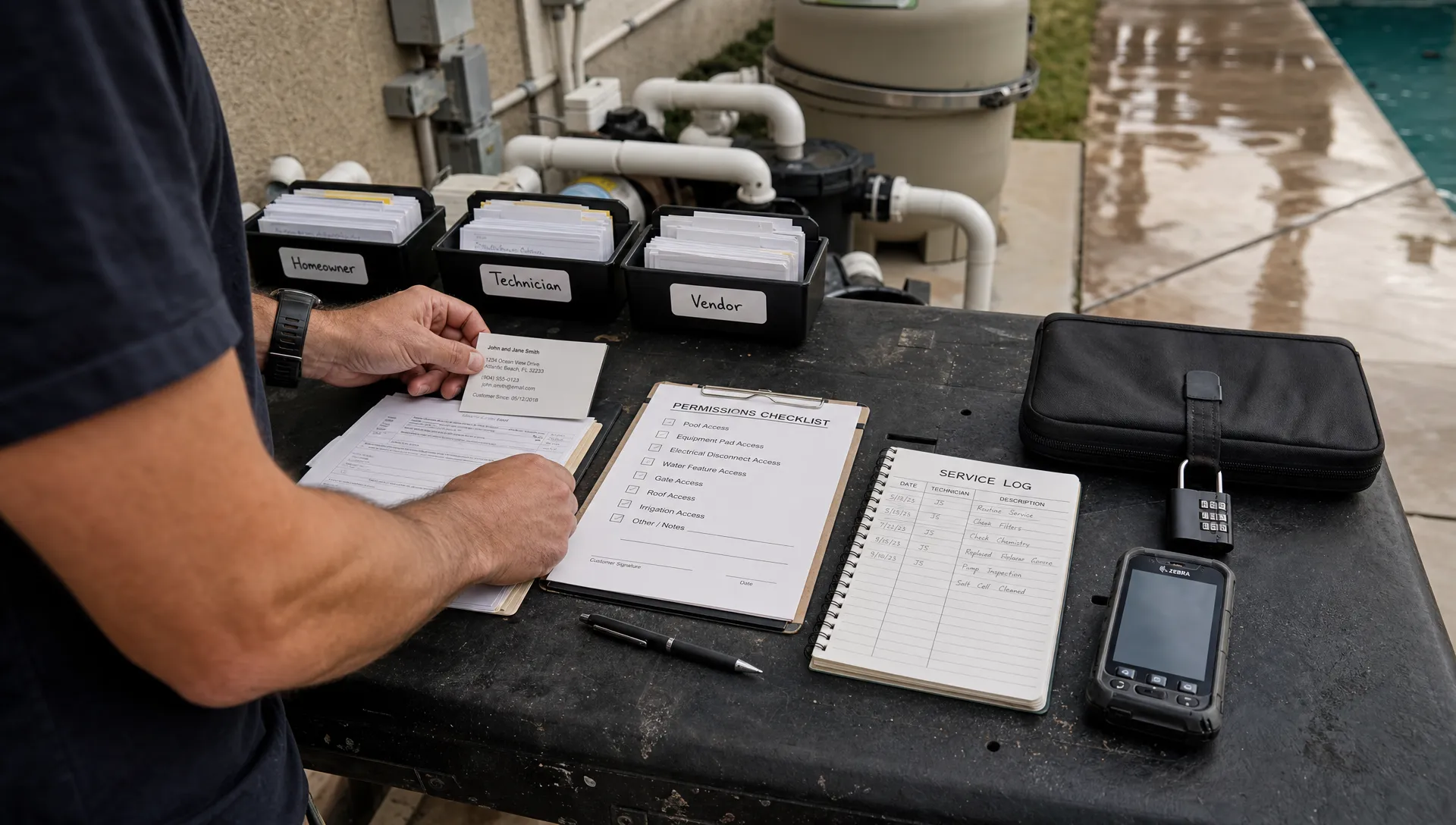
A technician needs today’s route, service notes and equipment history. Your billing specialist needs invoices, not permission to change technician access. Testing an online CRM tool for role-based access means checking whether those boundaries hold during real work, not simply confirming that the settings page has a “roles” menu.
For a growing pool service company, the goal is practical: employees should have enough access to finish their jobs without exposing unrelated customer information or gaining unnecessary administrative control. The protocol below helps you evaluate that balance before moving live records into a system.
Define the rules before opening the demo
Start with your business requirements, not the vendor’s default roles. Write down who should be able to view, create, edit, delete and export each type of information.
Roles and record scope are different controls. A technician might be allowed to update service visits but only for assigned properties. A homeowner might be allowed to view invoices but only for their own account. A role label alone does not prove either boundary works.
The NIST overview of role-based access control provides the underlying model: permissions are associated with roles, which are assigned to users. Your evaluation must also check how those permissions interact with property assignments and customer relationships.
Build an online CRM tool permission matrix
Use a simple matrix as your expected result. The example below is a starting point for discussion, not a claim about any vendor’s capabilities.
| Role | Customer and property access | Operational changes | Billing access | User administration |
|---|---|---|---|---|
| Owner or administrator | All required business records | Full operational control | Required financial functions | Manage users and roles |
| Dispatcher | Customers and properties needed for scheduling | Assign and reschedule visits | Only what the job requires | None |
| Technician | Assigned properties and necessary history | Document assigned service visits | None unless explicitly required | None |
| Billing specialist | Customer details needed for billing | No route changes | Manage invoices and payment status | None |
| Homeowner | Own household’s approved records | No internal changes | Own invoices and payments | None |
Treat export, deletion and permission changes as separate privileges. Someone who can view a customer record does not automatically need to download the entire customer list.
As a contractor adds crews, these distinctions become harder to manage informally. SplashIQ’s article on CRM tools that help contractors scale without chaos covers the broader workflow challenge. Here, translate those workflows into specific access rules that you can test.
Prepare a safe, repeatable test environment
Ask the vendor for a sandbox or another approved testing environment. Use fictional customer details, dummy gate codes and synthetic billing records. Do not upload live homeowner information just to evaluate permissions.
Create separate accounts for an administrator, dispatcher, billing specialist, homeowner and two technicians. Add two fictional households, with two properties belonging to one household. Assign different properties to each technician so you can test both permitted access and cross-assignment restrictions.
When evaluating an online CRM tool, separate accounts matter because an administrator’s preview mode may not reproduce the full field or portal experience.
Record each account’s role and assignments before testing. Use separate browser profiles or fully sign out between sessions so an existing administrator session does not distort the result. Include the mobile app if your technicians will use it.
Your test sheet should capture the action, expected result, actual result and evidence. Screenshots should show only the synthetic records used for the evaluation.
Run six role-based access tests
1. Confirm that each role can complete its actual work
Begin with allowed actions. Have the dispatcher assign a visit, the technician record water readings and service notes, the billing specialist work with a test invoice and the homeowner review their own available service information.
Watch for unnecessary workarounds. A technician who cannot see the equipment model needed for a repair may call the office repeatedly. A dispatcher who needs administrator access just to reassign a route creates a different kind of risk.
An online CRM tool passes this part of the evaluation when people can complete approved tasks using their own accounts, without borrowing an owner’s login.
Include a normal exception, such as a technician covering another route. Determine who authorizes temporary access, which records become available and how access ends. That process should be workable during a busy service day, not just during a guided demonstration.
2. Attempt actions the role should not be allowed to perform
Next, test the boundaries. Using the technician account, try to open an unassigned property, change another technician’s visit, export customer records and reach user-management settings. Using the billing account, try to alter route assignments.
A missing button is not sufficient evidence of enforcement. In the approved environment, ask the vendor to demonstrate what happens when a restricted user opens a saved link to an unauthorized record. For deeper technical testing, have the vendor or an authorized evaluator verify the corresponding request handling.
The OWASP Authorization Cheat Sheet recommends denying access by default and validating permissions on every request. That is the distinction between hiding a control and enforcing a boundary.
For an online CRM tool, a restricted account should neither receive protected information nor successfully perform the prohibited action. Check that an attempted change did not take effect in the background, even if the interface displayed an error.
3. Check individual fields, attachments and search results
Opening the correct customer record is only part of the test. Review what appears inside it: contact information, access instructions, internal notes, equipment history, service photos and billing details.
Decide which fields each role genuinely needs. For example, a technician may require property entry instructions but not account-wide financial notes. Whether your preferred separation is available must be confirmed with the vendor.
Then examine alternate views. Search results, appointment previews, notification messages and downloaded reports may expose information that the main record screen hides. Check photo attachments and shared links too, especially when a service image includes a house number or an access instruction.
Your online CRM tool evaluation should follow the information wherever it appears, rather than stopping at the customer profile.
If a product cannot restrict individual fields, document that limitation. You may be able to keep sensitive information in a separate restricted area, but only if that arrangement is supported and does not force staff into insecure workarounds.
4. Test reassignment, role changes and offboarding
Permissions change throughout the working relationship. Reassign a property from Technician A to Technician B, then check access from both accounts. Establish whether your policy permits the former technician to retain any historical visibility.
Next, change an employee’s role while that account is already signed in. Test the browser and mobile app, including any tabs left open before the change. Record when the new restrictions take effect.
Finally, disable the test user. Check whether existing sessions still work and ask how active sessions, integrations or other credentials associated with that user are handled.
Distinguish between information already viewed and continued system access. Software cannot make someone forget a customer’s address or recover a screenshot they previously saved. It should enforce the documented restrictions on subsequent access.
Pass criteria need a defined timeframe. Ask the vendor to state when revocation takes effect and demonstrate it. An unexplained “eventually” is not enough for an offboarding process.
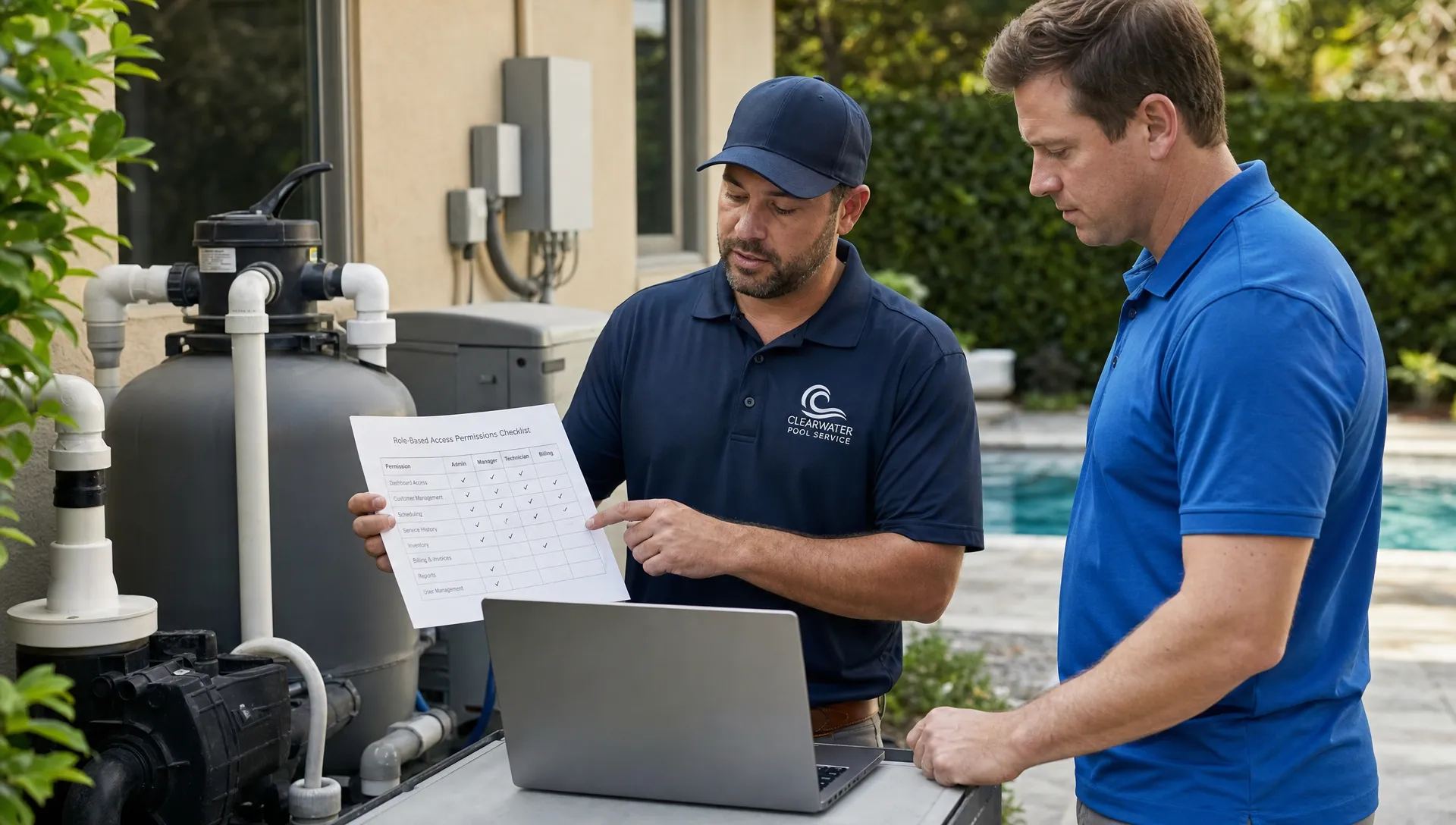
5. Examine offline access and reconnection behavior
Offline functionality creates a separate set of questions because a disconnected device cannot instantly receive a new permission decision from the server.
Using a test device with fictional records, sync an assigned route and disconnect it from the network. Then reassign the route or disable the account from another device. Observe what remains available offline and what happens after reconnection.
Ask which records are stored locally, how long they remain accessible and what protections apply to cached information. Determine whether sign-out removes locally stored records and how pending edits are handled after access changes.
An online CRM tool with offline access needs a clear, documented policy, not a promise of immediate remote revocation on a device that has no connection.
Set acceptance criteria around your risk tolerance and device-management practices. Separately record the maximum supported offline period, the behavior after reconnection and whether previously queued updates are accepted or rejected. Do not assume a device-management wipe feature is included in the CRM.
6. Check the homeowner portal and outbound messages
Log in as one fictional homeowner and confirm that only their household’s approved information appears. Test the household with two properties, then verify that the second household’s records remain inaccessible.
Review service reports, photos, invoices and attachments. Internal technician comments should not appear unless your policy explicitly allows them to be shared.
Send arrival and service notifications using test contact details. Check the recipient, the information included in the message and any linked content. Ask whether links require authentication or use another documented access mechanism, and test that behavior.
Run the same checks after a property changes ownership or a billing contact is replaced. Updating the customer record should not leave an old contact with unintended ongoing access.
Discussion-led requirements can help uncover these everyday exceptions. SplashIQ’s article on Reddit’s CRM lessons for contractors scaling service teams offers that perspective. Use Reddit discussions to generate questions, then verify product behavior through your own controlled tests.
Turn the results into a purchasing decision
Keep a results sheet that someone other than the evaluator can understand. For every test, record the account used, configuration, expected outcome, actual outcome and supporting evidence.
Classify findings by consequence rather than counting passed checks. An online CRM tool that completes routine scheduling perfectly can still be unsuitable if one homeowner can access another household’s invoice.
| Finding | Suggested decision |
|---|---|
| Unauthorized household data is exposed | Block rollout until resolved and retested |
| Restricted users can change roles or export protected records | Block rollout until resolved and retested |
| Required work needs a shared administrator login | Redesign access or reconsider the product |
| A permission setting was configured incorrectly | Correct it and rerun affected tests |
| A label or navigation path is confusing | Document training or usability improvements |
| Offline behavior differs from expectations | Review the documented policy before approval |
Ask for written clarification when behavior is unclear. If a fix is promised, distinguish a current capability from a planned change. A roadmap item is not a passed test.
After resolving blockers, run a small pilot with representative office and field staff. Recheck permissions after configuration changes and new integrations. Preserve the matrix as an onboarding and offboarding reference rather than discarding it after purchase.
Frequently asked questions
Is role-based access the same as having separate logins? No. Separate logins identify users. Role-based access determines which actions those users are allowed to perform. Record-level rules may further limit which customers, properties or visits they can access.
Does every pool service company need custom roles? Not necessarily. Built-in roles may be sufficient if they match your responsibilities and record boundaries. Test the actual permissions rather than assuming that a role named “technician” has the scope you expect.
Can a small company skip permission testing? A small team can use a shorter test plan, but customer separation, administrator privileges and offboarding still matter. Starting with clear boundaries also makes adding staff less disruptive.
Does this article confirm SplashIQ’s permission capabilities? No. This is an evaluation protocol, not a completed security assessment. Role granularity, record restrictions, audit history and access-revocation behavior must be confirmed directly with SplashIQ.
Bring your permission matrix to the demo
SplashIQ supports pool-service workflows including customer management, smart route scheduling, water-quality logs, equipment tracking, an offline field app and a homeowner portal.
When considering it as your online CRM tool, bring the test accounts, role matrix and pass criteria above. Ask SplashIQ to demonstrate the access behavior your operation requires across the office, field app and homeowner experience. Base the decision on observed results and documented limitations, not the presence of a permissions checkbox.