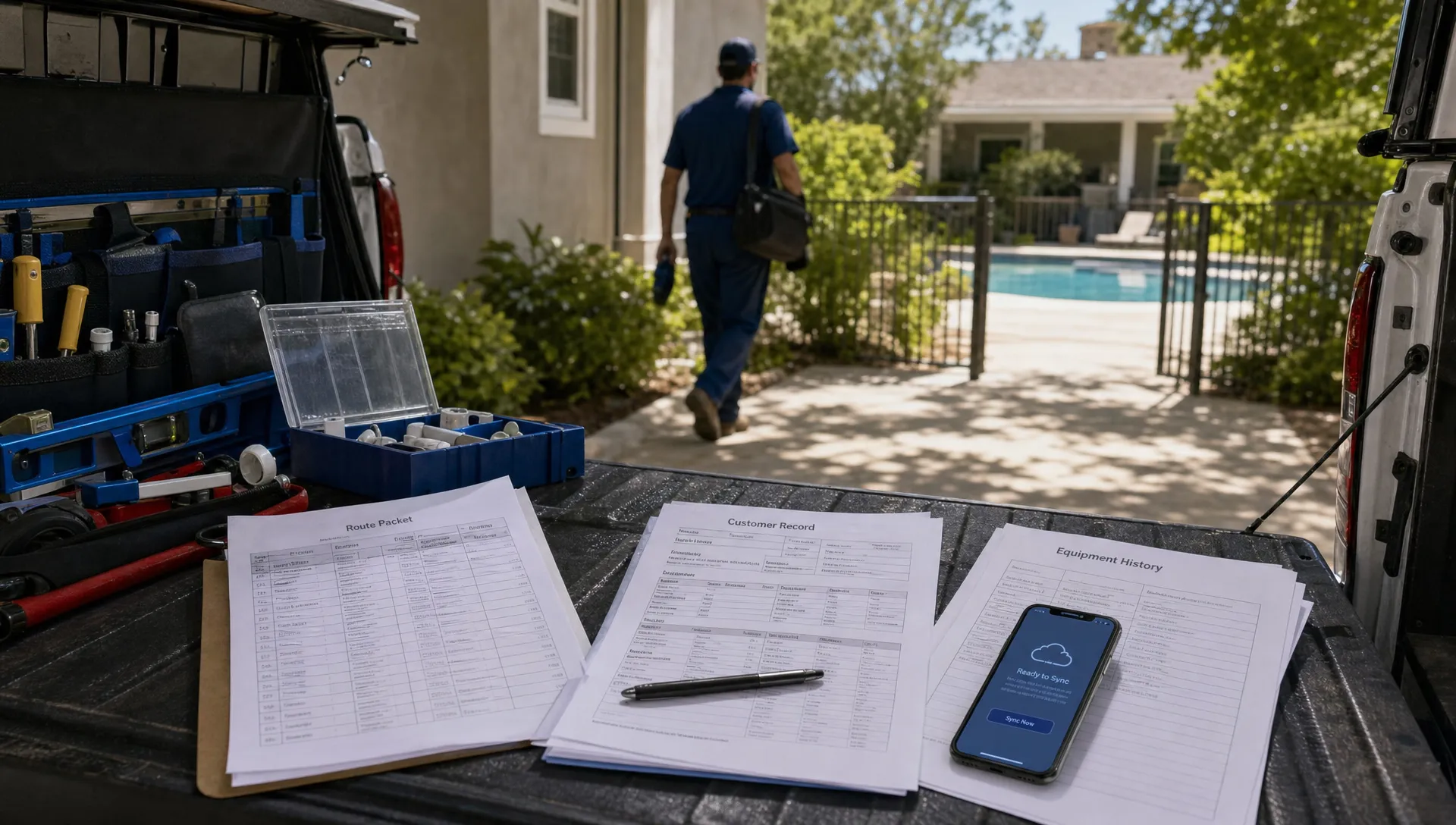
Pool routes rarely happen in perfect connectivity. A technician may be in a backyard with poor cell coverage, next to a concrete equipment wall, inside a screened enclosure or out in a rural subdivision where the signal drops as soon as the truck turns the corner. If the field app stops working at that moment, the business does not just lose convenience. It loses service data, photo proof, water readings, equipment notes and sometimes the billing trigger for the visit.
That is why offline field apps matter so much for swimming pool professionals. Pool service depends on accurate work done away from the office, often by technicians who have a tight route and no time to re-enter information later. An app that only works when the signal is strong is not enough for route-based operations. The field workflow needs to keep moving even when the network does not.
What an offline field app actually does
An offline field app lets technicians view and complete core job tasks without an active internet connection. The route, customer details, service checklist, water-quality log, equipment history, notes and photos can be available on the technician's phone or tablet while disconnected. Once service is restored, the app syncs the updates back to the office system.
The important word is complete. Some mobile apps let a technician view a schedule offline but fail when the tech needs to upload a photo, log chemical readings, update equipment notes or mark the job complete. That creates a half-offline workflow, which still forces the technician to remember details and update the system later.
A useful offline field app should support the real work that happens at the property. For a pool technician, that means the app can capture chlorine and pH readings, record what was cleaned, document a pump issue, attach before and after photos and keep the office informed when the device reconnects. It should also make sync status obvious, so the technician and office know whether the record has been uploaded.
Why pool service routes are especially vulnerable to connectivity gaps
Pool service work happens in places where cell coverage is unpredictable. Equipment pads may sit beside block walls, behind landscaping, under decks or inside structures that weaken a signal. In some neighborhoods, a technician may have solid coverage from the street but lose it in the backyard. Storms, carrier dead zones and high-demand vacation areas can make the problem worse.
The work is also time-sensitive. A tech cannot wait five minutes for a checklist to load at every property. If they are servicing 15 to 25 pools in a day, even small delays add up. When the app fails, many techs fall back to shortcuts: a paper note, a photo kept on the camera roll, a text to the office or a mental reminder to update the job later. Those workarounds feel harmless in the moment, but they are exactly how service records become incomplete.
Reddit is useful here as voice-of-customer research, not as operational proof. Browse communities such as r/pools and you will see homeowners asking about cloudy water, chemical readings, equipment concerns and whether a service visit was handled correctly. Those posts show how quickly uncertainty turns into anxiety when homeowners cannot see what happened. Clean service notes, photos and visit records help reduce that uncertainty, but only if technicians can capture them while they are still on site.
The same pattern appears in broader small business discussions. In r/smallbusiness, CRM and field service threads often center on the same growing pains: follow-ups get missed, customer history lives in too many places and the owner becomes the only person who knows what is really happening. That is a warning for pool companies that are still relying on memory, texts and disconnected spreadsheets.
The hidden cost of a connected-only workflow
When field data is not captured at the property, the consequences usually show up later. The office cannot answer a homeowner question. A repair estimate is delayed because the model number was not recorded. A callback happens because the tech forgot to mention an abnormal reading. Billing waits until someone reconstructs what happened from photos, texts and route notes.
| Field breakdown | What happens on the route | Business impact |
|---|---|---|
| App will not load at the property | Technician writes notes elsewhere or waits for signal | Slower route, incomplete records and frustrated techs |
| Water readings are entered later | Details may be guessed from memory | Less reliable service history and harder troubleshooting |
| Photos fail to upload | Proof stays on a personal camera roll | Weaker homeowner communication and more manual follow-up |
| Equipment history is unavailable | Technician cannot confirm parts, model numbers or prior issues | More repeat visits and slower repair approvals |
| Job completion cannot sync | Office does not know the stop is finished | Delayed invoicing, routing confusion and more calls to the tech |
For a solo operator, those issues may be annoying but manageable. For a company with multiple routes, they become a scaling problem. Every missing note creates a question for the office. Every delayed upload slows billing. Every unclear service record increases the chance that a manager or owner has to step in.
How offline field apps protect service quality
A reliable offline field app gives technicians a consistent service process at every stop. The route can be loaded before the day begins, ideally while the device is on Wi-Fi. When the tech arrives, they can open the job, follow the checklist, record readings, add notes and capture photos even if the phone has no signal in the backyard.
That consistency is valuable because pool service is repetitive but not simple. A standard maintenance visit may include skimming, brushing, vacuuming, emptying baskets, checking equipment, testing water, adding chemicals and noting anything unusual. If the business also handles repairs, openings, closings or inspections, the documentation burden grows quickly.
Offline access also reduces the temptation to skip documentation. If the app works instantly, the technician is more likely to use it. If it freezes or fails at the service location, the tech learns not to trust it. Over time, that trust gap can undermine even the best office process.
This is where offline field apps connect directly to customer experience. Homeowners do not only care that the pool was serviced. They care that the company can explain what was done, show a photo when needed and respond quickly when something looks off. A company that documents service consistently has a stronger answer than one that says, “Let me ask the tech and get back to you.”
If you are building a stronger field toolkit overall, SplashIQ has a separate guide to pool technician tools that improve service quality, including water testing, checklists, equipment tracking and route technology.
Offline apps make your CRM more useful
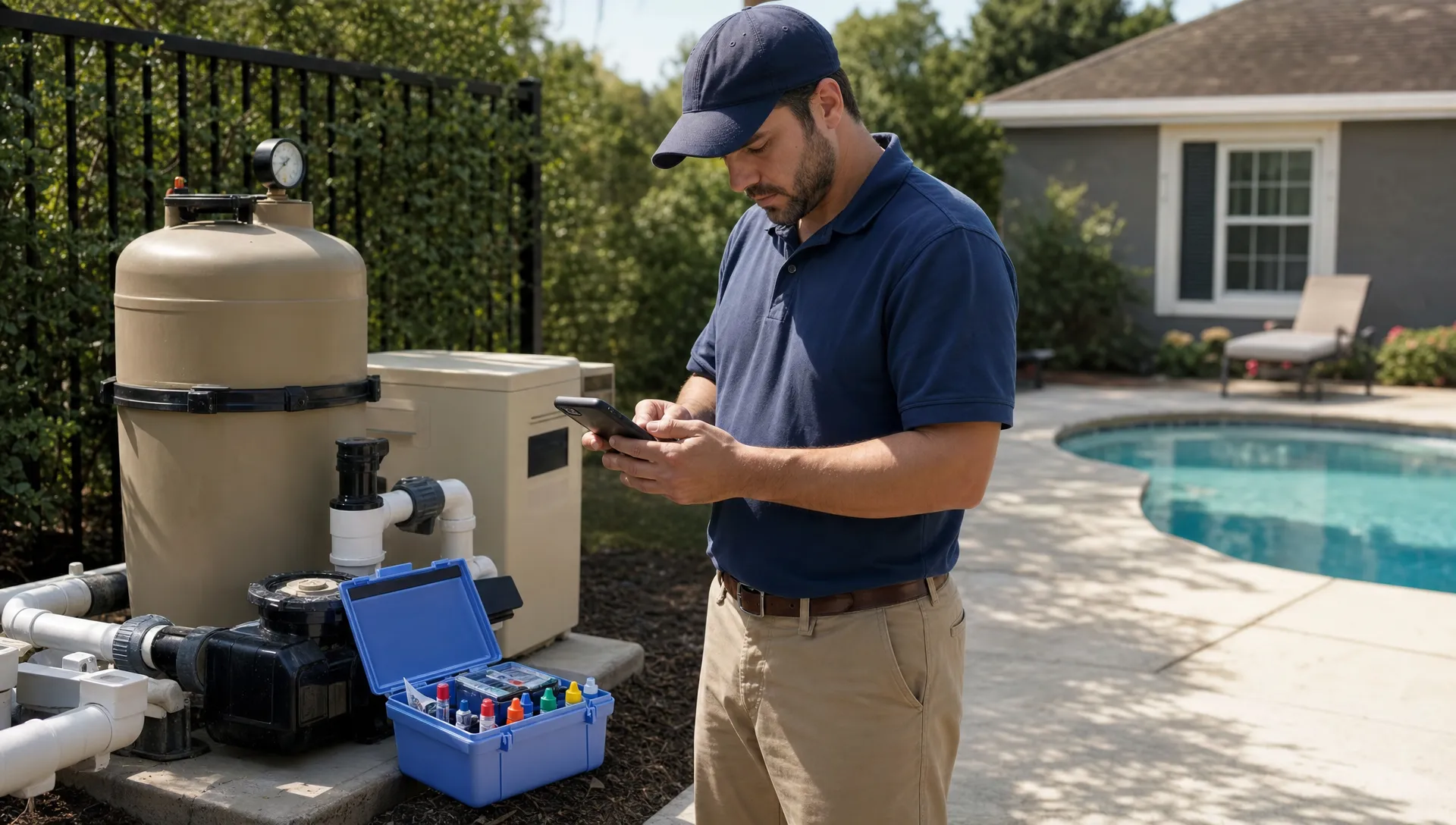
A CRM is only as good as the data that flows into it. If customer history, service notes and equipment details are updated days after the visit, the CRM becomes a partial record rather than a dependable operating system. For swimming pool professionals, that matters because the field visit is where much of the most valuable customer information is created.
Contractor-focused CRM articles make the same point in a broader trades context. Jobber's guide to contractor CRM software frames CRM around organizing customer details, job history and follow-up so a business can keep work moving as it grows. Salesforce's explanation of what CRM does also centers on managing customer relationships through shared information. For pool companies, offline field capture is the missing link between that CRM promise and the reality of daily routes.
Consider a common service-to-repair workflow. A technician notices a leaking pump seal, records the issue, photographs the equipment label and adds a note that the homeowner asked for a quote. If the app works offline, that information can be captured immediately and synced later. The office can then follow up, prepare an estimate and keep the customer record complete. If the app fails, the opportunity may depend on the technician remembering to text the office after a long day.
This is why offline capability is not just a technician feature. It affects sales, repair revenue, homeowner communication, scheduling and billing. If your business is trying to connect routes and invoices more tightly, the workflow ideas in pool service software for teams that need routes and billing are a useful next step.
What to look for in an offline field app
Not every mobile app with an offline mode is built for pool service. The right tool should match the way your technicians actually work, including quick stops, wet environments, photo documentation, chemistry logs and equipment notes.
Look for these capabilities during evaluation:
- Offline access to the full daily route: Technicians should be able to open customer and job details without relying on a live connection.
- Offline completion of service tasks: Checklists, water-quality logs, notes, photos and job status should work when the device is disconnected.
- Clear sync indicators: The app should show what has synced, what is pending and whether anything needs attention.
- Equipment history in the field: Techs should be able to see prior equipment notes, model details and repair history before making recommendations.
- Photo capture tied to the job: Before and after photos should attach to the correct visit rather than sit in a technician's personal camera roll.
- Homeowner communication support: Arrival updates, service summaries and visit documentation should connect to the customer record when the device reconnects.
- Admin visibility: The office should be able to see route progress, completed work and missing information without chasing technicians all day.
Before buying, ask vendors to demonstrate the offline workflow with the device in airplane mode. Do not settle for a verbal answer. Have them open a job, complete a checklist, add chemical readings, attach a photo, mark the stop complete and then reconnect to show how the sync works. For a broader evaluation framework, use this pool service software buyer checklist to compare field workflows, homeowner communication, billing and implementation details.
How to roll out offline field apps without slowing the team down
The best rollout starts with the technicians who will use the app every day. If the workflow is designed only from the office perspective, it may capture the wrong details or take too long at each stop. Walk a route with your team, watch where they currently write notes and identify the moments where connectivity fails or documentation gets skipped.
Start with one route or one crew before changing the whole company. Use that pilot to refine required fields, checklist order and photo expectations. A pool service checklist should be detailed enough to protect quality but not so long that technicians rush through it without thinking.
Training should focus on real field behavior. Teach technicians how to load routes before leaving, how to recognize pending syncs, what to do if a device loses power and which notes are required for common situations like algae, low water level, equipment noise or gate access problems. The goal is not to turn technicians into data entry clerks. The goal is to make documentation a natural part of professional service.
After launch, review the first two weeks of data closely. Look for missing readings, incomplete photos, jobs that stayed unsynced too long and notes that are not specific enough for the office to act on. Those issues are easier to correct early than after the team has built new habits.
Offline documentation also protects the homeowner relationship
Homeowners often judge a service company by what they can see. If the pool looks good, they feel confident. If the water turns cloudy, the cleaner was moved or the pump makes a strange noise, they want quick answers. A complete field record gives your office a way to respond without guessing.
That record can include arrival information, service tasks performed, water readings, products added, equipment observations and photos. When communication is clear, homeowners are less likely to assume the visit was rushed or missed. They may still have questions, but your team can answer from a shared source of truth.
Offline apps are especially valuable during peak season, when call volume rises and office staff are stretched. Instead of interrupting technicians mid-route for updates, the office can rely on synced field records as they come in. That keeps technicians moving and gives homeowners a more professional experience.
Frequently Asked Questions
What is an offline field app for pool service? An offline field app lets pool technicians view routes, complete checklists, log water readings, add notes and capture photos without an active internet connection. The data syncs back to the office once the device reconnects.
Do technicians still need internet access at some point? Yes. Offline apps store data locally during the visit, but they still need a connection later to sync updates, send homeowner notifications, update the CRM and support billing workflows.
Can an offline field app reduce callbacks? It can help by improving documentation and consistency. When technicians capture accurate readings, photos, equipment notes and completed tasks on site, the office has better information for troubleshooting and homeowner follow-up.
Is offline capability necessary for a small pool service company? It is useful even for small companies, but it becomes more important as routes, technicians and customer expectations grow. The more people involved in service delivery, the more valuable reliable field data becomes.
What should swimming pool professionals test before choosing an app? Test whether the app can open jobs, complete checklists, record water-quality logs, attach photos and mark visits complete while the device is offline. Then reconnect and confirm that everything syncs correctly.
Run every route with fewer gaps
Offline field apps help pool service companies protect the work that happens outside the office. They keep technicians moving, preserve accurate service records and make homeowner communication easier when connectivity is unreliable.
SplashIQ brings CRM, scheduling, water-quality logging, equipment tracking, homeowner communication, billing and an offline field app into one system built for pool service companies. If your team is ready to replace paper, spreadsheets and disconnected apps, SplashIQ gives every route a more reliable workflow from first lead to final invoice.