Drive time is one of the quietest profit leaks in a pool cleaner company. It does not show up as a single bad invoice, a failed job or a customer complaint. It shows up as a technician who completes fewer stops, a truck that needs fuel again, a route that runs into overtime and a homeowner who gets a vague arrival window because the schedule was already stretched before lunch.
Pool routes also get messy fast. A few new customers outside the core service area, one repair call across town, two locked gates and a last-minute chemical pickup can turn a profitable day into hours of windshield time. Spend a few minutes in Reddit's r/pools or r/smallbusiness and you will see versions of the same problem from both sides: homeowners want reliable service windows and operators want routes that do not collapse as soon as the day gets real.
The fix is not just “use better maps.” Cutting drive time takes cleaner customer data, tighter service areas, smarter dispatch rules and a feedback loop from the field. For a pool cleaner company that wants to scale without adding unnecessary trucks, the following six tactics are a practical place to start.
| Drive time leak | What it looks like in the field | Operational fix |
|---|---|---|
| Thin route density | Techs drive 20 minutes between routine stops | Build service zones and sell into existing clusters |
| Poor address data | Wrong gate, bad parking notes or unclear access | Standardize CRM records and technician notes |
| Reactive repairs | A tech crosses town for a part or second diagnosis | Capture equipment data during routine visits |
| Loose appointment windows | Customers are unavailable or gates are locked | Use automated arrival and service notifications |
| Static schedules | Routes stay the same even when the customer base changes | Rebalance weekly using drive time and stop data |
| Disconnected systems | Scheduling, billing and field notes live in different places | Connect the route, visit record and invoice workflow |
1. Build tighter service zones before you add more routes
The fastest way to cut drive time is to stop treating every new account as a good account. A customer who is 30 minutes outside your route may look profitable on paper, but that margin disappears if the stop pulls a technician away from a dense cluster every week.
A better approach is to define service zones around existing route density. Look at where your most profitable recurring customers already sit. Then decide which neighborhoods, HOAs and zip codes deserve active marketing. This lets you grow by filling in the map instead of stretching it.
For example, a pool cleaner company with 200 weekly maintenance accounts might not need a new truck right away. It may need to shift growth efforts from “any lead within 25 miles” to “new maintenance customers within five minutes of current Tuesday and Wednesday routes.” That small change can increase completed stops per day without increasing payroll.
This is also where marketing and routing need to talk to each other. If the office runs promotions in neighborhoods your techs rarely visit, the sales pipeline creates future drive time. If outreach focuses on route clusters, every new account makes the route stronger. SplashIQ includes marketing tools, homeowner outreach and smart route scheduling, which helps connect customer acquisition with route efficiency instead of treating them as separate problems.
2. Schedule by geography, not just availability
A full calendar can still be an inefficient calendar. Many pool businesses schedule around customer preference, technician availability and urgency, but they do not always give geography enough weight. That is how a route ends up with five stops on one side of town, three stops in another area and a repair call wedged between them.
A stronger scheduling rule is simple: routine maintenance should follow geography first unless there is a clear service reason not to. Appointment windows can be grouped by area, repair visits can be batched by zone and new customers can be assigned to the closest established route.
This does not mean you ignore homeowners. It means you create appointment options that work for the business and still feel reliable to the customer. Instead of asking, “What day do you want us there?” the office can say, “We service your neighborhood on Tuesday and Thursday. Which window works better?”
If you want a deeper route design framework, SplashIQ's guide to smart scheduling tactics that cut drive time covers service zones, route density and appointment windows in more detail.
3. Clean up address, gate and access data
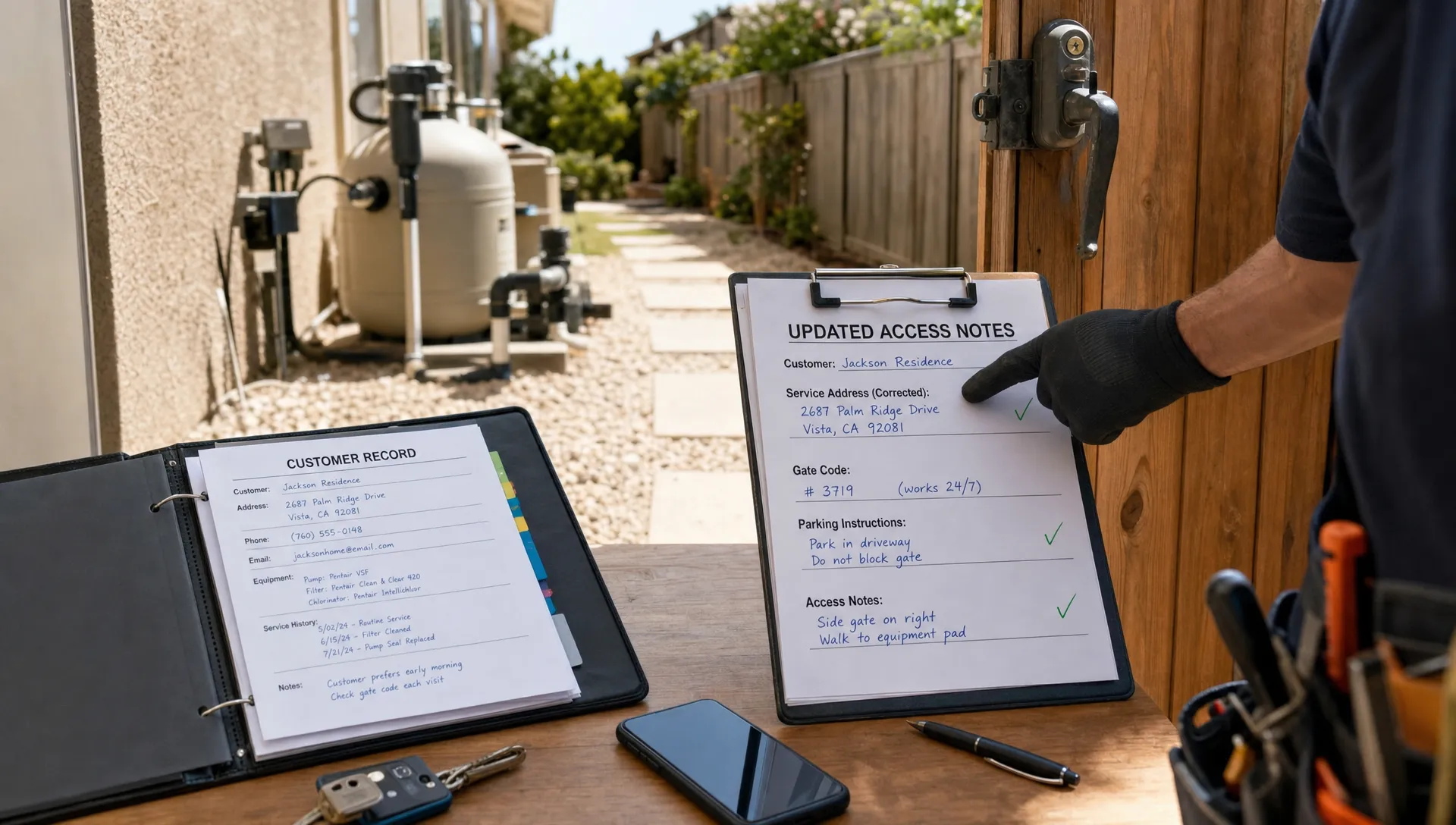
Some drive time is really data quality failure. A technician reaches a home, cannot get through the gate, calls the office, waits for a callback, skips the stop and then has to return later. The truck did not just lose the minutes spent driving. It lost the slot, the momentum and sometimes the customer’s trust.
Every recurring account should have a complete field profile. At minimum, that profile should include the correct address, gate code, parking notes, dog or access warnings, preferred contact method, service day restrictions and any HOA entry instructions. For pools with special access issues, photos can help the next technician know exactly where to enter, where equipment is located and what to avoid.
The key is making this information easy to update from the field. If a technician learns that a gate code changed, the note should not live in a text thread or on a paper route sheet. It should update the customer record so the next visit is cleaner.
This is one reason contractor CRM software matters for route-heavy businesses. Salesforce's overview of CRM describes CRM as a way to manage customer relationships and data in one place. In the contractor world, Jobber's contractor CRM guide makes a similar point for service businesses: growth gets easier when leads, customers, job details and communication are not scattered across notebooks, inboxes and spreadsheets.
For pool companies, CRM data is not just for sales. It is routing infrastructure. Bad records create wasted trips. Clean records help technicians move through the day with fewer calls back to the office.
4. Batch repair work instead of dispatching one-off trips
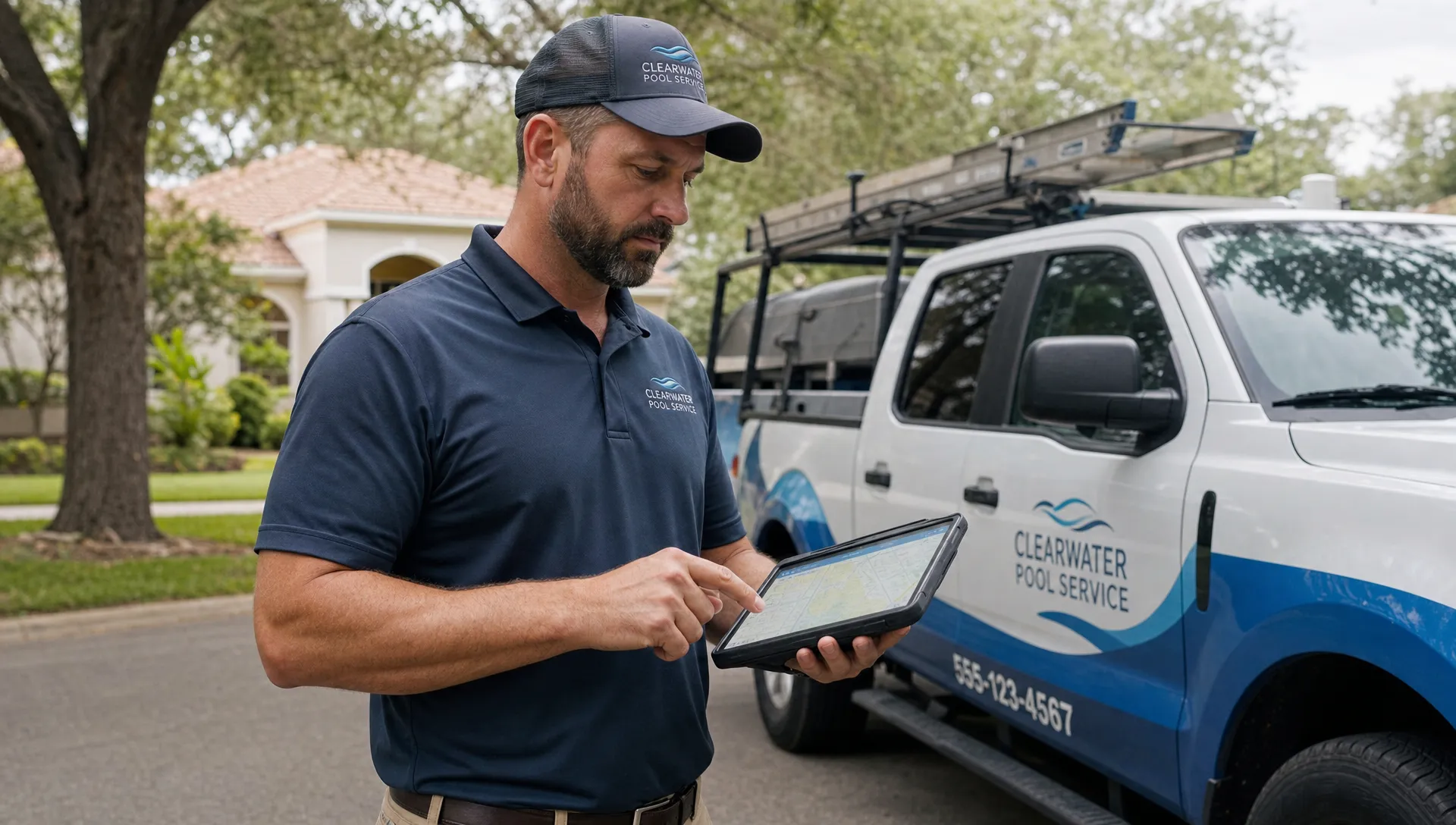
Repairs are a common source of route chaos. A weekly maintenance technician sees a pump issue, the office calls the homeowner, the repair is approved, then someone drives back out later to confirm equipment details or identify the right part. Multiply that by several repairs a week and the company starts paying for the same driveway twice.
The better workflow is to capture repair-ready information during the maintenance visit. That means photos, equipment make and model, visible symptoms, water-quality context, prior service history and technician notes. The repair technician or office team can then decide whether the job needs a dedicated diagnostic visit, a part order or a scheduled repair block.
Batching also helps. Instead of scattering repair calls wherever there is an opening, reserve repair blocks by service area. A tech can handle three equipment issues in the same part of town rather than bouncing across the map between routine cleanings.
This is where connected pool service software can reduce both drive time and office follow-up. A platform that connects field notes, photos, equipment tracking, approvals and billing makes it easier to turn a cleaning observation into an organized repair workflow. SplashIQ's article on a better way to manage pool service and repairs explains how connecting these steps can reduce handoff problems.
5. Use homeowner notifications to prevent wasted arrivals
Not every wasted trip is caused by the route. Some are caused by silence. If homeowners do not know when the technician is coming, gates stay locked, pets stay outside, cars block equipment access and questions that should have been answered before arrival turn into delays at the stop.
Arrival notifications and service updates can cut this friction. A simple “your technician is on the way” message gives the homeowner time to unlock access, secure pets and reply if something changed. A service completion message can reduce follow-up calls because the customer sees what was done, what was found and whether action is needed.
For recurring pool maintenance, communication should be standardized enough that the office does not have to manually text every customer. The goal is not to create more admin work. It is to prevent failed stops and reduce interruptions during the route.
This is especially useful during peak season when weather, chemical demand and urgent repairs already make the schedule tight. Homeowner notifications do not eliminate every access issue, but they reduce the avoidable ones. When they are paired with before and after photos, water-quality logs and clear visit records, they also give customers more confidence in the service.
6. Measure drive time by route, technician and stop type
You cannot improve what you only discuss anecdotally. A dispatcher may know that Friday feels inefficient, or a technician may complain that one route is “all over the place,” but owners need enough data to see the pattern.
Start by tracking a few practical metrics. You do not need a complicated reporting system to begin. You need consistent visibility into how routes actually behave.
- Average drive time between stops
- Completed stops per technician per day
- First stop distance from starting location
- Last stop distance from the end of day location
- Missed or skipped stops by reason
- Overtime by route
- Repair trips that required a second visit
These numbers help separate routing problems from training problems, customer access problems and scheduling problems. For example, if two technicians have similar route density but one finishes much later, coaching may be needed. If every technician struggles in the same neighborhood, the service day or zone design may be wrong.
Technician scorecards can help when they are used carefully. The point is not to punish techs for traffic, weather or customer access problems outside their control. The point is to find bottlenecks early, share good habits and make routes fairer across the team.
A weekly route review is often enough. Look for stops that should move to another day, customers that no longer fit the route, repair work that could be batched and neighborhoods where marketing should concentrate next. This steady adjustment is what keeps growth from turning into sprawl.
Why drive time is really a systems problem
A pool route is not just a line on a map. It is the result of every system behind the business: lead intake, customer CRM, scheduling, technician notes, homeowner communication, repair approvals and billing. When those systems are disconnected, the route absorbs the confusion.
That is why companies often hit the same ceiling. The owner can add techs, trucks and customers, but the office still coordinates through spreadsheets, texts and memory. At a certain point, the company is not limited by demand. It is limited by operational drag.
Contractors in other trades run into this same issue as they grow. Articles about CRM adoption in field service and contracting often focus on centralizing customer history, standardizing follow-up and giving office teams better visibility. Pool service has its own field realities, including chemical logs, equipment pads, access instructions and recurring routes, but the scaling principle is the same: a business grows more cleanly when the customer record, schedule and job history live in one workflow.
For pool operators comparing systems, SplashIQ's guide to pool service software for teams that need routes and billing is a useful next step. Routes improve faster when field visits, homeowner updates and invoices are not managed in separate tools.
Frequently Asked Questions
How much drive time should a pool cleaner company expect? It depends on route density, traffic, service area size and stop type. The useful benchmark is not a universal number. Track your current average drive time between stops, then work to reduce it by tightening zones, cleaning customer data and batching repairs.
Should pool companies drop customers who are too far away? Sometimes, yes. A distant customer may be worth keeping if the account is high value, seasonal or near future growth areas. If a low-margin stop consistently pulls a technician away from a dense route, it may be better to raise the price, move the service day or stop serving that area.
Can route optimization software fix bad scheduling habits? Software helps, but it cannot fully fix poor data or unclear rules. A route tool works best when addresses are accurate, service zones are defined and the office has a clear policy for assigning new customers, repairs and urgent calls.
What is the easiest first step to cut drive time? Start with a route map audit. Plot recurring customers by service day, identify the biggest gaps and move the most obvious outliers. Then clean up gate codes, access notes and customer records so technicians stop losing time at the curb.
How do homeowner notifications reduce drive time? Notifications reduce failed arrivals and delays. When homeowners know a technician is coming, they are more likely to unlock gates, secure pets and respond before the truck arrives. That keeps the route moving.
Cut drive time with cleaner operations
If your pool cleaner company is still running routes through spreadsheets, paper checklists and scattered text messages, drive time will keep hiding inside the workday. The fix is a system that connects the office, technicians and homeowners around the same route and customer record.
SplashIQ helps pool service businesses manage CRM, smart route scheduling, homeowner notifications, water-quality logs, equipment tracking, field operations, before and after photos, online payments and technician scorecards in one workflow. When your team has cleaner data and better visibility, every route has a better chance of finishing on time.