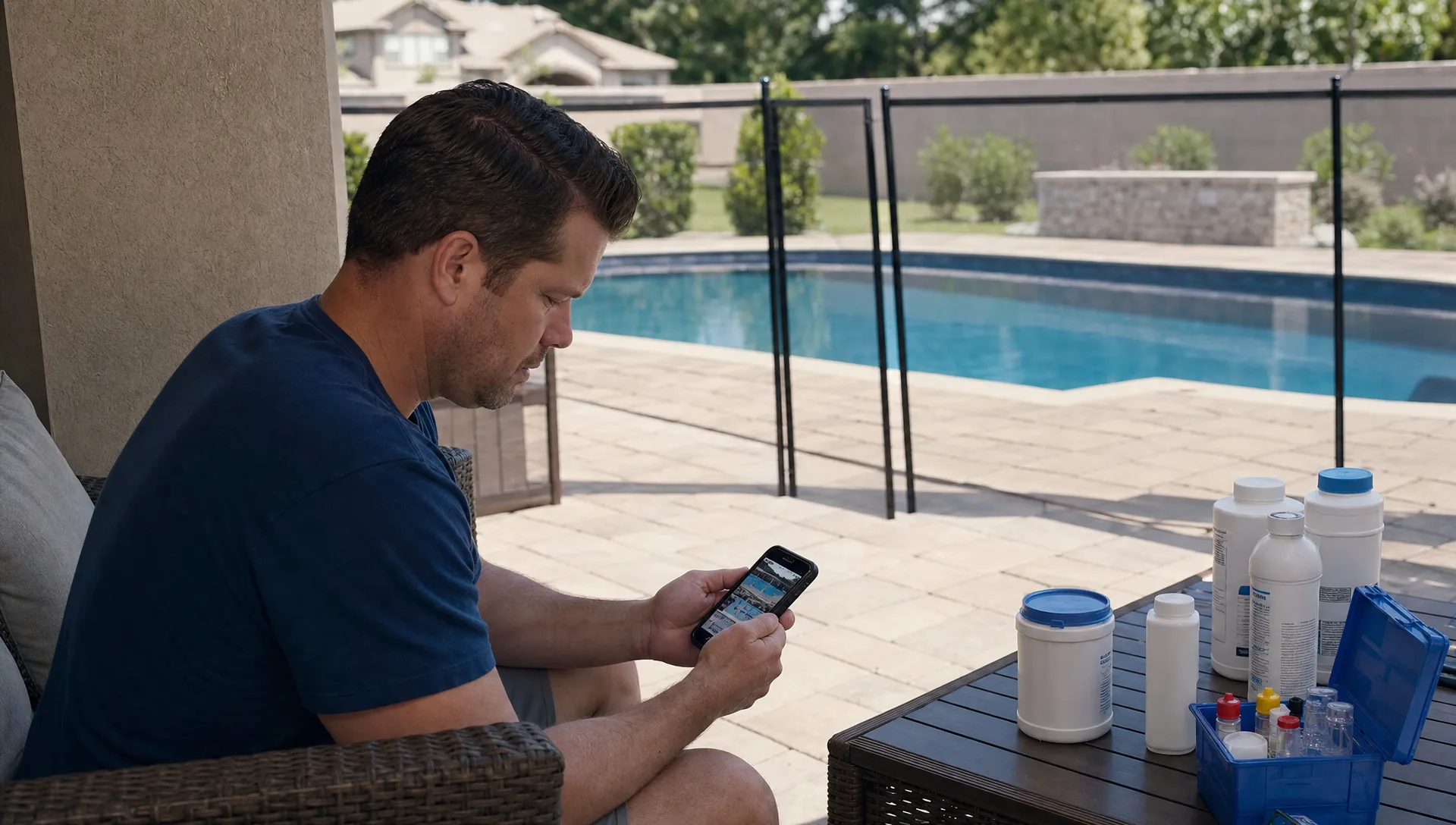
Homeowners often judge pool service from a distance. They are at work, traveling or inside the house while a technician handles water testing, brushing, skimming, chemical balancing and equipment checks. By the time they look outside, the pool may simply look “normal.” That is a problem because normal is easy to undervalue.
Before-and-after pool photos solve that trust gap. They turn invisible work into something a homeowner can see, save and understand. A clean tile line, a cleared basket, a repaired leak area or a green-to-blue recovery tells a story that a short text message cannot always carry.
For pool service companies, this is not just about taking better pictures. It is about creating proof of service, reducing confusion and making every visit feel more professional.
Why visual proof matters in pool service
Pool maintenance is built on repetition. The technician may do excellent work every week, but homeowners usually notice only when something goes wrong. If the water turns cloudy, leaves collect after a storm or a pump starts making noise, the service company gets a call. When the pool stays balanced and clean, the work can feel invisible.
That creates a perception problem. A homeowner might wonder whether the technician brushed the walls, checked the baskets or tested the water properly. Even when the route was completed on time, a lack of visible proof leaves space for doubt.
Pool photos change the conversation. Instead of saying “we serviced your pool today,” your team can show what was there before the visit and what changed after. The image does not need to be dramatic. In many cases, the most trust-building photo is a simple, well-framed shot that confirms the technician saw the issue, addressed it and documented the result.
This is especially valuable for absentee homeowners, rental property owners and busy families who rarely interact with the technician in person. A photo becomes a small but powerful signal that the company is organized, transparent and paying attention.
What before-and-after photos actually prove
Not every homeowner wants a long technical explanation after every visit. Most want confidence that the work was done, the pool is safe to use and any issue will be flagged early. Before-and-after photos help answer those questions quickly.
| Homeowner concern | What a photo can show | Why it builds trust |
|---|---|---|
| “Did anyone actually come today?” | Gate area, pool surface, baskets, water level or completed service area | Confirms presence without requiring a phone call |
| “Was the pool cleaned well?” | Debris before service and clear surface after service | Makes routine labor visible |
| “Is this algae problem improving?” | Same pool angle over several visits | Shows progress during recovery |
| “Why do I need this repair?” | Cracked lid, leaking fitting, worn seal or damaged equipment label | Connects the recommendation to visible evidence |
| “What changed after the repair?” | Replaced part, cleaned area or restored equipment setup | Gives the homeowner confidence before paying |
The best pool photos do not replace technician notes. They make those notes easier to believe. A message that says “removed heavy leaf debris after storm” is helpful. A photo of the debris before cleanup and a clear pool afterward is much more convincing.
That is why photo documentation pairs naturally with after-visit pool updates homeowners appreciate, including plain-language summaries, water-quality readings and next-step recommendations.
Reddit shows how quickly trust breaks down
Reddit is not a formal research source, but it is useful for listening to how homeowners talk when they are uncertain. Browse r/pools discussions about pool service and you will see recurring questions from homeowners trying to interpret cloudy water, algae treatment, equipment behavior or whether a service visit was handled correctly.
The pattern is familiar to anyone who runs a route-based service business. A homeowner sees a symptom, lacks context and turns to strangers for a second opinion. Sometimes the concern is legitimate. Other times, the homeowner simply did not receive enough information from the company doing the work.
Before-and-after pool photos give your business a chance to provide that context first. If a technician documents the heavy debris load, the water condition, the cleaned baskets and the final result, the homeowner is less likely to fill the information gap with guesses.
Reddit threads also show how image-driven pool problems have become. Homeowners regularly post photos to ask, “What is this stain?” or “Is this algae?” Your service company can use the same visual habit in a more professional way, with organized records tied to each property instead of scattered text messages.
Where before-and-after photos create the fastest trust
Some service moments deserve photo documentation more than others. Weekly maintenance may need only a few consistent images, but certain situations call for stronger visual proof.
Green pool cleanups are a clear example. Homeowners know the pool looks bad at the start, but they may not understand why recovery takes multiple visits. Photos taken from the same angle over time show progress, even if the water is not perfect after the first treatment.
Storm cleanup is another high-value moment. After wind or heavy rain, a pool can collect leaves, branches, dirt and overflowing baskets. Before-and-after images justify the extra labor and show that the technician handled more than a normal stop.
Equipment issues also benefit from visual documentation. A leaking pump, damaged o-ring, cracked filter clamp or corroded fitting is easier to approve when the homeowner can see the problem. If your team is trying to reduce back-and-forth on repairs, pairing clear images with a short diagnosis can make approvals feel less risky. SplashIQ covers this broader communication pattern in its guide to pool equipment repairs homeowners approve faster.
Photos are useful during first visits too. A new customer may not know what “good” looks like yet. Baseline images of the pool, equipment pad, water condition and visible concerns help set expectations from day one. Later, those same records can show improvement and protect your team if pre-existing damage becomes a question.

Why a CRM makes photo proof more valuable
A photo in a technician’s phone can help for a day. A photo attached to the customer record can help for months or years.
This is where pool photos move from “nice update” to operational asset. When images are stored alongside the service history, water-quality logs, equipment records, invoices and homeowner communication, the company can answer questions faster and manage more customers without relying on memory.
That same idea appears in broader contractor software coverage. For example, Jobber’s contractor CRM guide describes CRM as a way for contractors to organize customer information, job details and follow-up as the business grows. The principle applies directly to pool service. Scaling from one truck to several trucks requires more than hard-working technicians. It requires consistent records that any office admin, manager or field tech can understand.
For pool companies, before-and-after photos support that consistency. If a homeowner calls about a stained step, the office should not need to chase the technician for context. If a repair is delayed, the sales or service manager should be able to see the original issue. If a customer questions an invoice, the visit record should explain what happened.
A customer CRM improves homeowner interactions because it gives the whole team one place to look. Adding photo records to that workflow makes the customer history easier to understand at a glance.
How to take pool photos that homeowners actually trust
Photo quality matters, but professionalism matters more. Homeowners do not need magazine-style images after every visit. They need accurate, relevant documentation that feels consistent from week to week.
Use a simple photo standard that every technician can follow:
- Take the before and after shot from the same angle whenever possible.
- Capture the specific issue, not just a wide shot of the backyard.
- Include close-ups for equipment problems, stains, cracks, leaks or unusual debris.
- Pair each image with a short note explaining what the homeowner is seeing.
- Avoid private areas, people, license plates, open doors and personal items.
- Do not use customer photos in marketing unless you have clear permission.
The most common mistake is taking photos that are too vague. A beautiful wide shot of a pool may look nice, but it does not always prove what was done. If the technician cleaned a clogged skimmer basket, photograph the basket before and after. If the issue is scale on tile, show the tile line. If the repair involves the equipment pad, focus on the part involved.
Consistency also matters. A company with three technicians should not have three completely different documentation styles. A basic internal checklist can define which photos are required for weekly service, green pool recovery, repairs, new customer onboarding and callback visits.
Turning photo documentation into better homeowner communication
Photos build trust fastest when they are delivered in context. Sending five images with no explanation can create more questions than it answers. A better update connects the image to the service outcome.
For example, instead of sending only a photo of a dirty basket, the visit note might say: “Skimmer basket was packed with leaves after yesterday’s wind. Cleared basket, skimmed surface and checked flow after cleaning.” The photo proves the condition, while the note explains the action.
For water-quality issues, photos should sit beside readings and plain-language context. If chlorine is low or pH is out of range, the homeowner should know whether your technician corrected it, whether a follow-up is needed or whether swimmer use should wait. The image supports the update, but chemistry logs provide the operational record.
This kind of communication is also useful for homeowner portals. Customers do not want to dig through text threads or email attachments to understand their pool history. They want visit summaries, photos, invoices, repair approvals and service schedules in one place. If you are designing that experience, SplashIQ’s guide to homeowner portal features customers actually want explains which details tend to matter most.
How before-and-after photos support sales and retention
Trust-building photos do not only help after the sale. They can also improve your marketing, estimates and renewal conversations.
With permission, a strong set of before-and-after images can show prospects the quality of your work. Green-to-blue cleanups, equipment pad organization, tile cleaning and storm recovery are all easier to understand visually. These images make your company’s claims more concrete, especially when paired with a short explanation of the process.
For existing customers, photo records help reinforce value over time. A homeowner who receives steady proof of service is less likely to think of pool care as a commodity. They see the work, the judgment and the attention to detail. That matters when competitors offer a lower price or when a customer reviews the monthly bill.
Photos can also protect the business during uncomfortable conversations. If a pool was already cloudy at arrival, if a gate was locked or if equipment showed visible wear before a repair, documented images reduce the chance of a memory-based dispute. They do not eliminate every disagreement, but they give both sides a clearer record.
Building photo proof into the daily workflow
The key is to make photo documentation easy enough that technicians will actually do it. If the process requires extra logins, manual uploads or end-of-day admin work, consistency will slip.
Before-and-after pool photos work best when they are part of the normal field workflow. The technician arrives, completes the visit checklist, logs water-quality readings, documents equipment notes, captures images and sends the homeowner a clear update. The office can then see the same information if the customer calls.
SplashIQ is built for this kind of connected workflow, bringing CRM, scheduling, water-quality logs, equipment tracking, homeowner notifications, before-and-after photos, online payments and a homeowner portal into one system for pool service companies. The goal is simple: help teams prove their work, communicate clearly and run fewer parts of the business from paper checklists or scattered spreadsheets.
When photo documentation becomes routine, homeowners stop wondering what happened during the visit. They can see it.
Frequently Asked Questions
Do homeowners really care about before-and-after pool photos? Many do, especially when they are not home during service, own a rental property or are paying for cleanup or repairs. Photos provide visible proof that the technician arrived, identified the issue and completed the work.
How many photos should a pool technician send after each visit? For routine weekly service, a small number of relevant images is usually enough. More photos may be helpful for green pool recovery, storm cleanup, equipment problems, repairs or first-time visits.
Can pool photos reduce repair approval delays? Yes. Clear images of damaged or worn equipment help homeowners understand why a repair is being recommended. Photos work best when paired with a simple diagnosis, risk explanation and clear approval option.
Should pool companies use customer photos in marketing? Only with permission. Photos taken for service documentation should be treated as customer records. If you want to use them on your website, social media or ads, get clear approval and avoid showing private details.
Make every visit easier to trust
Before-and-after photos are one of the simplest ways to make pool service feel transparent. They show the work, support the notes and give homeowners confidence that their property is being cared for.
If your team is ready to replace scattered messages and manual records with a more connected workflow, SplashIQ helps pool service companies manage CRM, scheduling, field operations, homeowner communication, photo documentation and payments in one app.